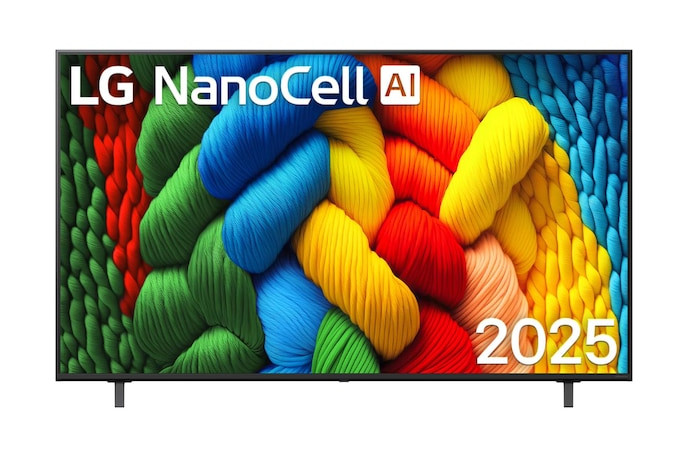
Руководство пользователя для LG 65NANO80ASA

- полное руководство по эксплуатации

Модель: 65NANO80ASA

LG 65NANO80ASA

NanoCell телевизоры


Инструкция по эксплуатации для LG 65NANO80ASA на русском языке

Размер файла: (16.62 mb)
Производитель: LG
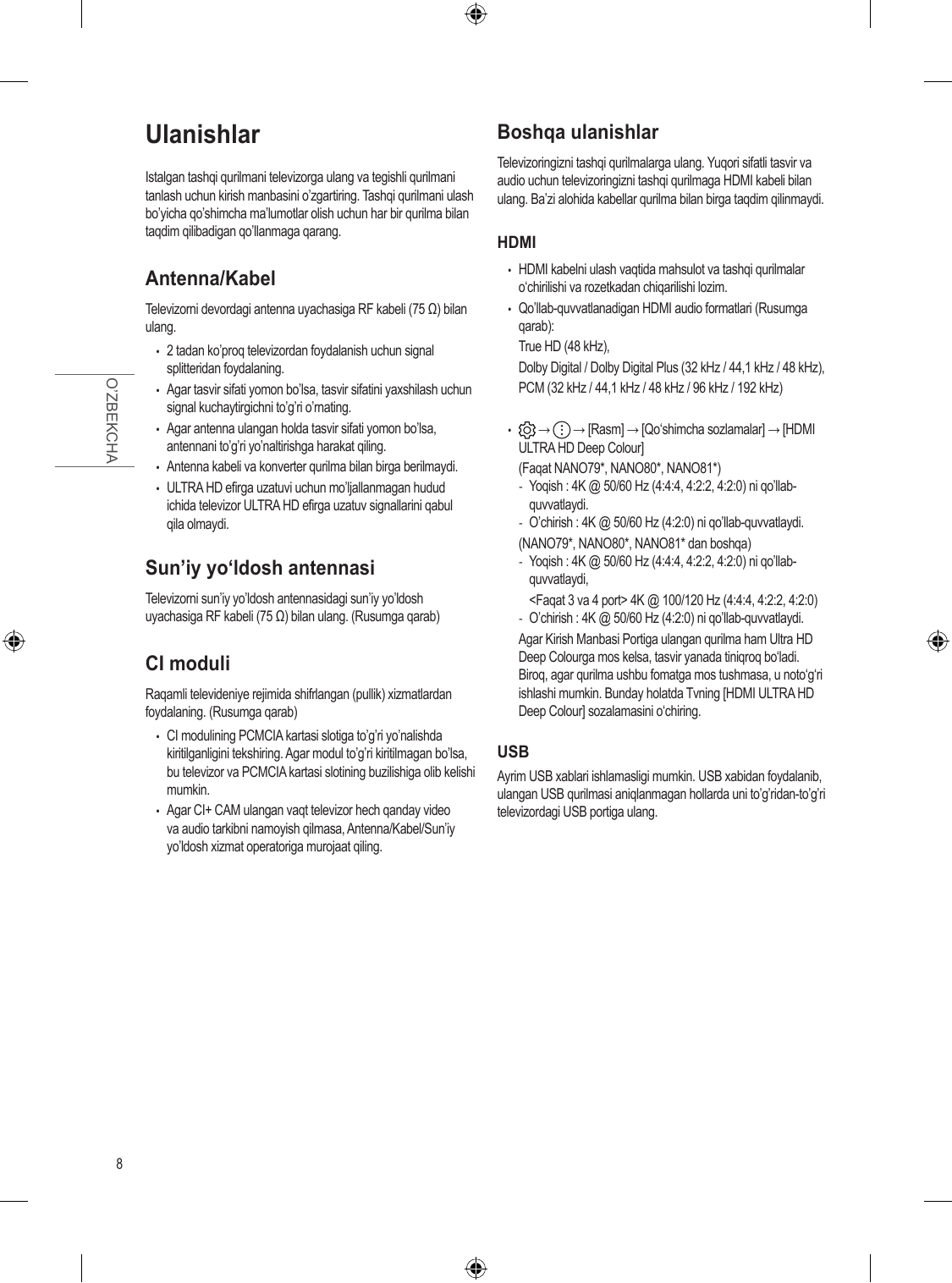
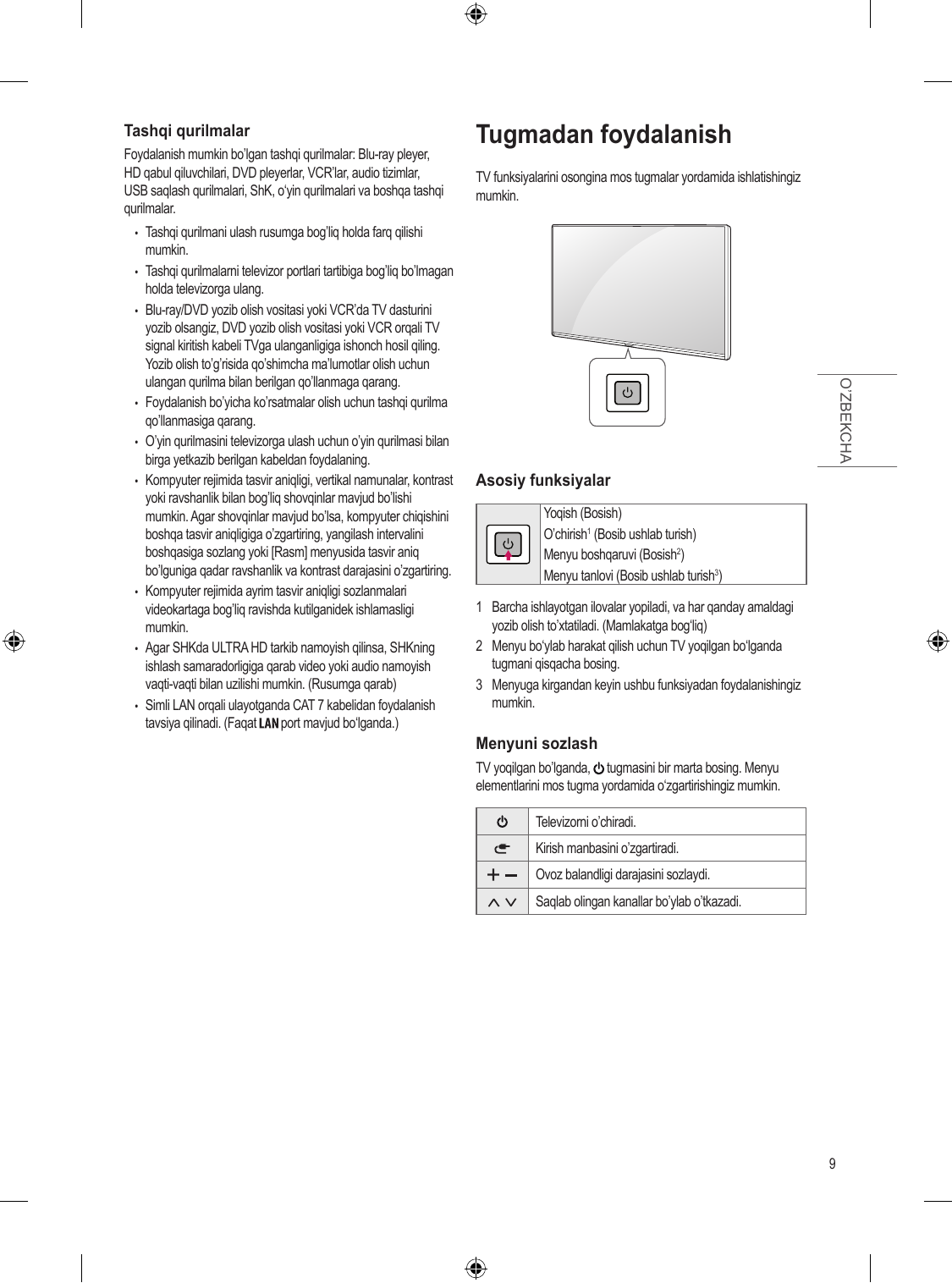
Просмотров: 23
📸 Дополнительные изображения:

65-дюймовый телевизор LG 65NANO80ASA - это настоящий прорыв в мире домашнего кино. Благодаря передовой технологии NanoCell вы получаете чистые, естественные и невероятно насыщенные цвета в настоящем 4K-разрешении. Каждая деталь изображения выглядит живо и реалистично, а картинка поражает глубиной и объёмом.

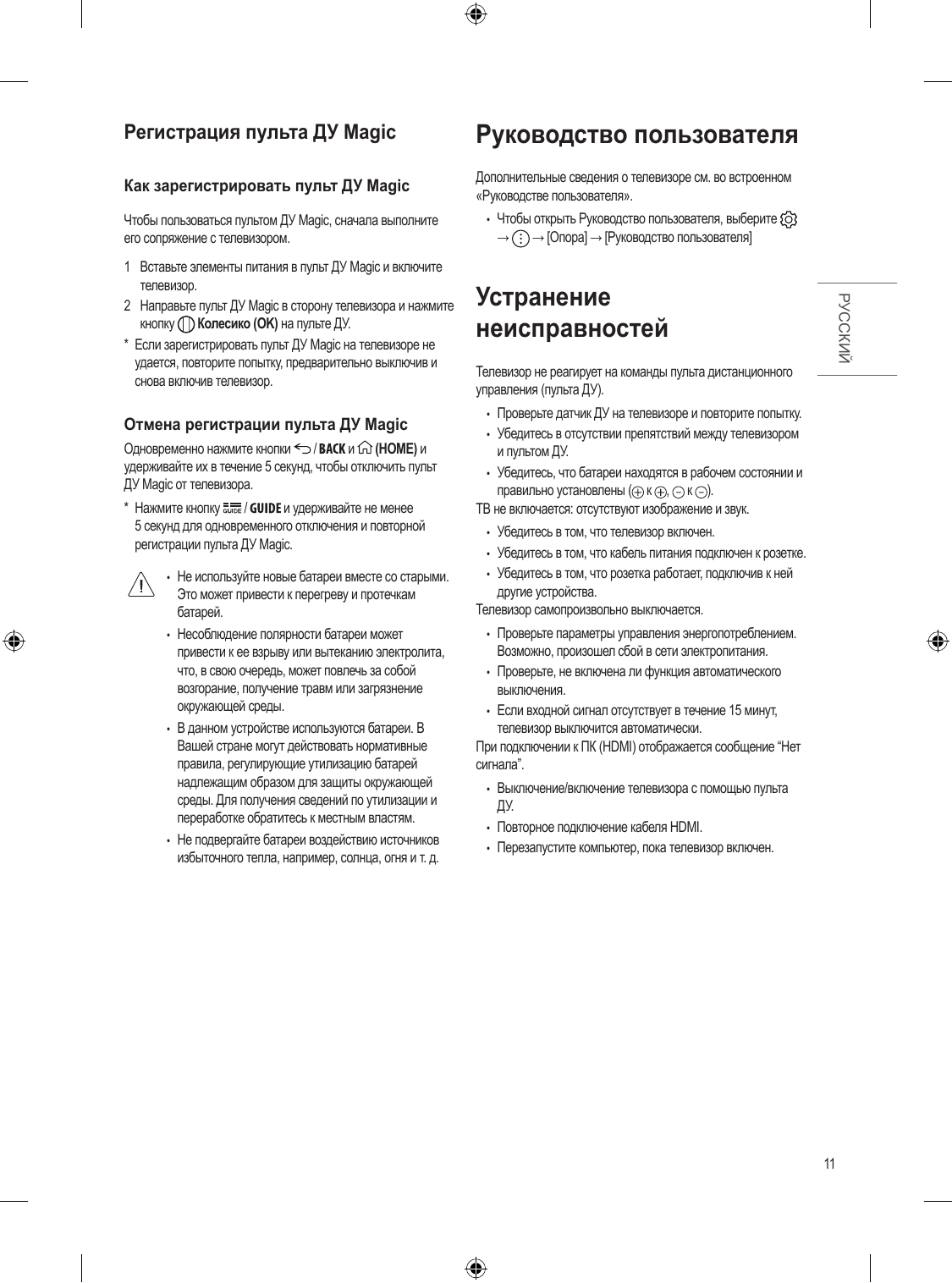
Мощный процессор α7 AI Processor 4K Gen8 с искусственным интеллектом мгновенно анализирует контент, масштабирует любой материал до 4K и оптимизирует изображение и звук в реальном времени. Режимы FILMMAKER Mode и HDR10 обеспечивают кинематографическую точность: именно так, как задумал режиссёр - с идеальной цветопередачей и высокой контрастностью.

Интеллектуальные функции AI Picture Wizard и AI Brightness Control автоматически подстраивают яркость и параметры картинки под освещение в комнате и ваши предпочтения. А система AI Sound Pro превращает 20-ваттную акустику в виртуальный объёмный звук 9.1.2-канального формата - чистые диалоги, мощные басы и полное погружение гарантированы.

Телевизор работает на современной платформе webOS 25 с удобным пультом Magic Remote и кнопкой ИИ. Голосовое управление, персональные рекомендации, поддержка Apple AirPlay 2, Google Cast, LG ThinQ и облачного гейминга делают его настоящим умным центром развлечений в вашем доме.

Стильный минималистичный дизайн с тонкими рамками идеально впишется в любой интерьер, а функция Gallery+ позволит использовать телевизор как цифровую картину даже в выключенном состоянии.
Первые 12 страниц

Извлечено автоматически
СТРАНИЦА PDF
Страница 1
OWNER’S MANUAL
Safety and Reference

LED TV*
* LG LED TV applies LCD screen with LED backlights.
Please read this manual carefully before operating your set and retain it for
future reference.

*MFL71520710* www.lg.com
(2007-REV01) Copyright © 2020 ...
Перейти на страницу
СТРАНИЦА PDF
Страница 2
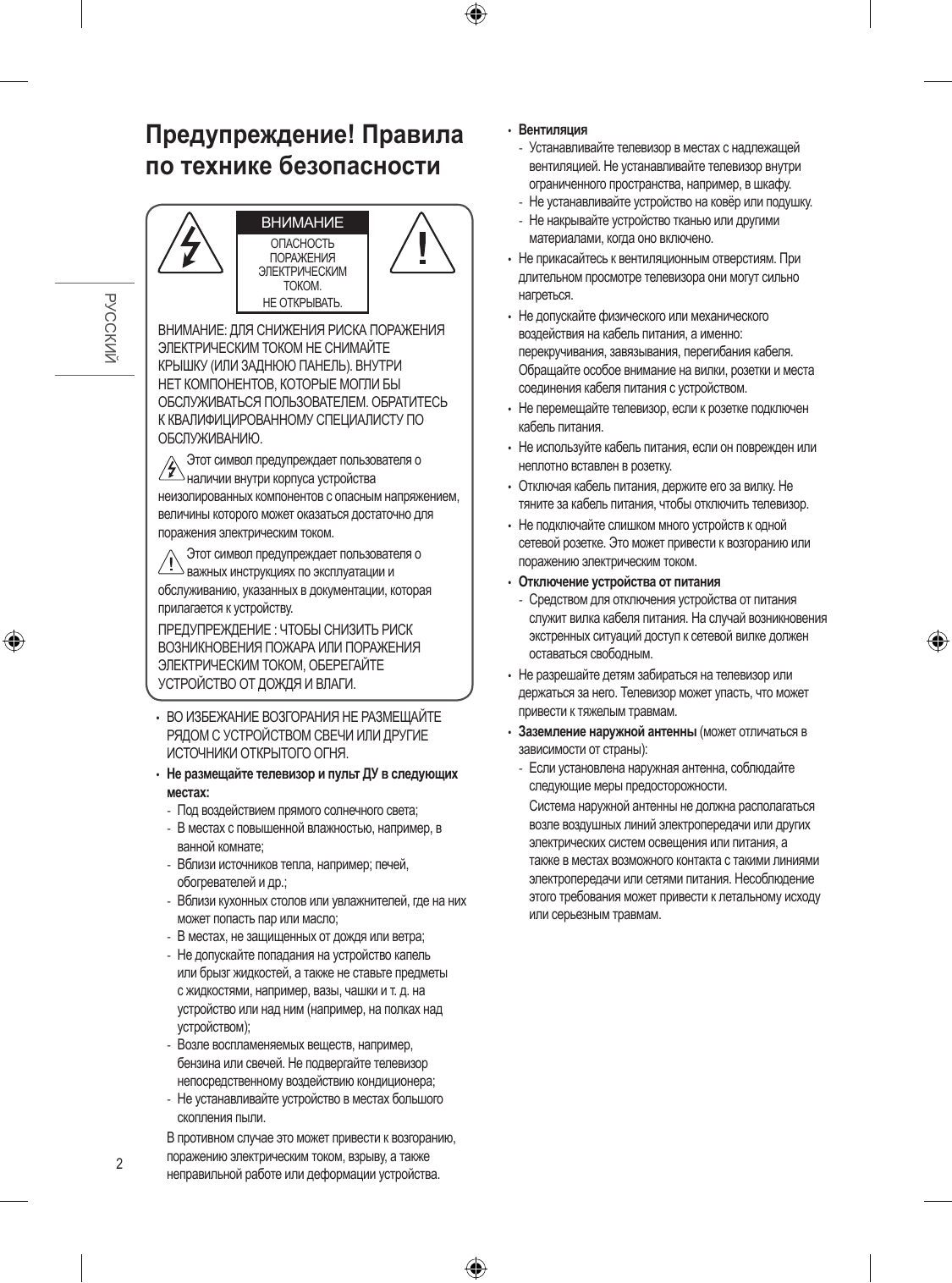
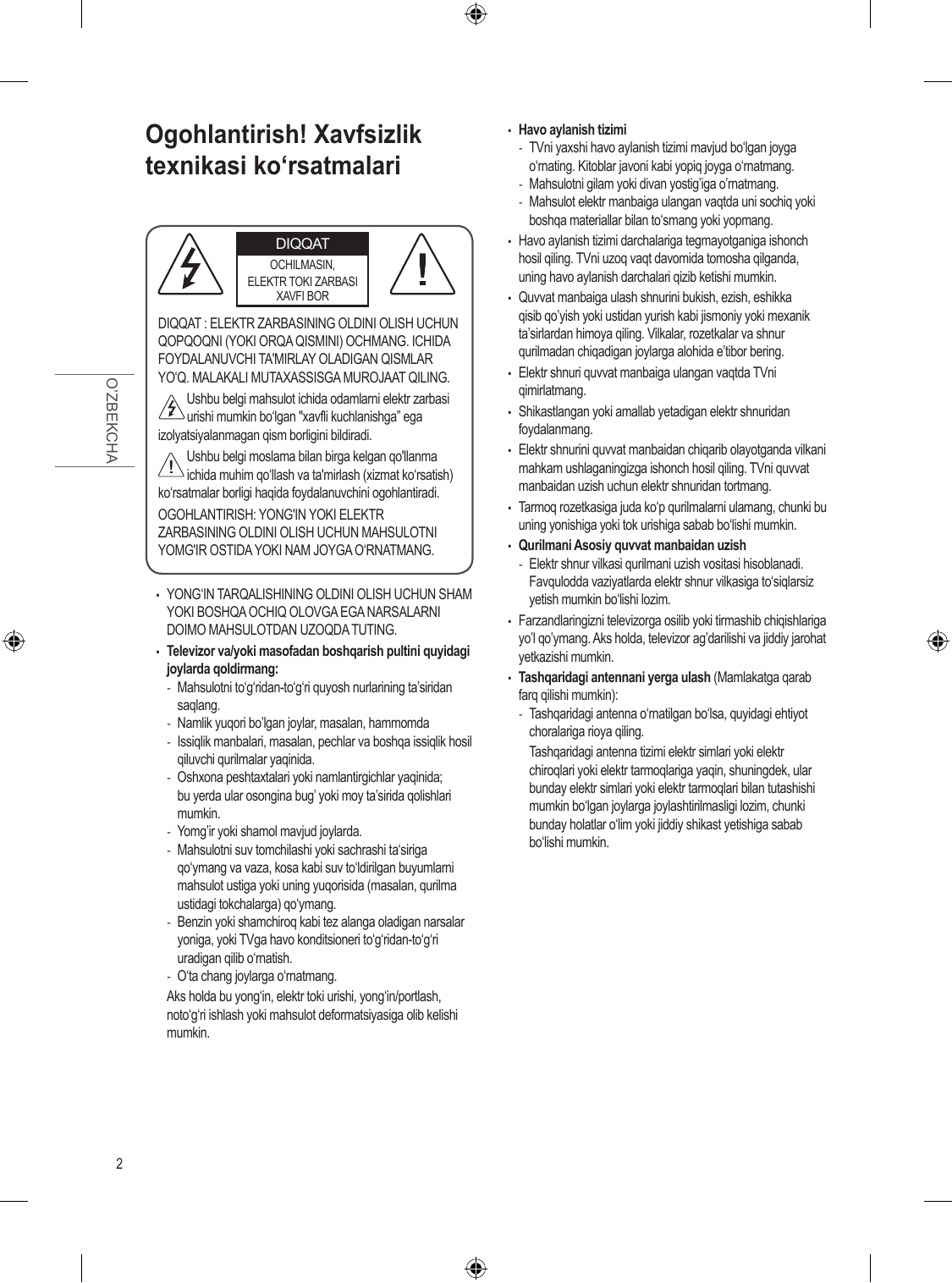
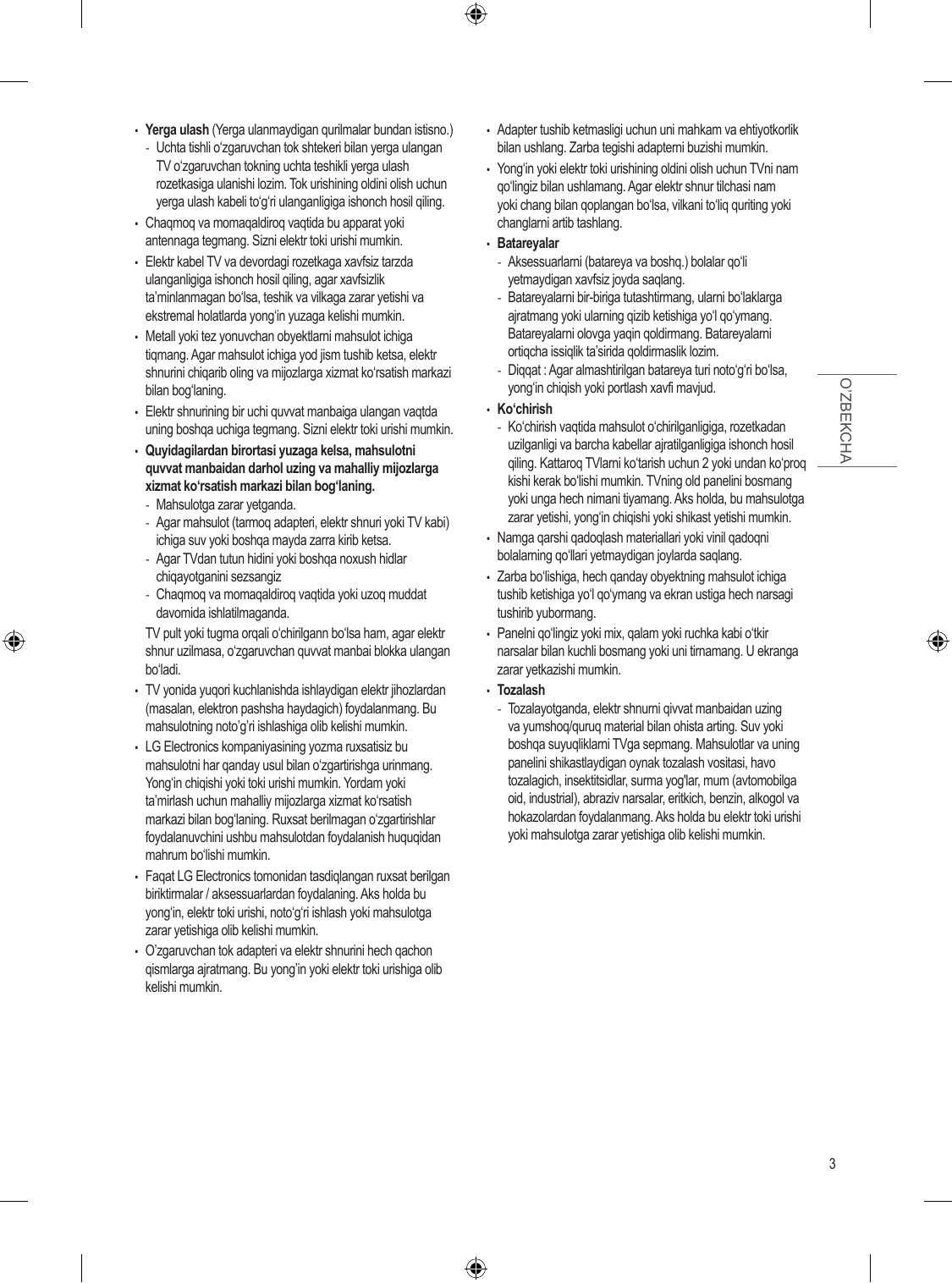
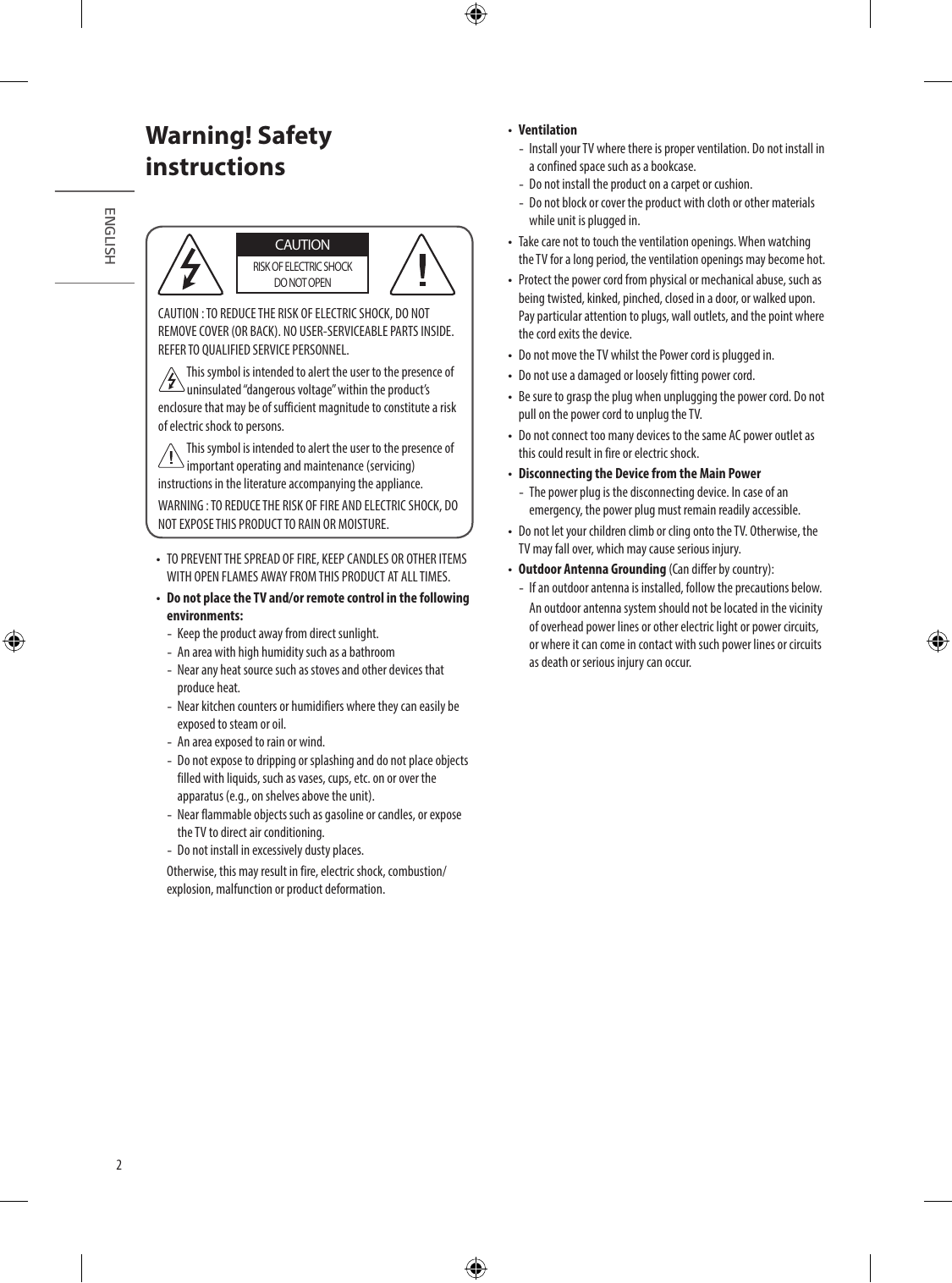
Warning! Safety •• Ventilation
-- Install your TV where there is proper ventilation. Do not install in
instructions a confined space such as a bookcase.
-- Do not install the product on a carpet or cushion.
-- Do not block or cover the product with c...
Перейти на страницу
СТРАНИЦА PDF
Страница 3
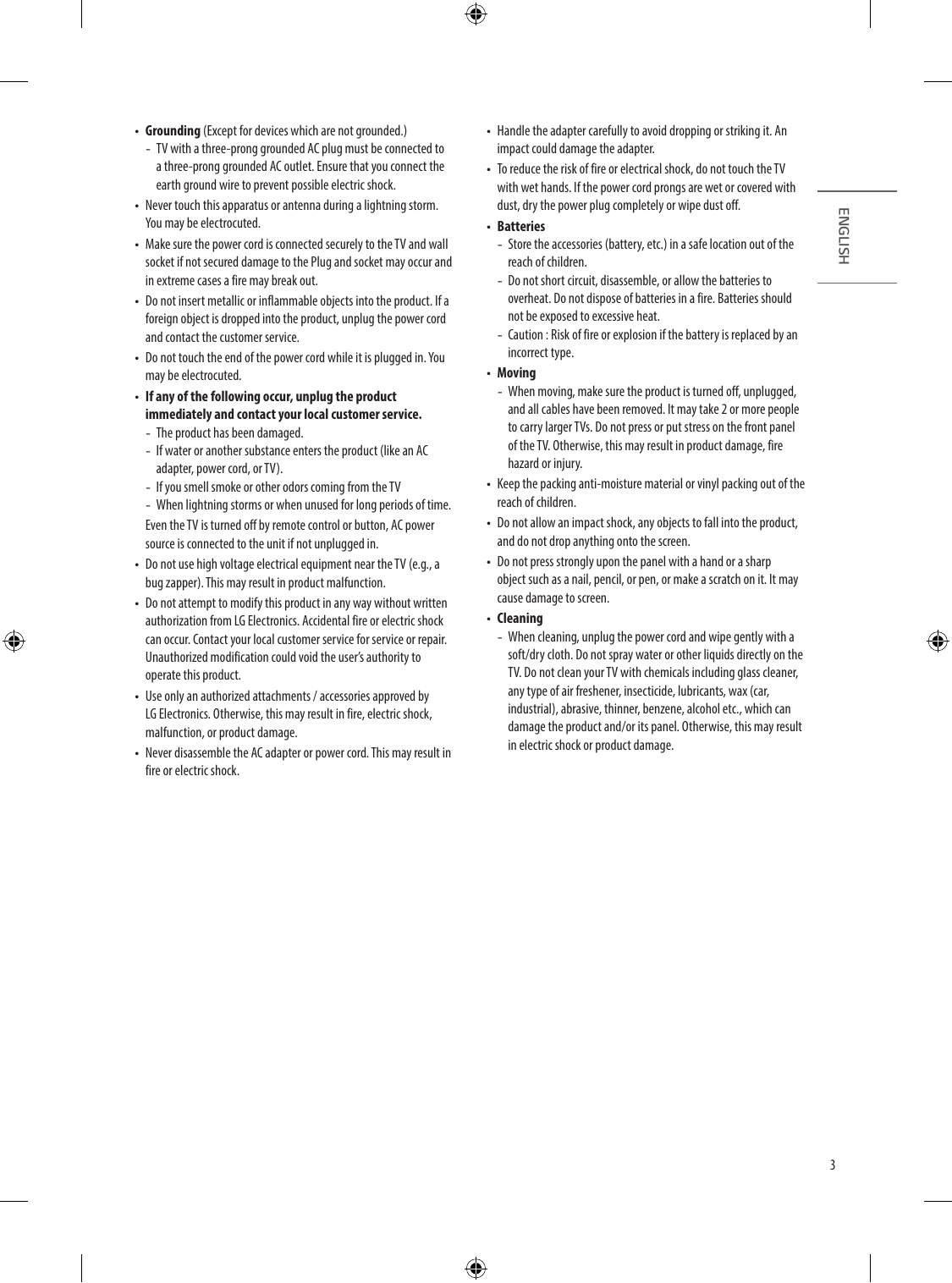
•• Grounding (Except for devices which are not grounded.) •• Handle the adapter carefully to avoid dropping or striking it. An
-- TV with a three-prong grounded AC plug must be connected to impact could damage the adapter.
a three-prong grounded AC o...
Перейти на страницу
СТРАНИЦА PDF
Страница 4
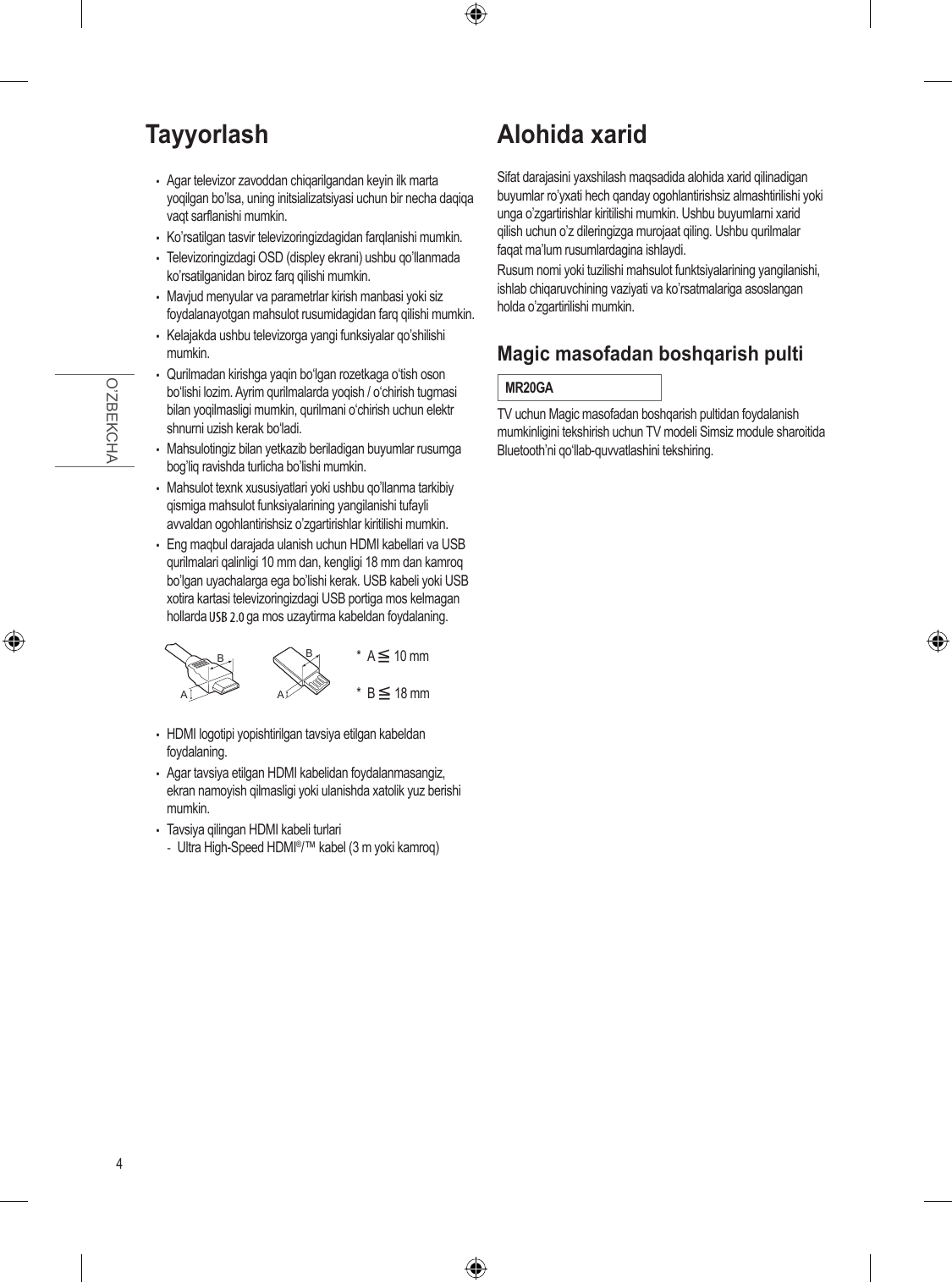
Preparing Separate Purchase
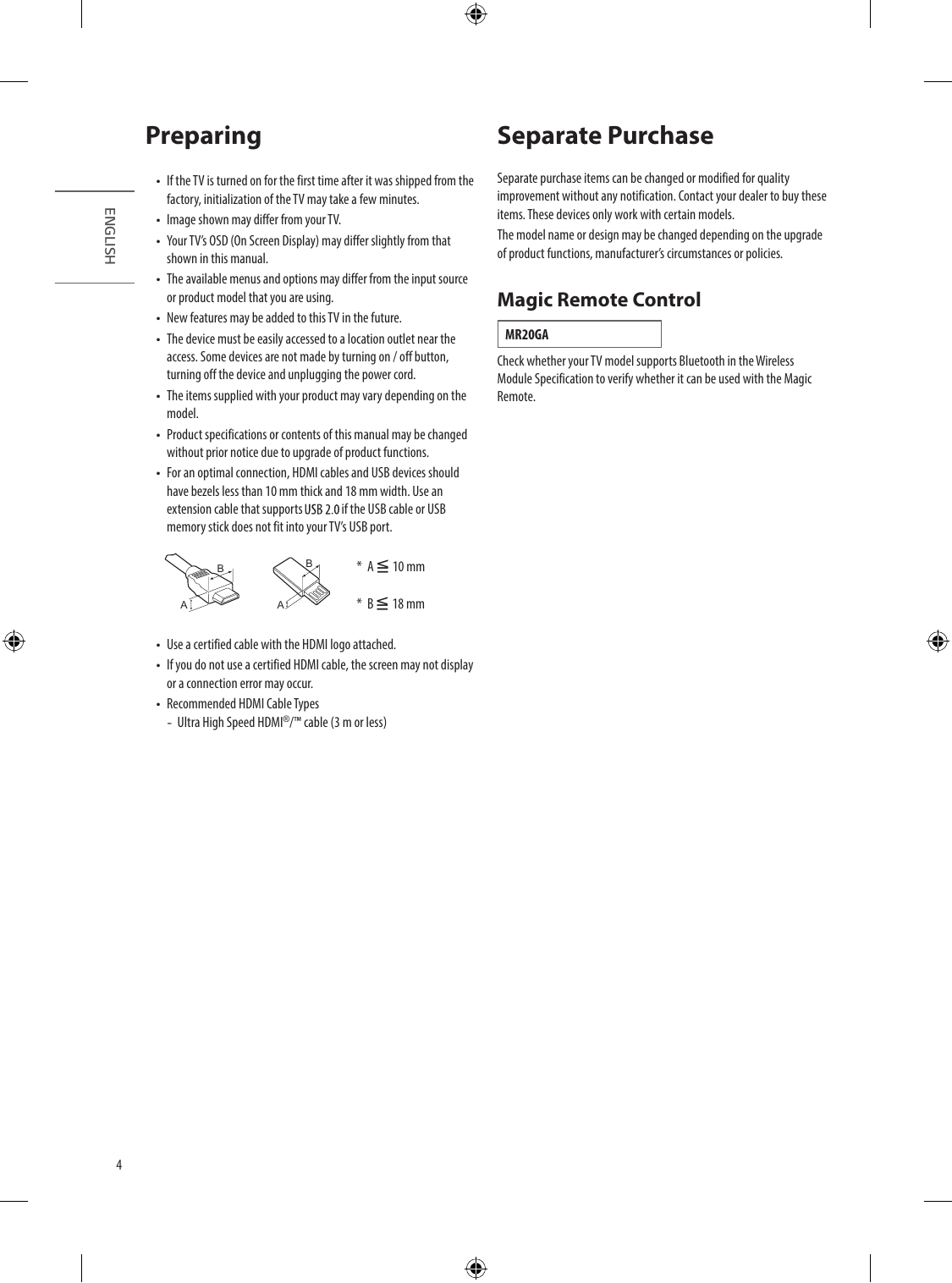
•• If the TV is turned on for the first time after it was shipped from the Separate purchase items can be changed or modified for quality
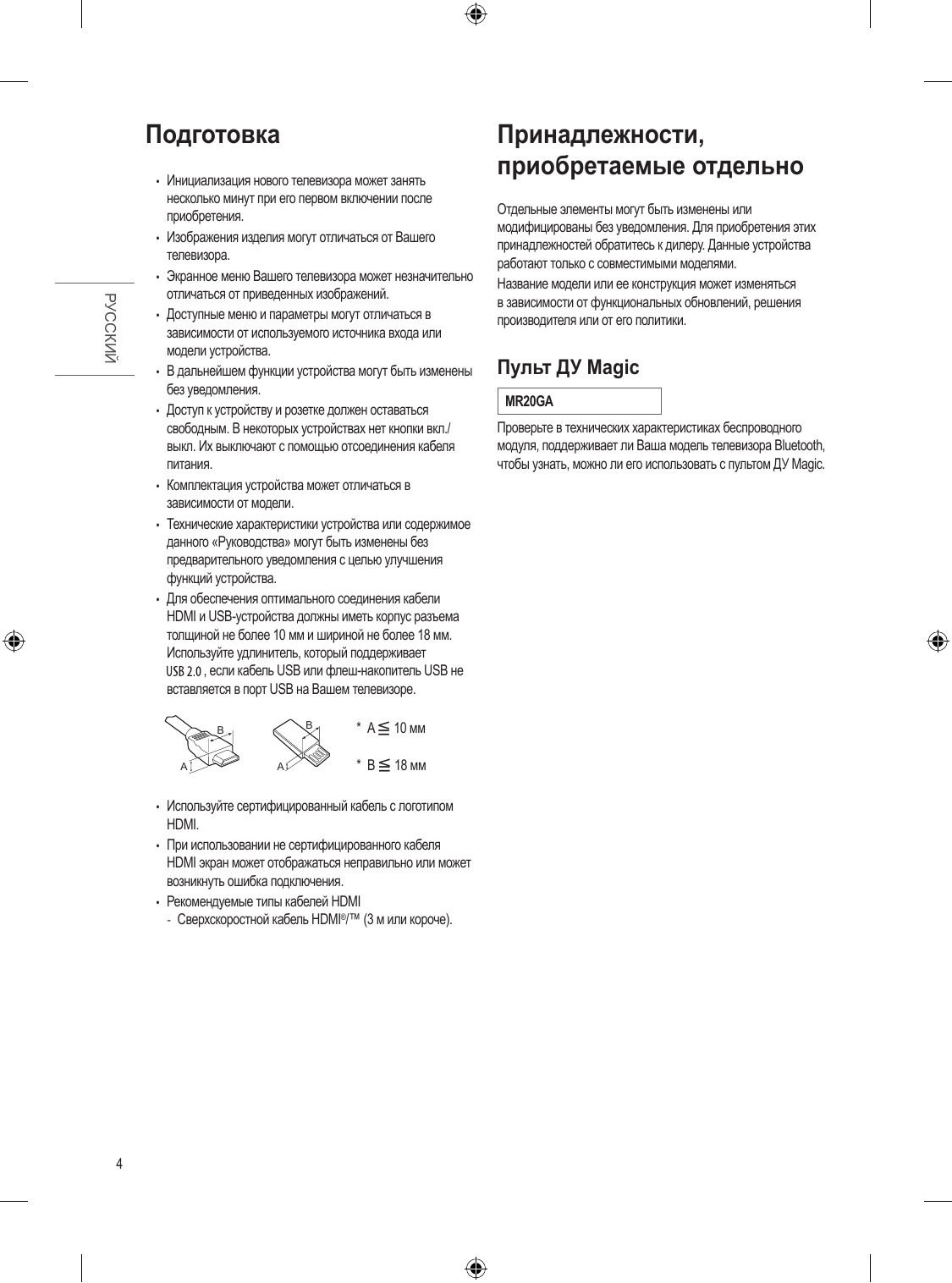
factory, initialization of the TV may take a few minutes. improvement without any no...
Перейти на страницу
СТРАНИЦА PDF
Страница 5
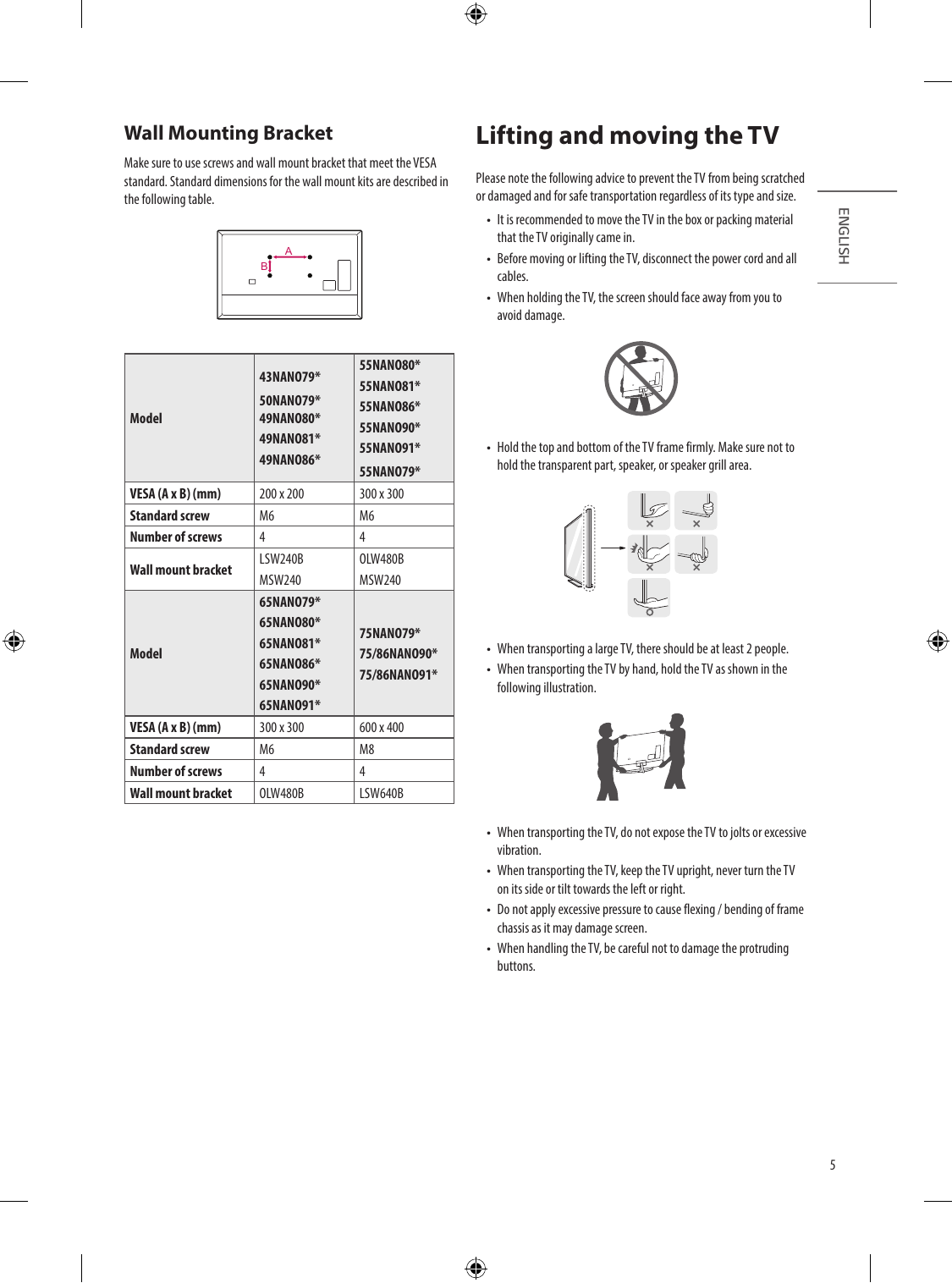
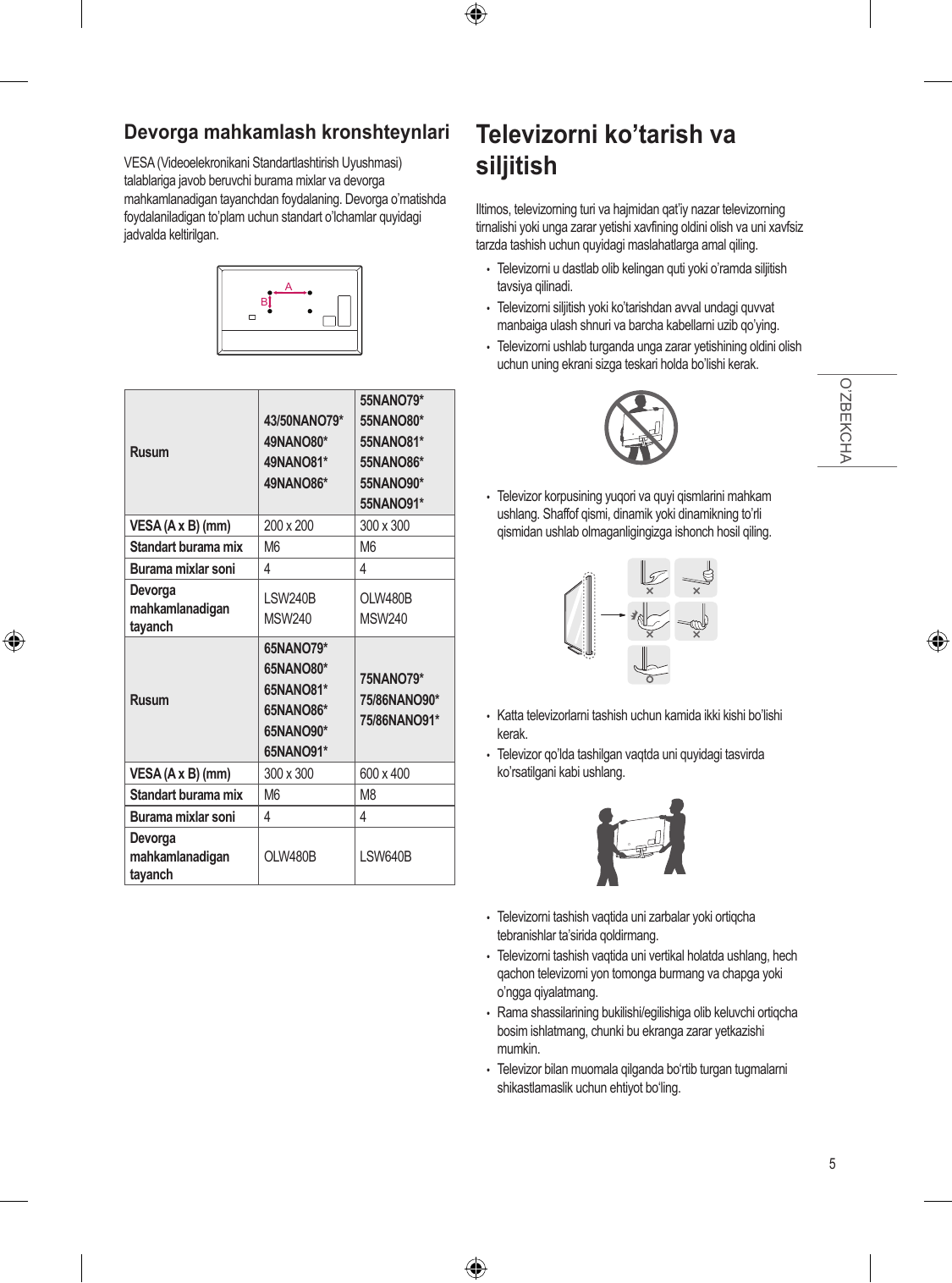
Wall Mounting Bracket Lifting and moving the TV
Make sure to use screws and wall mount bracket that meet the VESA
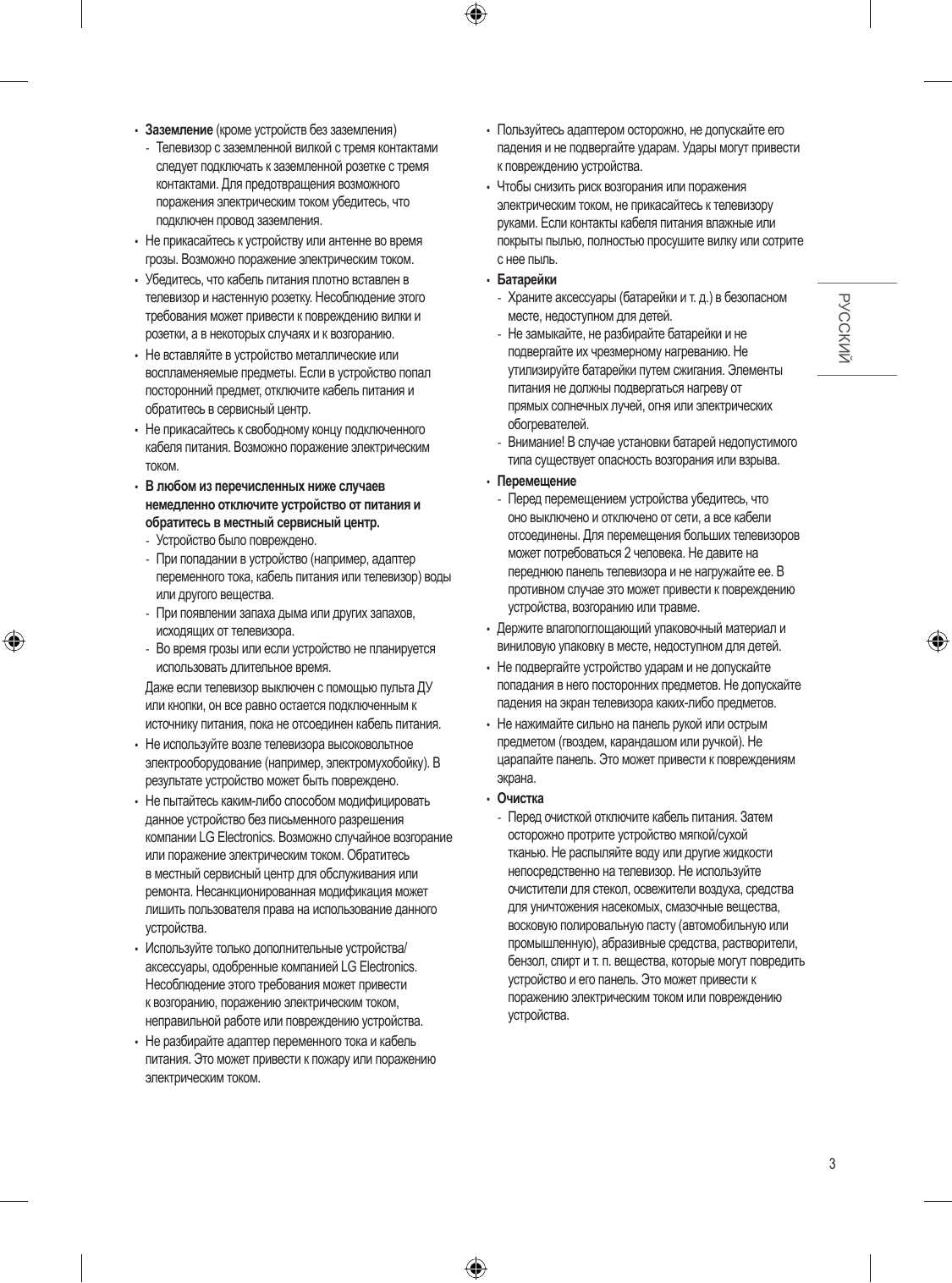
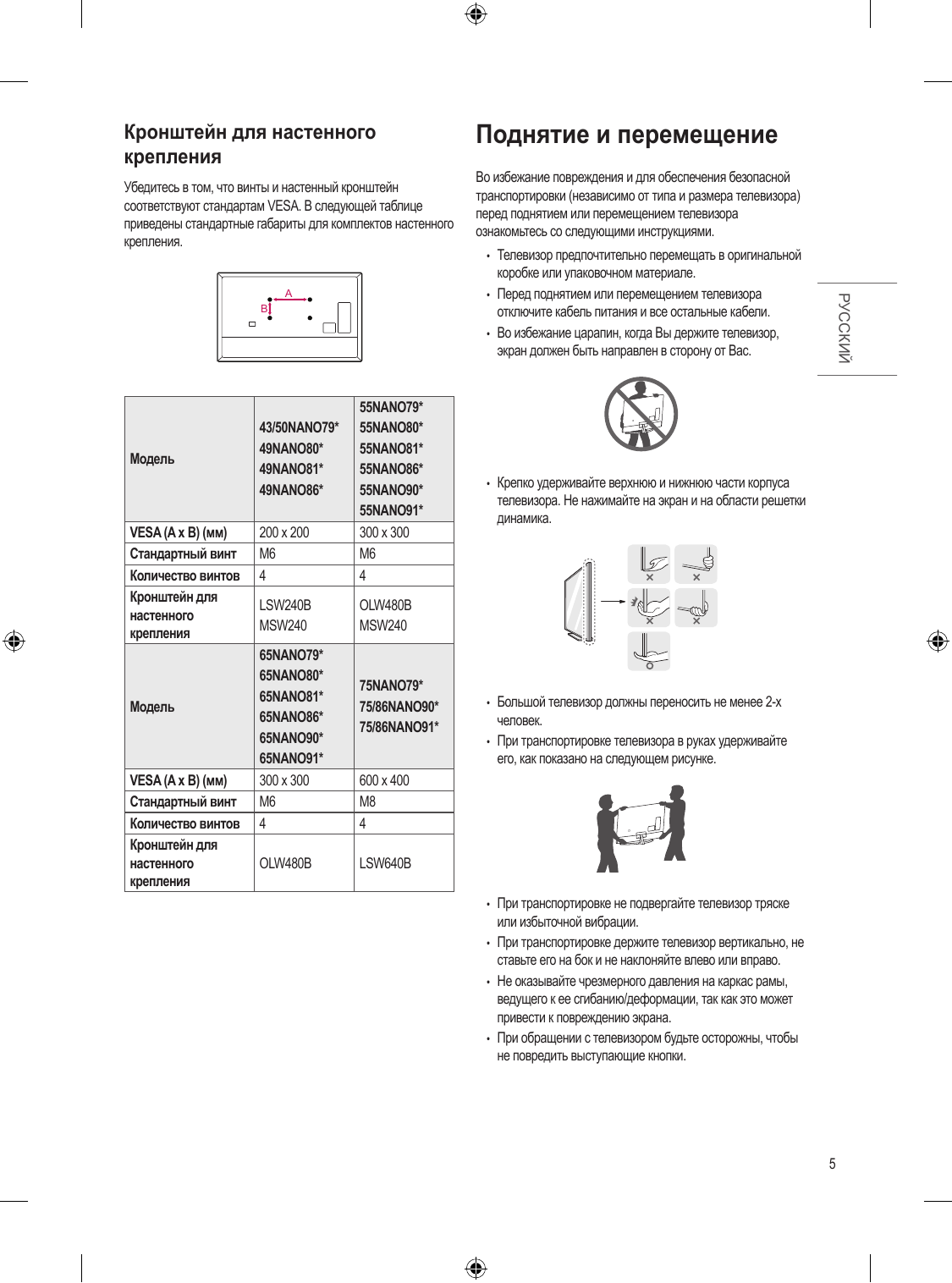
standard. Standard dimensions for the wall mount kits are described in Please note the following advice to prevent the TV from being scr...
Перейти на страницу
СТРАНИЦА PDF
Страница 6
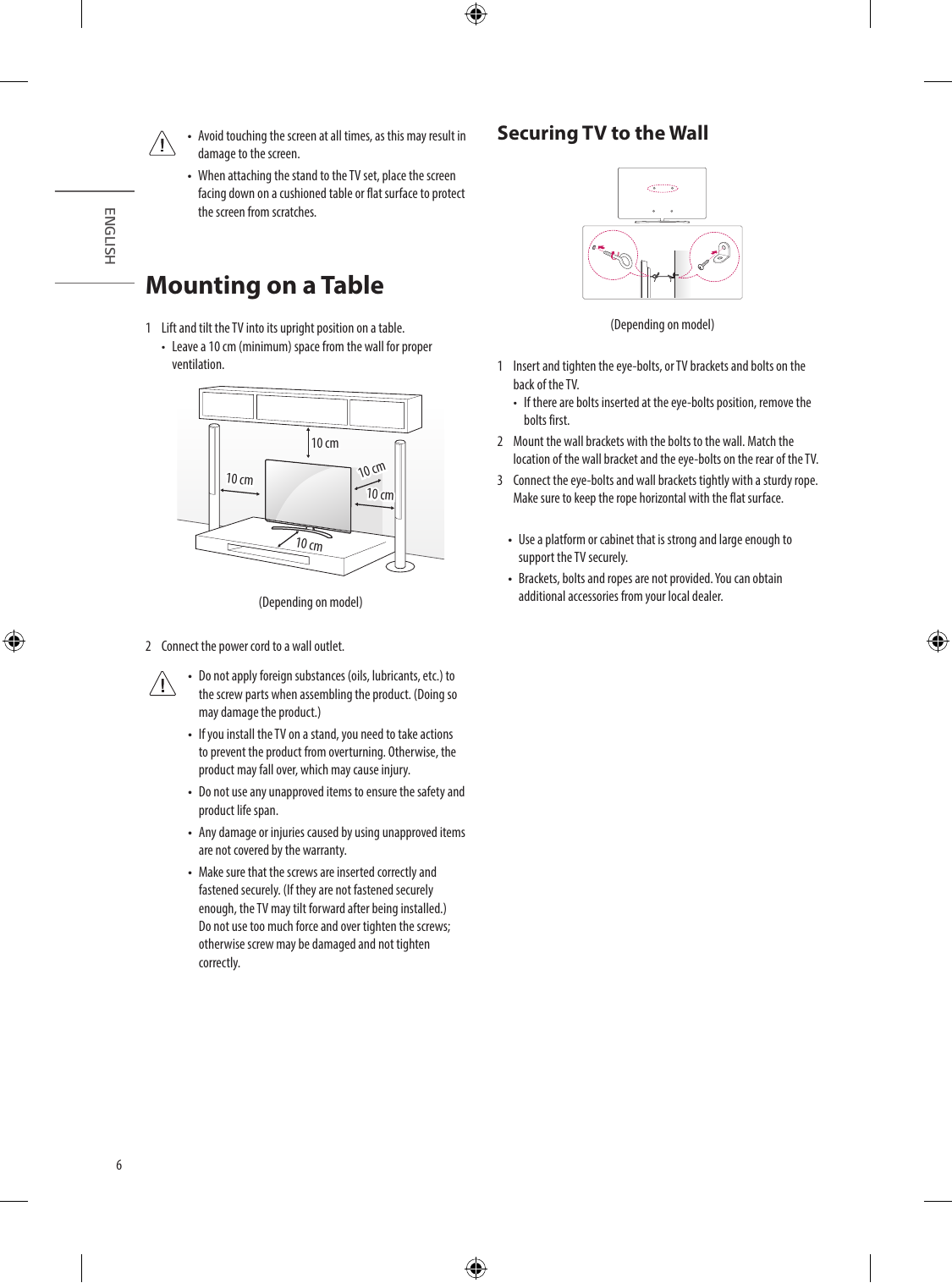
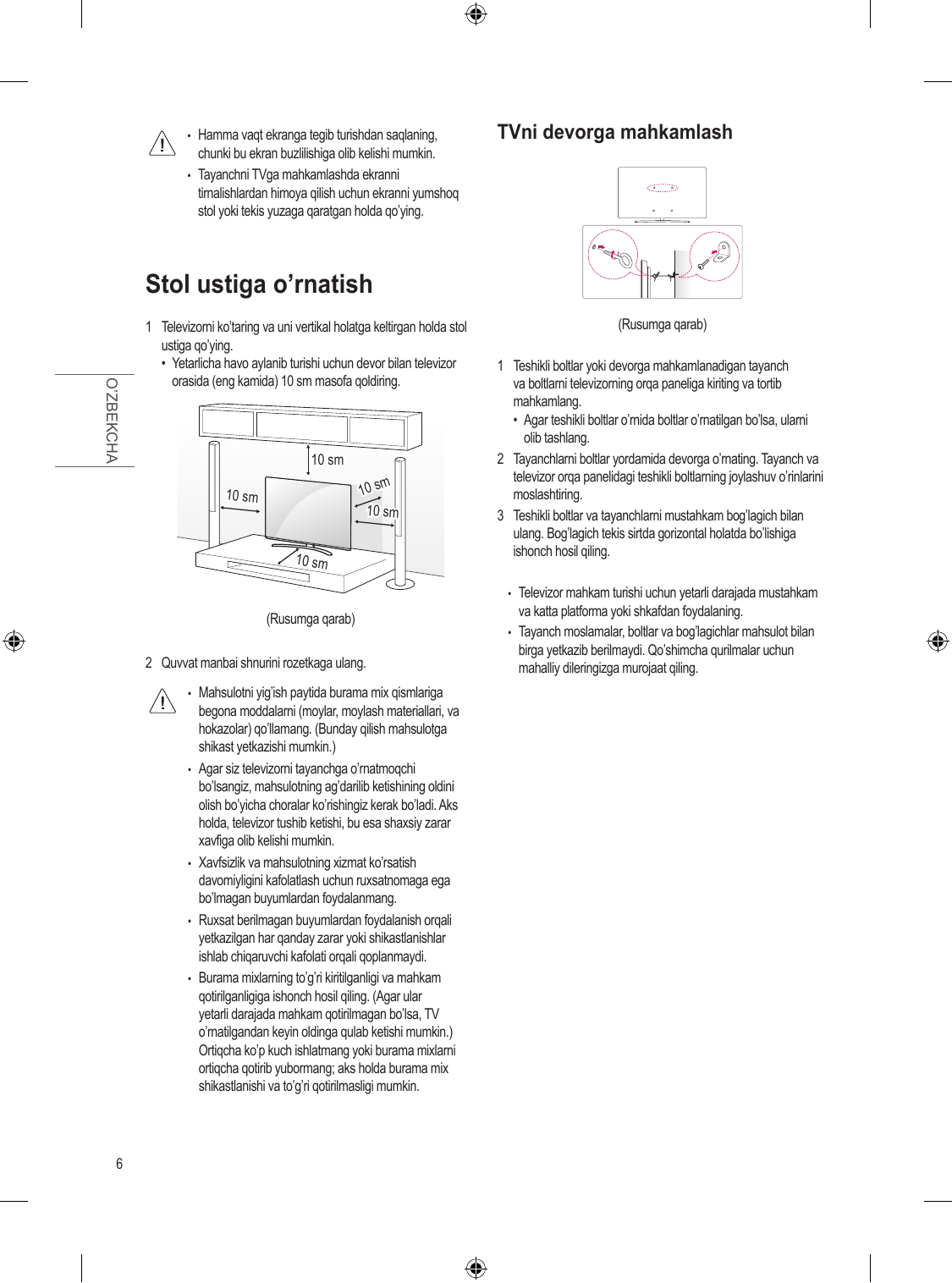
•• Avoid touching the screen at all times, as this may result in Securing TV to the Wall
damage to the screen.
•• When attaching the stand to the TV set, place the screen
facing down on a cushioned table or flat surface to protect
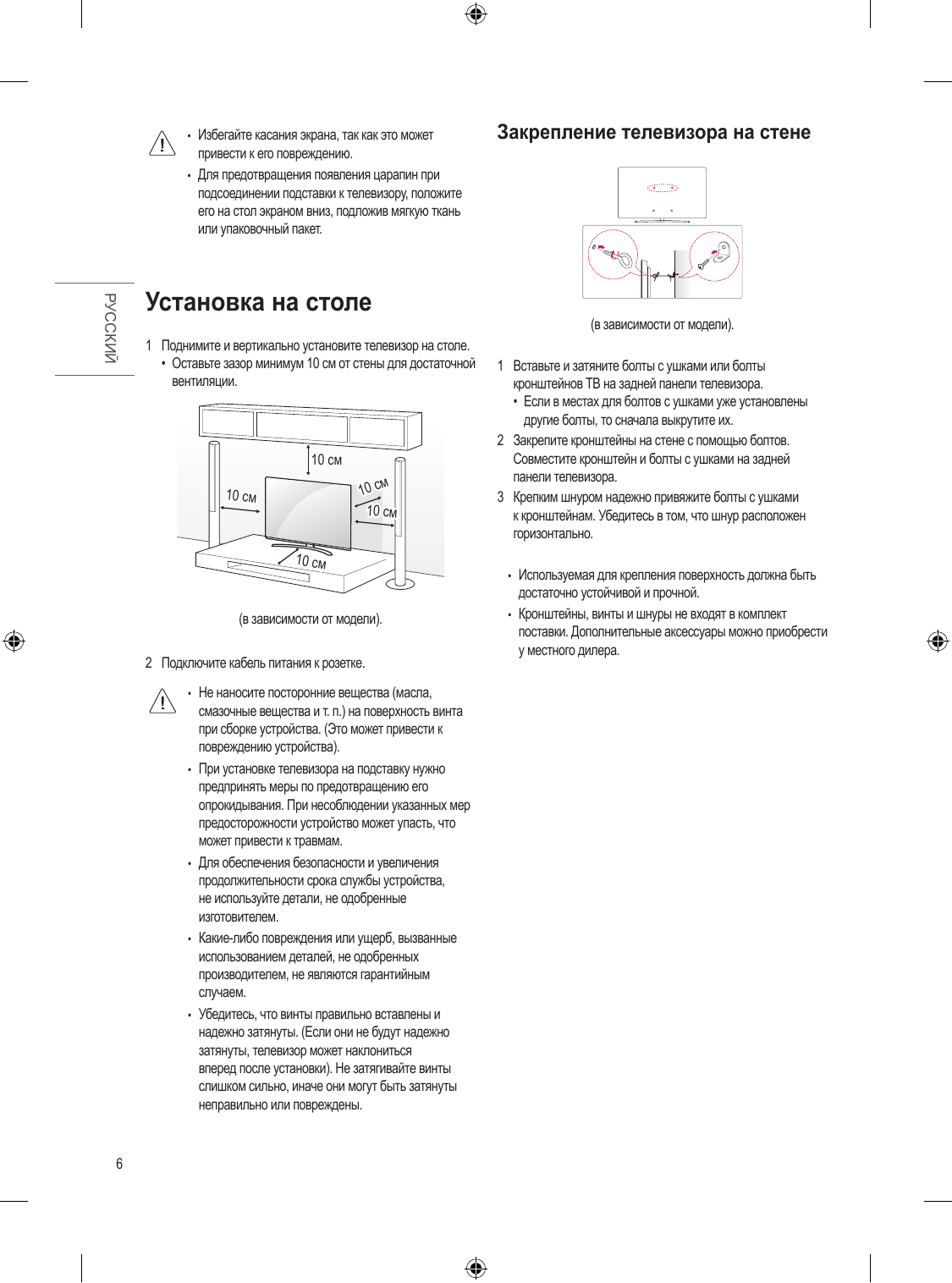
the screen from scr...
Перейти на страницу
СТРАНИЦА PDF
Страница 7
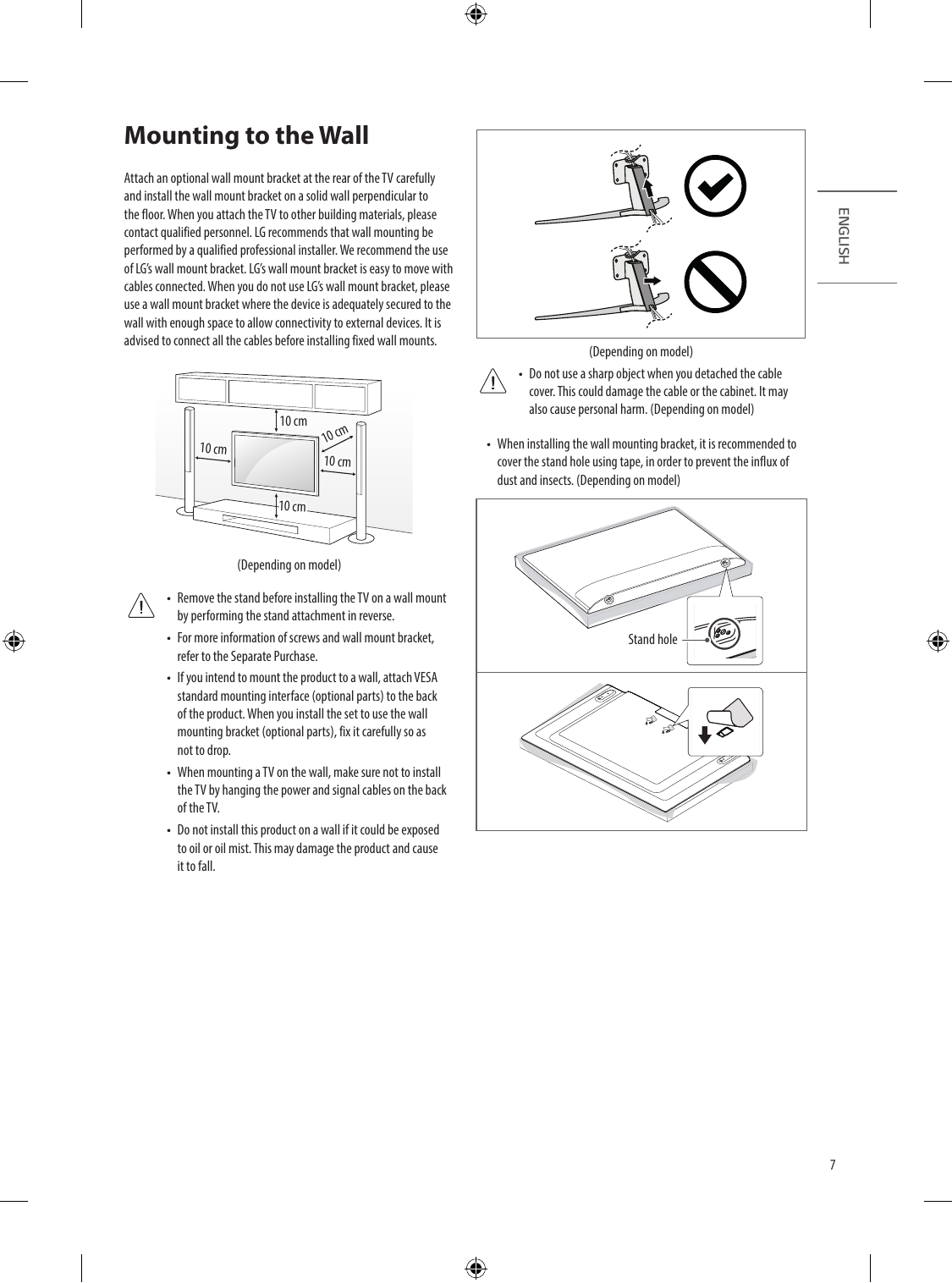
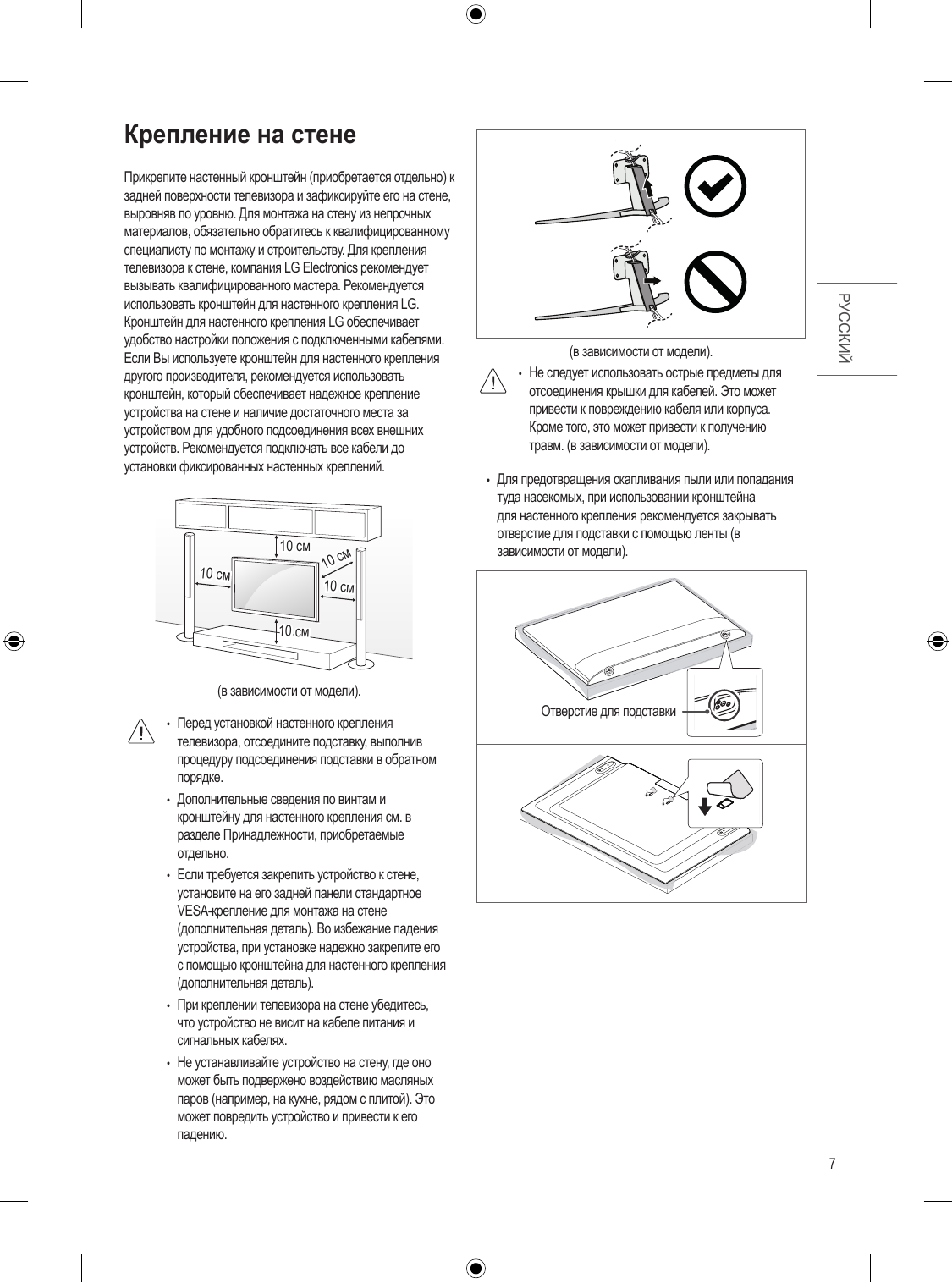
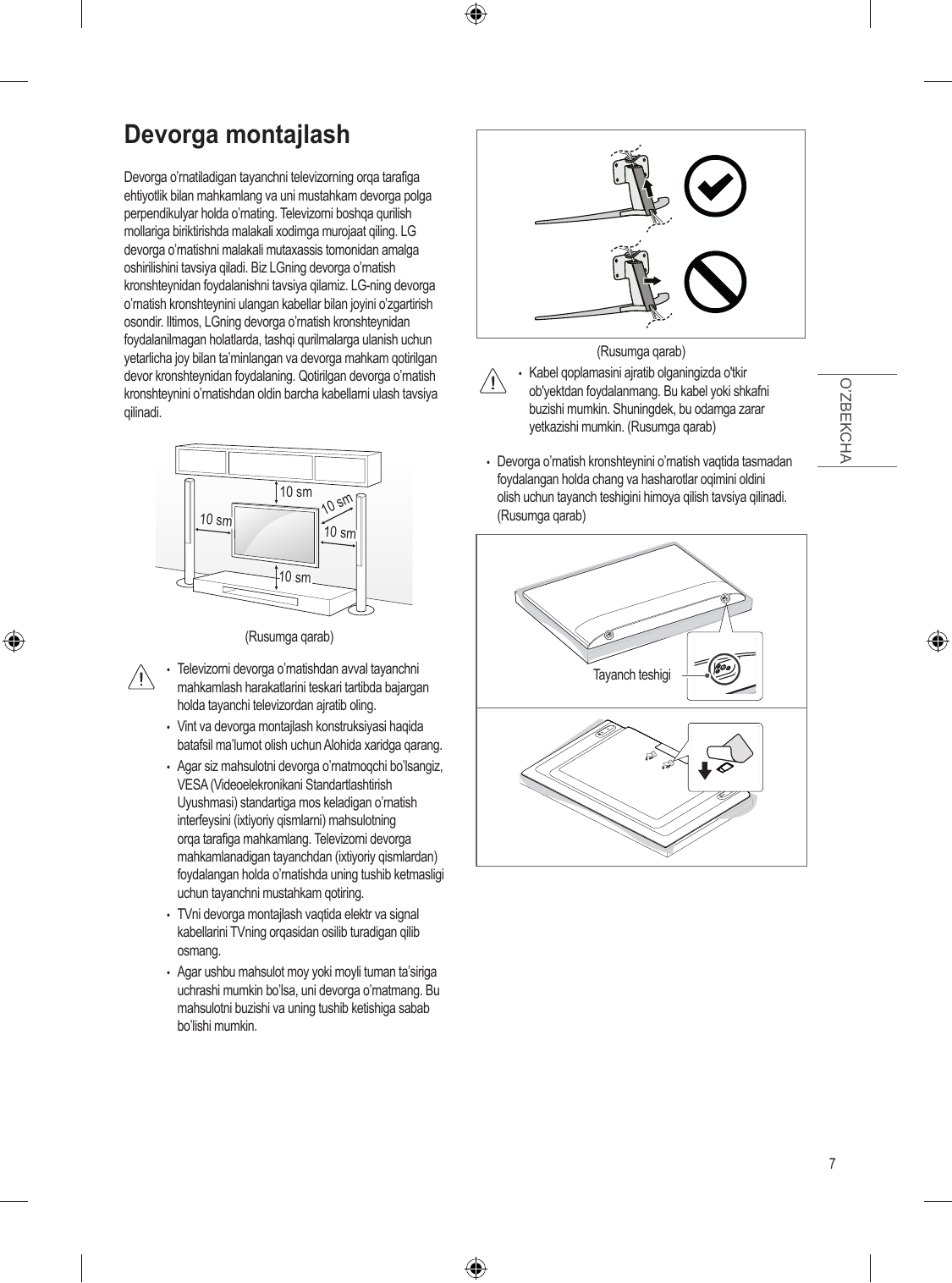
Mounting to the Wall
Attach an optional wall mount bracket at the rear of the TV carefully
and install the wall mount bracket on a solid wall perpendicular to
the floor. When you attach the TV to other building materials, please

ENGLISH
contact qual...
Перейти на страницу
СТРАНИЦА PDF
Страница 8
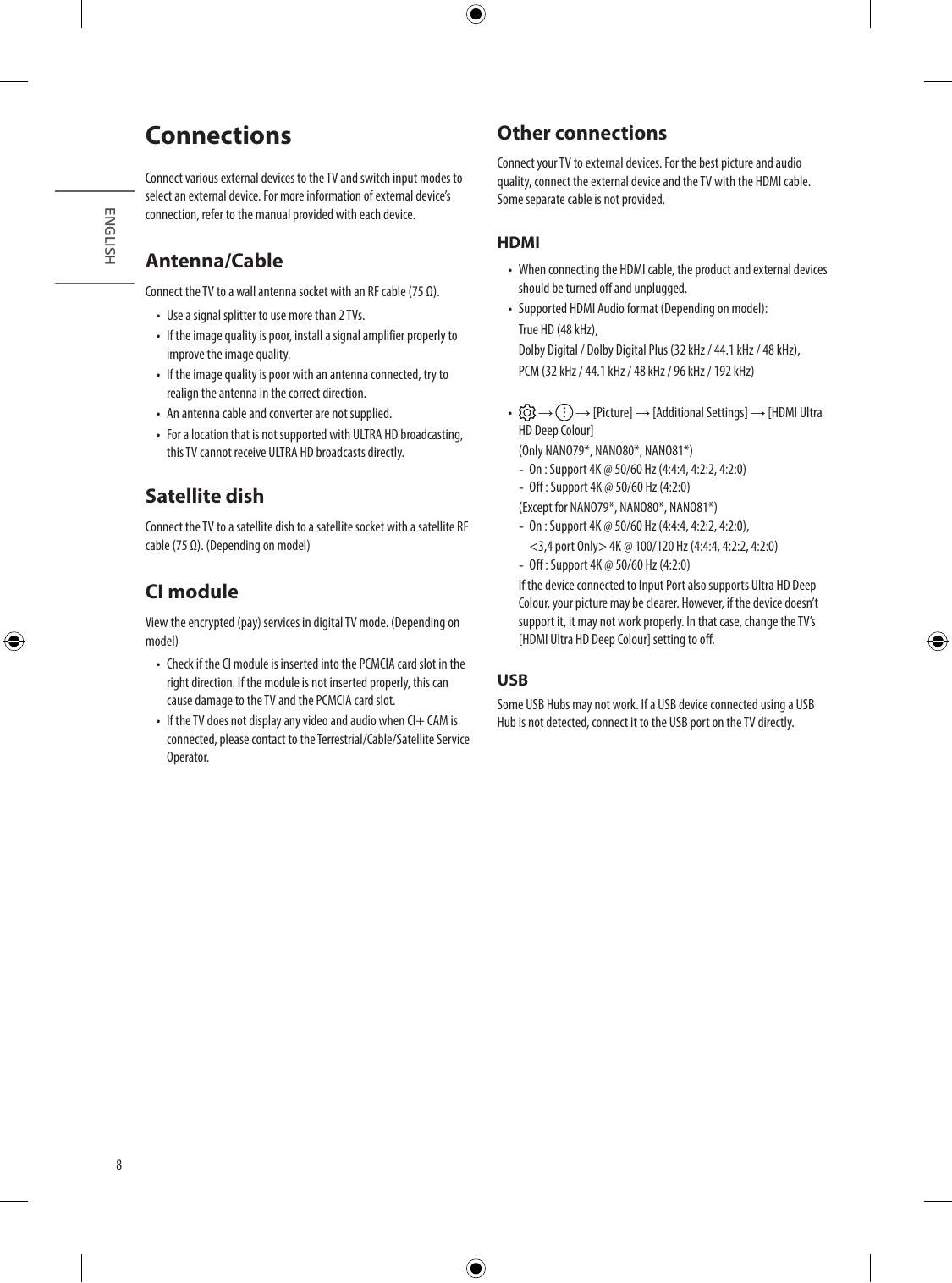
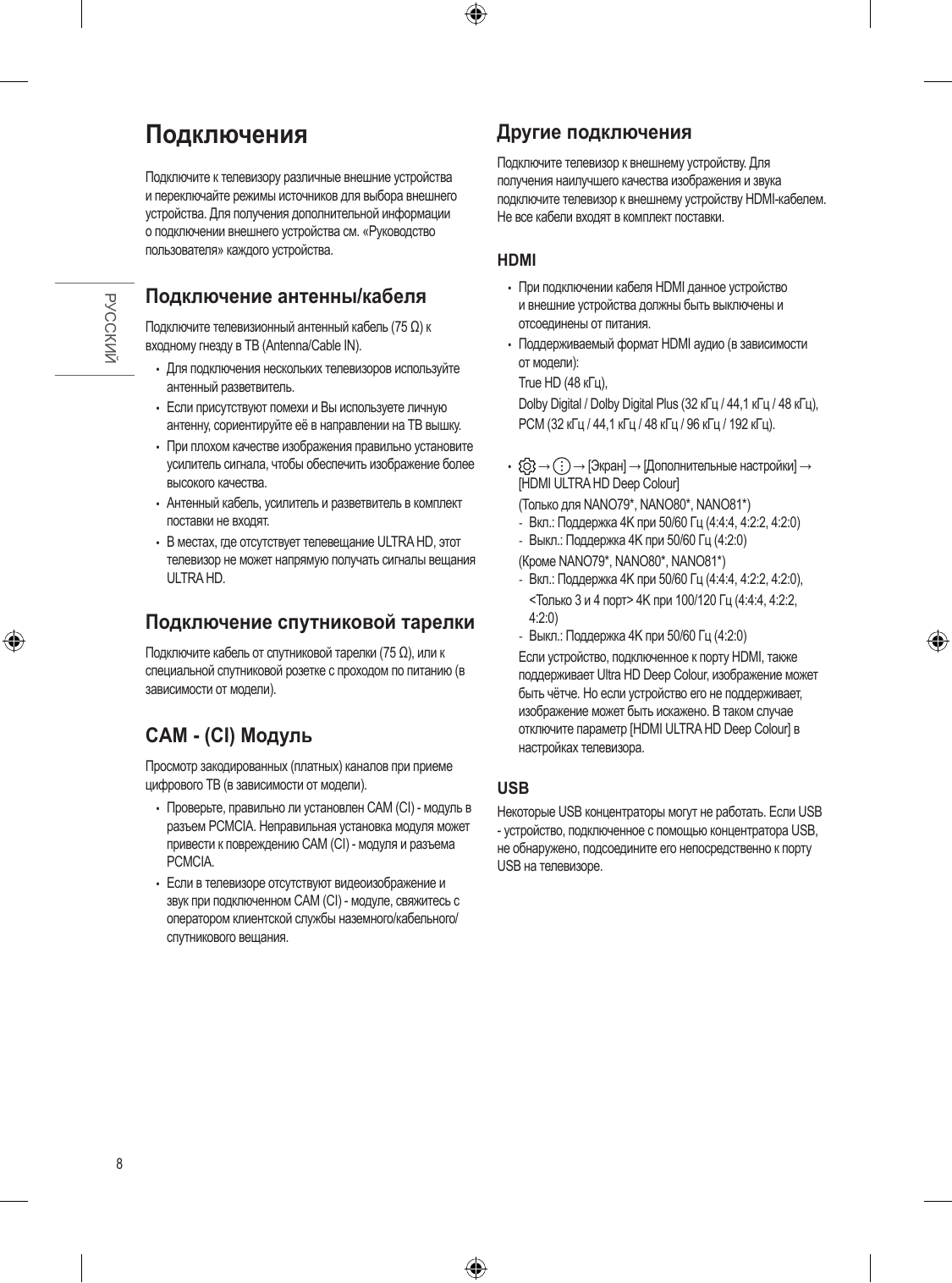
Connections Other connections
Connect your TV to external devices. For the best picture and audio
Connect various external devices to the TV and switch input modes to quality, connect the external device and the TV with the HDMI cable.
select an exte...
Перейти на страницу
СТРАНИЦА PDF
Страница 9
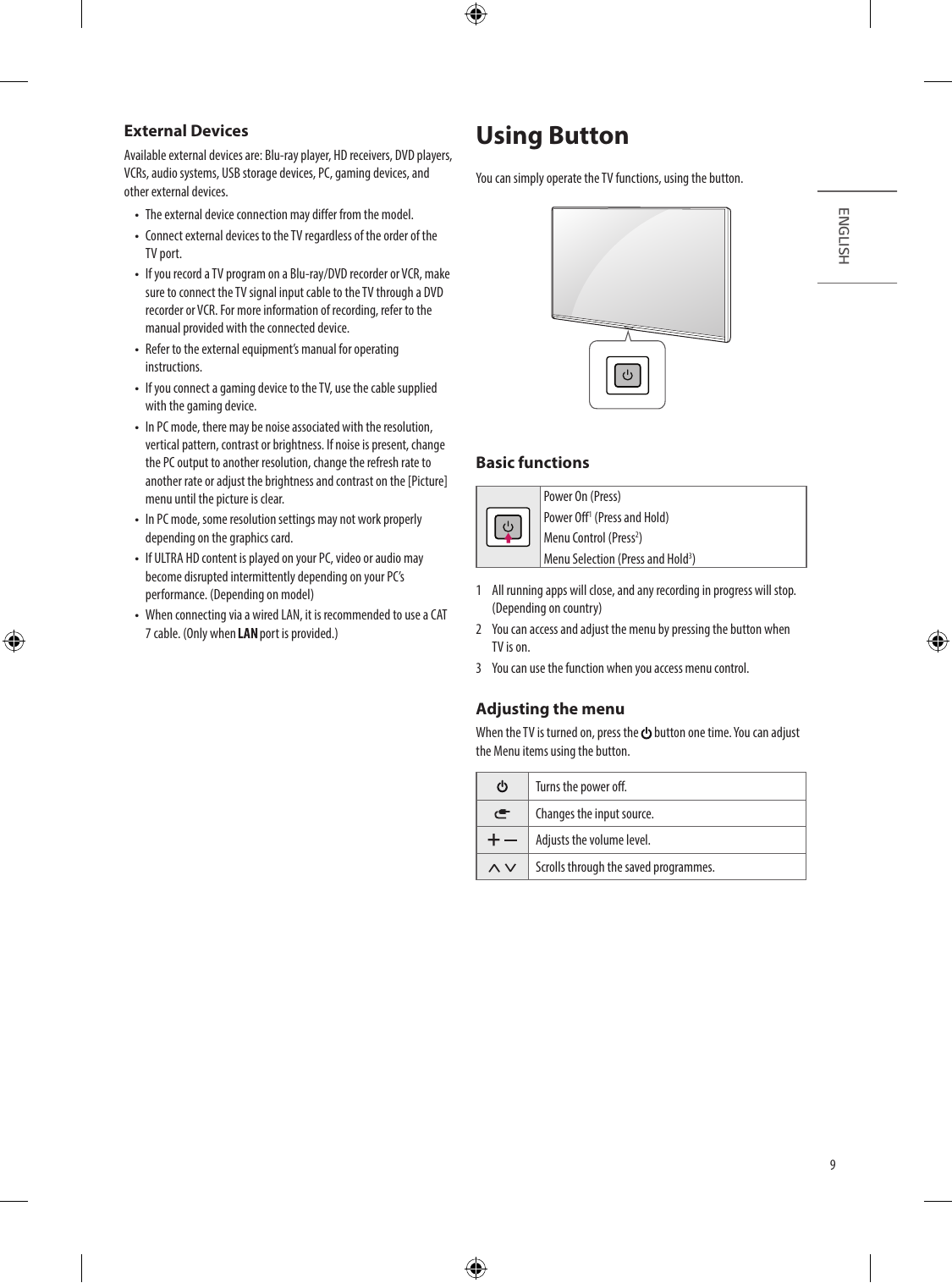
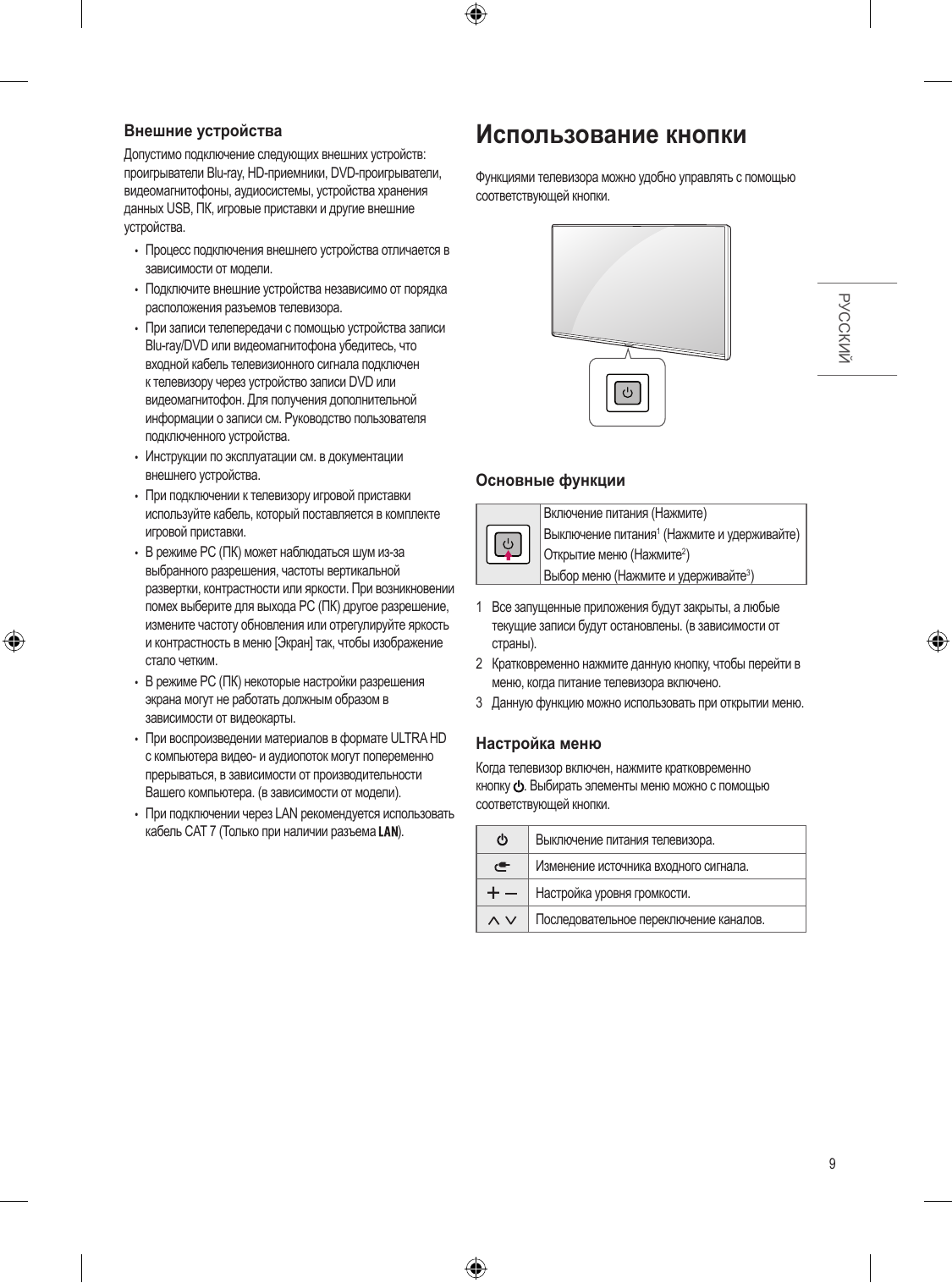
External Devices Using Button
Available external devices are: Blu-ray player, HD receivers, DVD players,
VCRs, audio systems, USB storage devices, PC, gaming devices, and You can simply operate the TV functions, using the button.
other external devic...
Перейти на страницу
СТРАНИЦА PDF
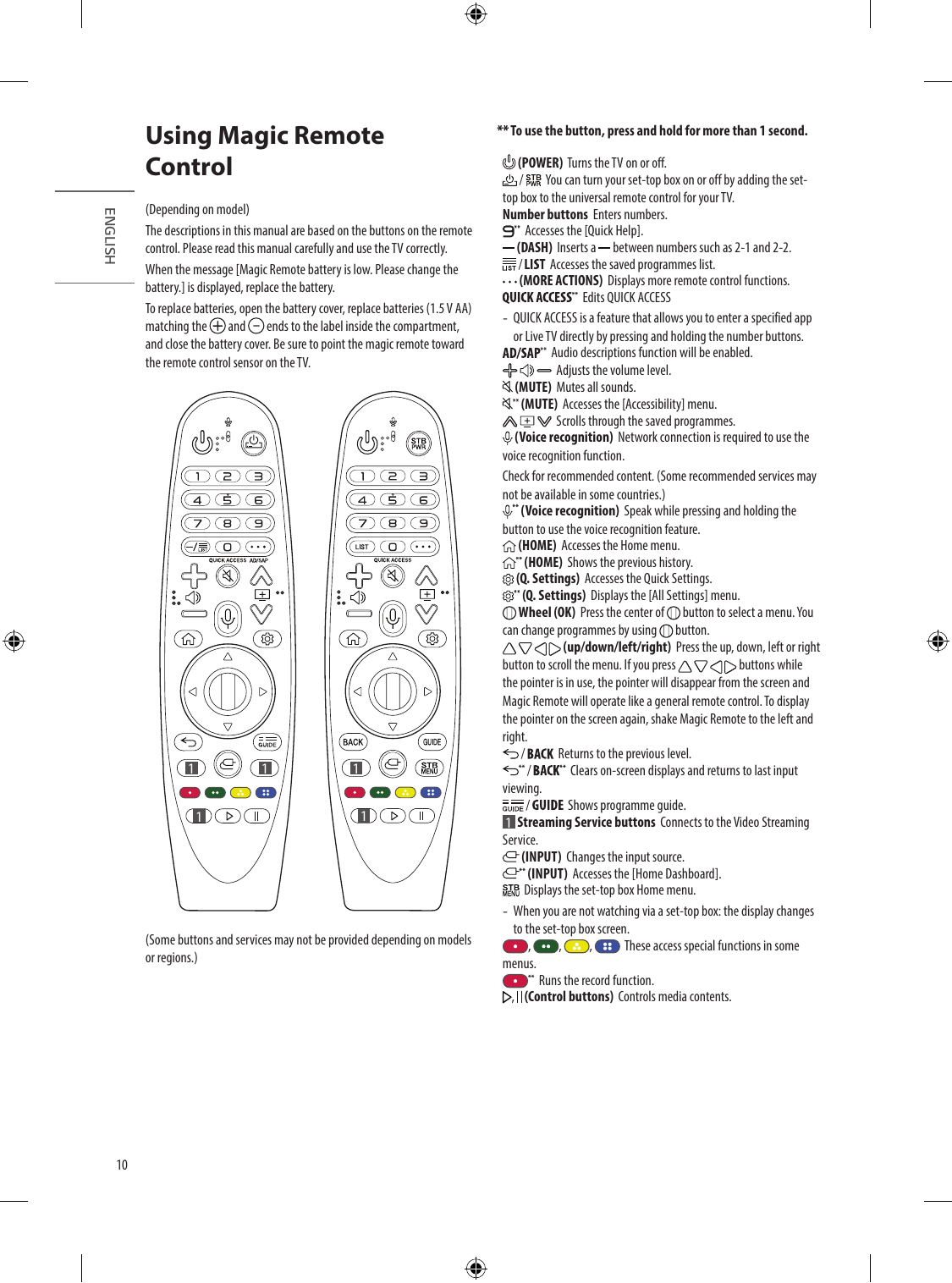
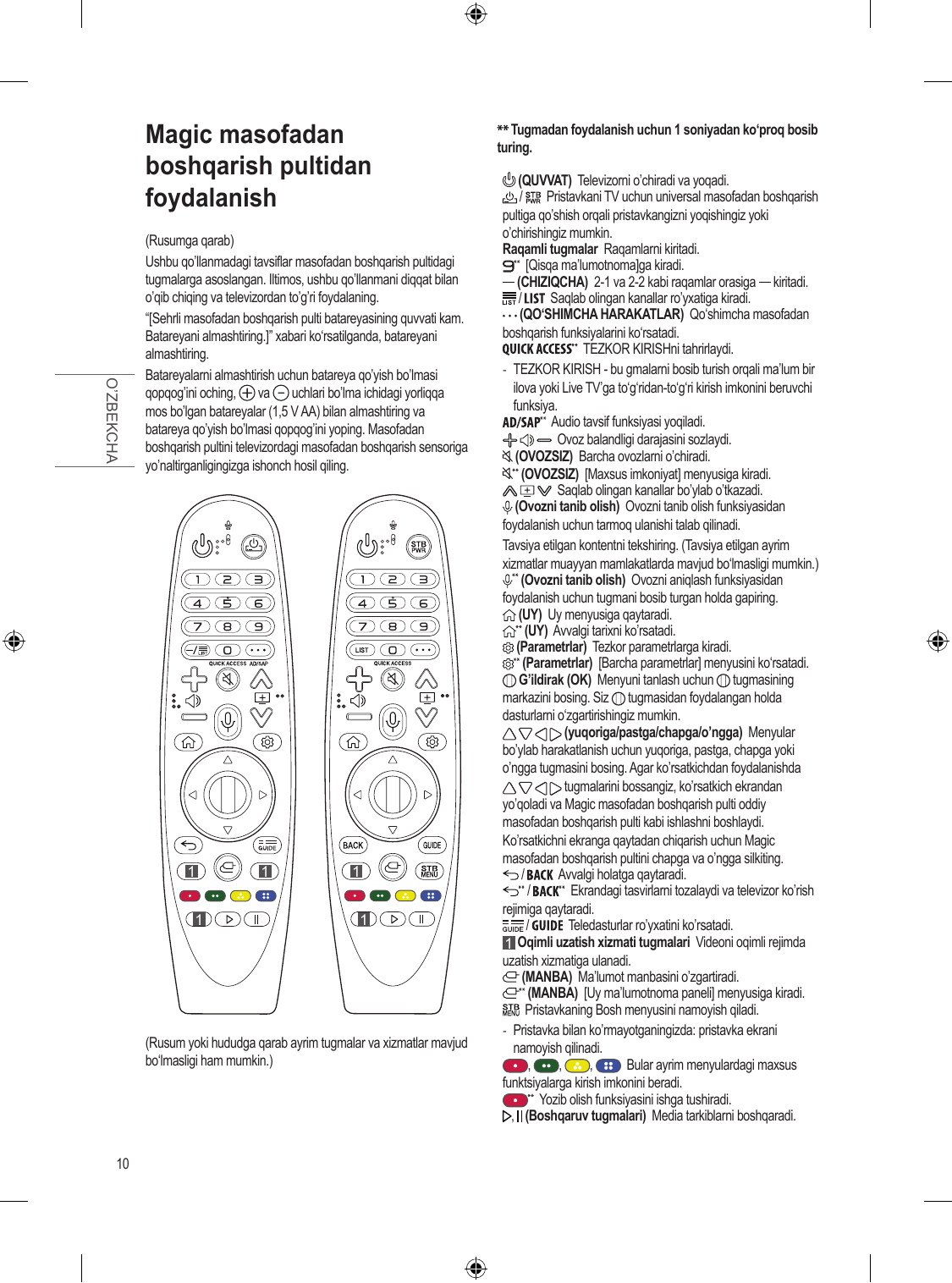
Страница 10
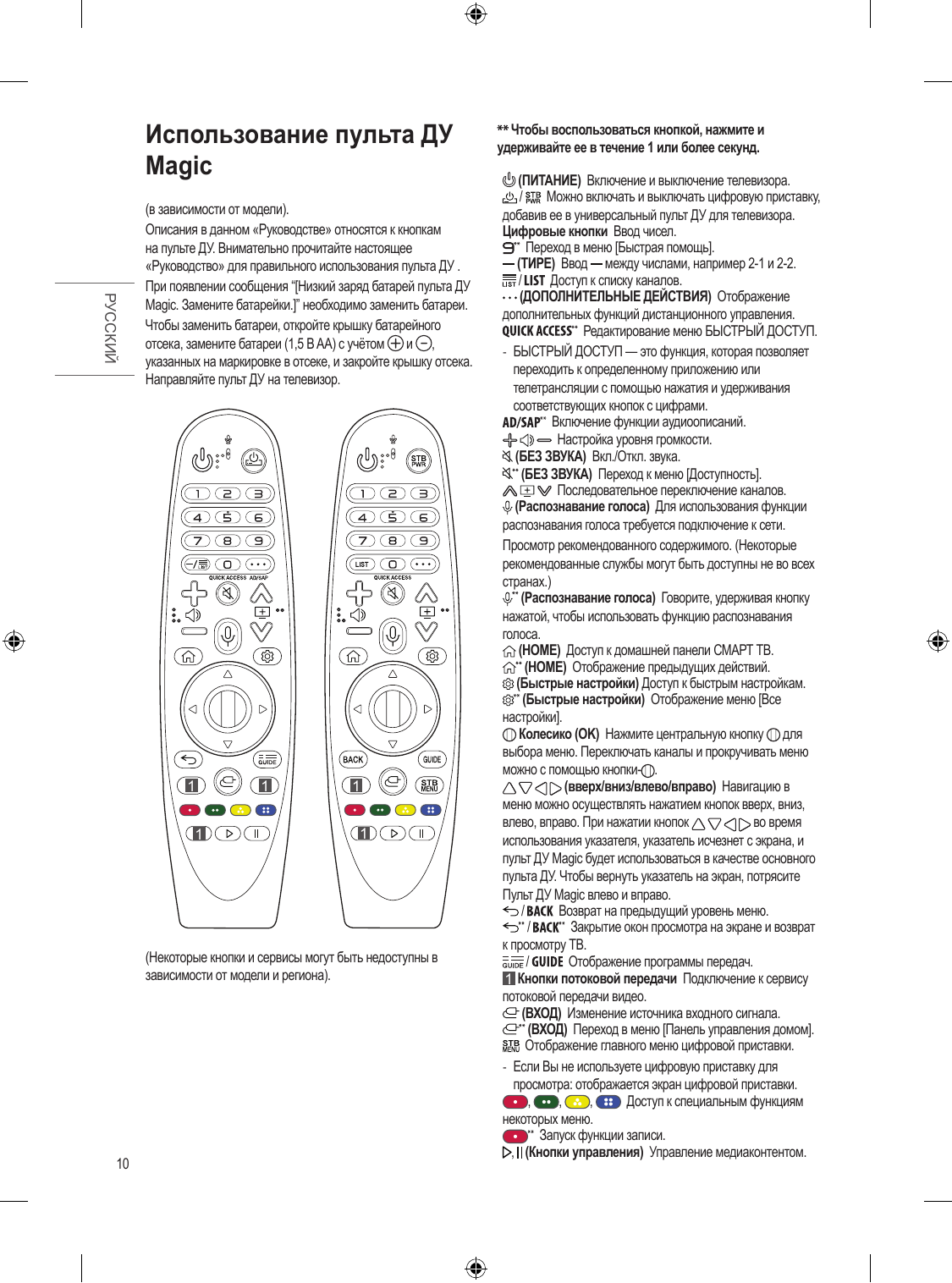
Using Magic Remote To use the button, press and hold for more than 1 second.

Control (POWER) Turns the TV on or off.
/ You can turn your set-top box on or off by adding the set-
top box to the universal remote control for your TV.
(Depending on mode...
Перейти на страницу
СТРАНИЦА PDF
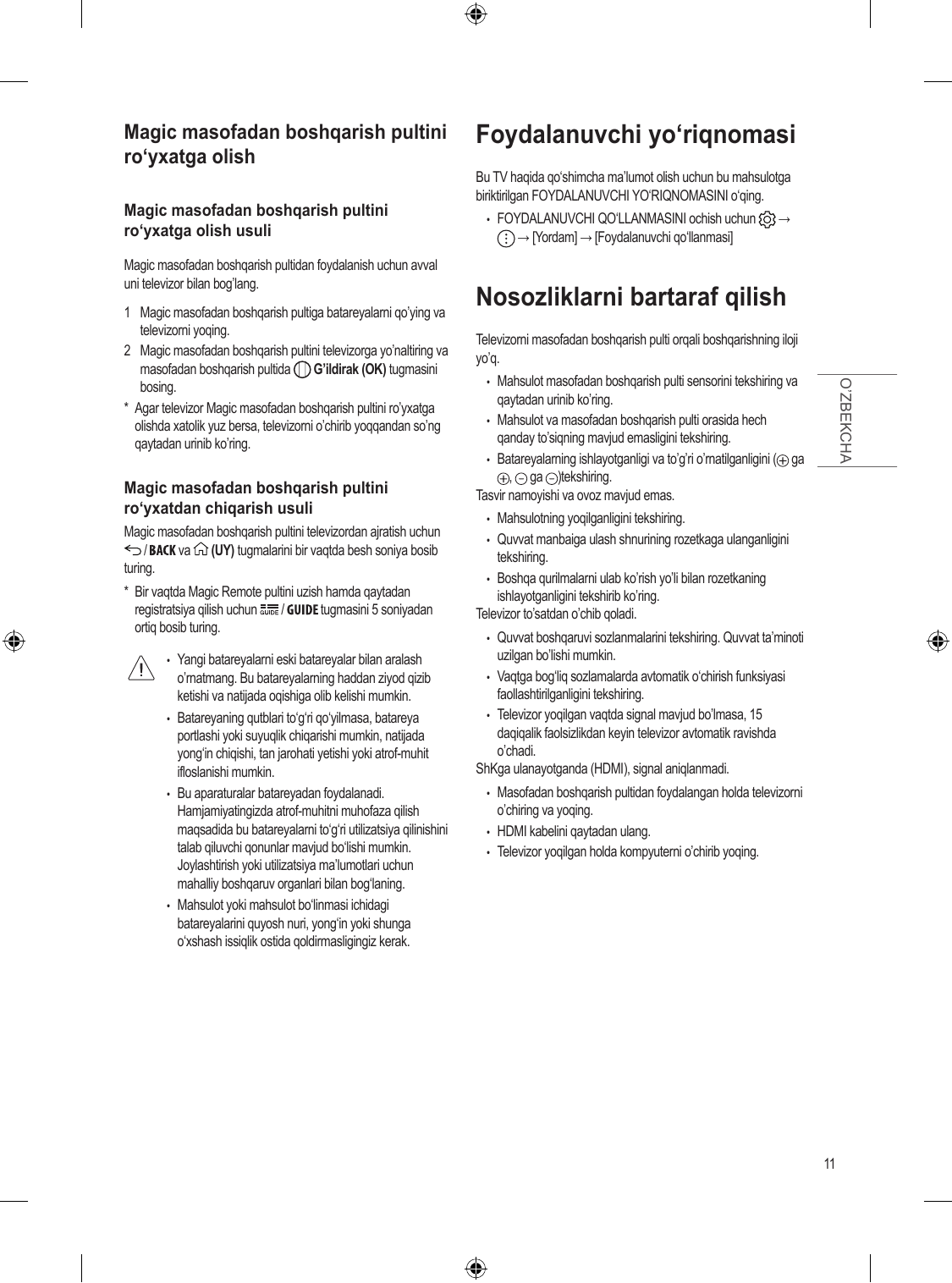
Страница 11
Registering Magic Remote Control User Guide
For more information about this TV, read the USER GUIDE embedded in
How to register the Magic Remote Control
the product.

ENGLISH
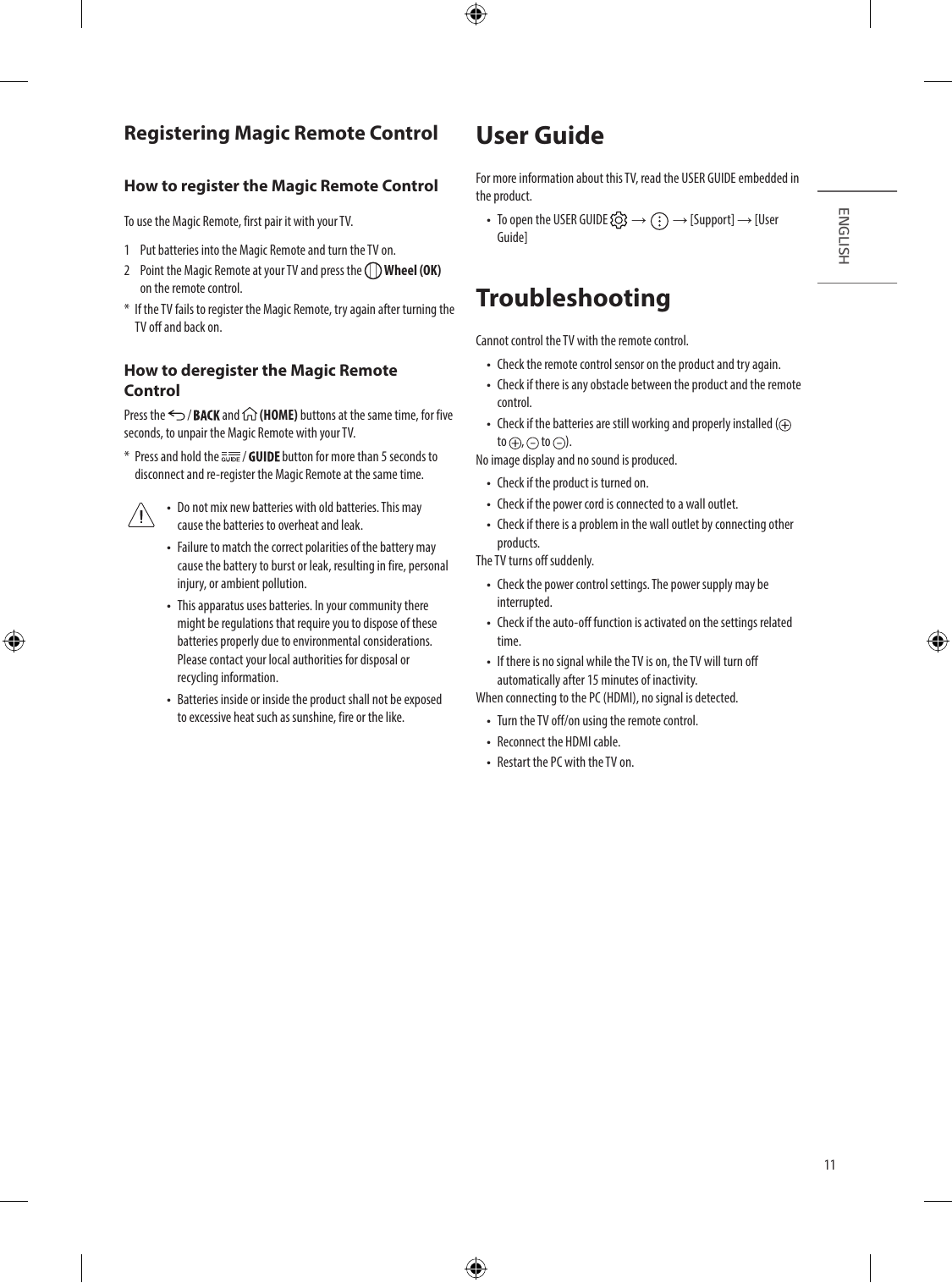
To use the Magic Remote, first pair it with your TV. •• To open the USER GU...
Перейти на страницу
СТРАНИЦА PDF
Страница 12
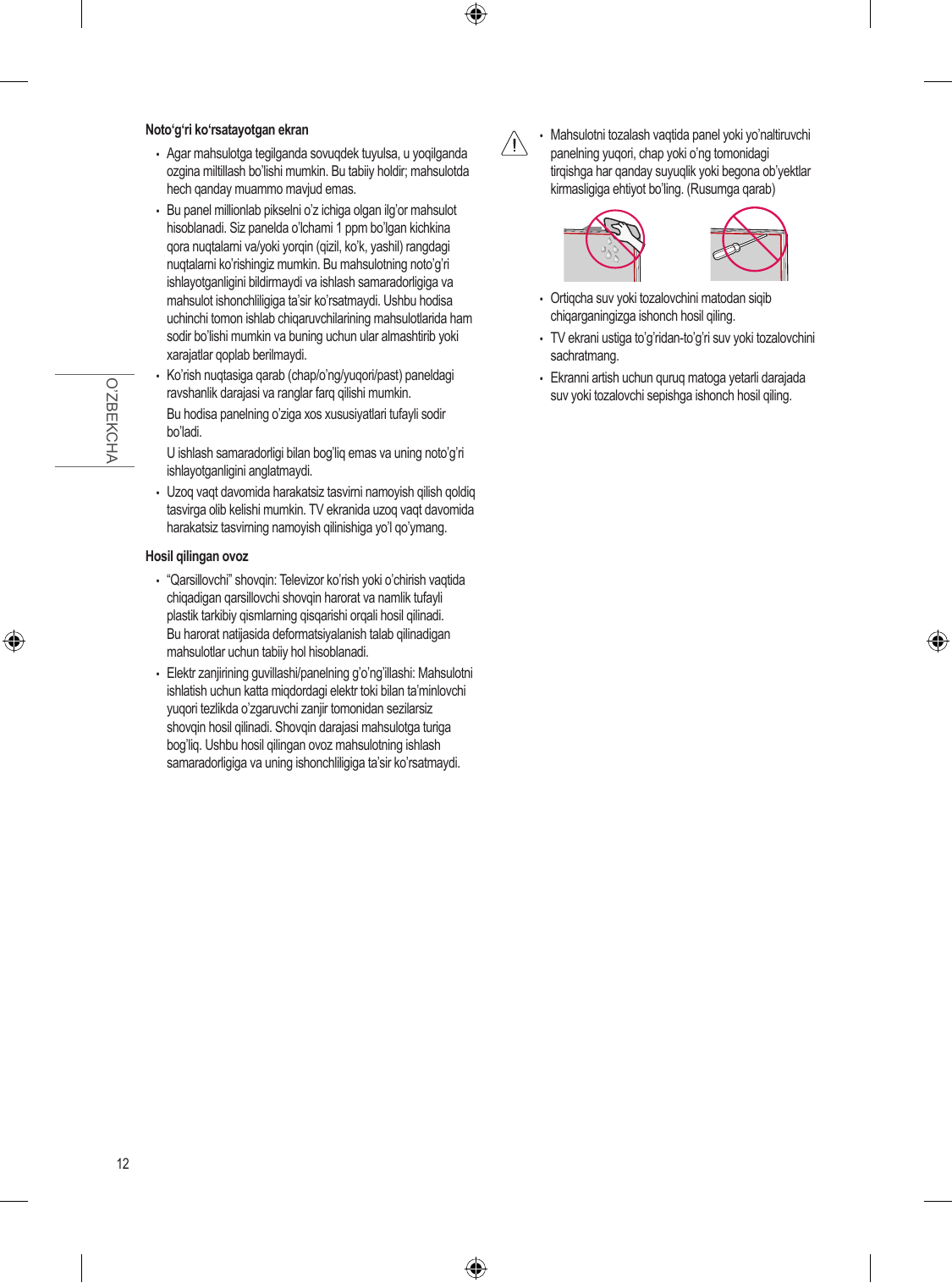
Abnormal Display •• When cleaning the product, be careful not to allow any
•• If the product feels cold to the touch, there may be a small “flicker” liquid or foreign objects to enter the gap between the
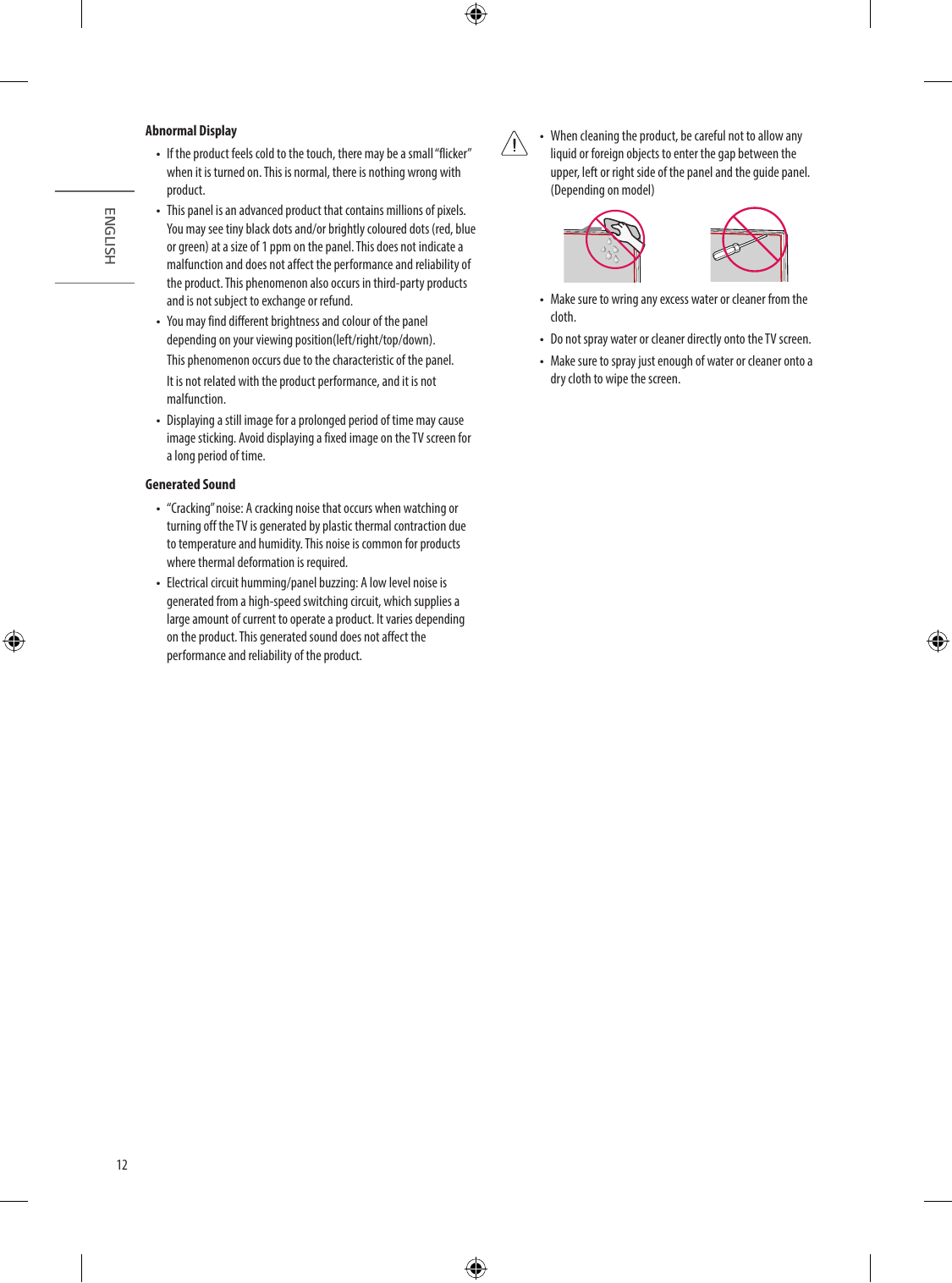
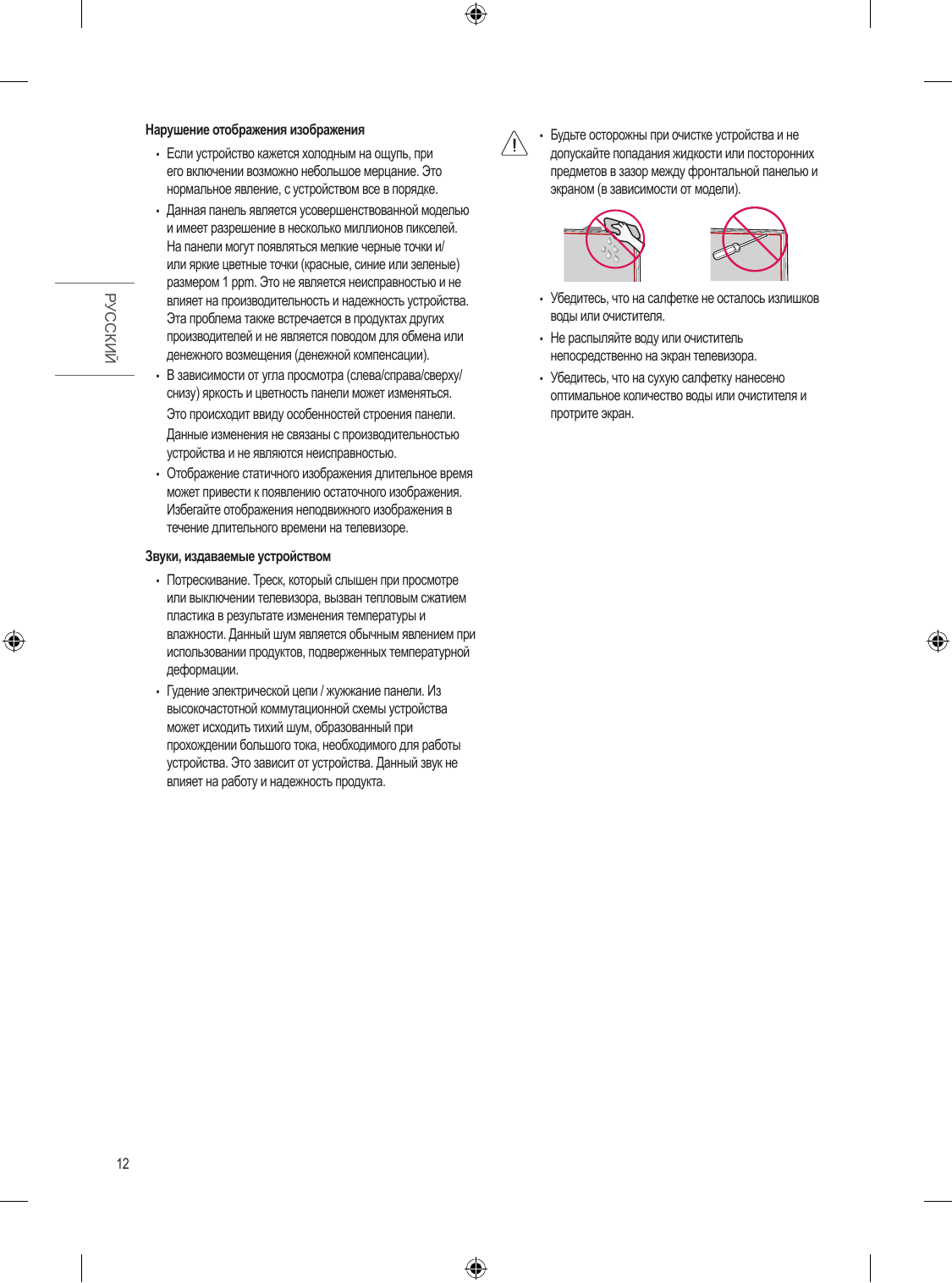
when it is turned on. This is normal, there is...
Перейти на страницу

Скриншоты страниц PDF

Сервис-мануалы (1 шт.)

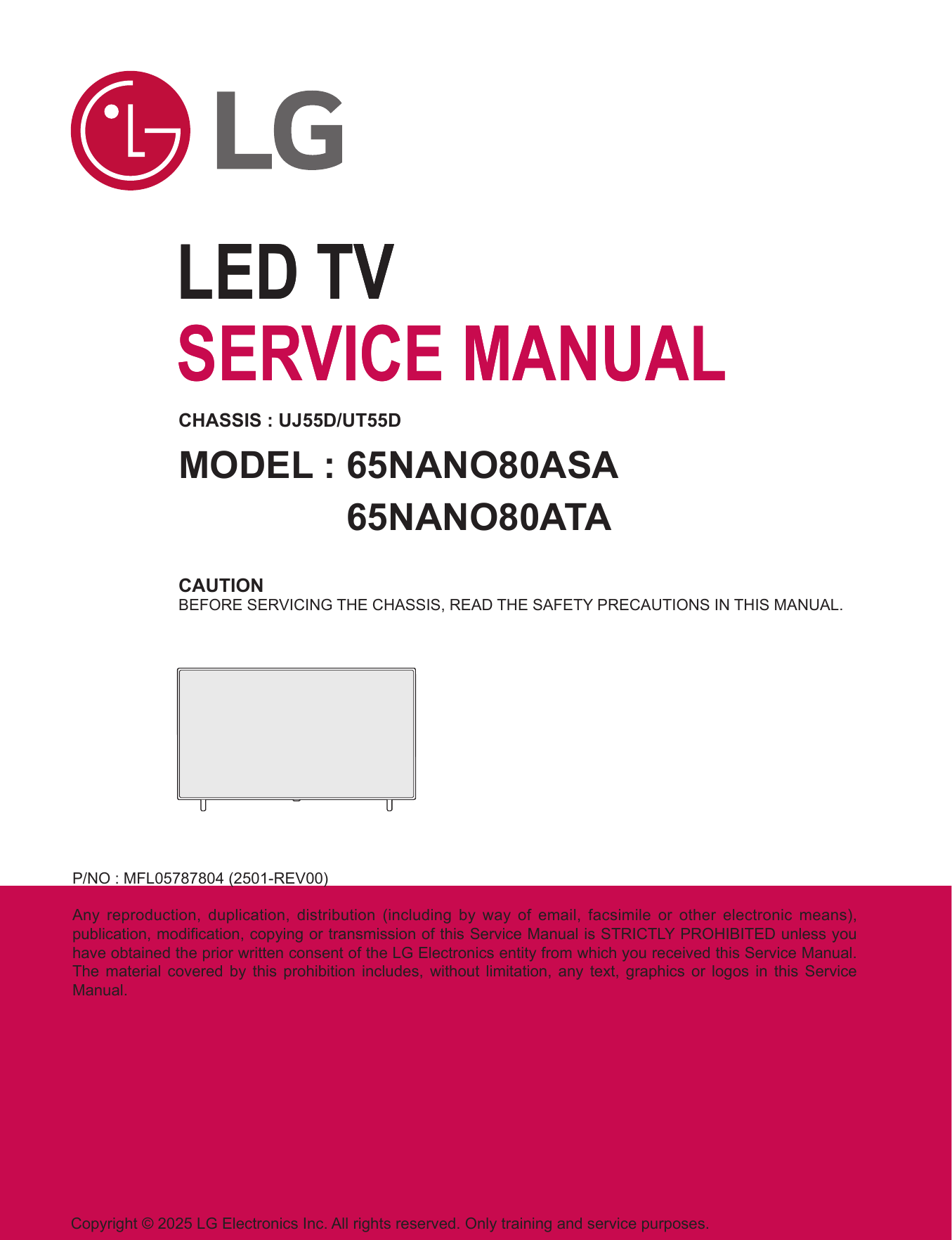
LG 65NANO80ASA

Руководство по ремонту / сервис-мануал
Размер файла: (3.24 mb)
Производитель: LG
LG 65NANO80ASA

Другие инструкции и файлы