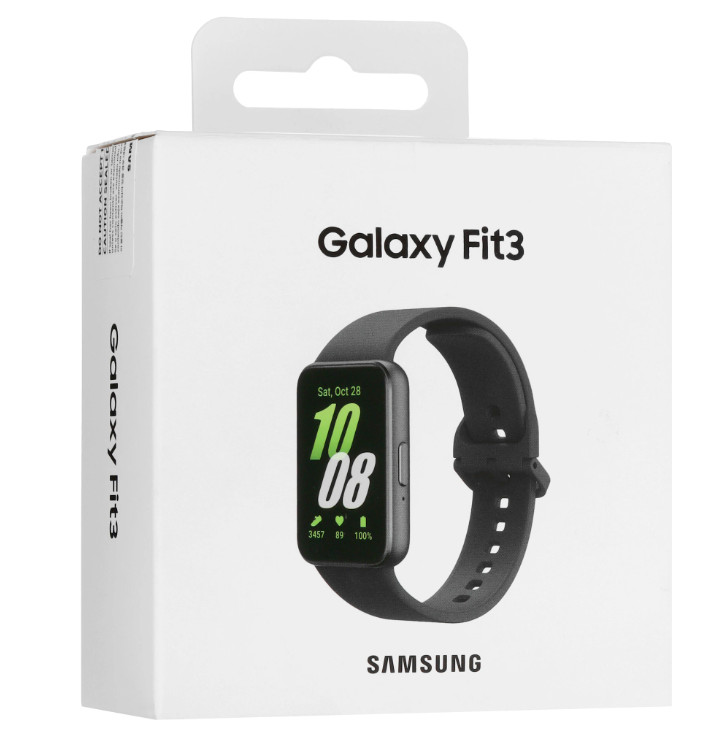
Инструкция по эксплуатации для Samsung Galaxy Fit3
Размер файла: (1.2 mb) Производитель: SAMSUNG Просмотров: 511
📸 Дополнительные изображения:
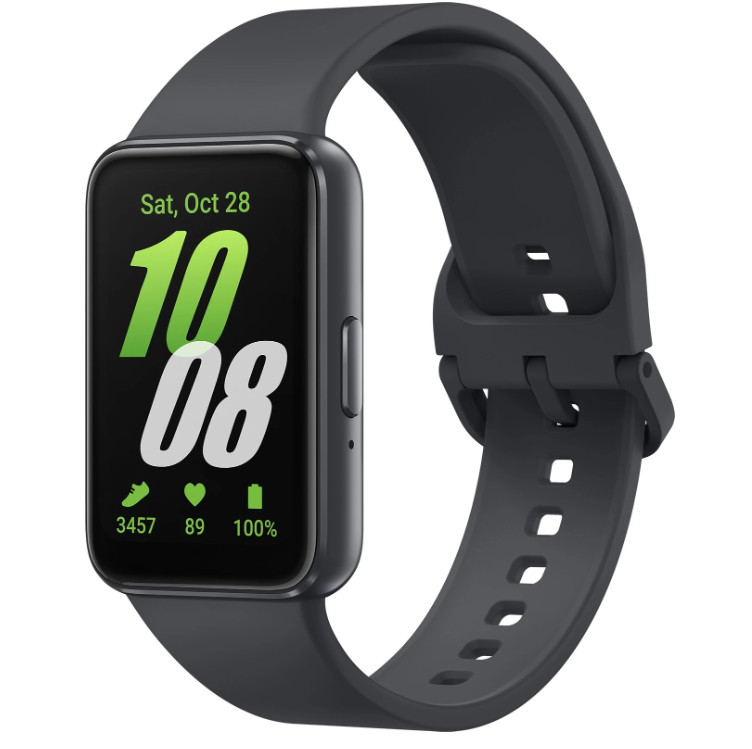
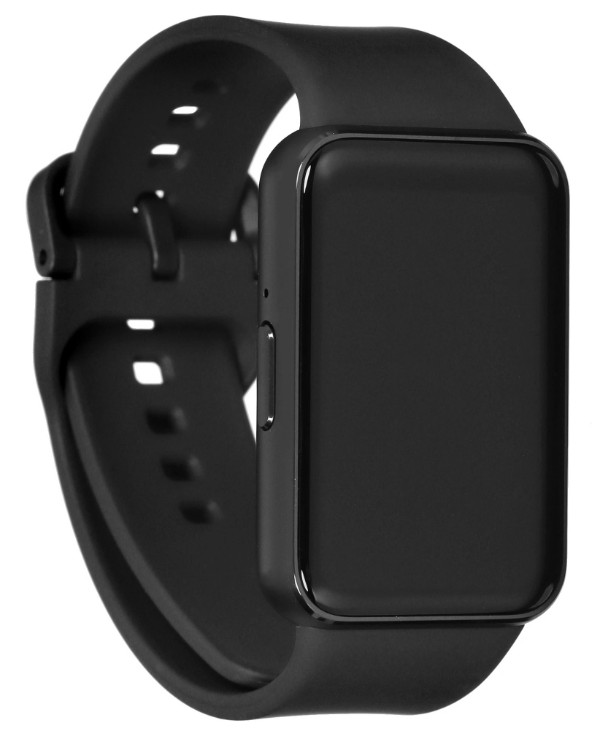
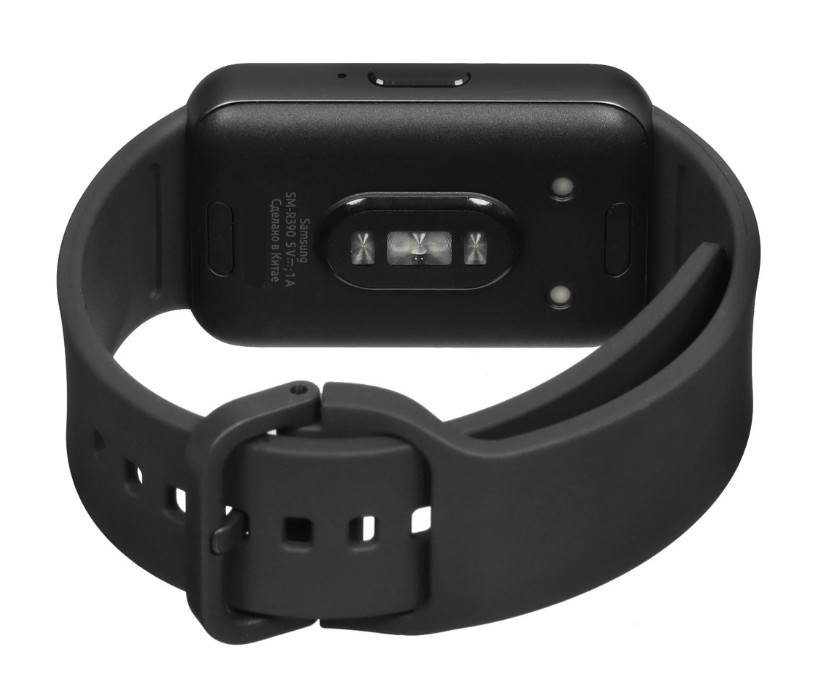
Смарт-часы Samsung Galaxy Fit3 оснащены квадратным 1,6-дюймовым AMOLED-дисплеем с интуитивным сенсорным управлением. Яркая матрица обеспечивает контрастное и чёткое изображение при любом освещении. Алюминиевый корпус с защитой IP68 устойчив к пыли, влаге и брызгам воды, а серый силиконовый ремешок гарантирует комфорт при повседневном ношении.
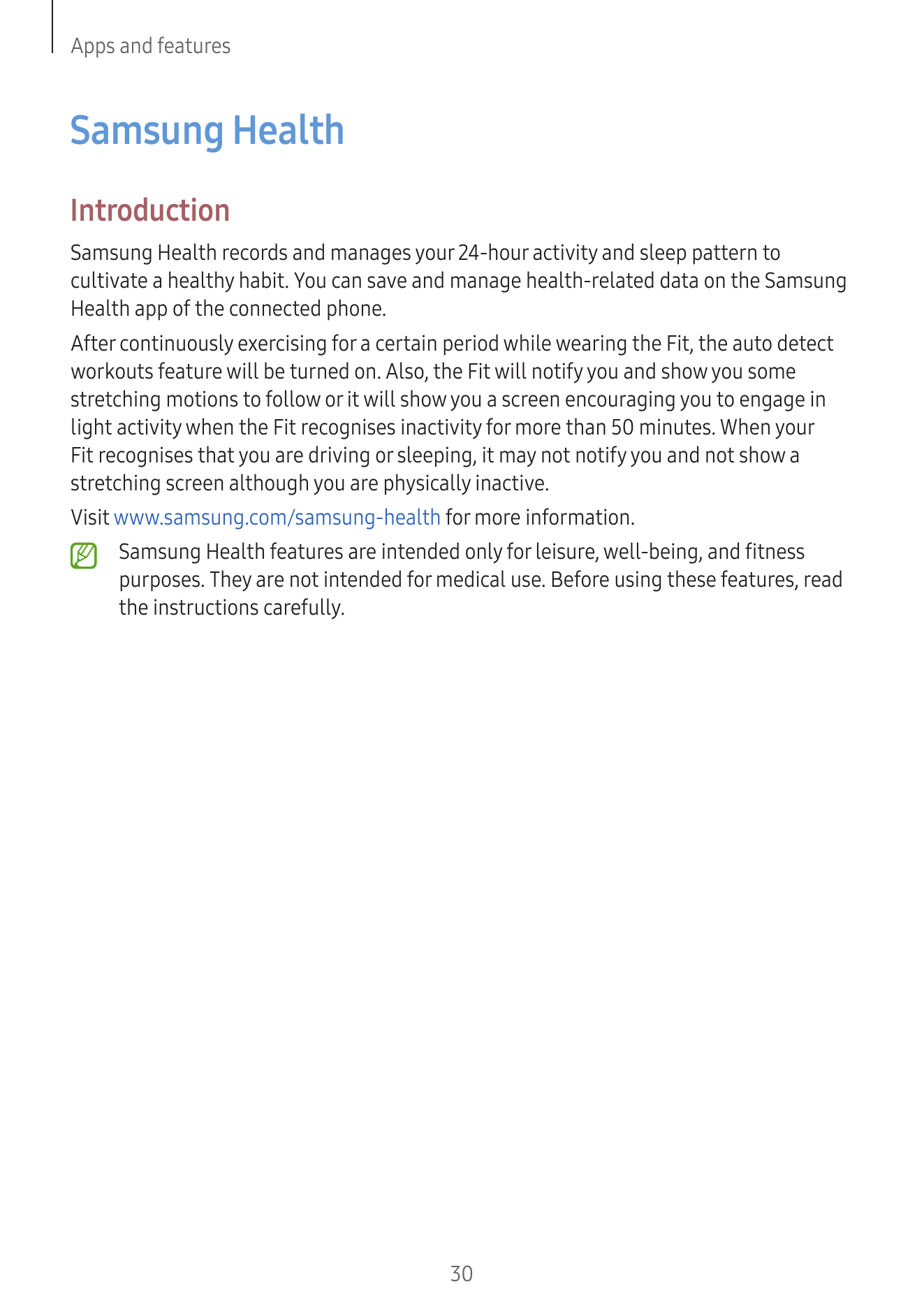
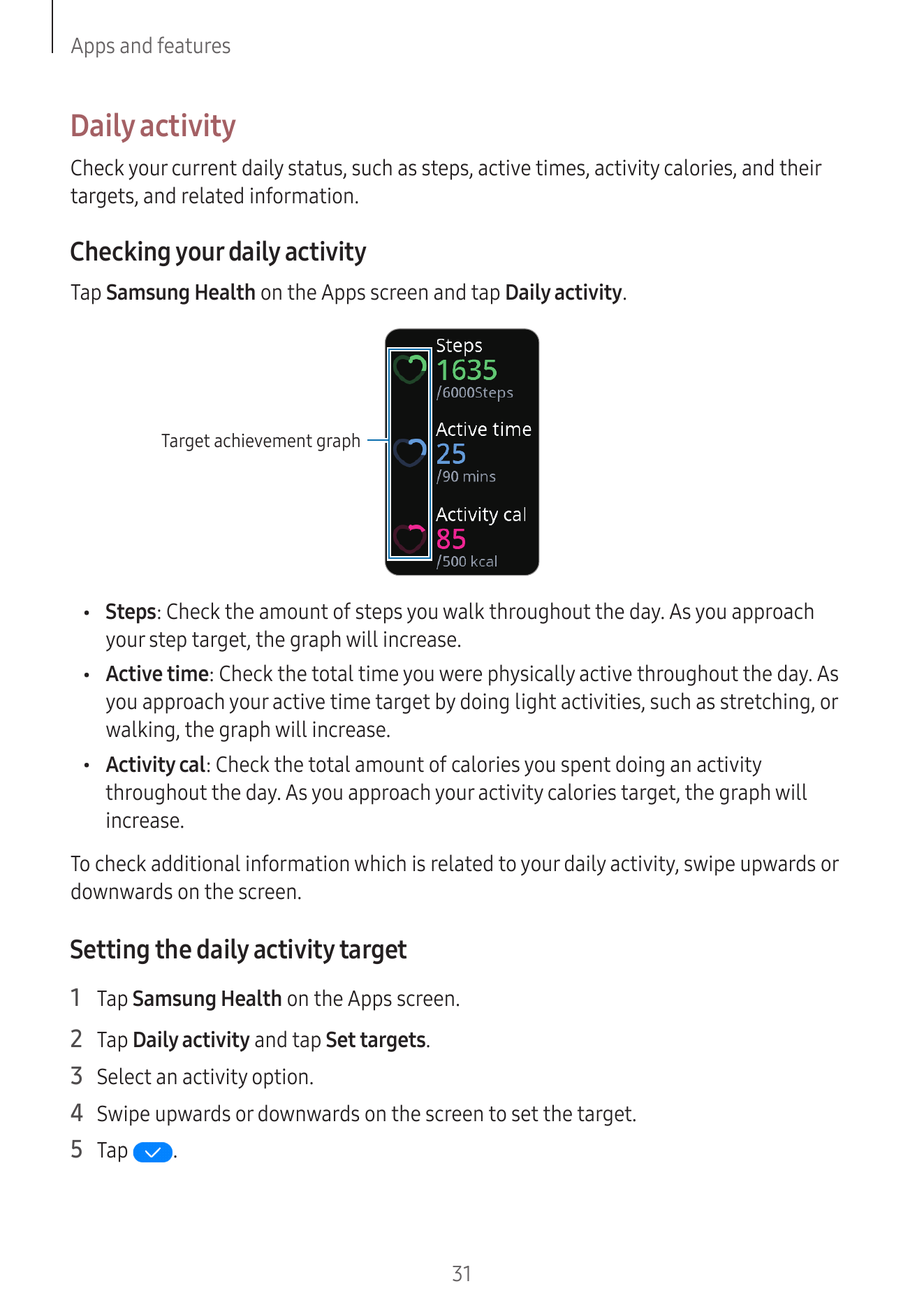
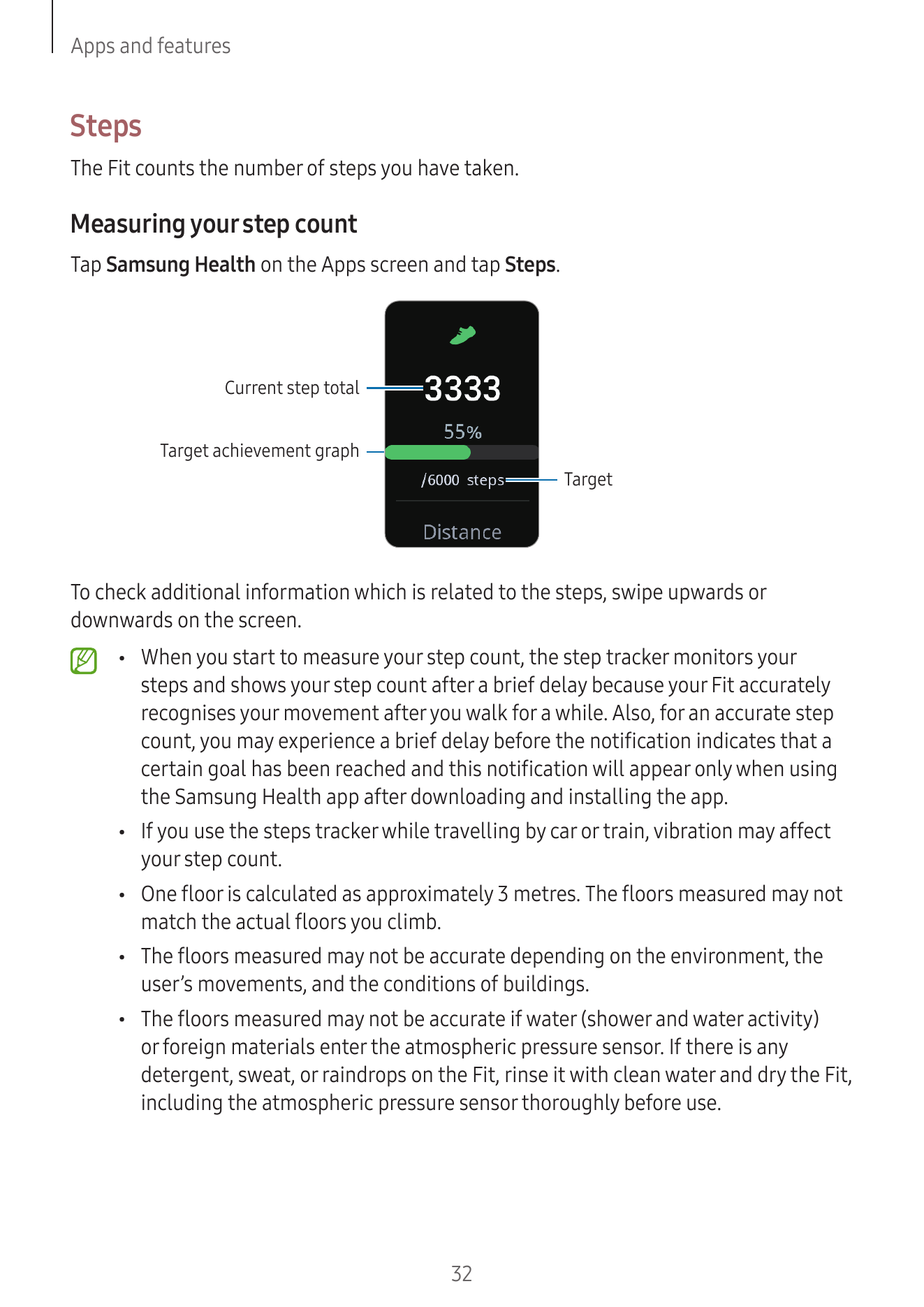
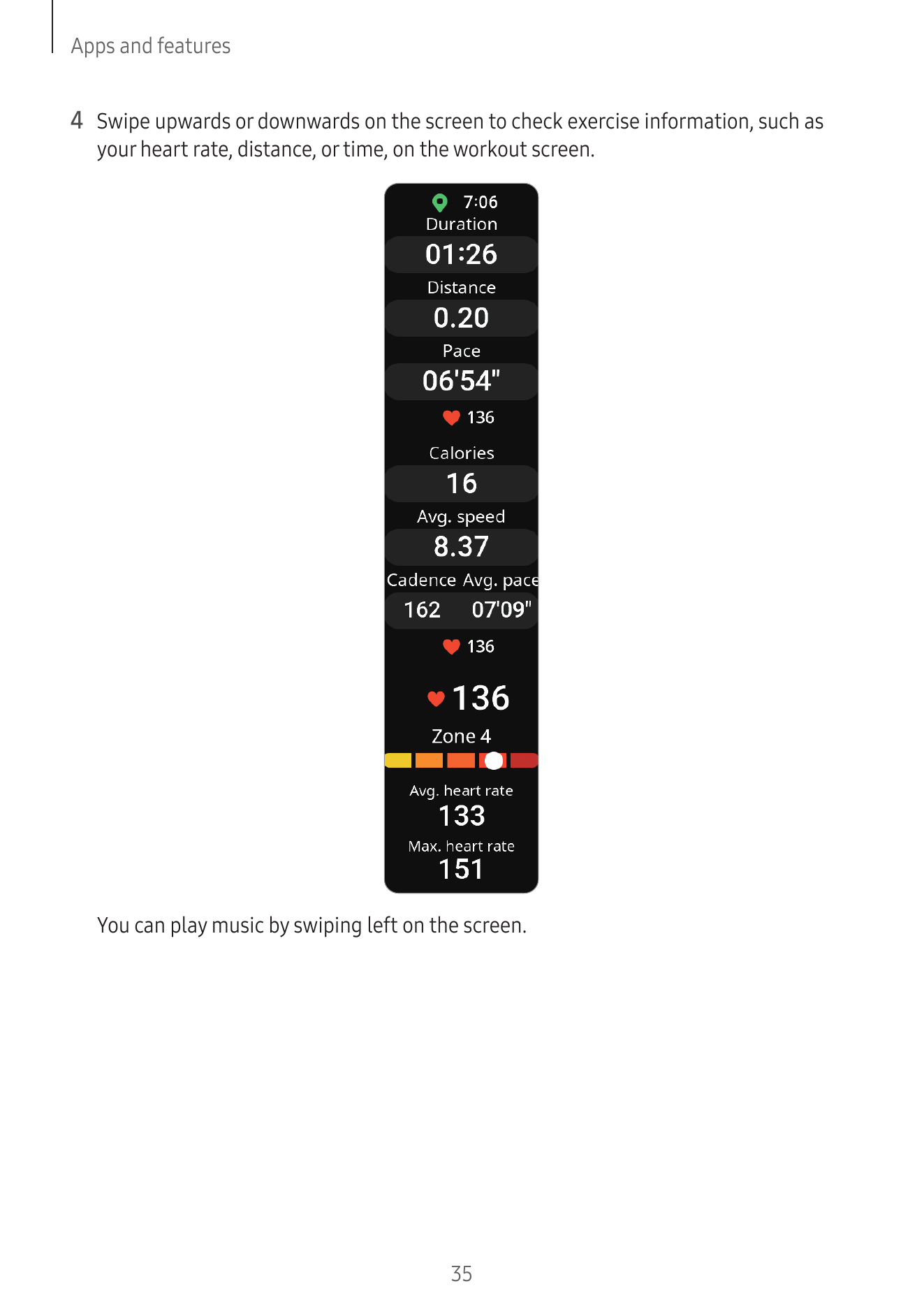
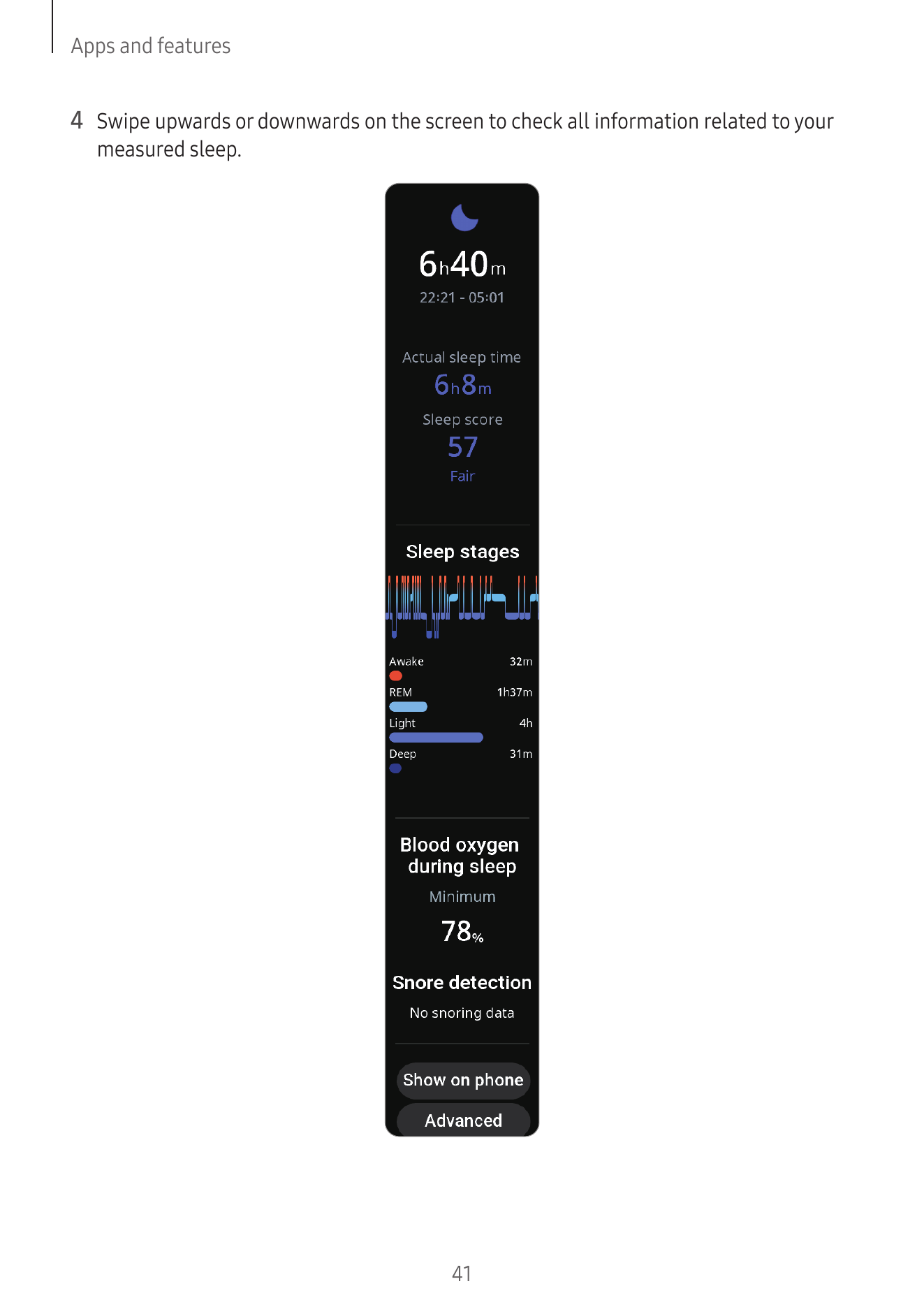
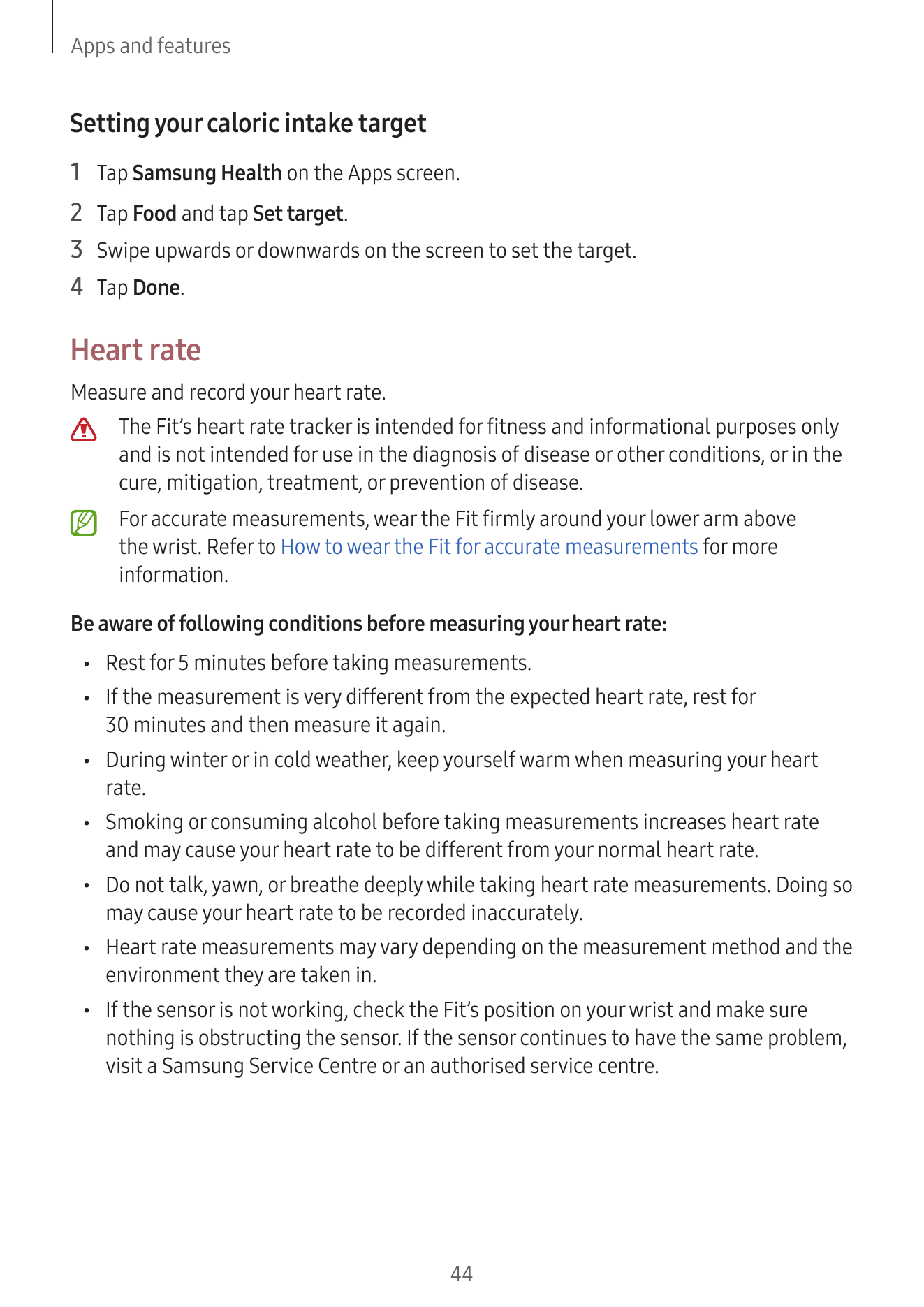
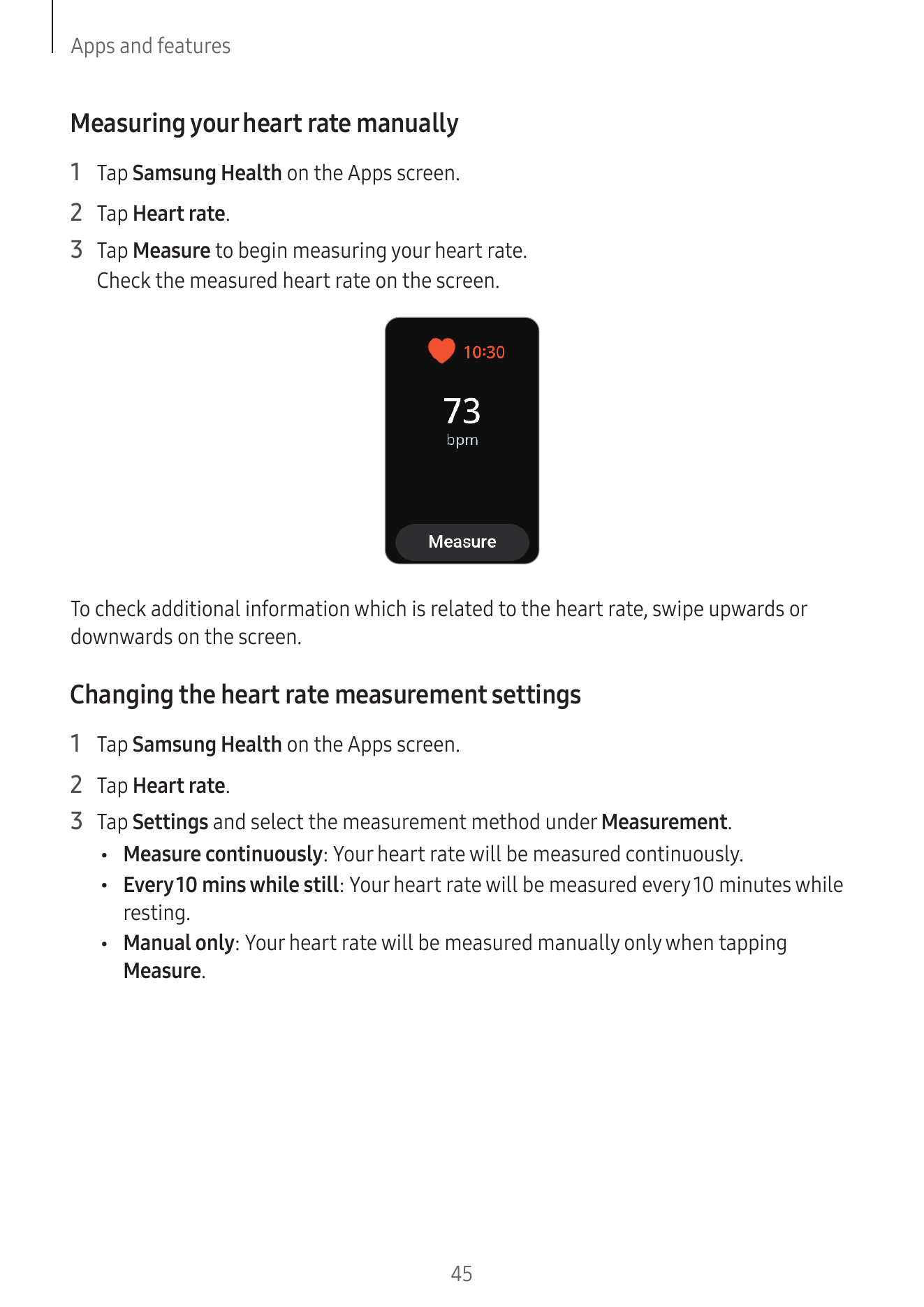
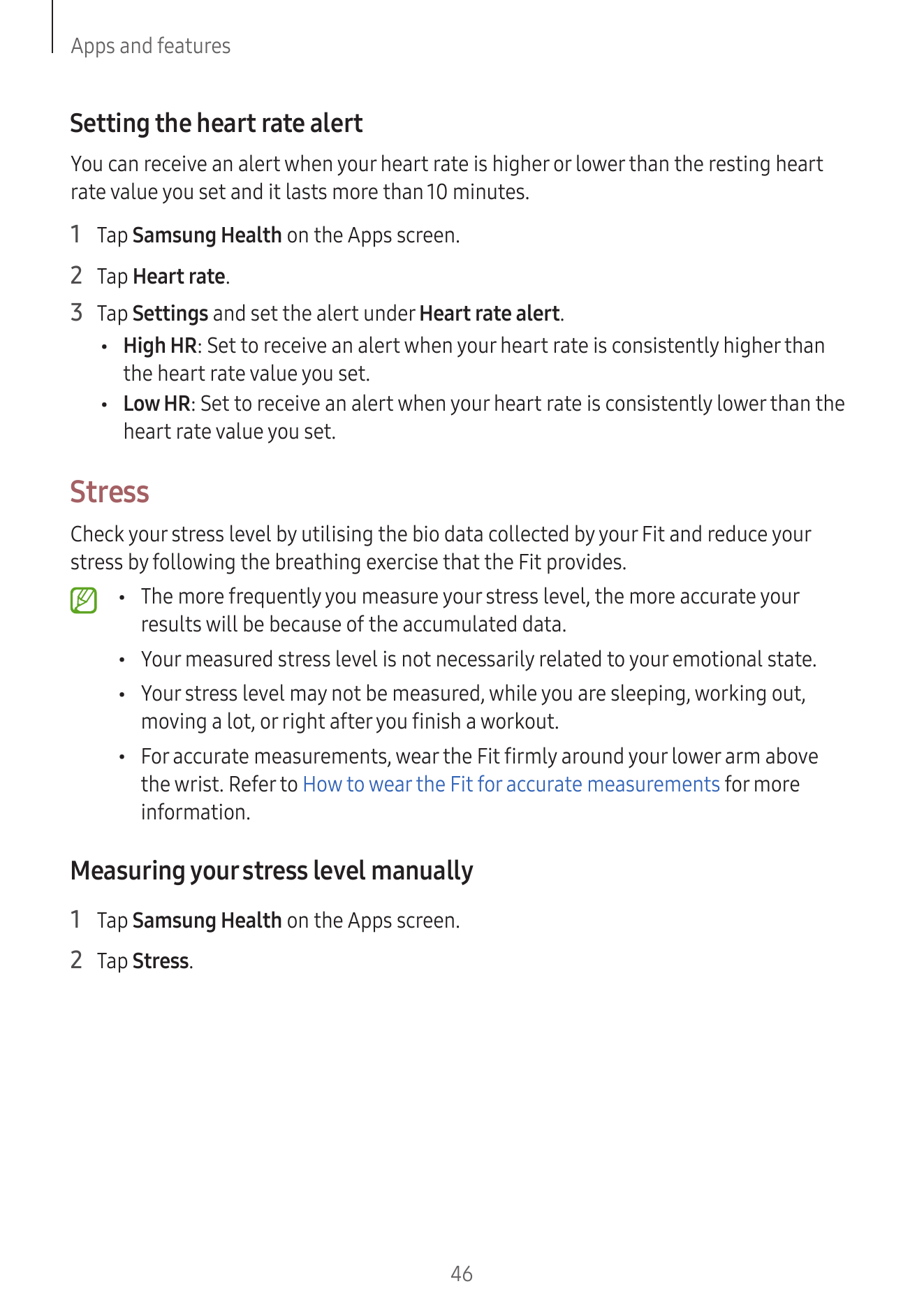
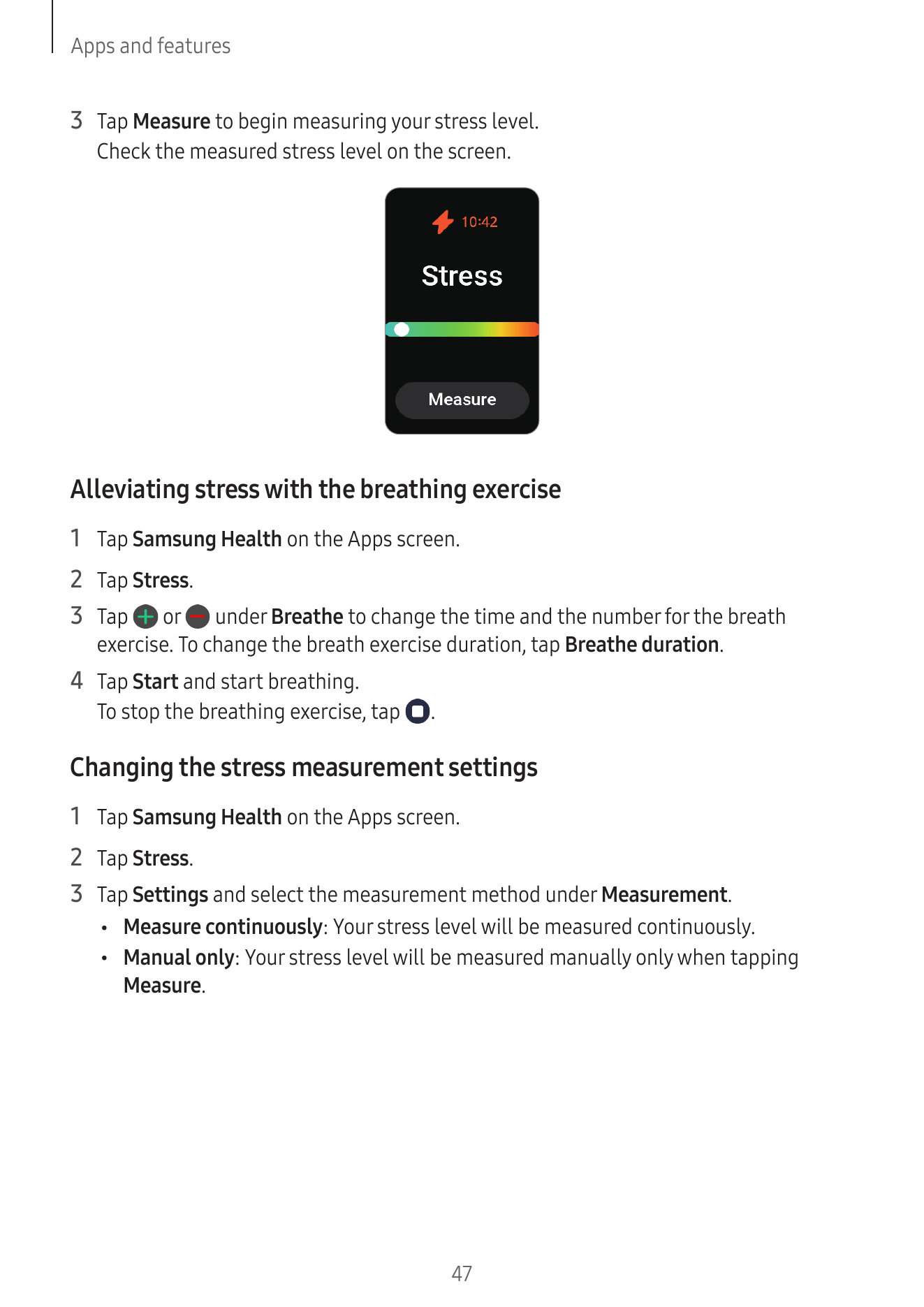
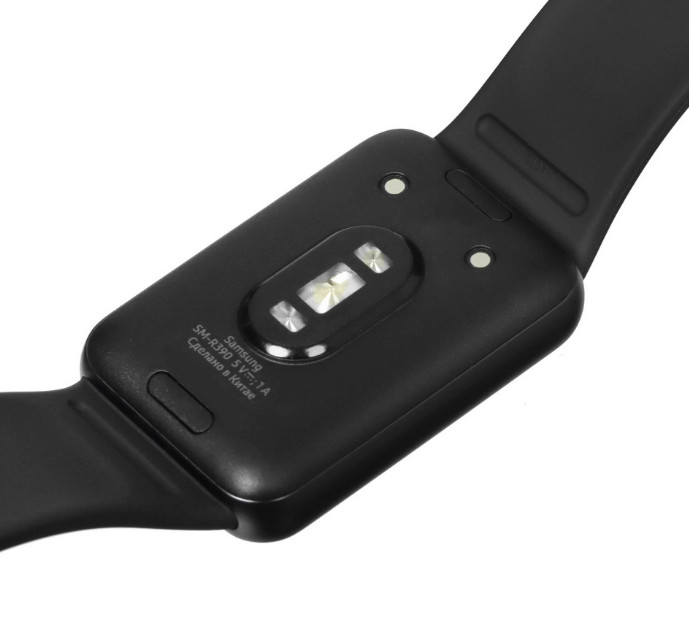
Устройство синхронизируется со смартфоном по Bluetooth 5.3. Встроенные датчики отслеживают пульс, уровень кислорода в крови, физическую активность и качество сна - все данные удобно просматривать в приложении Samsung Health. При обнаружении сильного падения часы спрашивают, нужна ли помощь, и выводят уведомление на экран. Одного заряда хватает до 13 дней автономной работы.
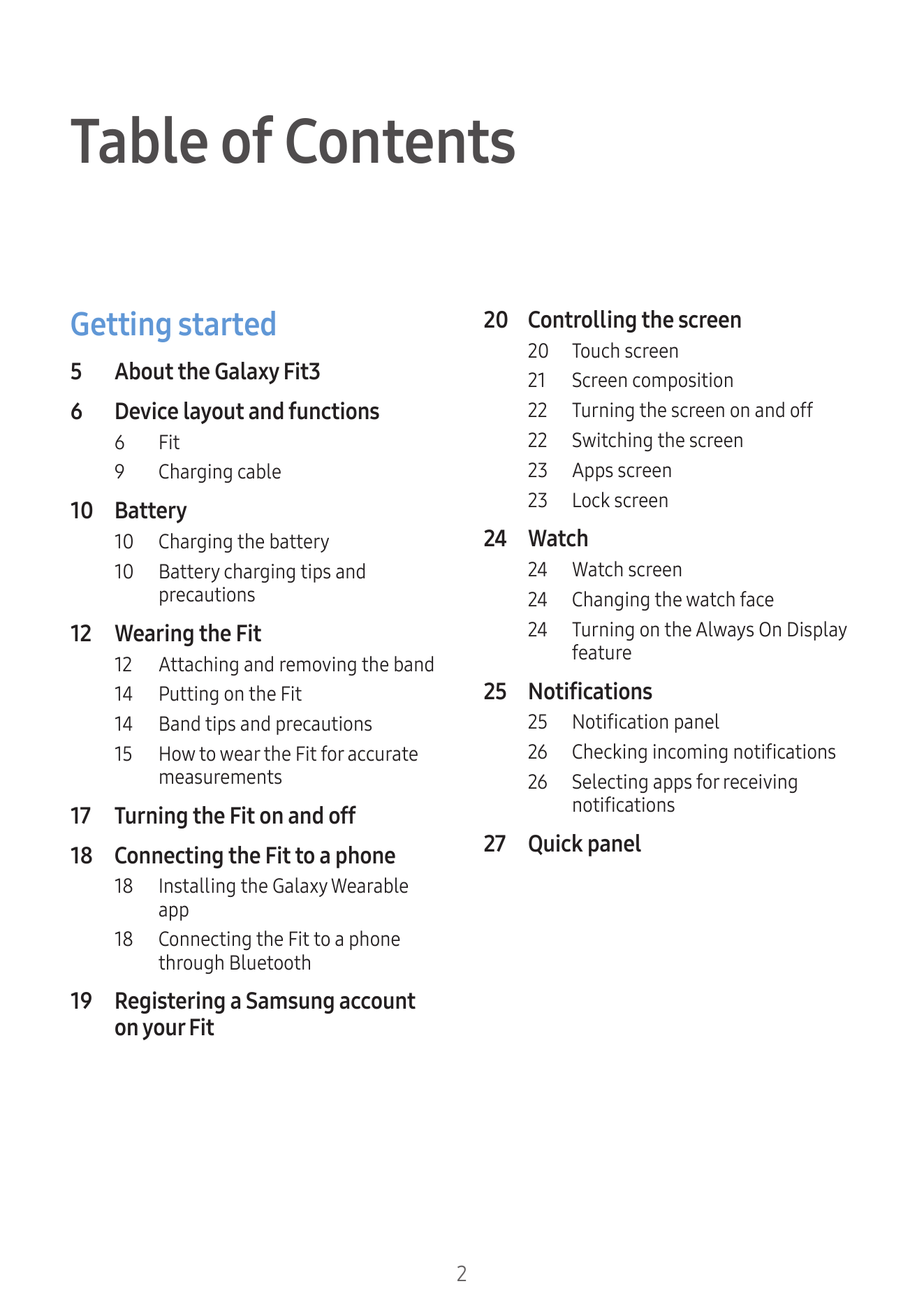
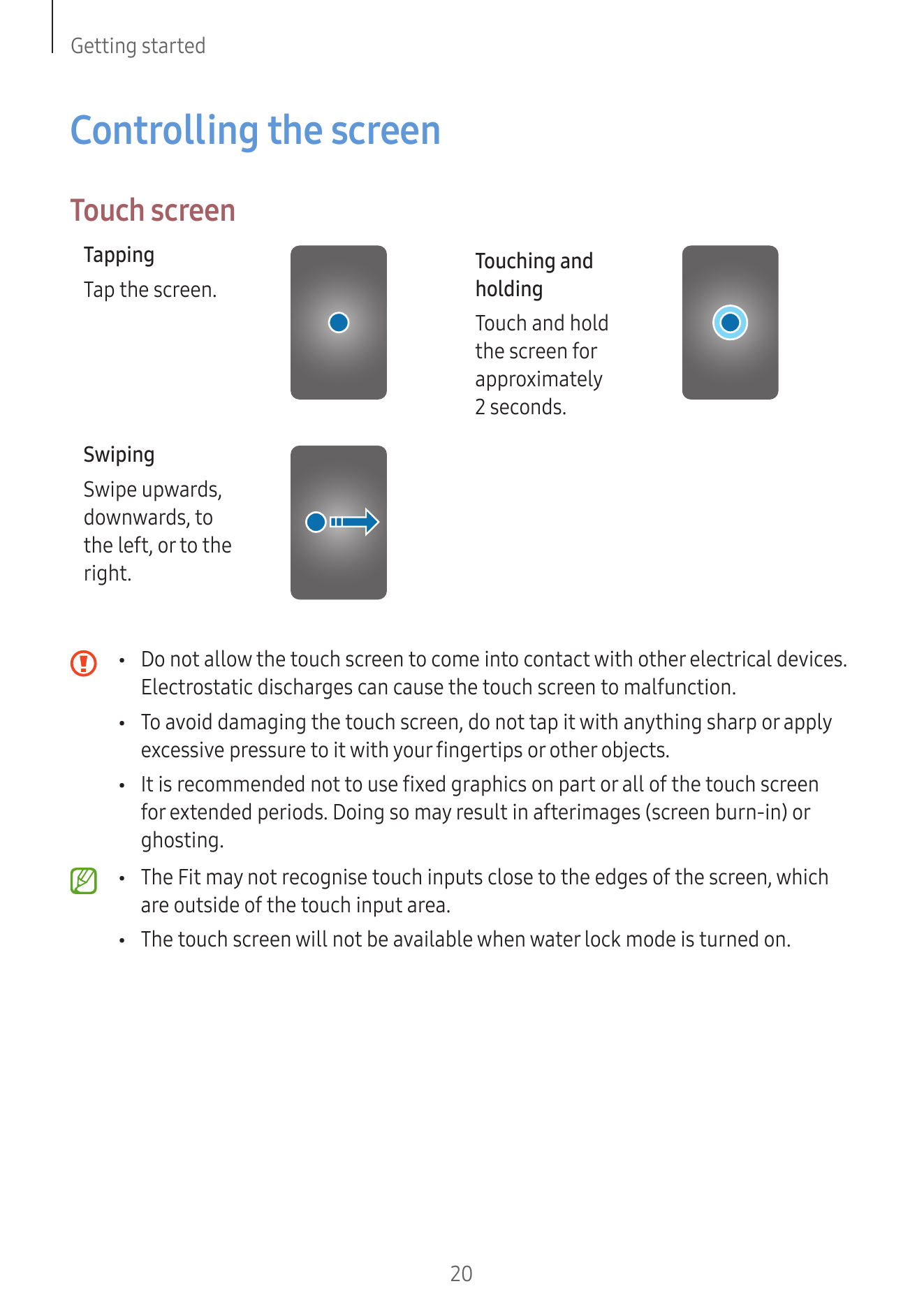
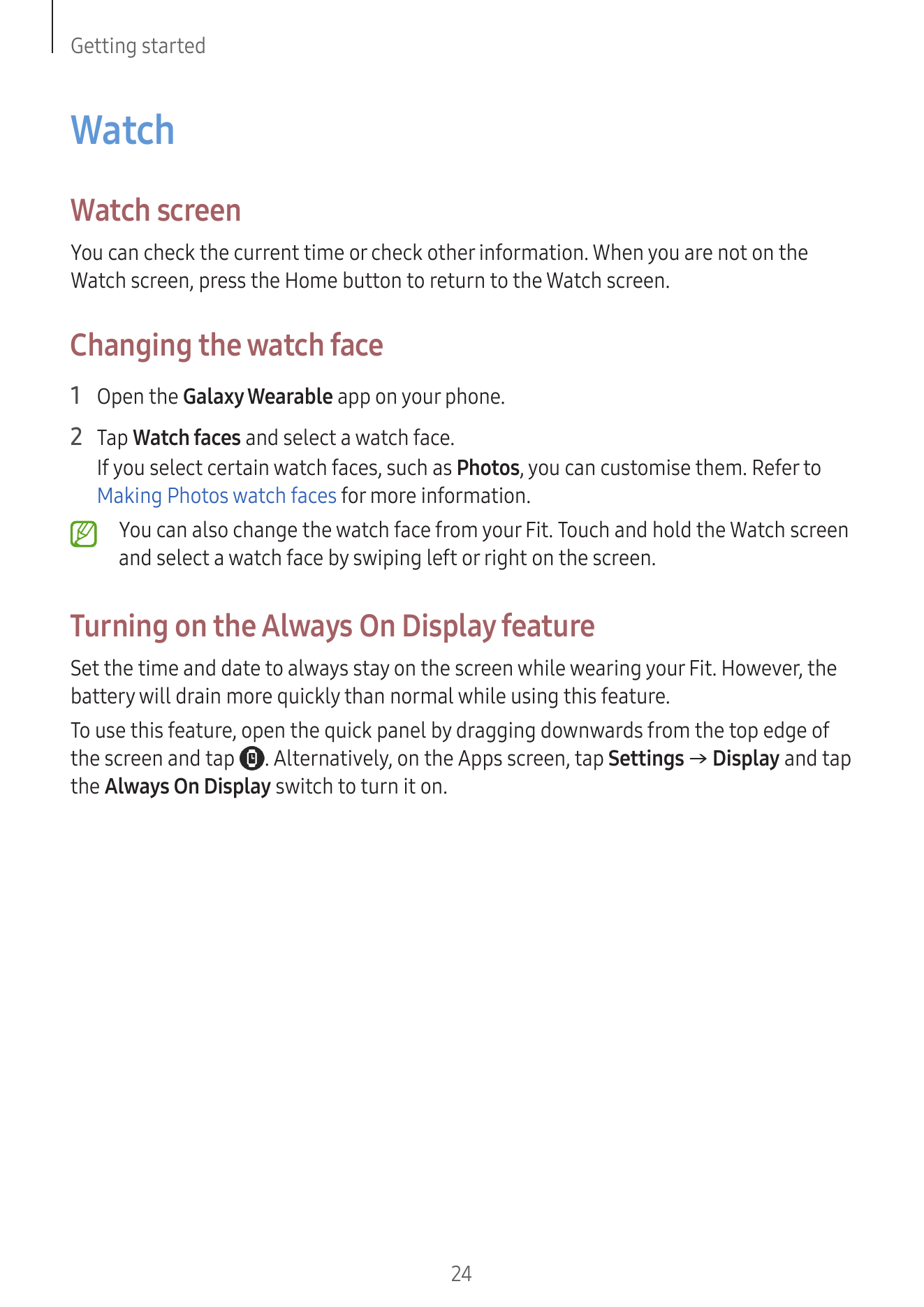
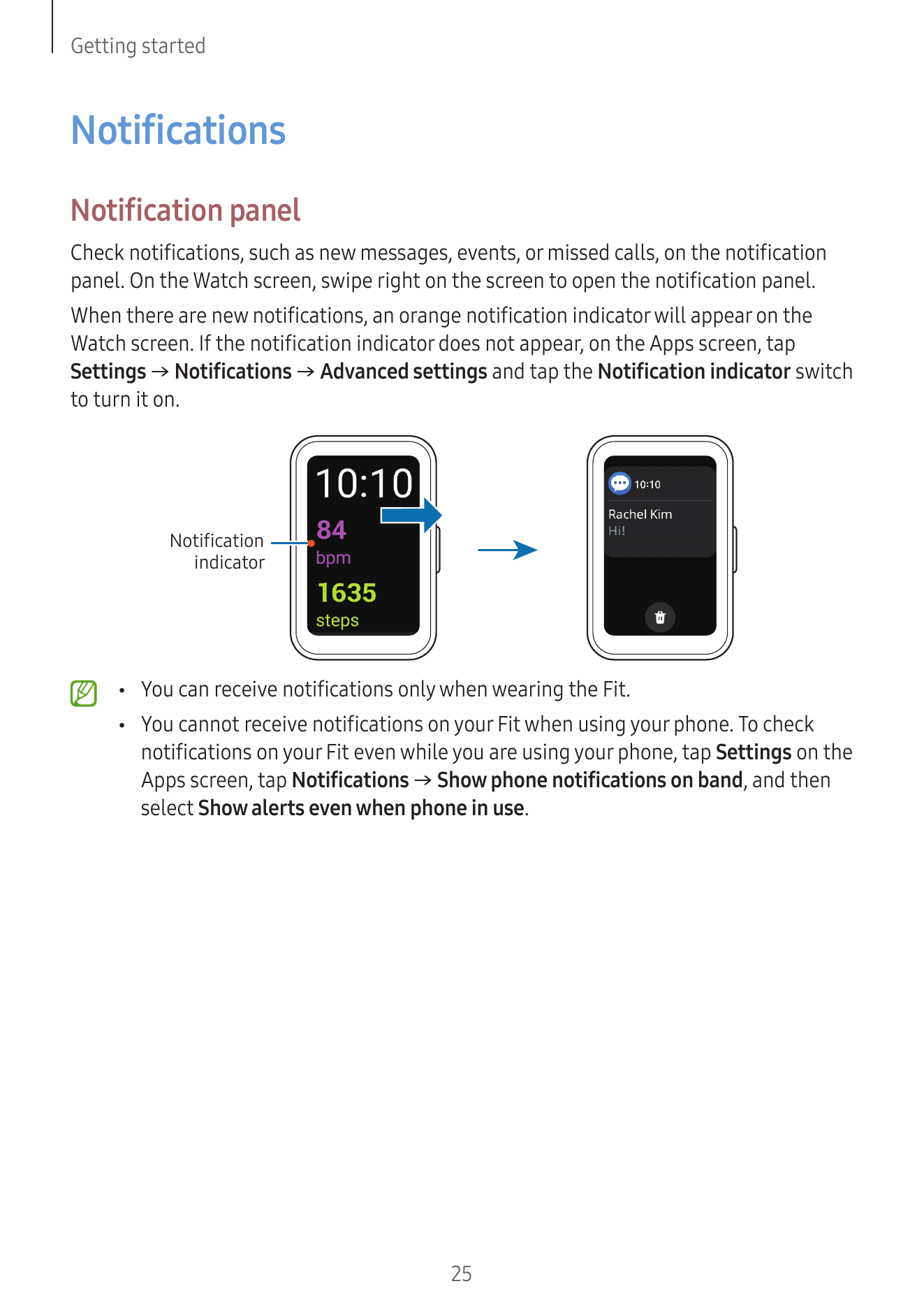
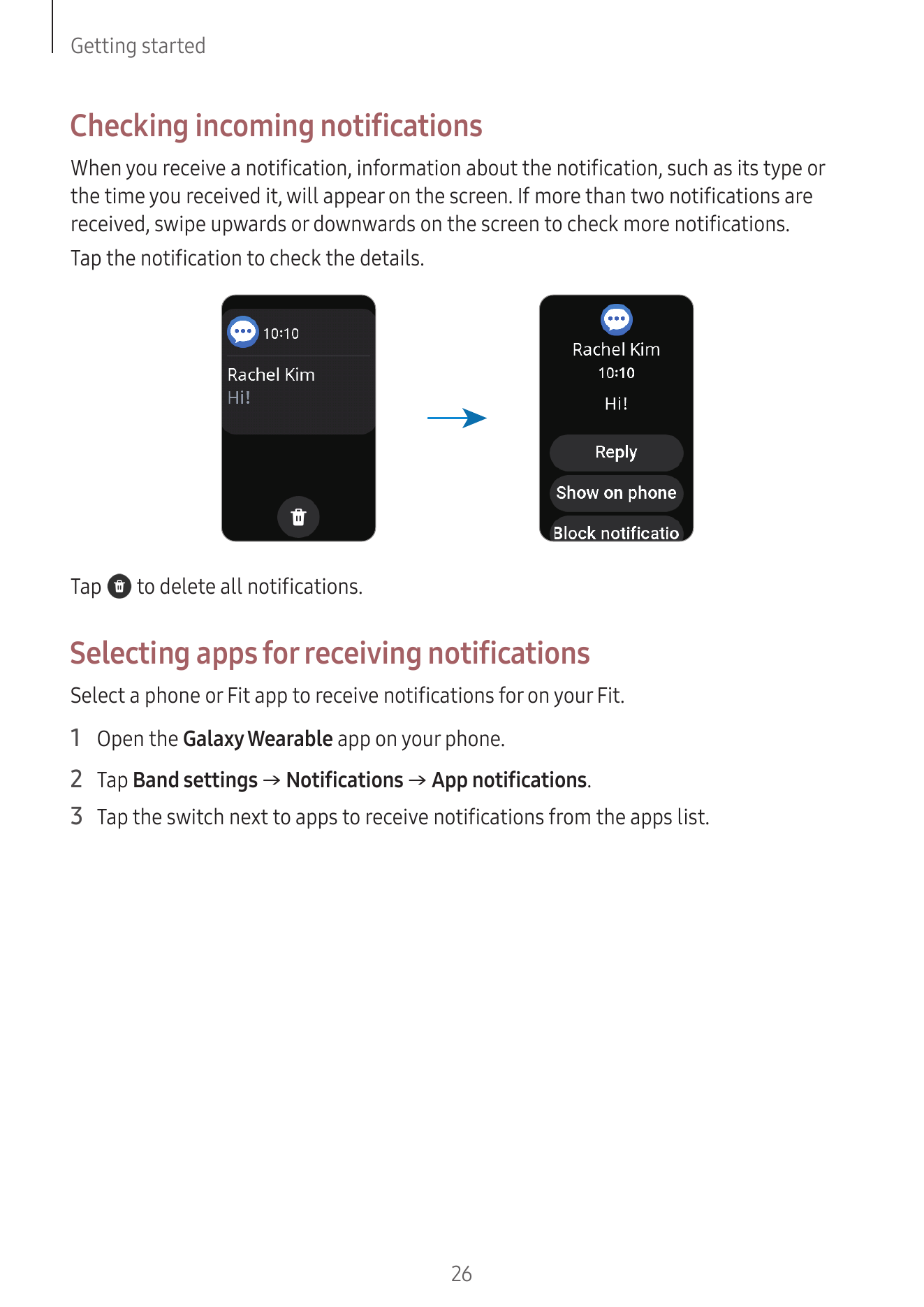
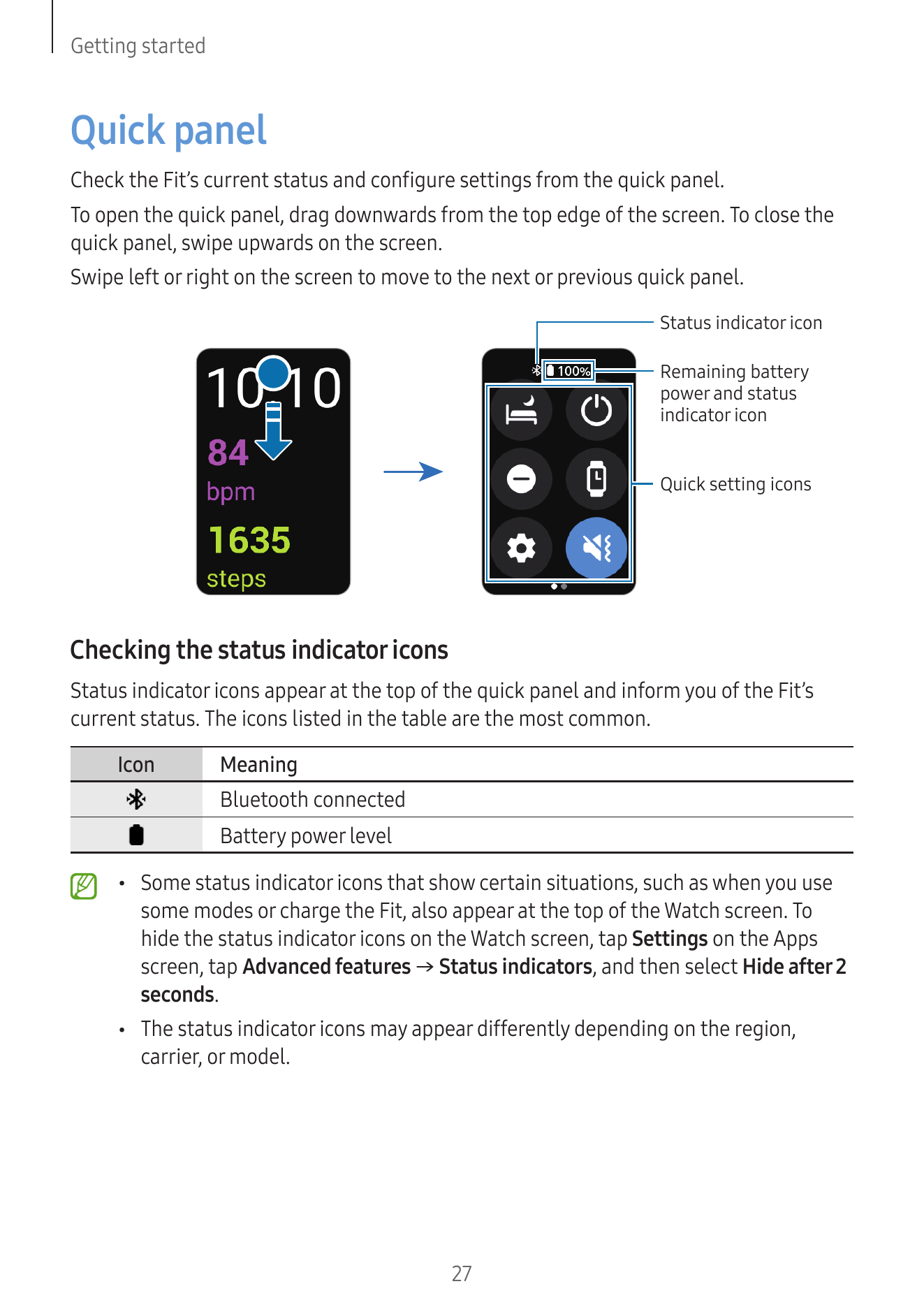
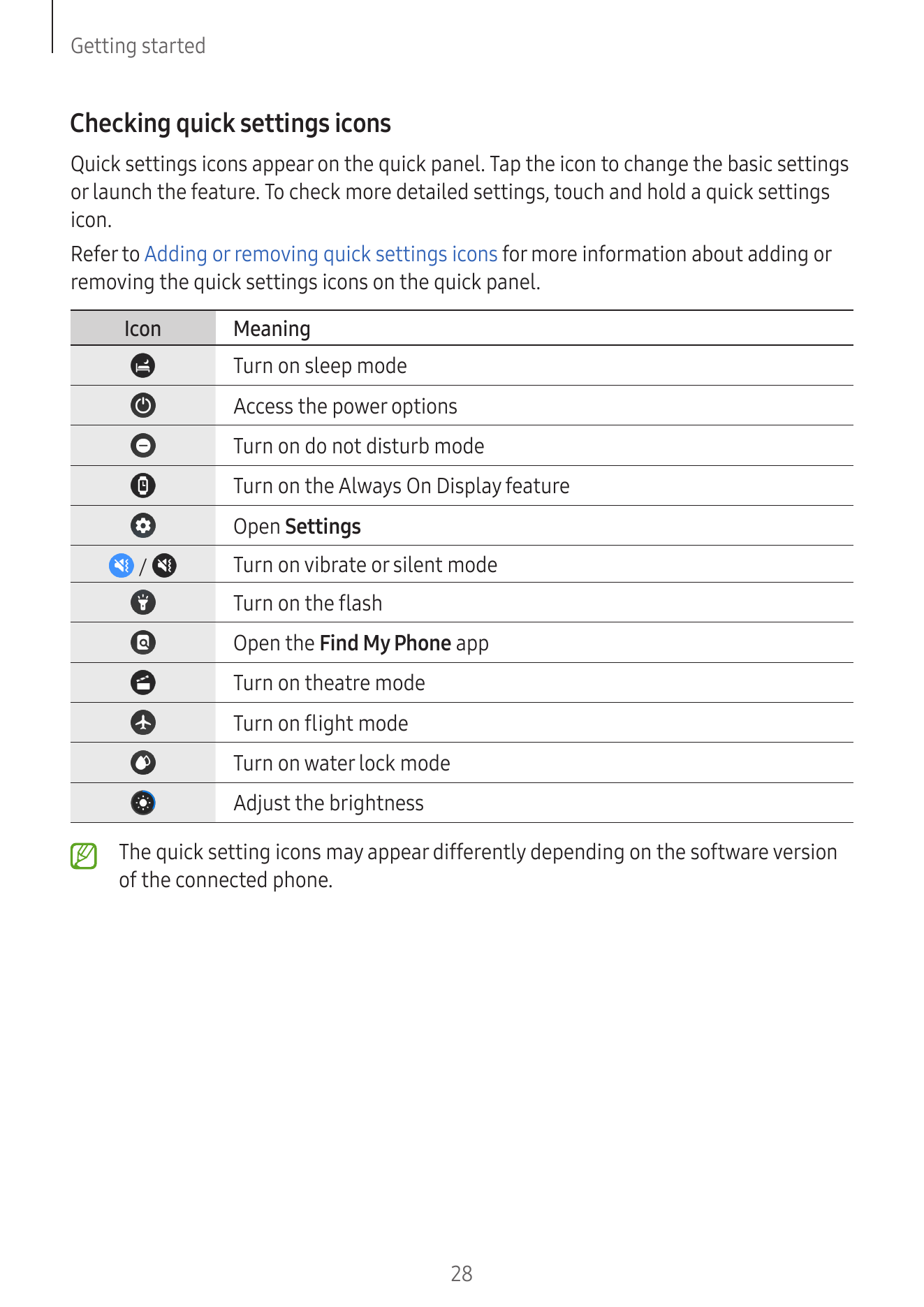
Getting started 20 Controlling the screen
20 Touch screen
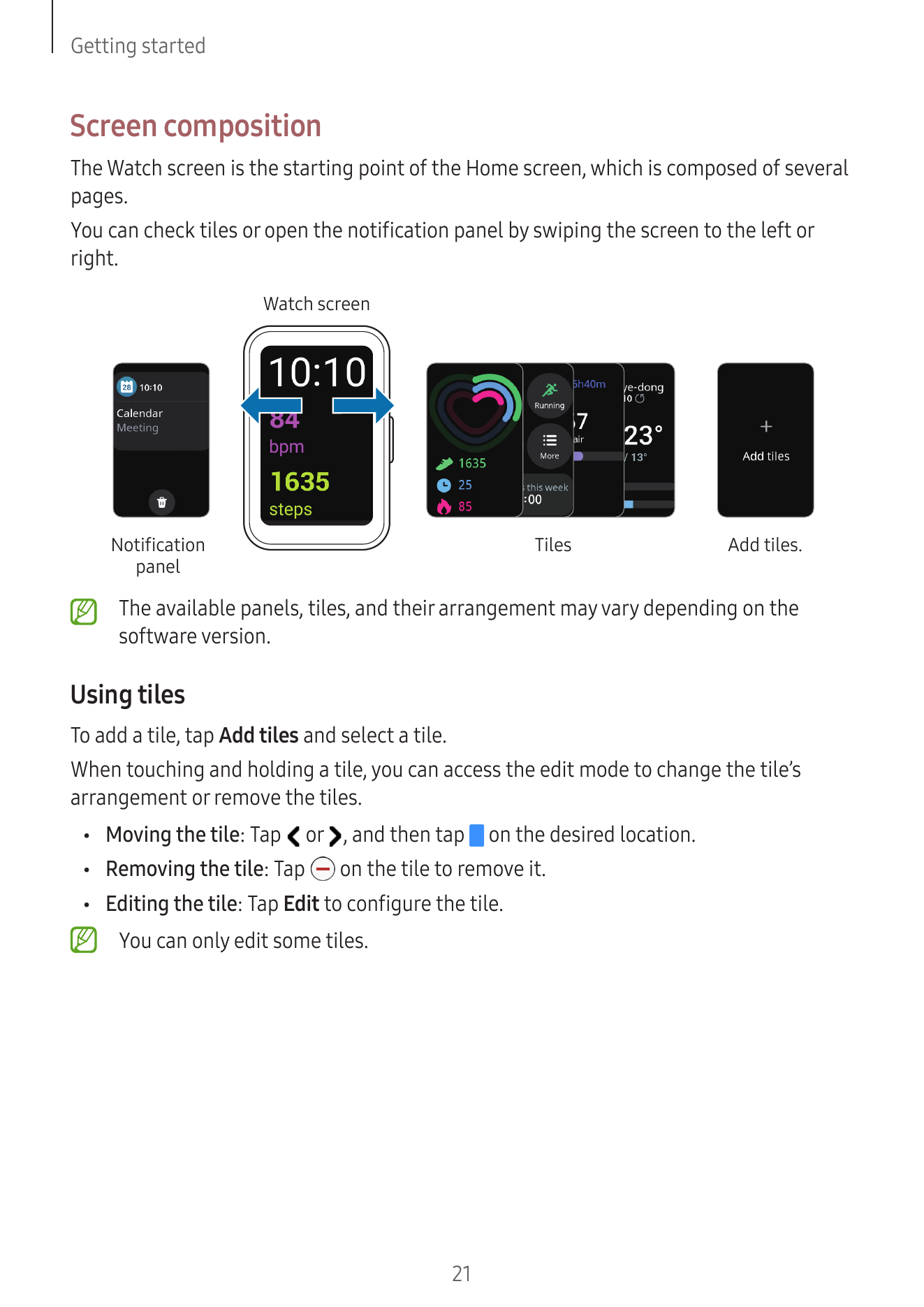
5 About the Galaxy Fit3 21 Screen composition
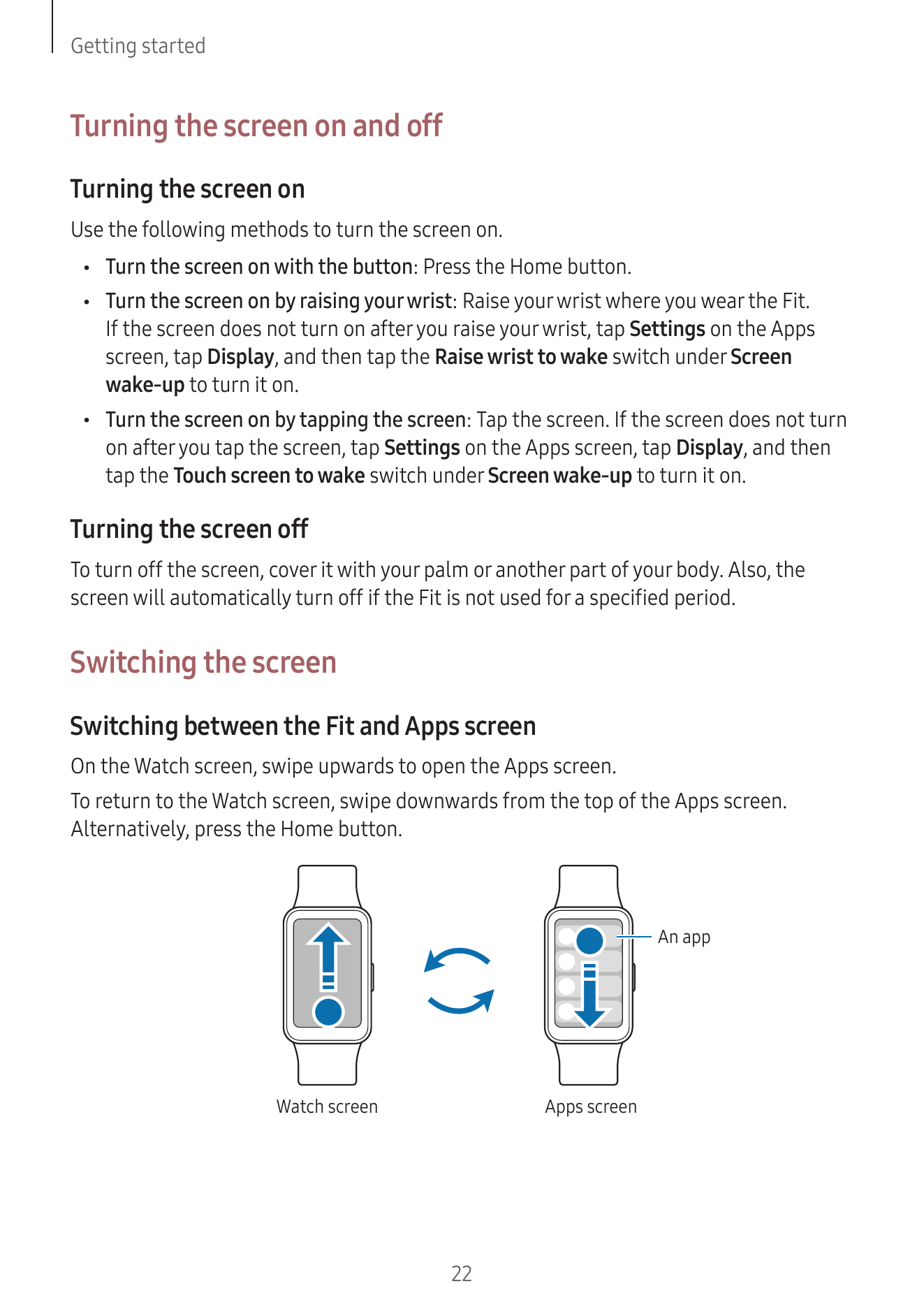
6 Device layout and functions 22 Turning the screen on and off
6 Fit 22 Switching the screen
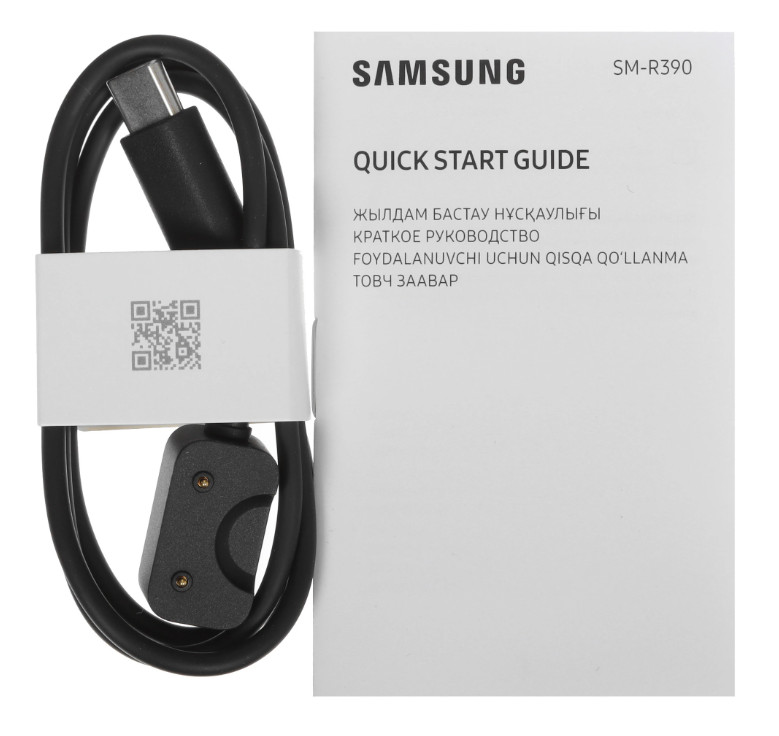
9 Charging cable 23 Apps sc...
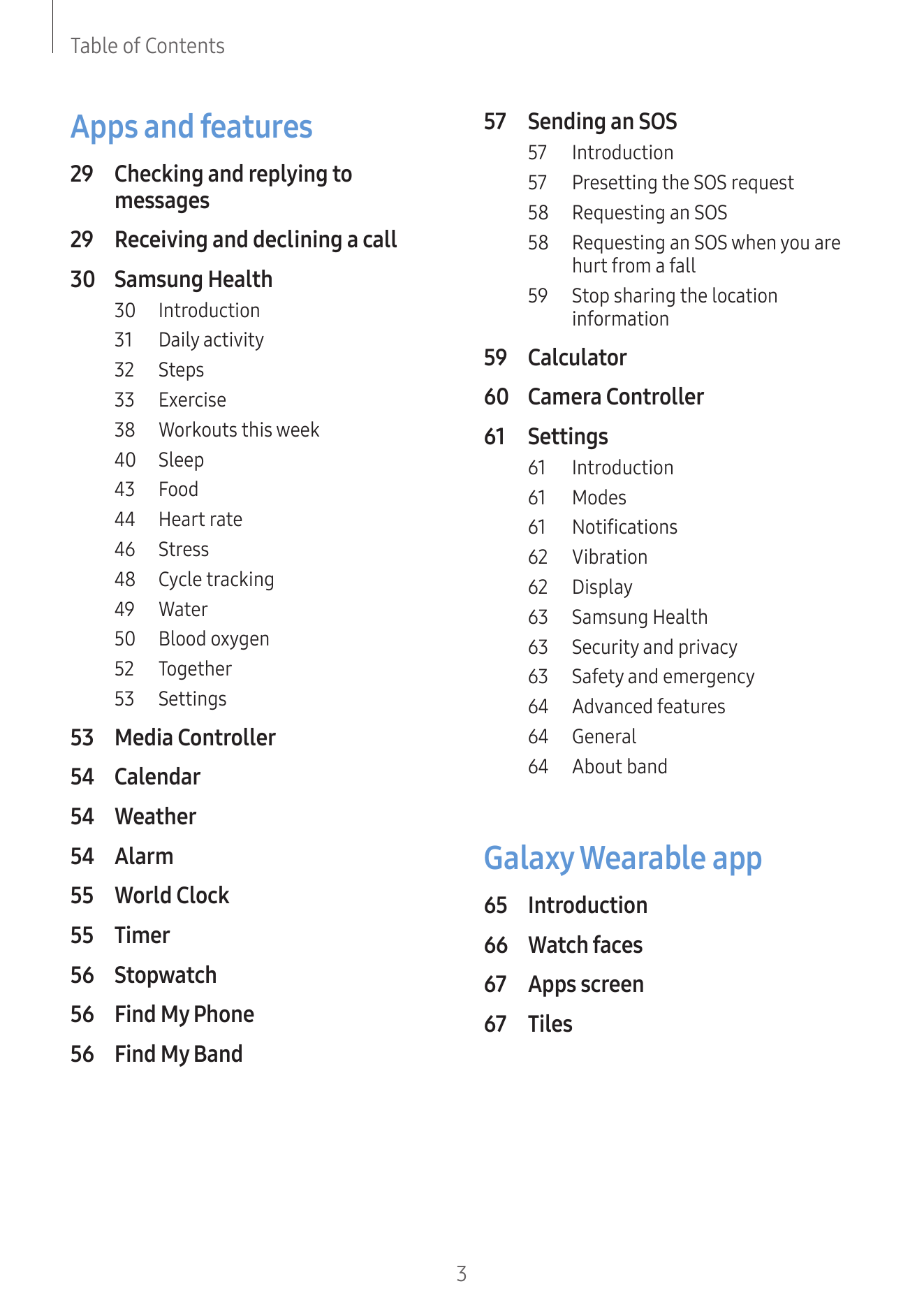
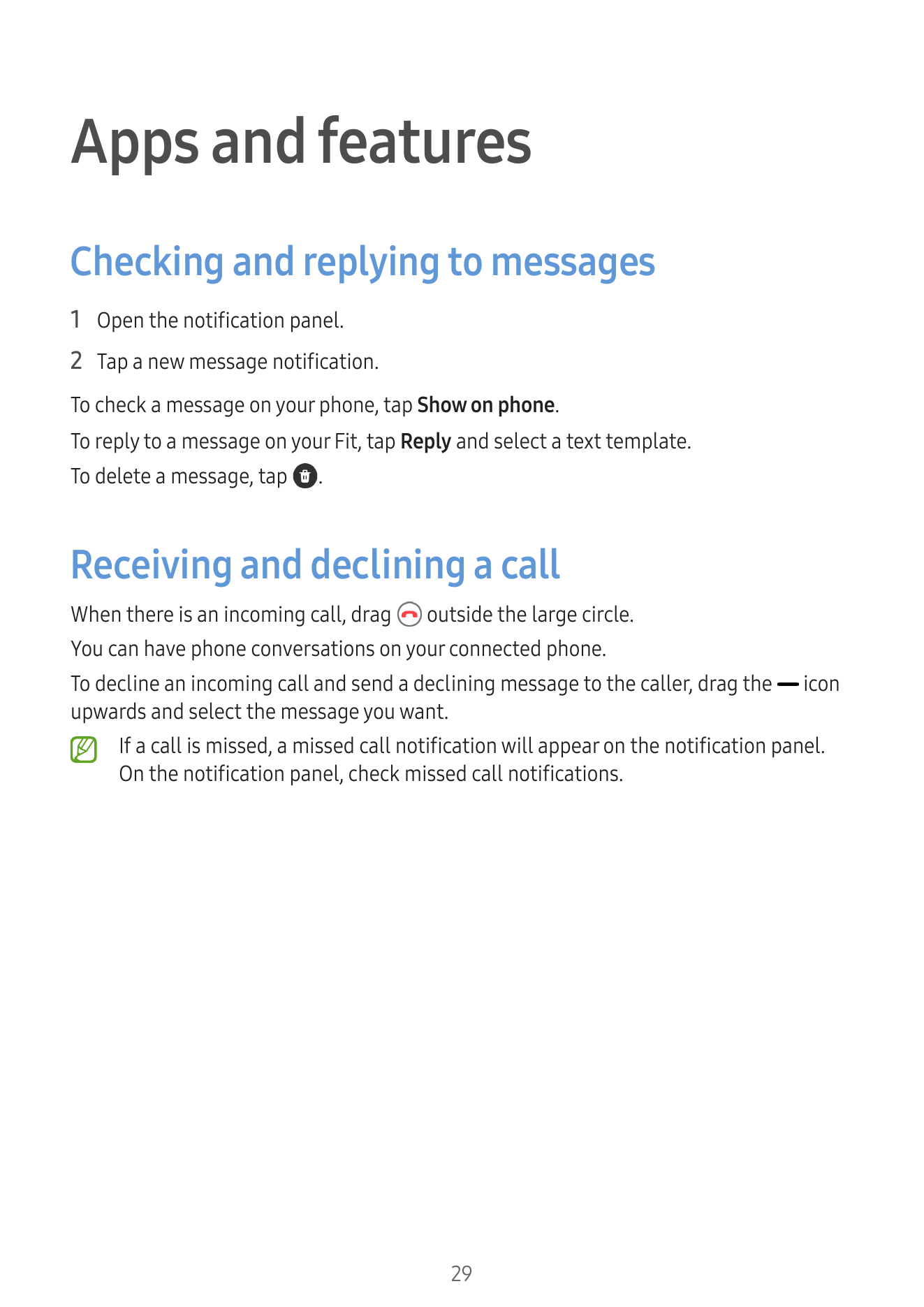
Apps and features 57 Sending an SOS
57 Introduction
29 Checking and replying to 57 Presetting the SOS request
messages 58 Requesting an SOS
29 Receiving and declining a call 58 Requesting an SOS when you are
hurt from a fall...
Getting started
About the Galaxy Fit3
The Galaxy Fit3 (hereafter, Fit) is a smart band that can analyse your exercise pattern,
manage your health, and provide you with a variety of convenient apps. You can browse
the various features and launch t...
• Use the device in a place without magnetic interference for the device to operate
normally.
• Your device and some accessories (sold separately) contain magnets. Keep
it away from credit cards, implanted medical devices, and o...
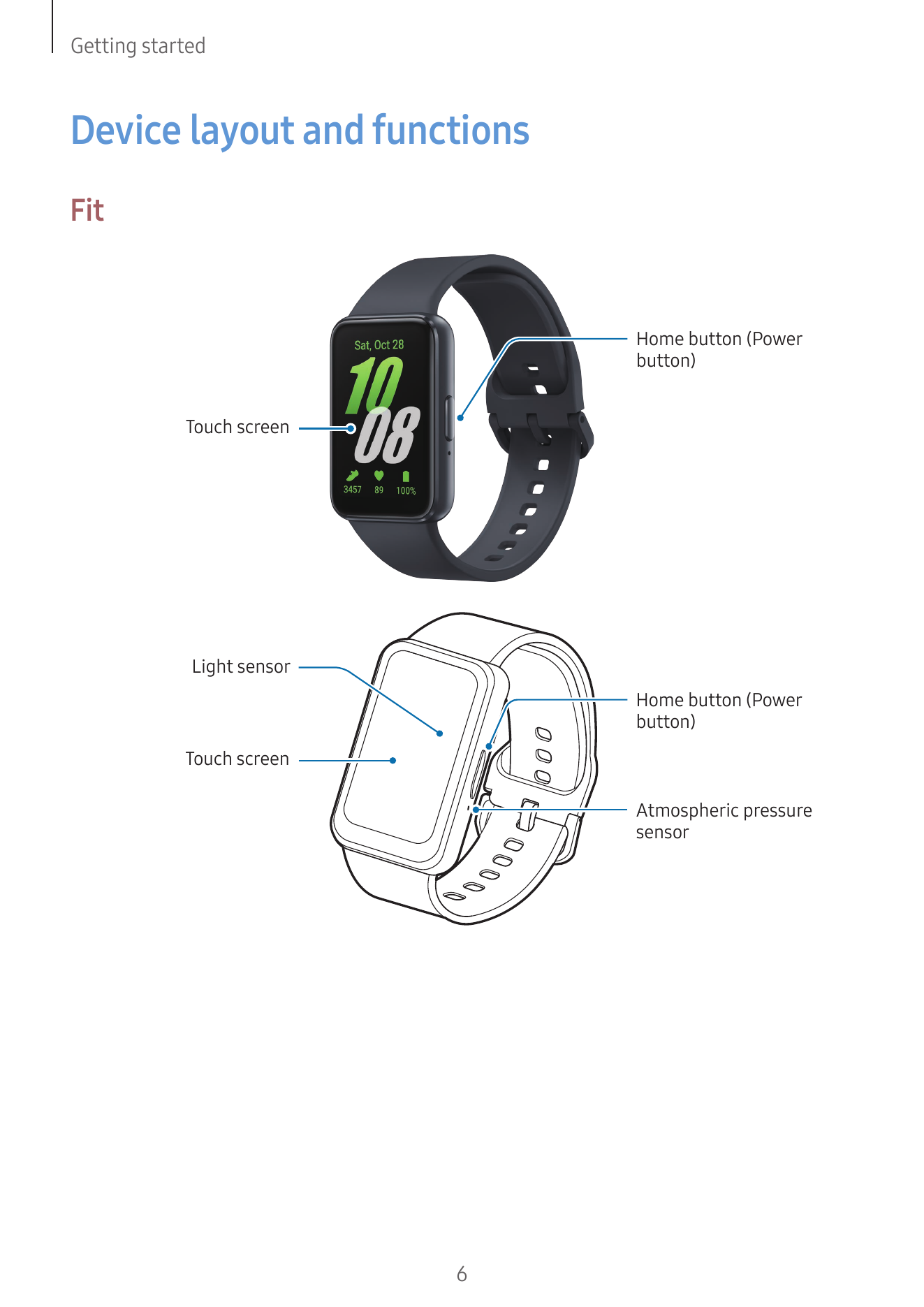
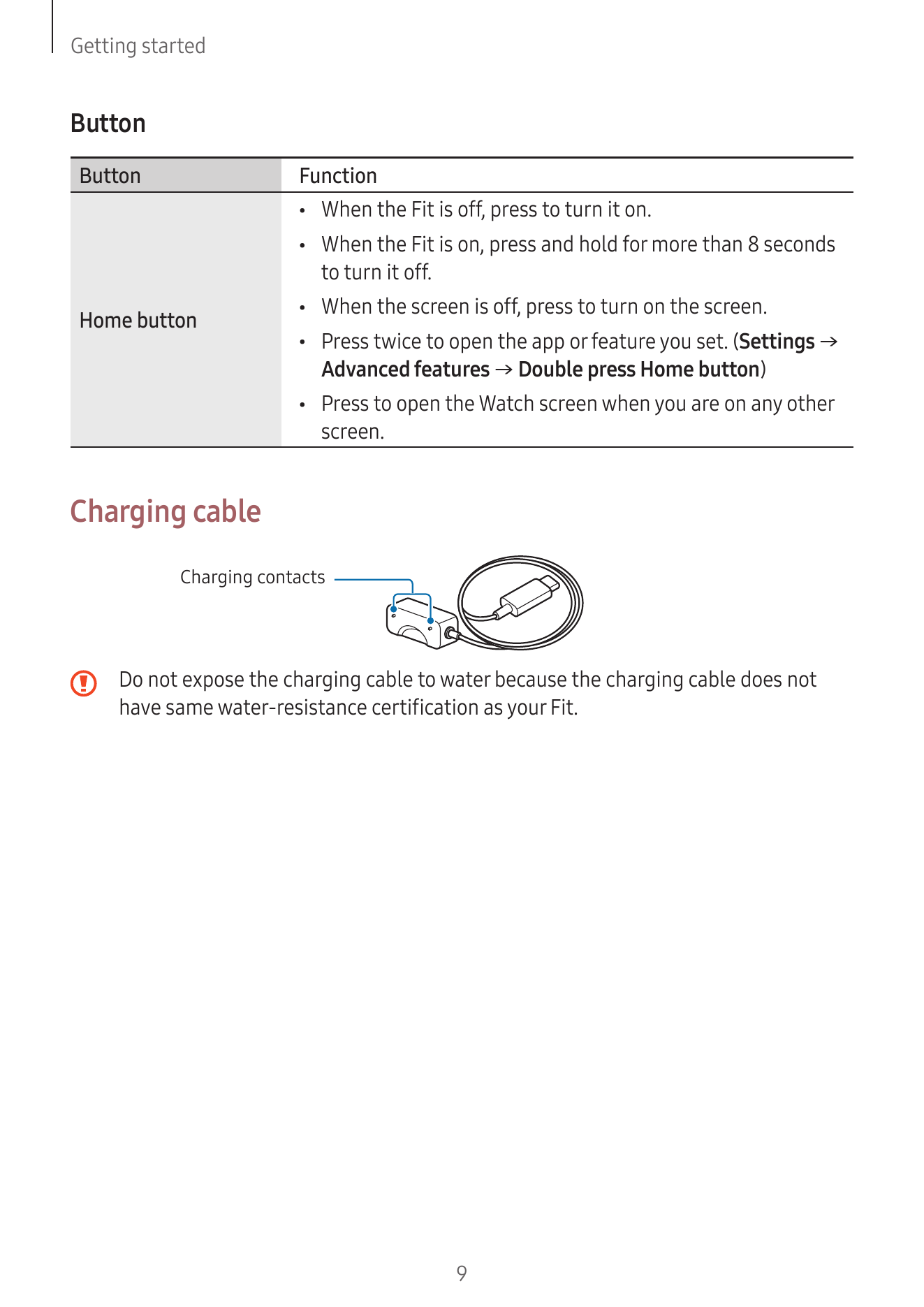
Button
Button Function
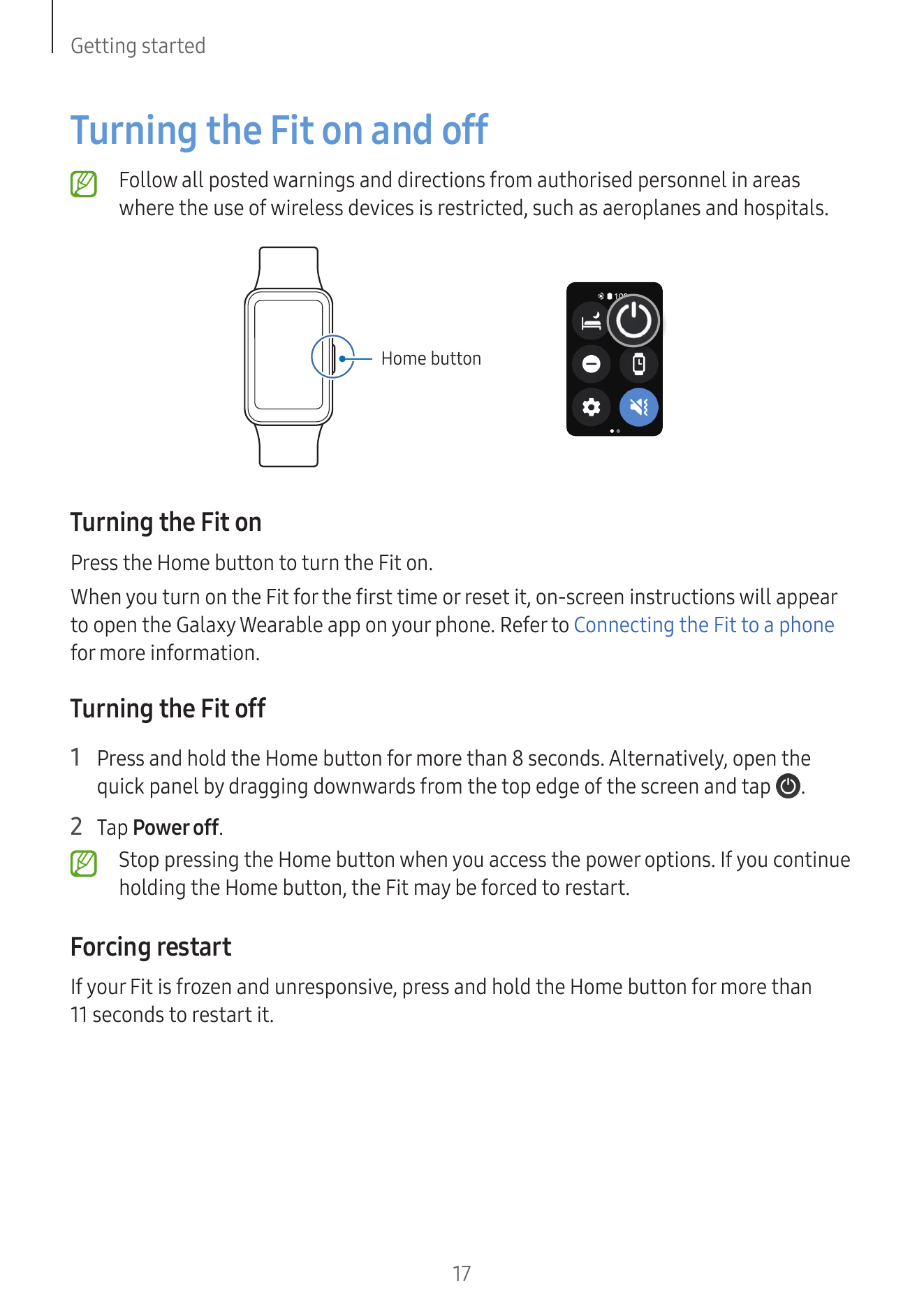
• When the Fit is off, press to turn it on.
• When the Fit is on, press and hold for more than 8 seconds
to turn it off.
• When the screen is off, press to turn on the screen.
Home button
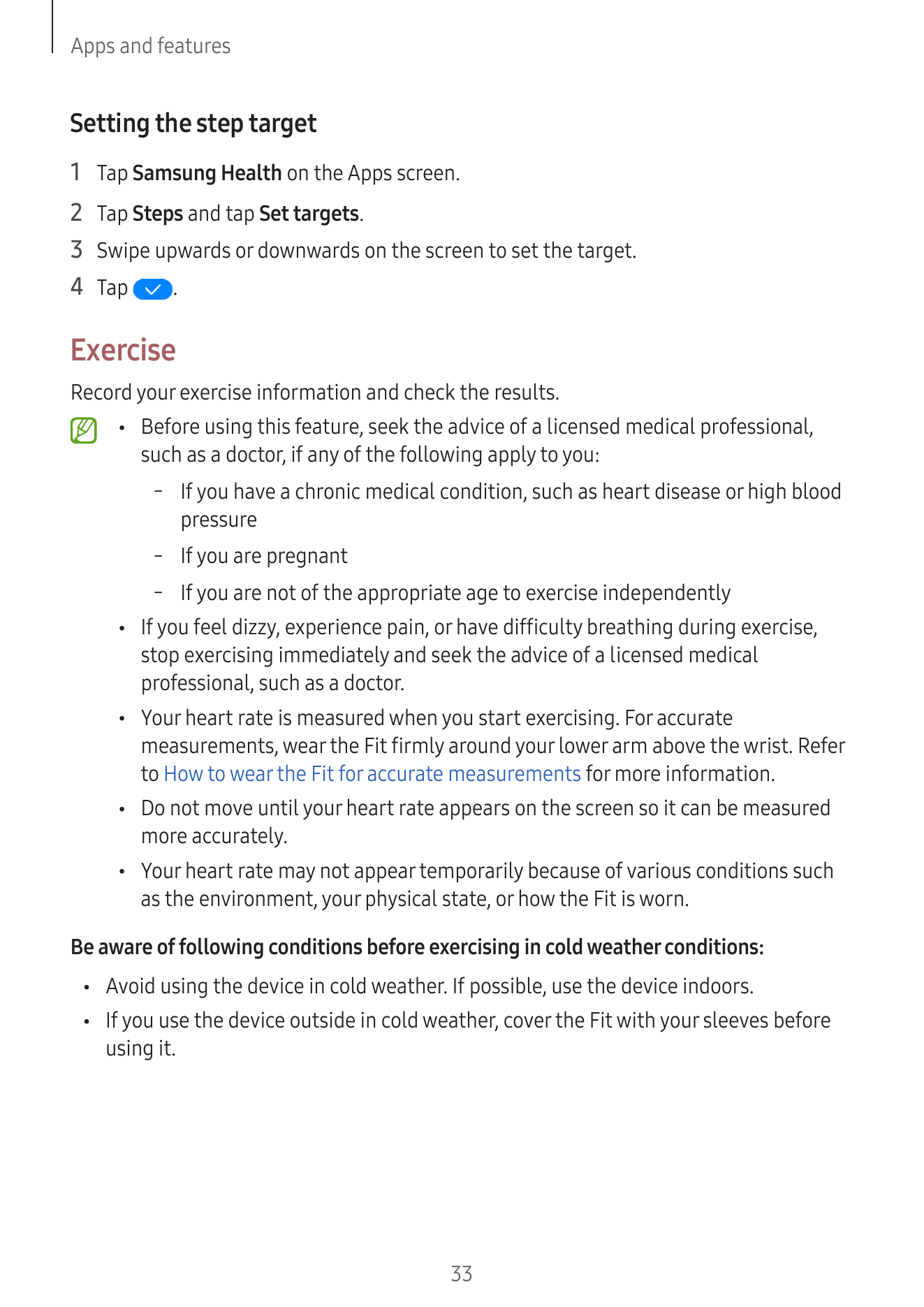
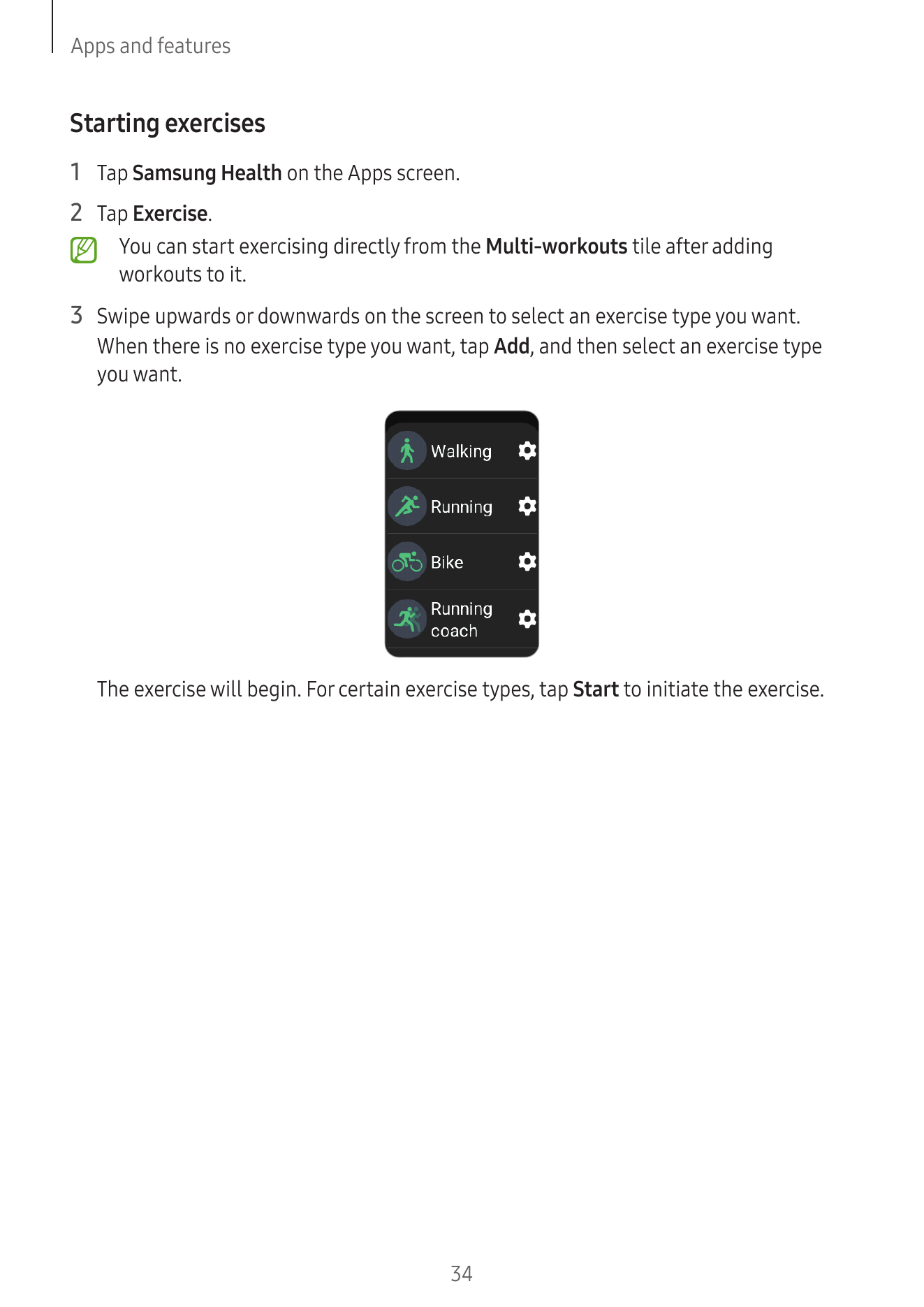
• Press twice...
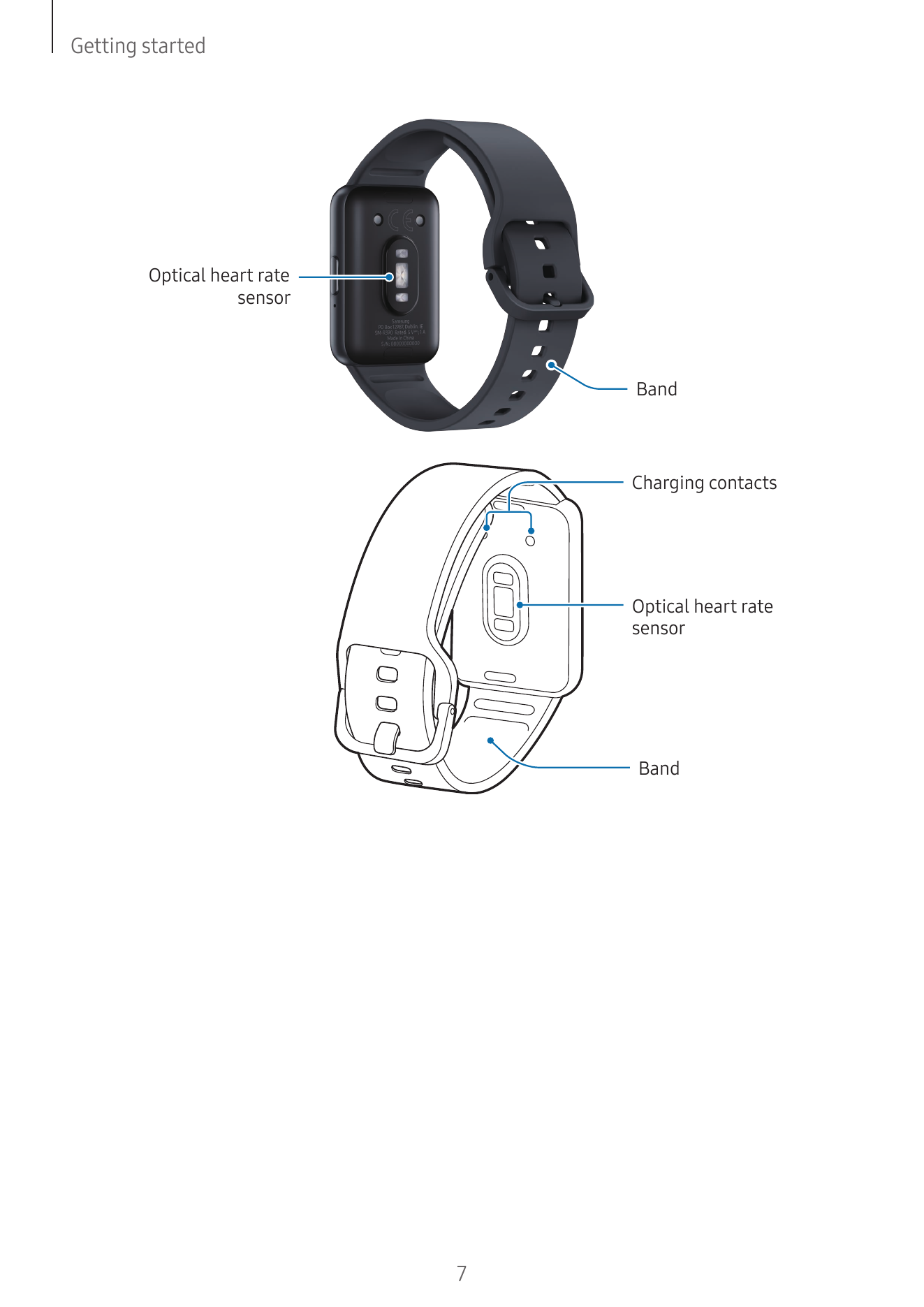
• To save energy, unplug the charger when not in use. The charger does not have a
power switch, so you must unplug the charger from the electric socket when not
in use to avoid wasting power. The charger should remain close to the el...
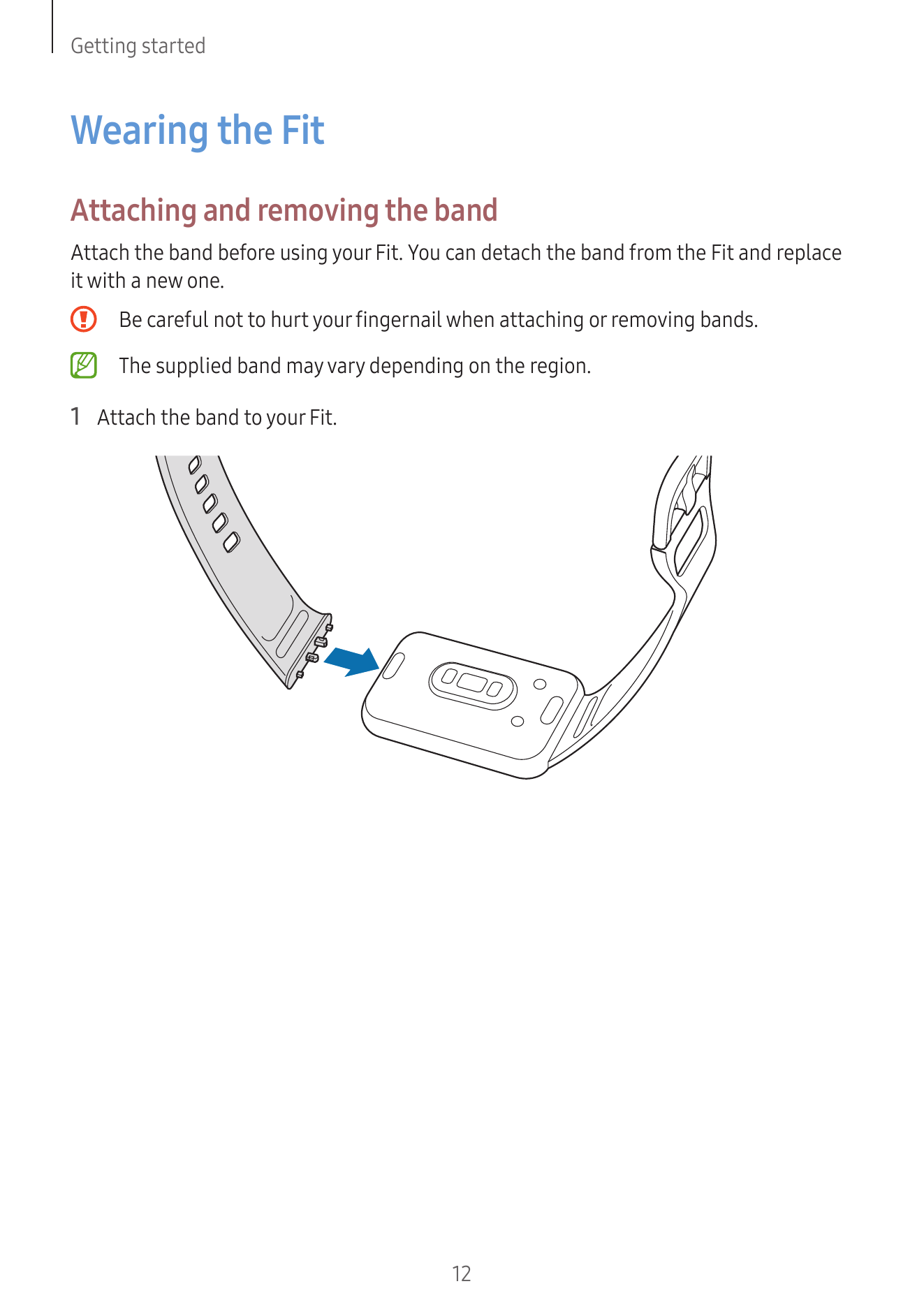
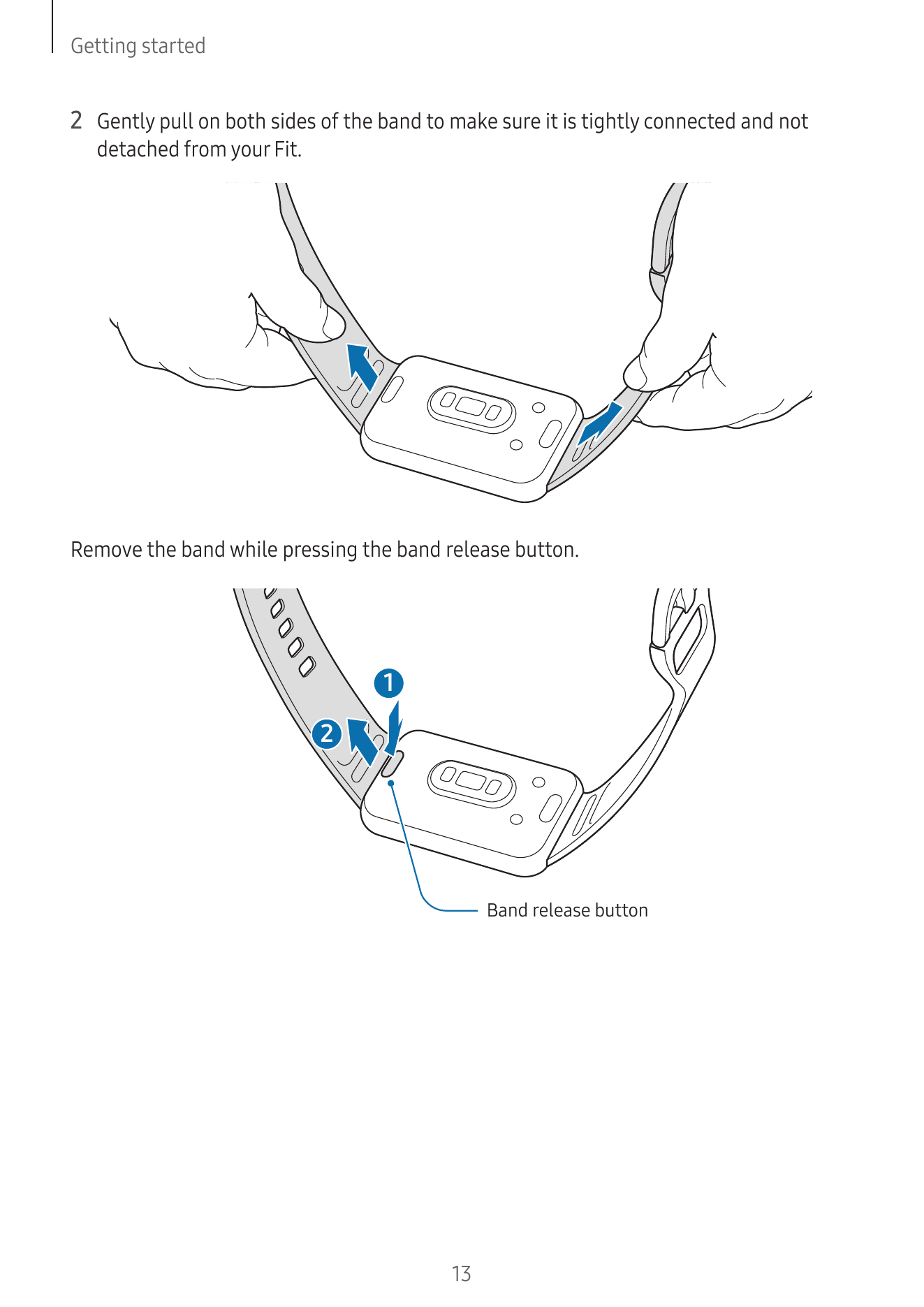
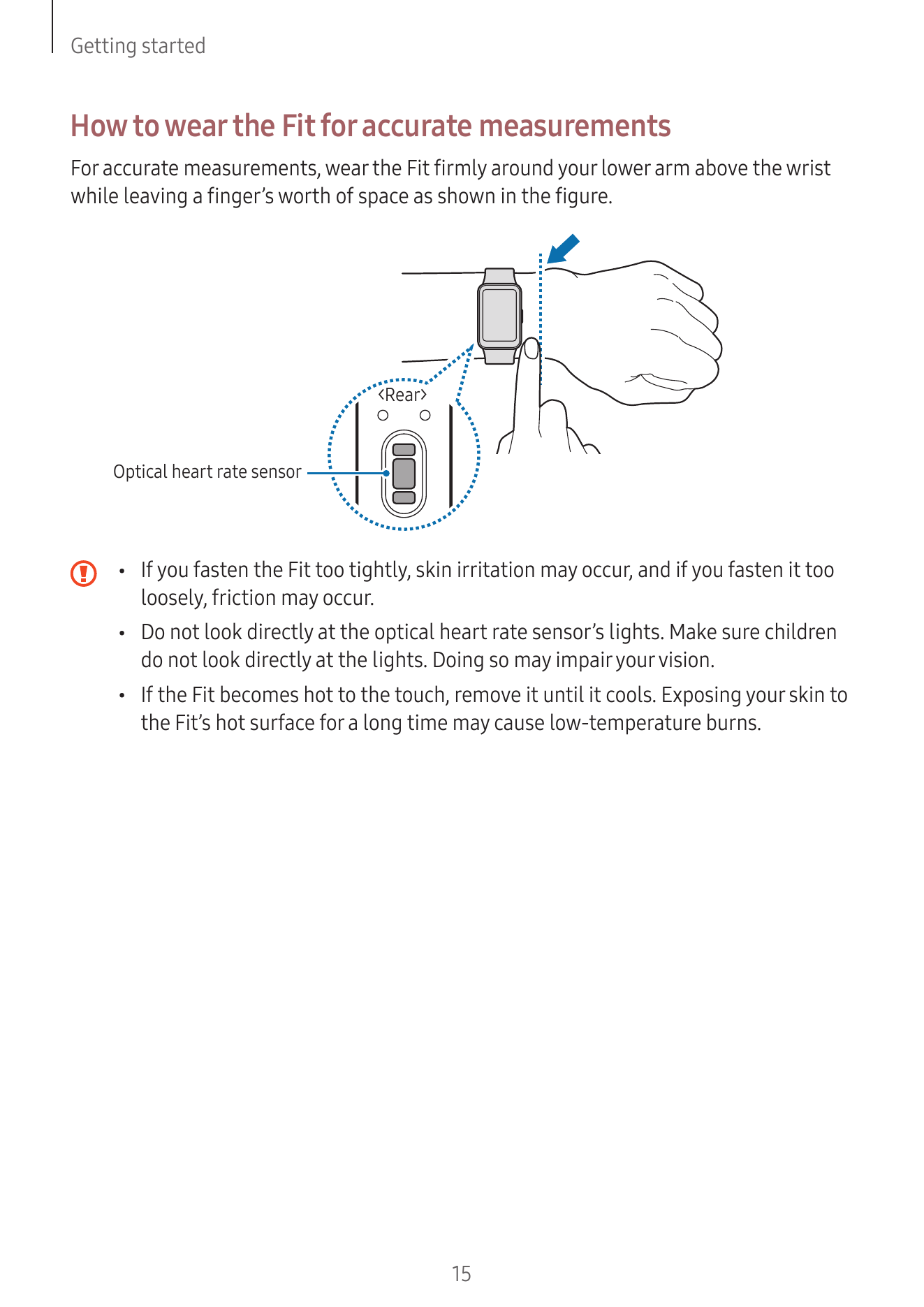
Wearing the Fit
Attaching and removing the band
Attach the band before using your Fit. You can detach the band from the Fit and replace
it with a new one.
Be careful not to hurt your fingernail when attaching or removing bands.