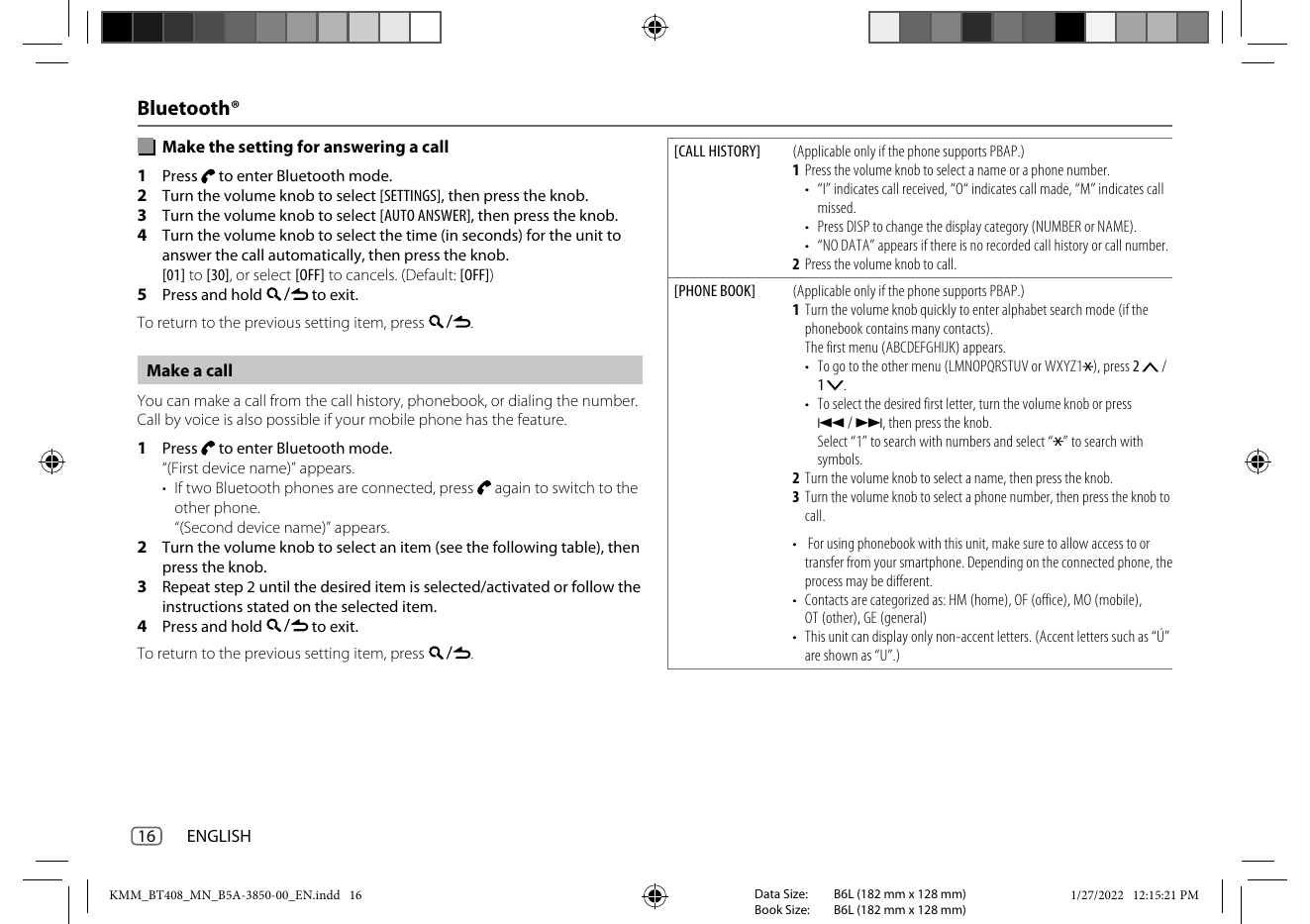
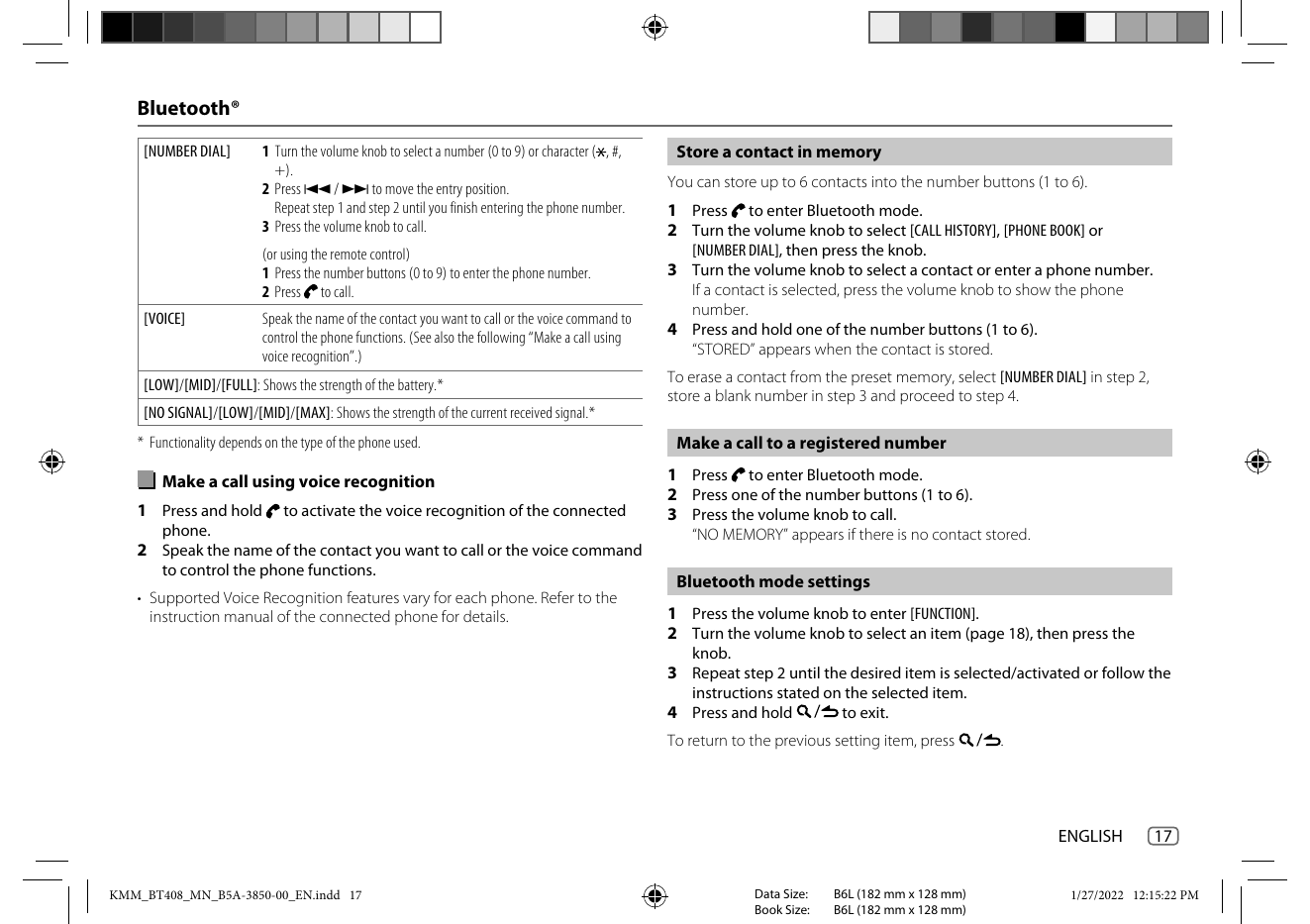
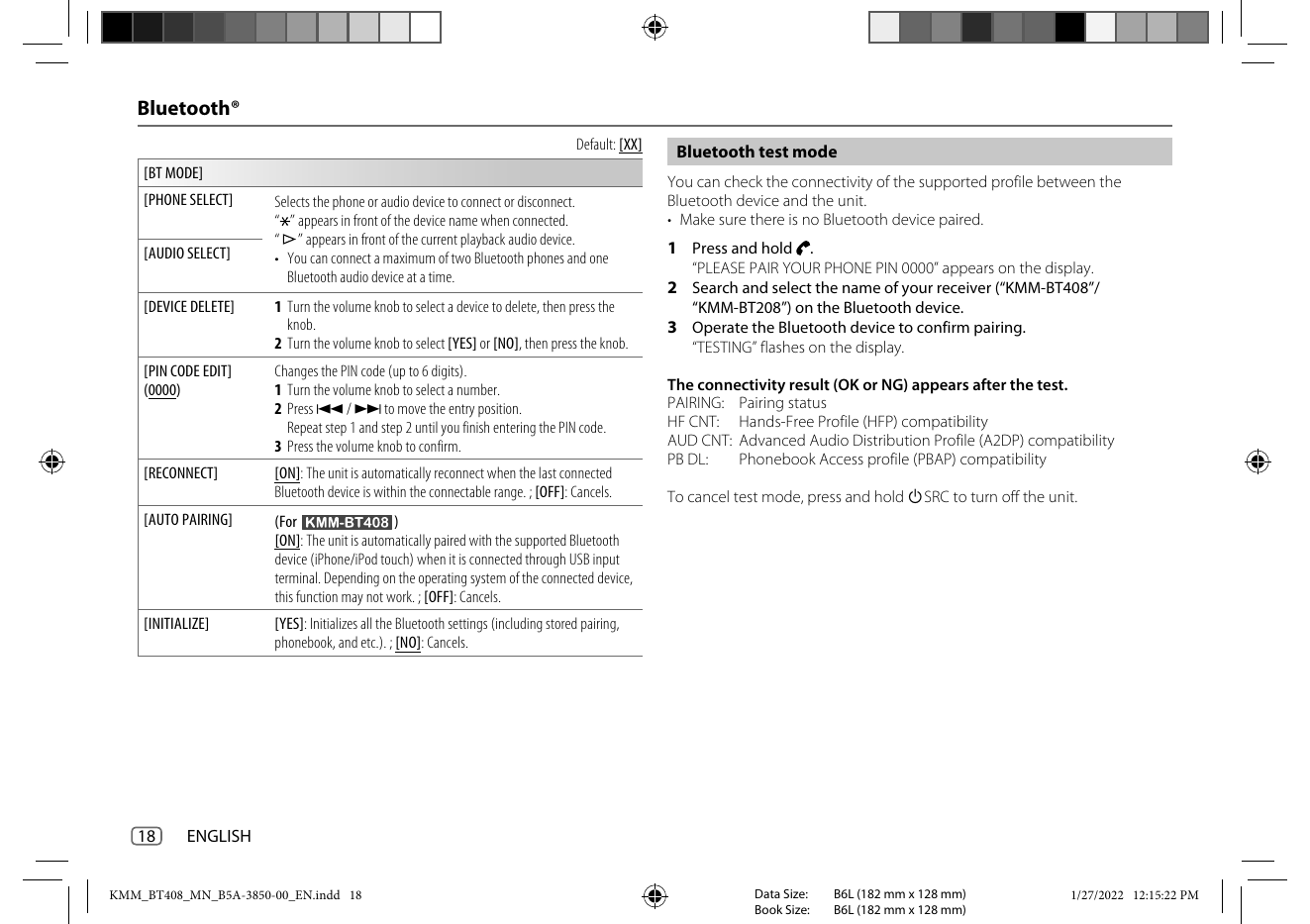
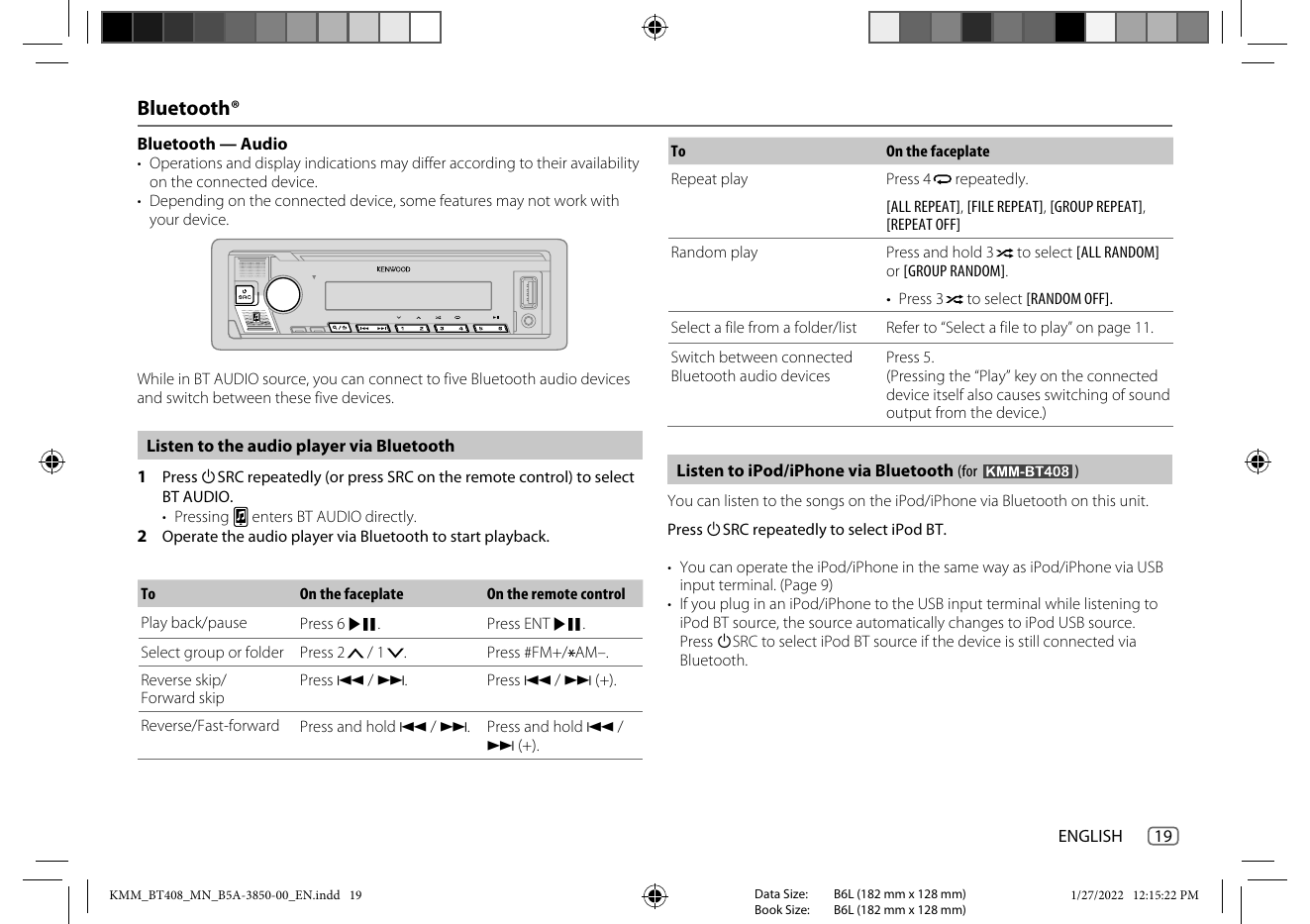
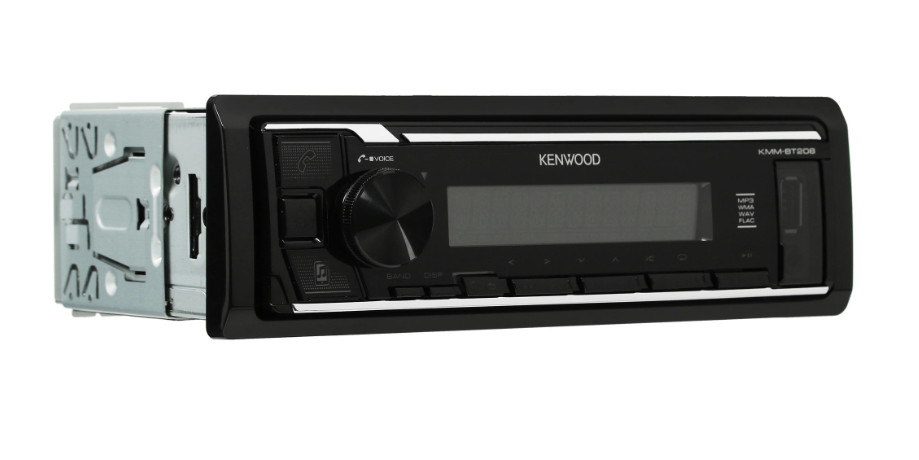
Инструкция по эксплуатации для KENWOOD KMM-BT208 на русском языке
Размер файла: (1.48 mb) Производитель: KENWOOD Просмотров: 1062
📸 Дополнительные изображения:
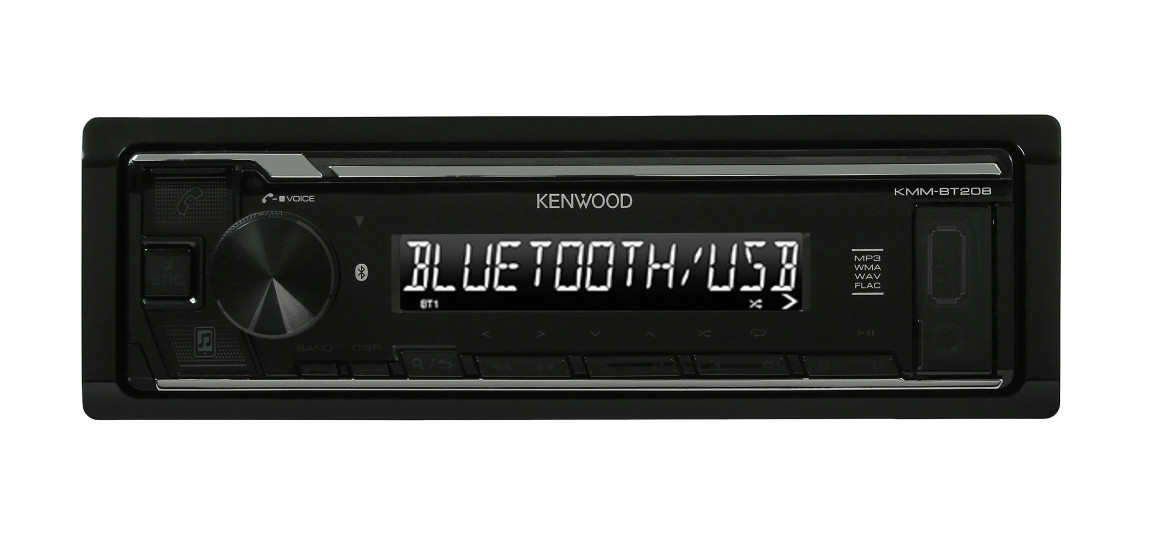
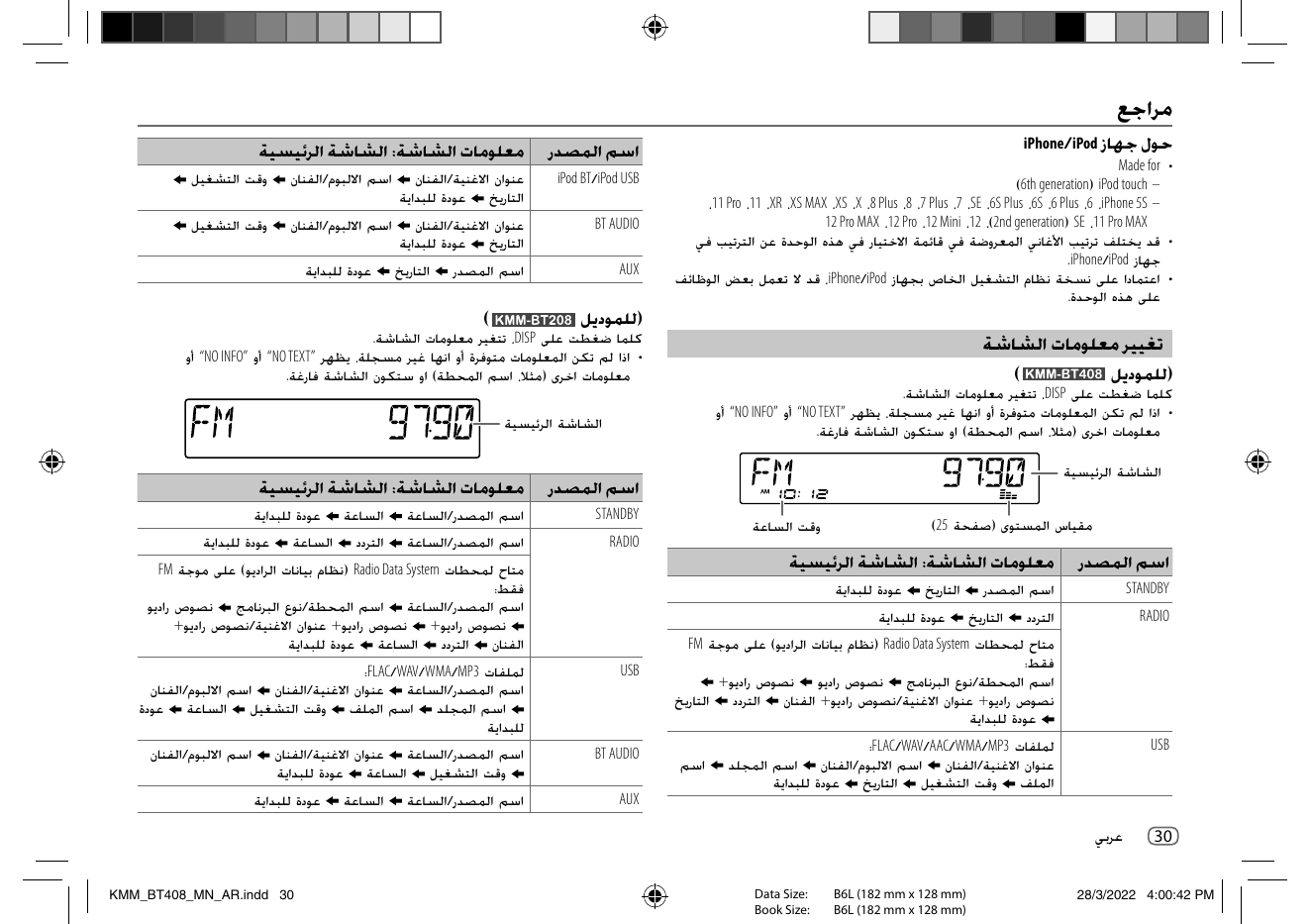
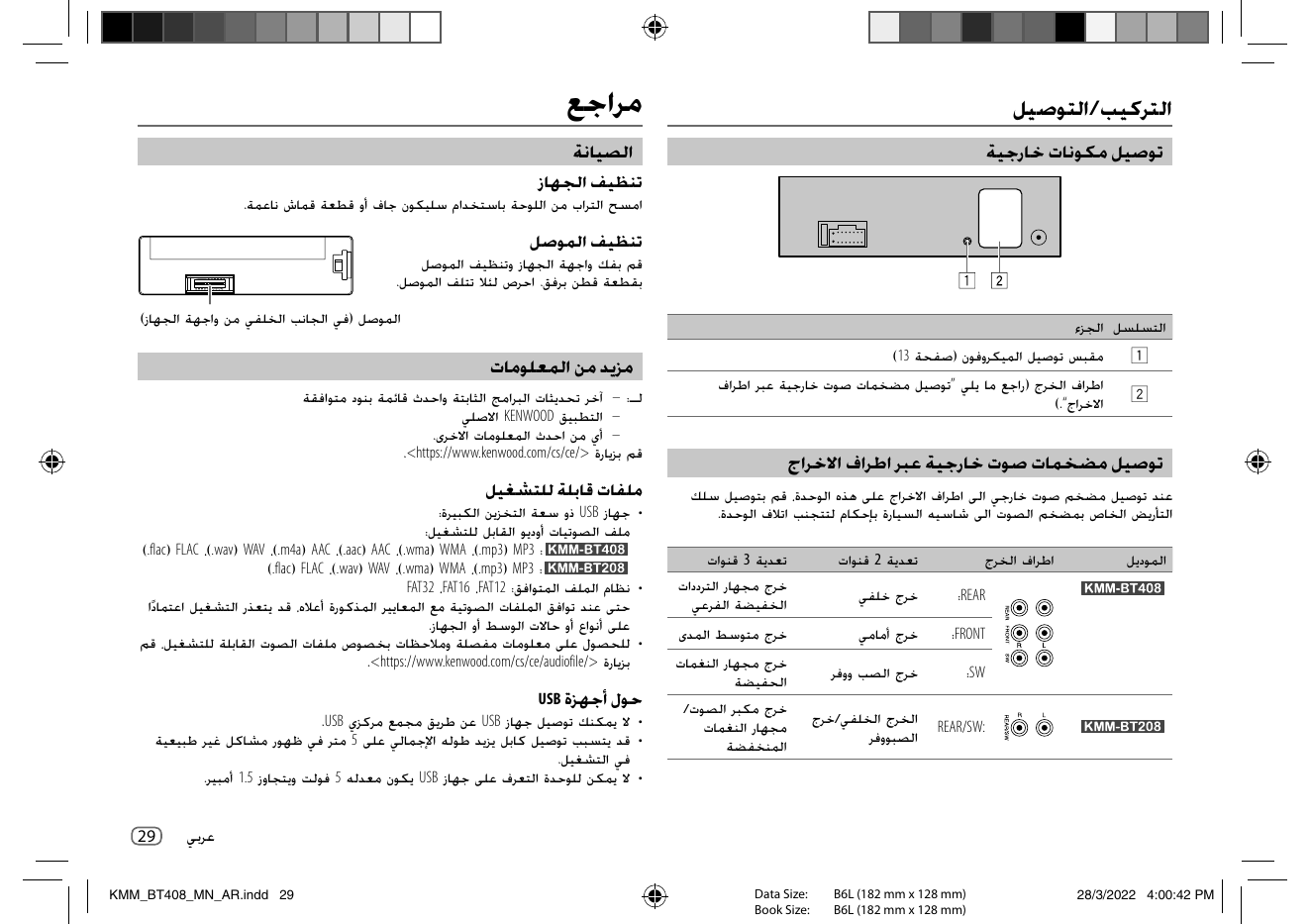
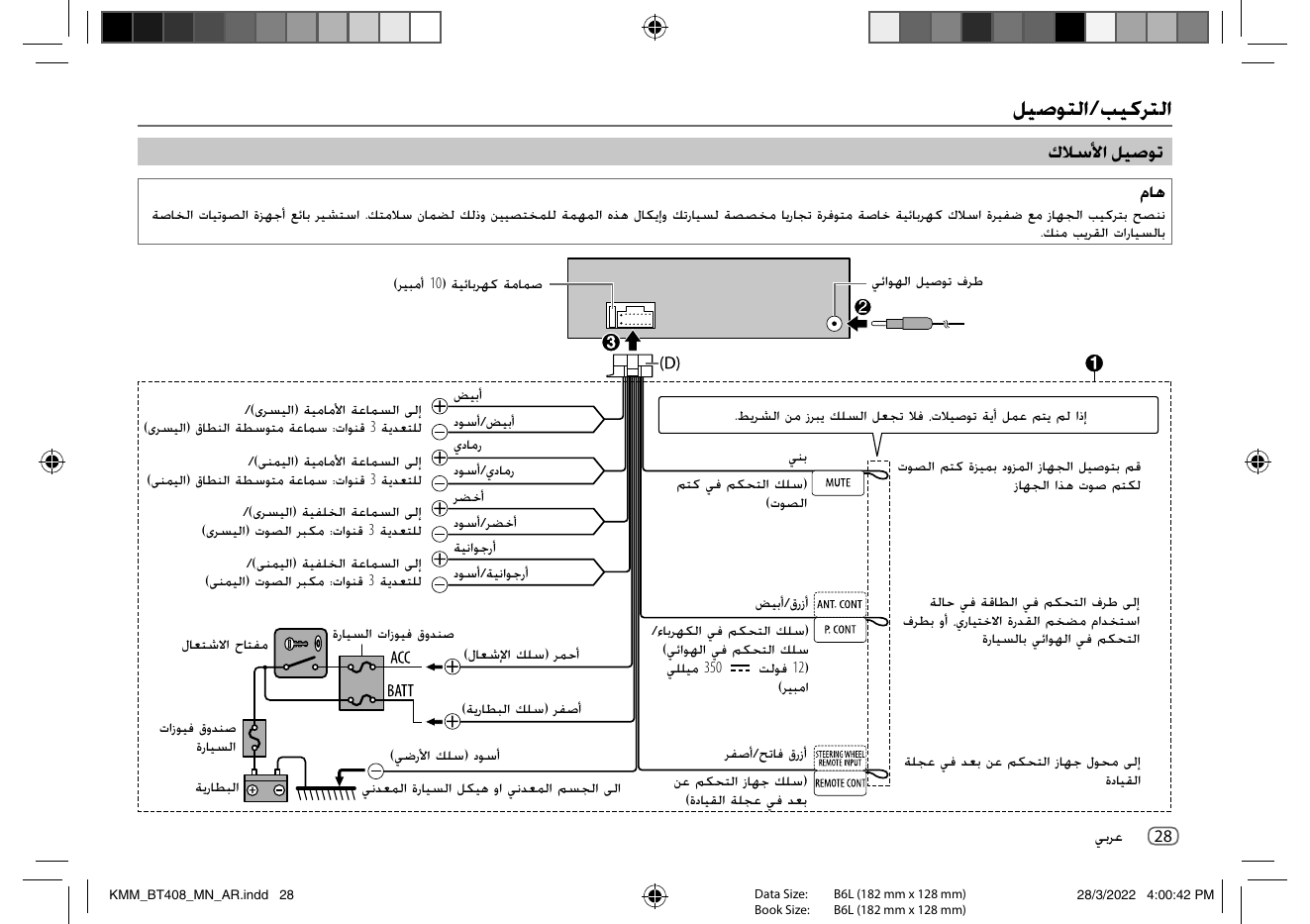
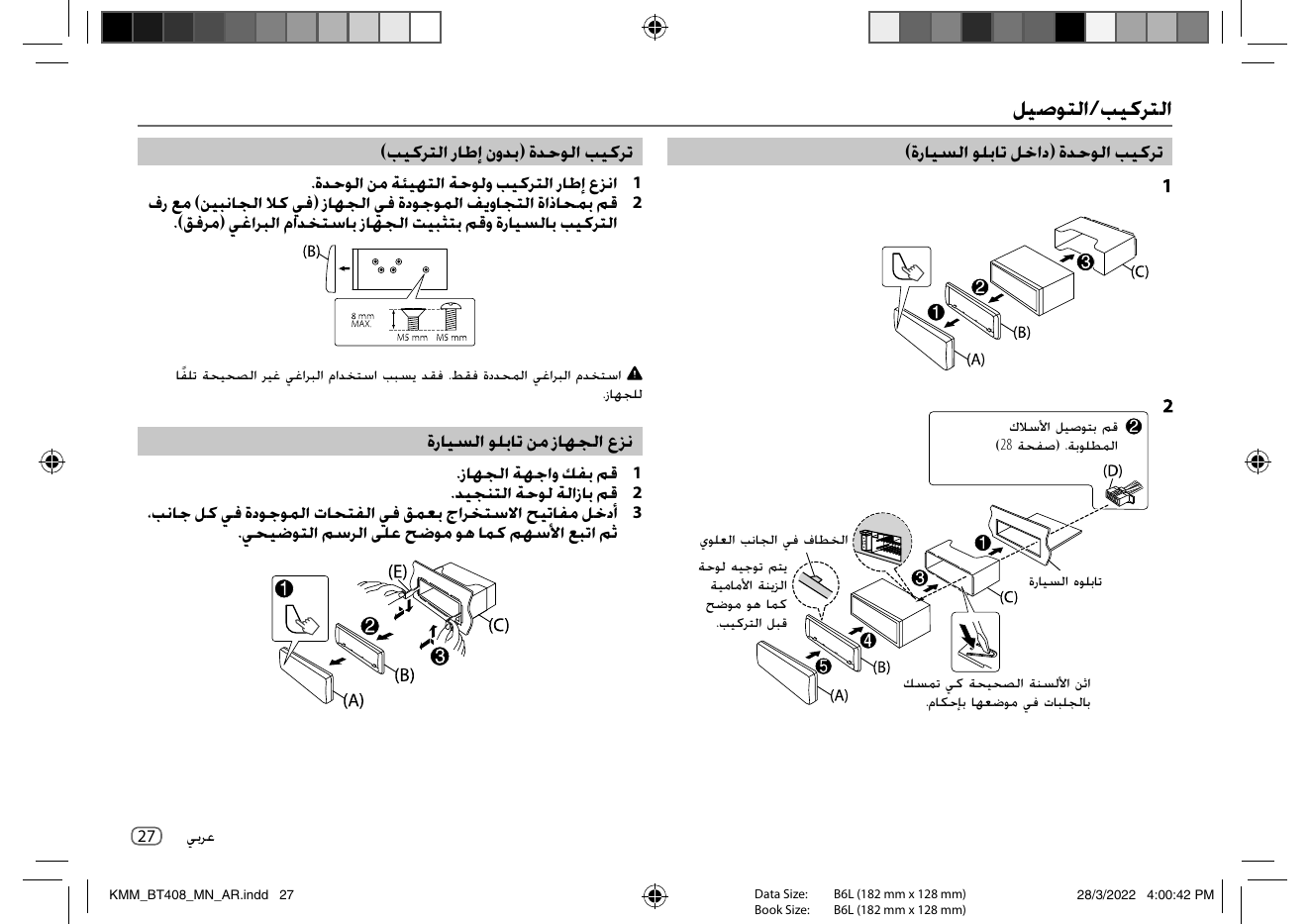
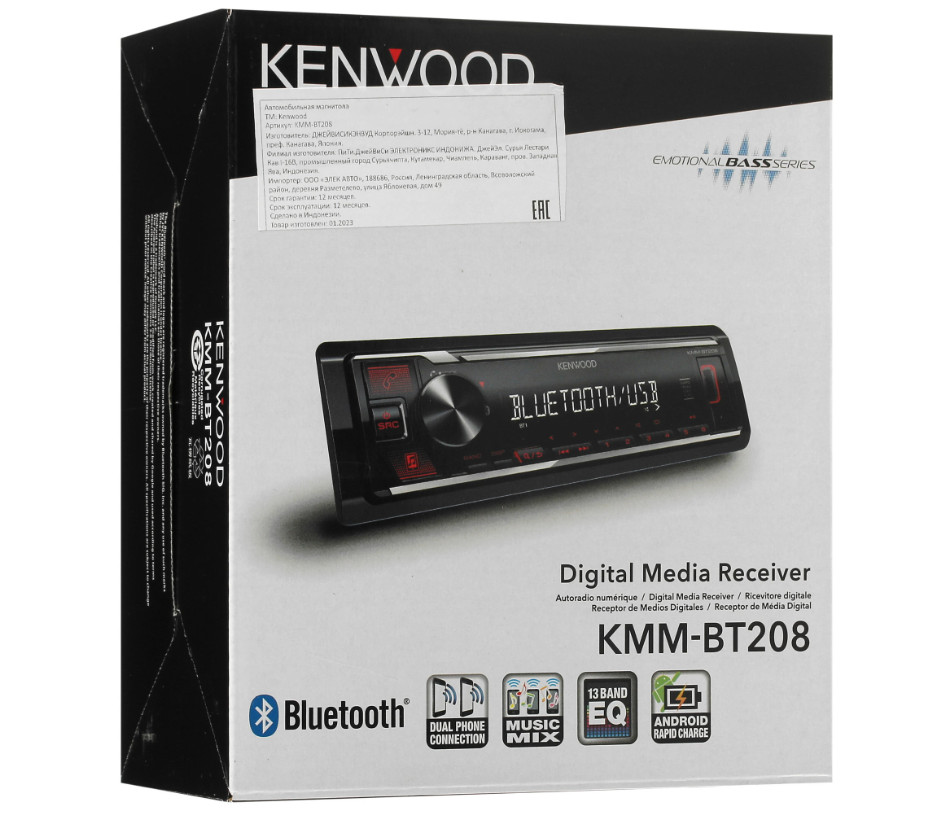
Автопроигрыватель KENWOOD KMM-BT208 (1DIN) - это компактная и функциональная магнитола с мощным 4-канальным усилителем общей мощностью 88 Вт. Модель оснащена чётким сегментным дисплеем с белой подсветкой, удобными крупными кнопками и современными разъёмами USB и AUX.
Благодаря встроенному эквалайзеру вы сможете точно настроить звучание под свои предпочтения и особенности акустики автомобиля.
KENWOOD KMM-BT208 поддерживает:
Приём радиостанций AM/FM с возможностью сохранения до 24 пресетов
Воспроизведение музыки с USB-накопителей
Bluetooth-синхронизацию со смартфоном
Звонки по громкой связи
Управление основными функциями с кнопок на руле
Первые 12 страниц
Извлечено автоматически
СТРАНИЦА PDF
Страница 1
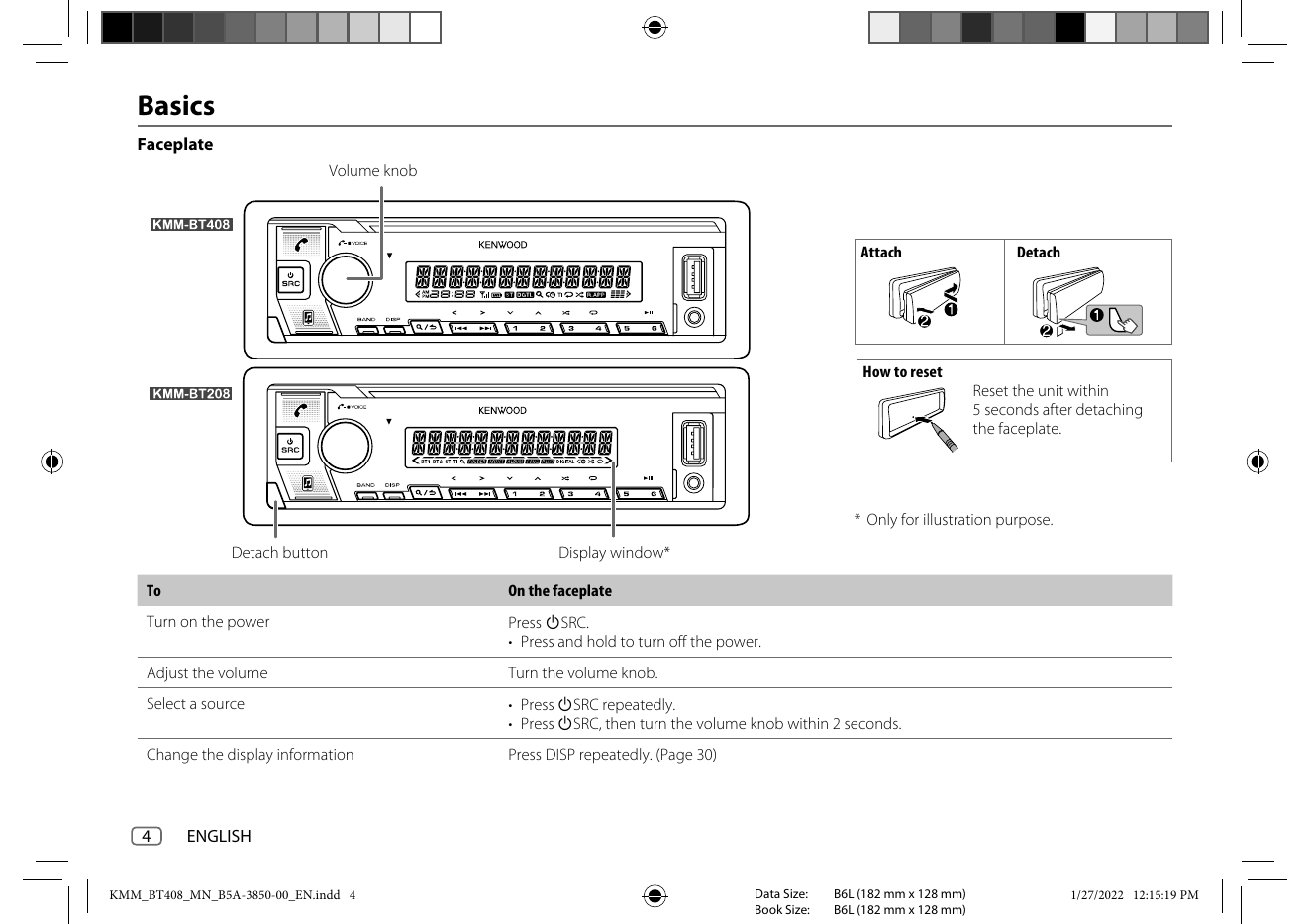
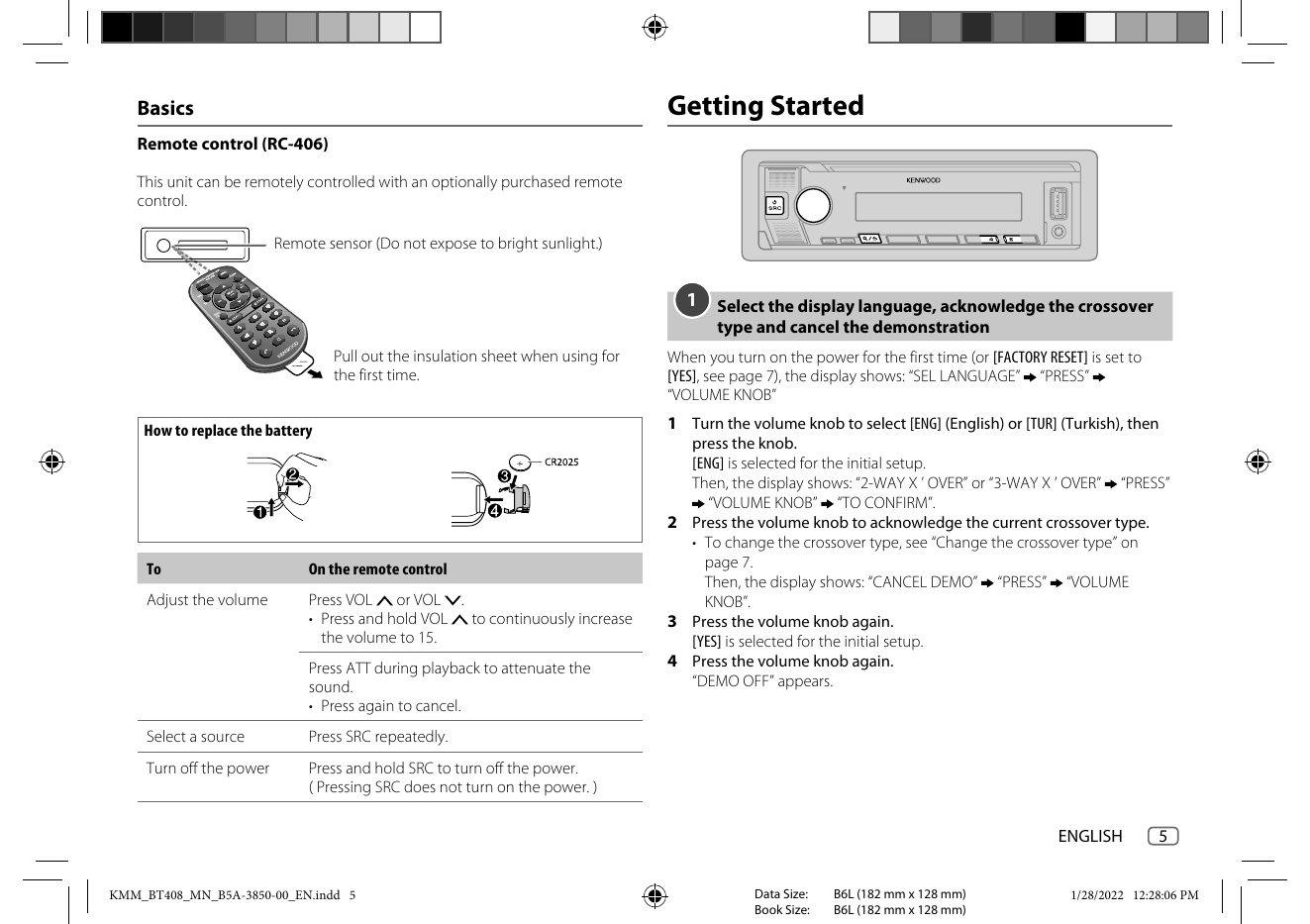
KMM-BT408
KMM-BT208
DIGITAL MEDIA RECEIVER
INSTRUCTION MANUAL
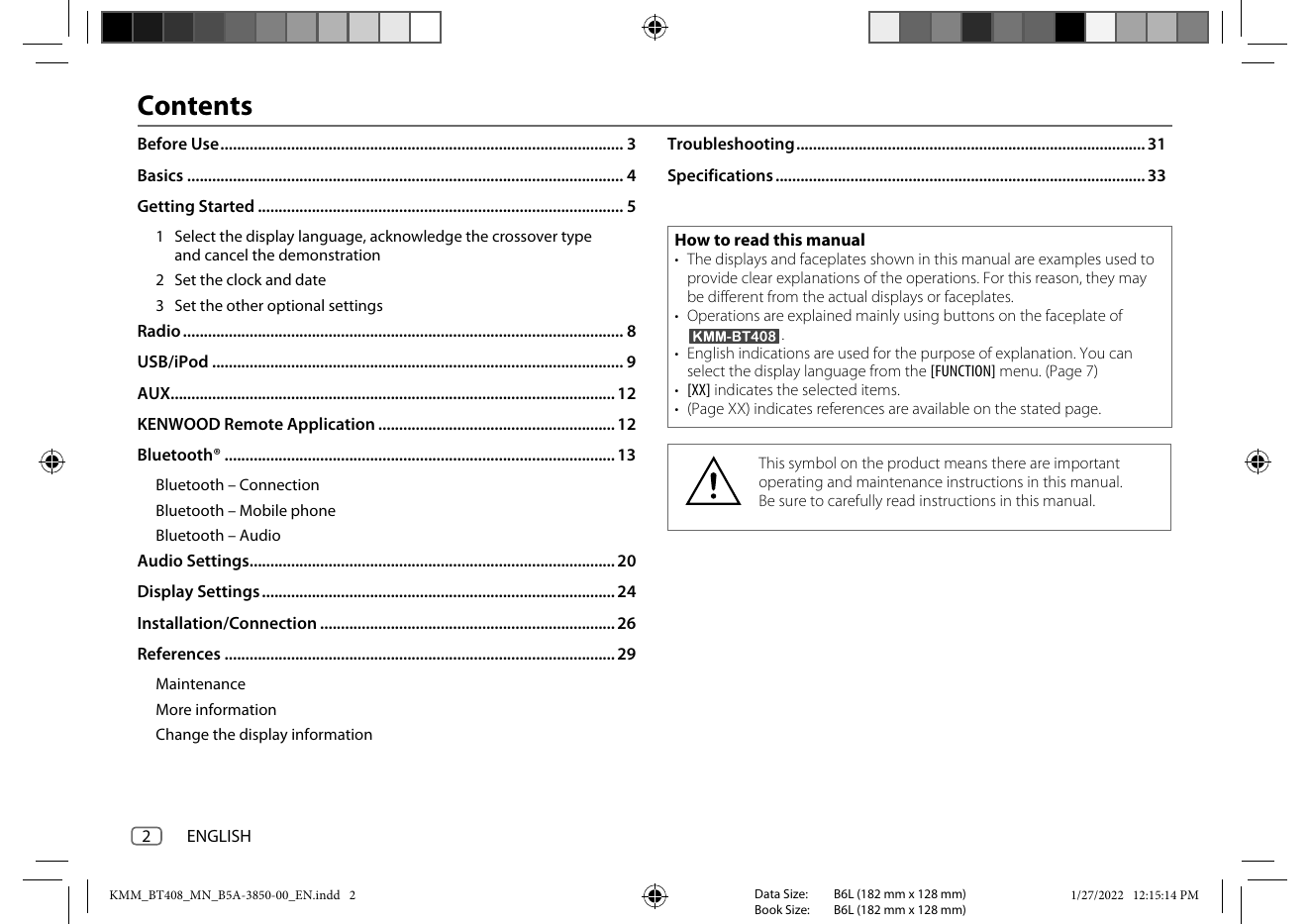
Contents
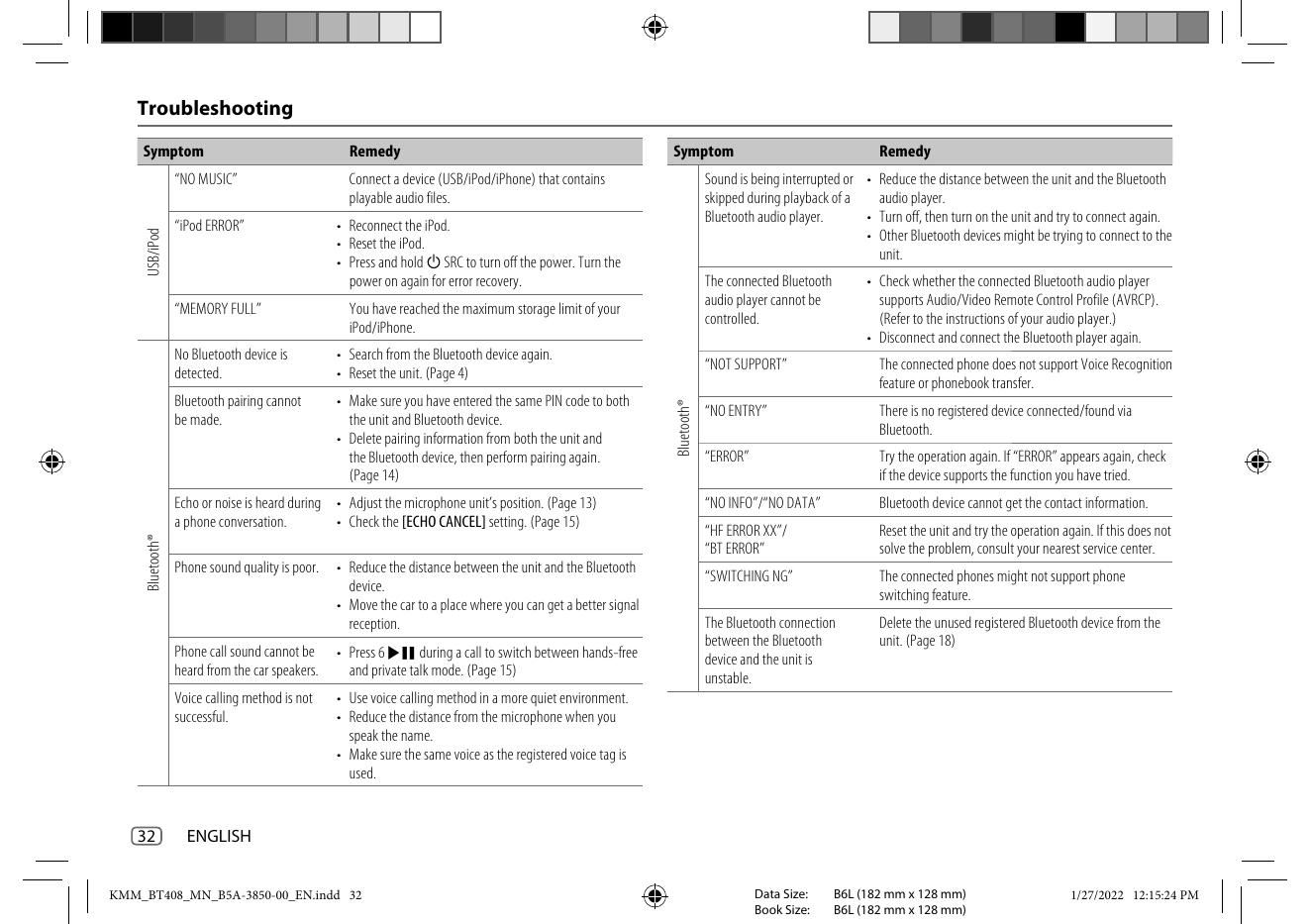
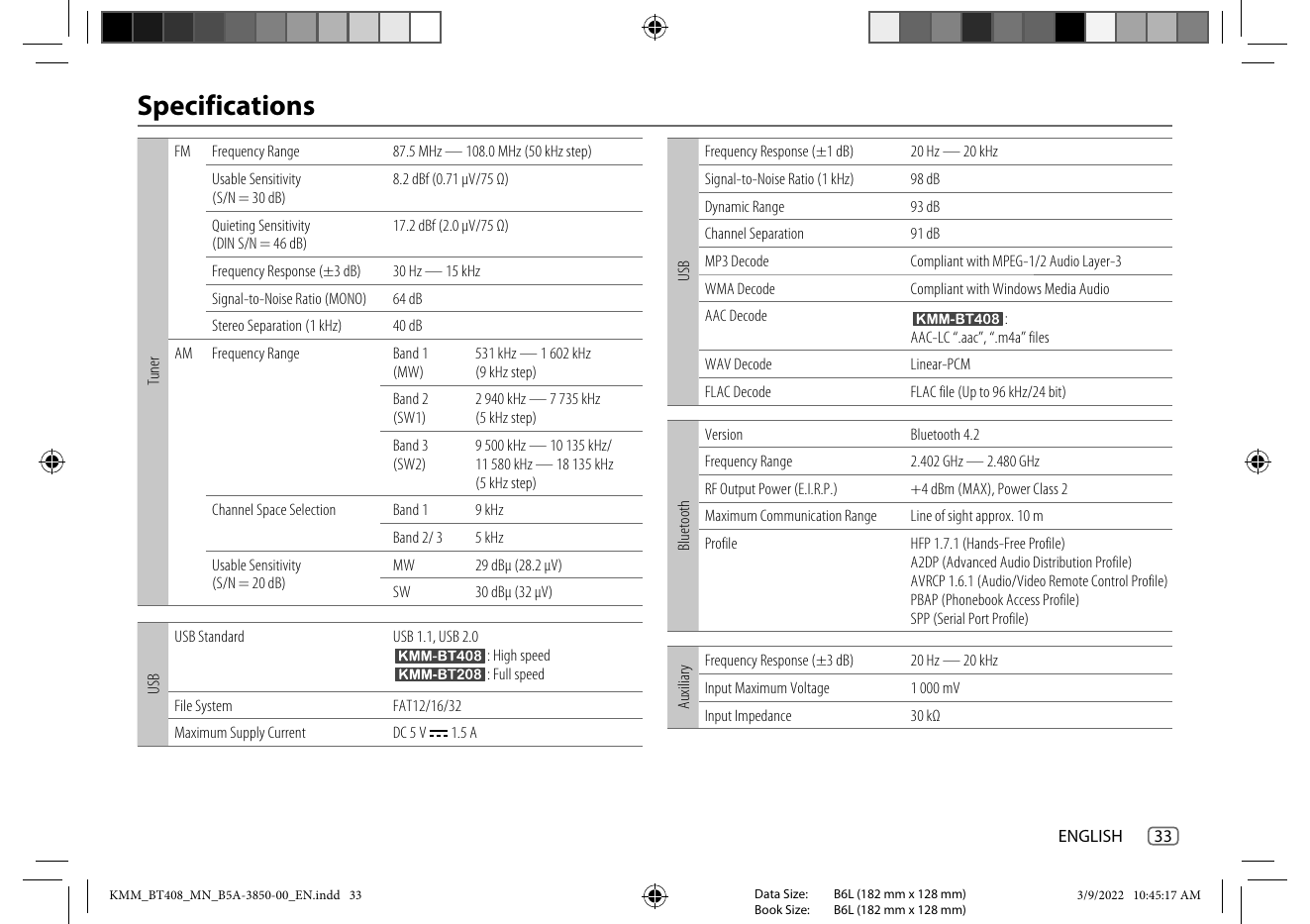
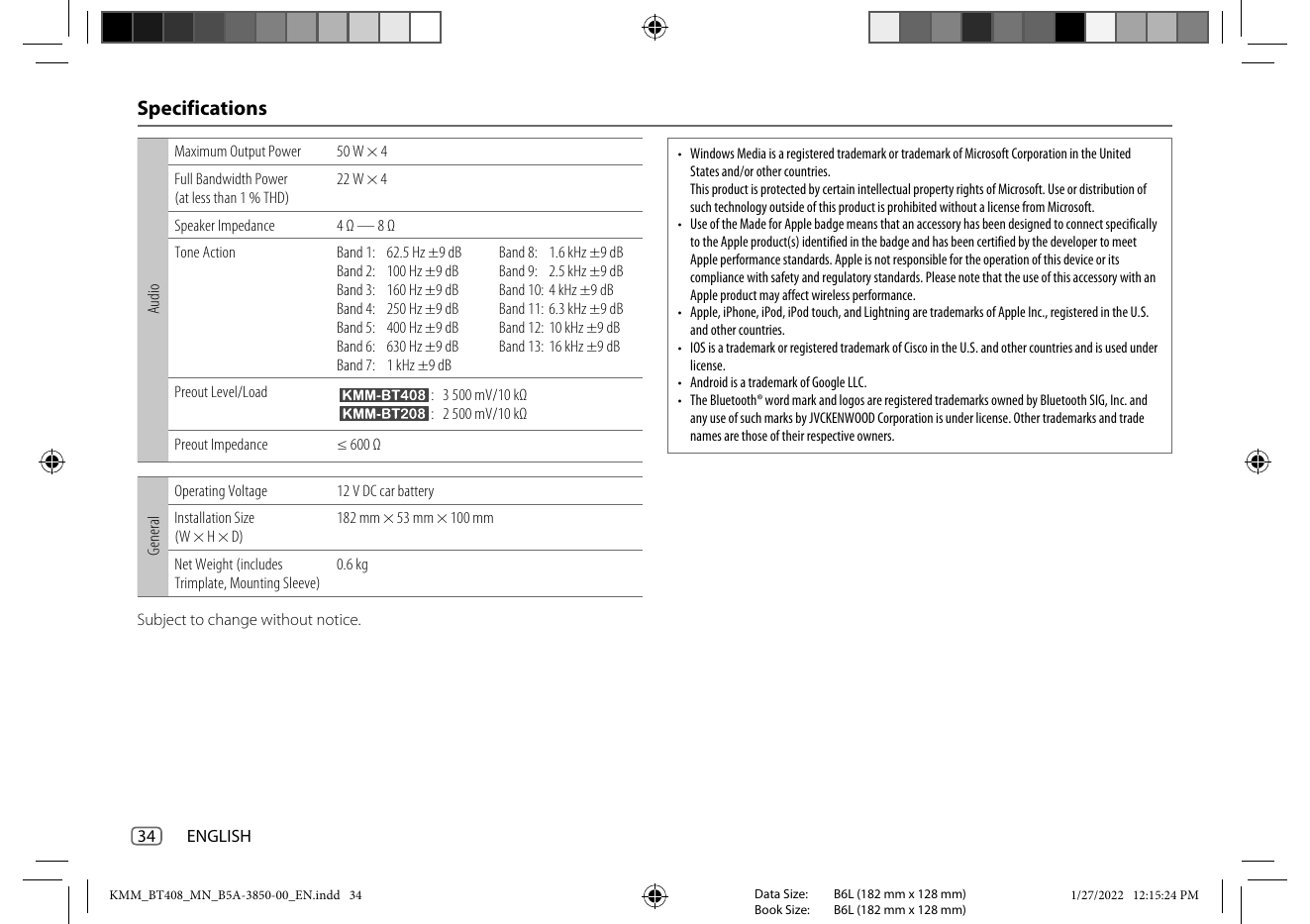
Before Use ................................................................................................. 3 Troubleshooting .................................................................................... 31
Basics ......................
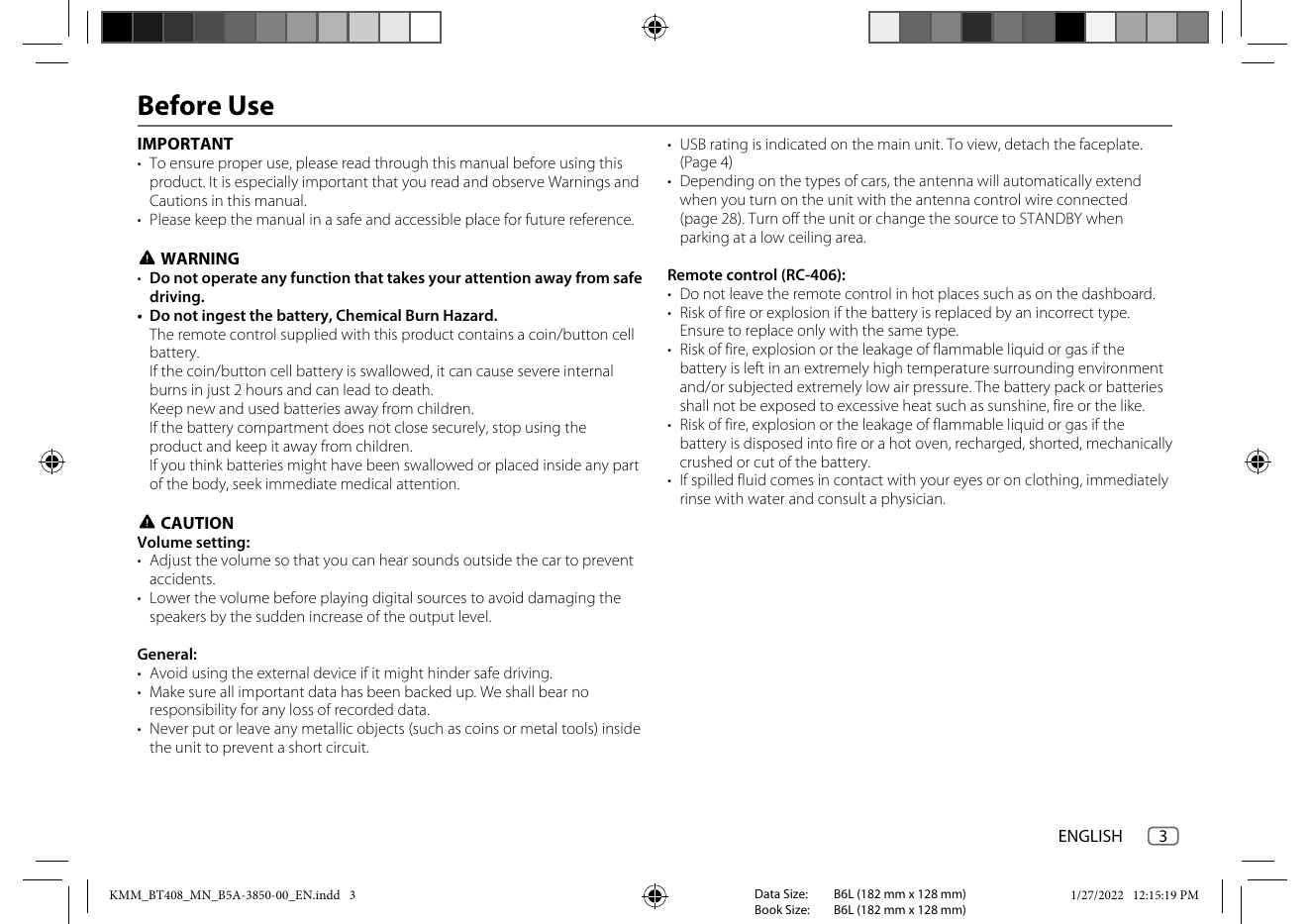
Before Use
IMPORTANT • USB rating is indicated on the main unit. To view, detach the faceplate.
• To ensure proper use, please read through this manual before using this (Page 4)
product. It is especially important that you read and observe Warnings ...
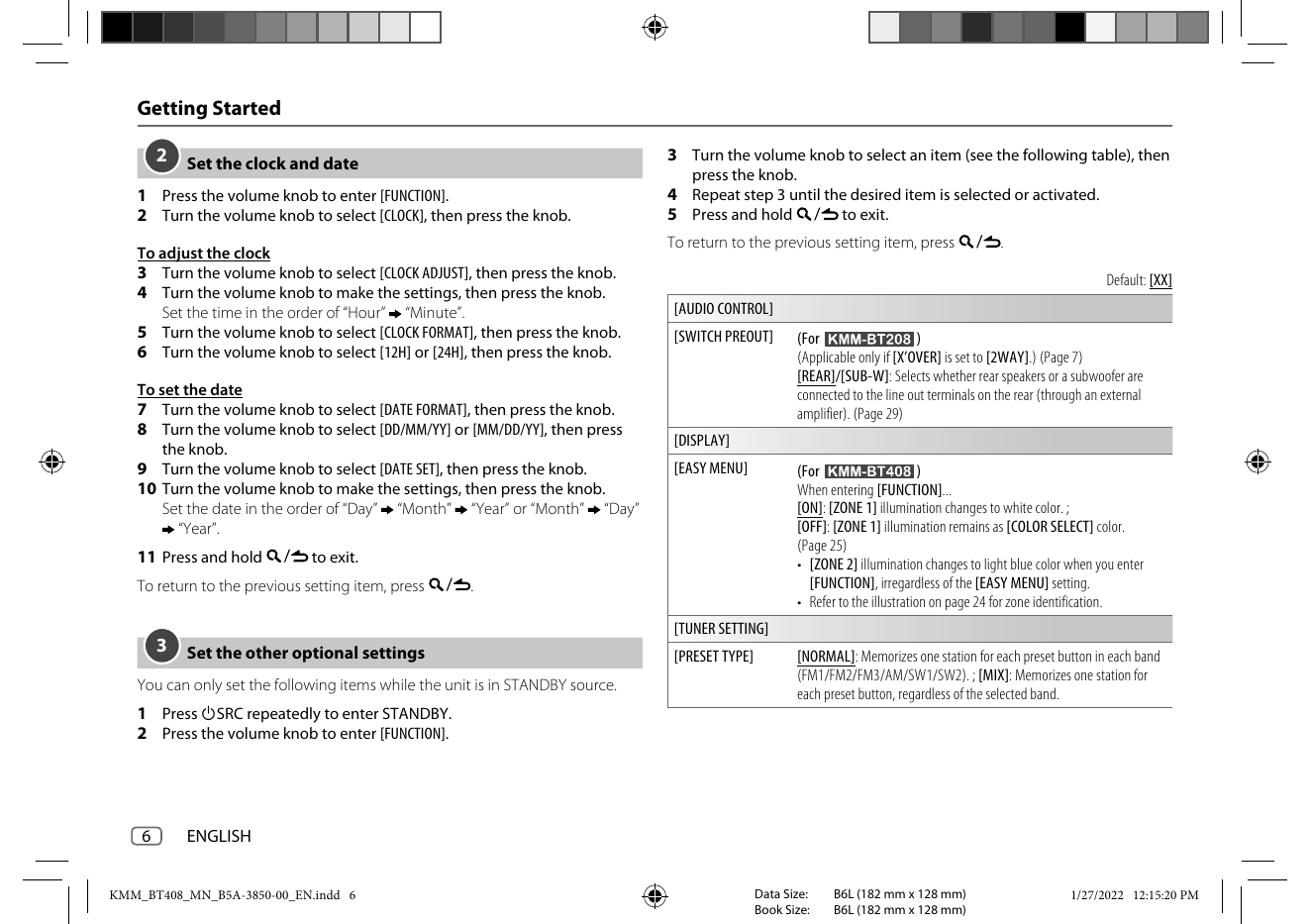
2 Set the clock and date 3 Turn the volume knob to select an item (see the following table), then
press the knob.
1 Press the volume knob to enter [FUNCTION]. 4 Repeat step 3 until the desired item is selected or activated.
2 Turn th...
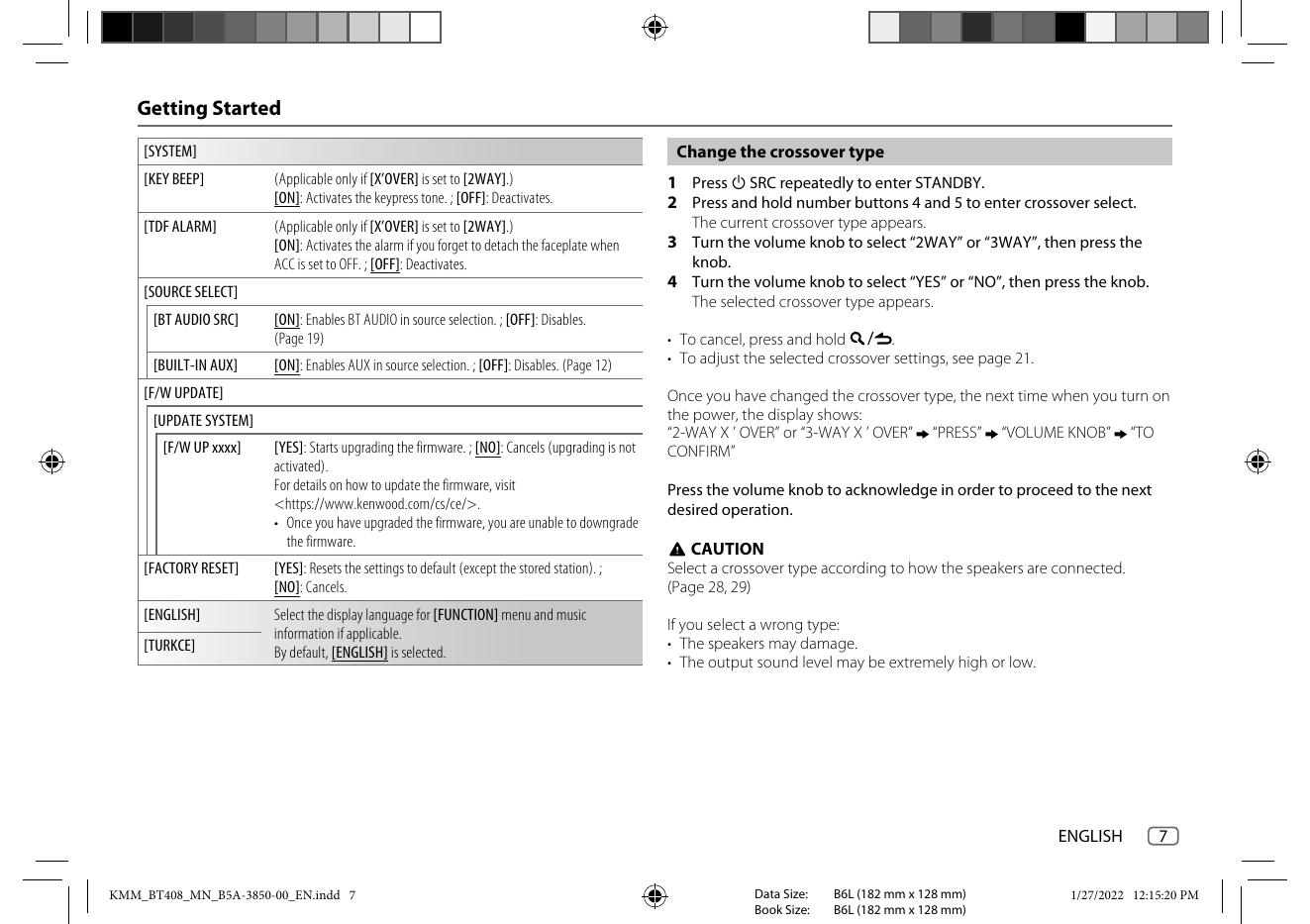
[SYSTEM] Change the crossover type
[KEY BEEP] (Applicable only if [X’OVER] is set to [2WAY].) 1 Press B SRC repeatedly to enter STANDBY.
[ON]: Activates the keypress tone. ; [OFF]: Deactivates. 2 Press and hold number buttons 4 and 5...
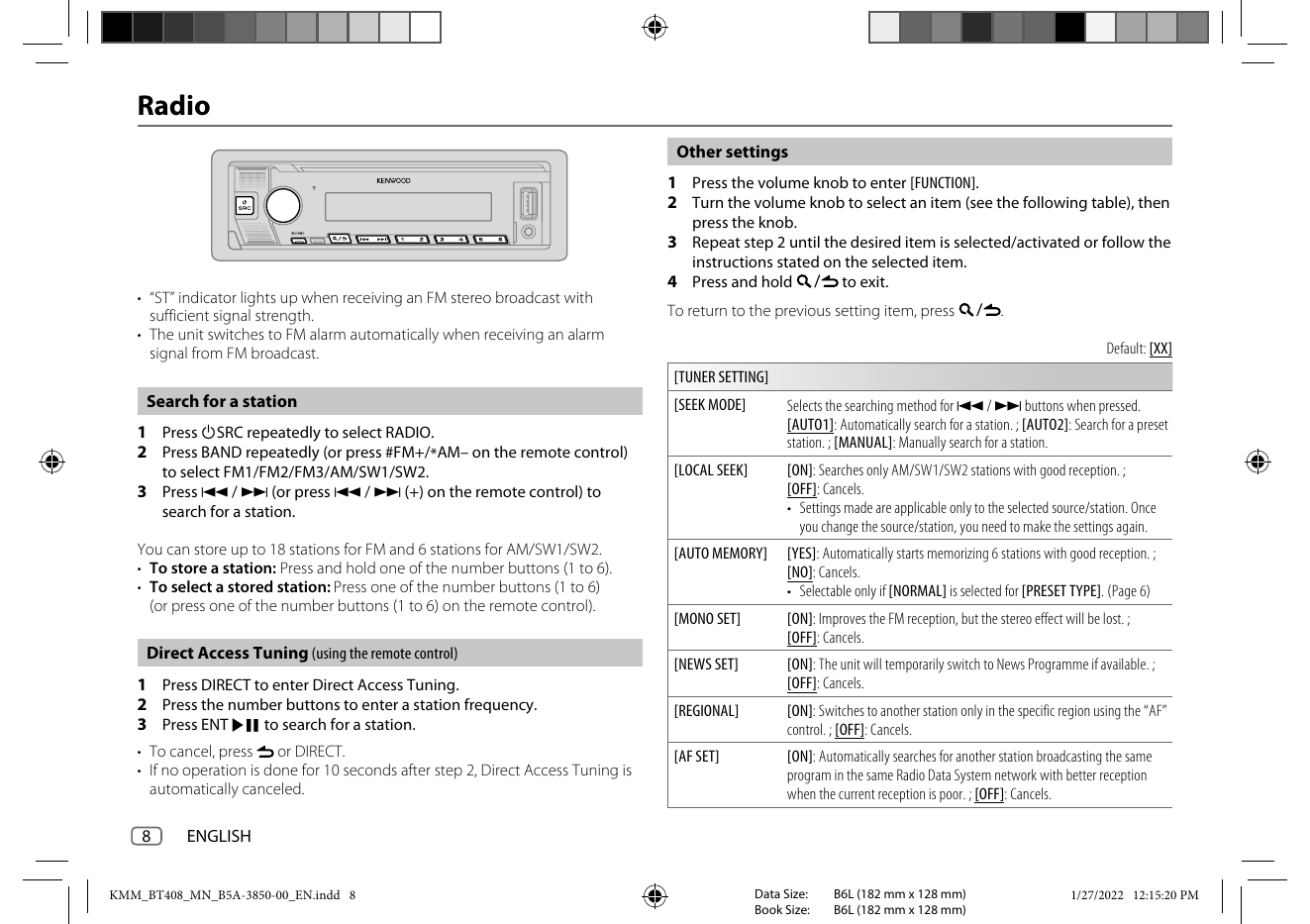
Radio
Other settings
1 Press the volume knob to enter [FUNCTION].
2 Turn the volume knob to select an item (see the following table), then
press the knob.
3 Repeat step 2 until the desired item is selected/activated or follow the
instructions stated ...
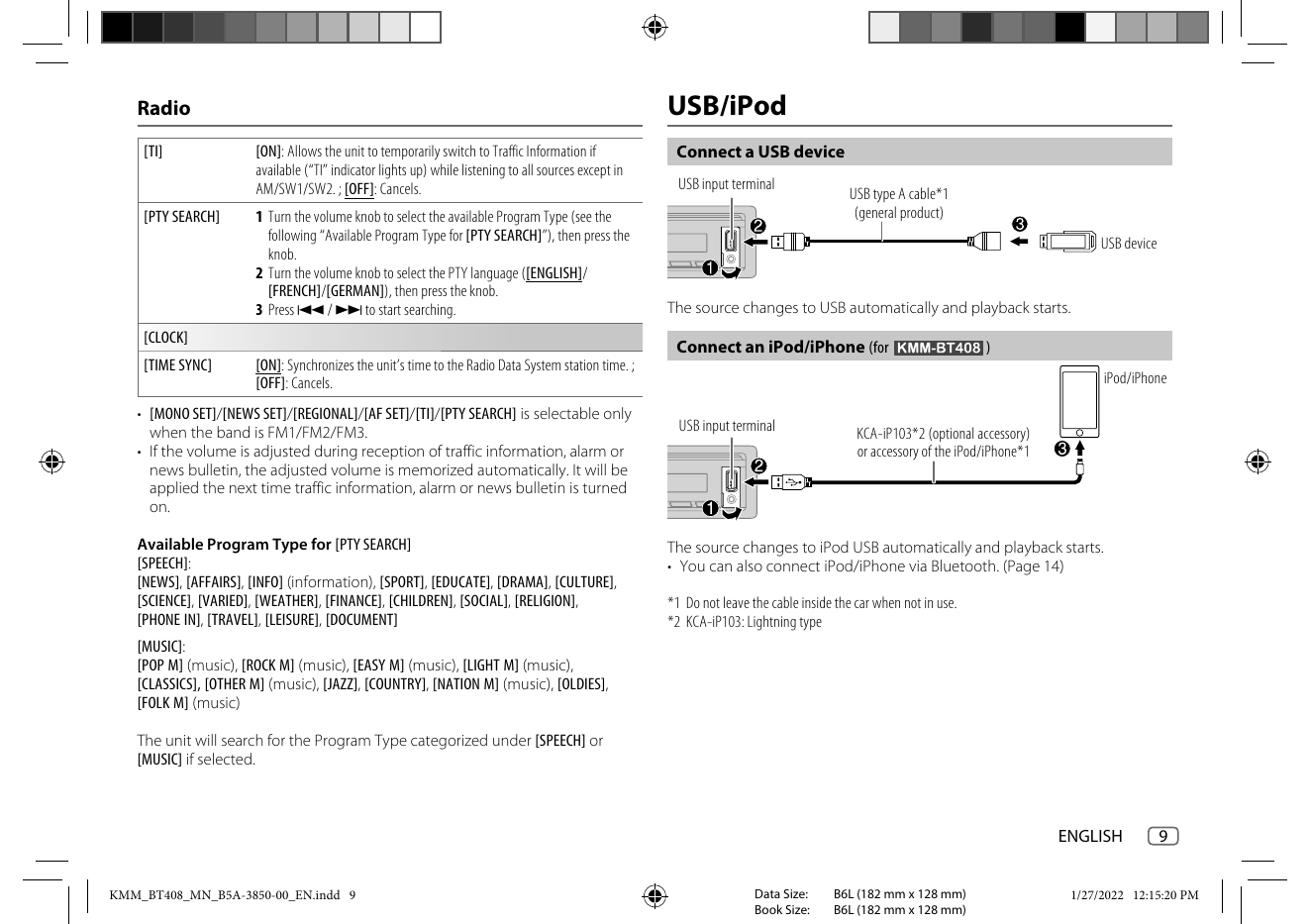
Radio USB/iPod
[TI] [ON]: Allows the unit to temporarily switch to Traffic Information if Connect a USB device
available (“TI” indicator lights up) while listening to all sources except in
AM/SW1/SW2. ; [OFF]: Cancels. USB input terminal
USB type A c...
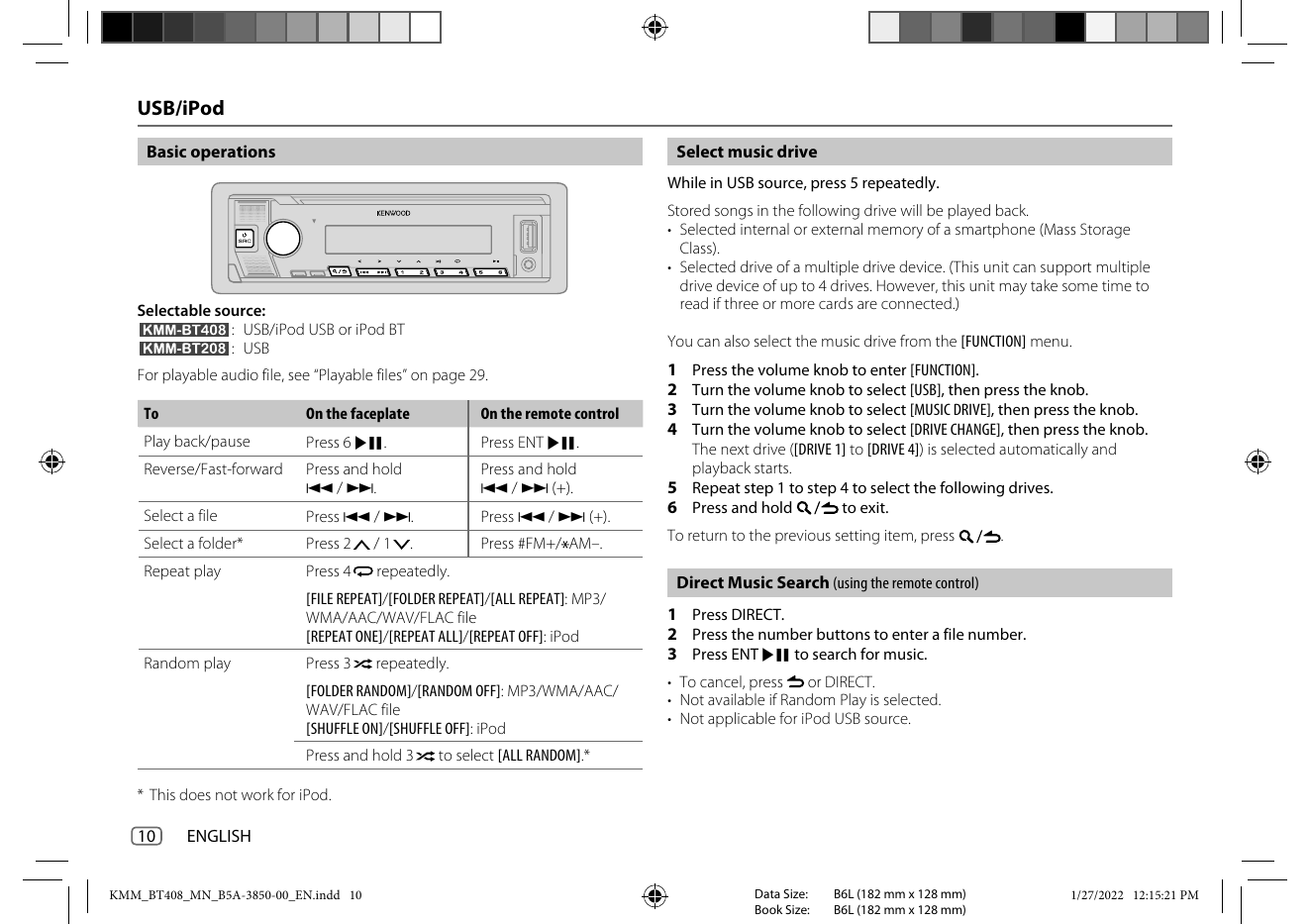
Basic operations Select music drive
While in USB source, press 5 repeatedly.
Stored songs in the following drive will be played back.
• Selected internal or external memory of a smartphone (Mass Storage
Class).
• Selected drive of a multipl...
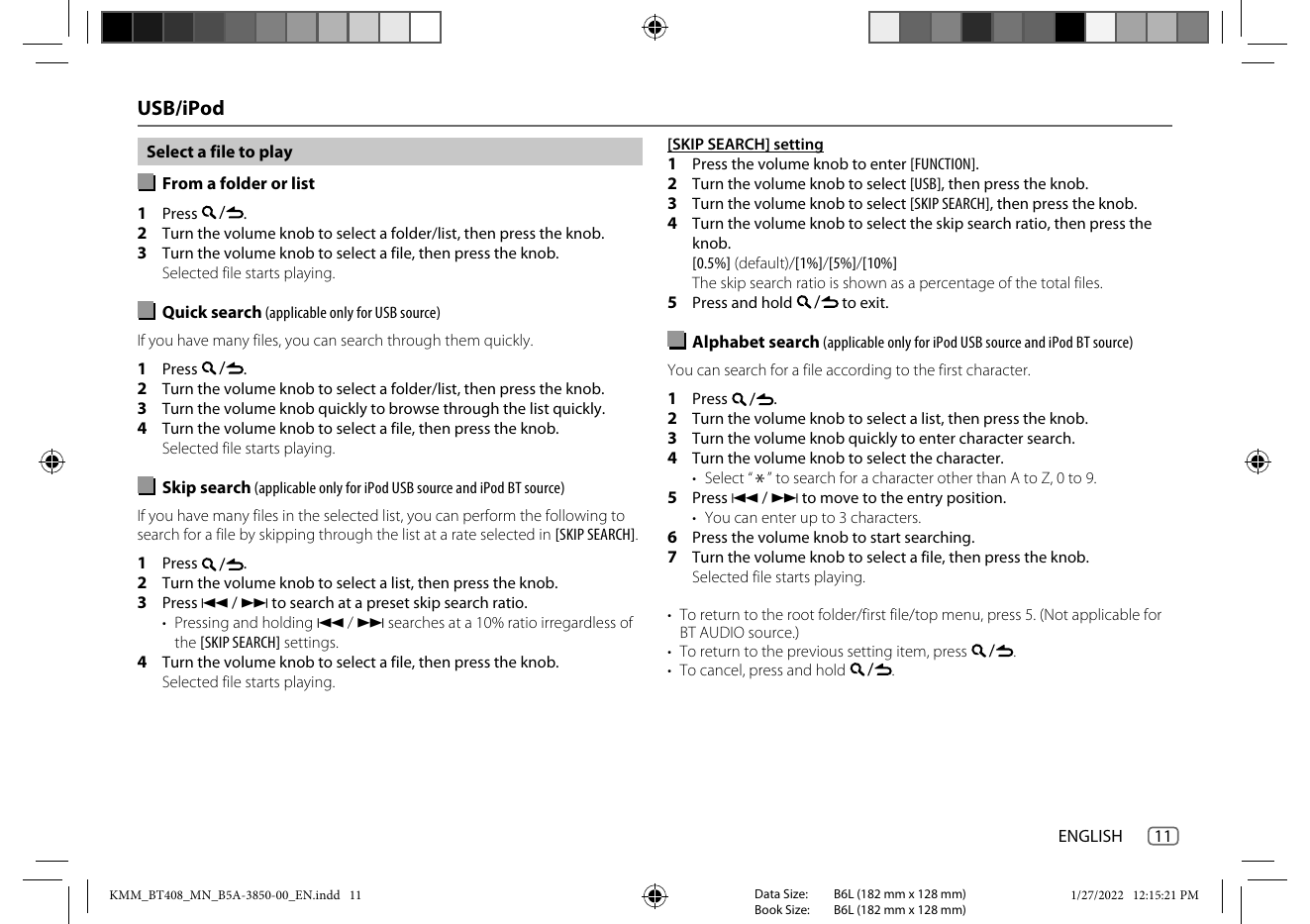
USB/iPod
[SKIP SEARCH] setting
Select a file to play
1 Press the volume knob to enter [FUNCTION].
From a folder or list 2 Turn the volume knob to select [USB], then press the knob.
3 Turn the volume knob to select [SKIP SEARCH], then press the knob.
...
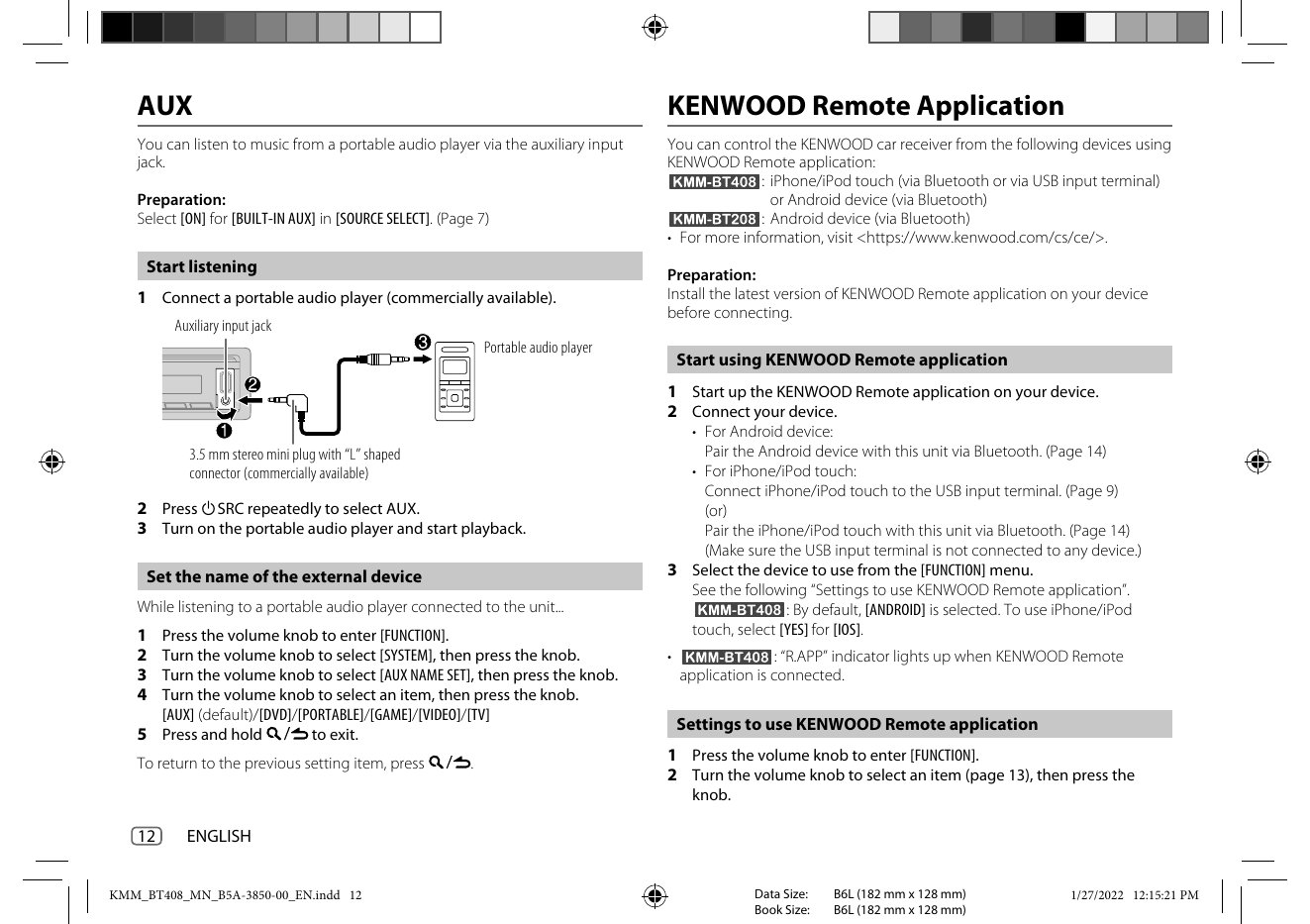
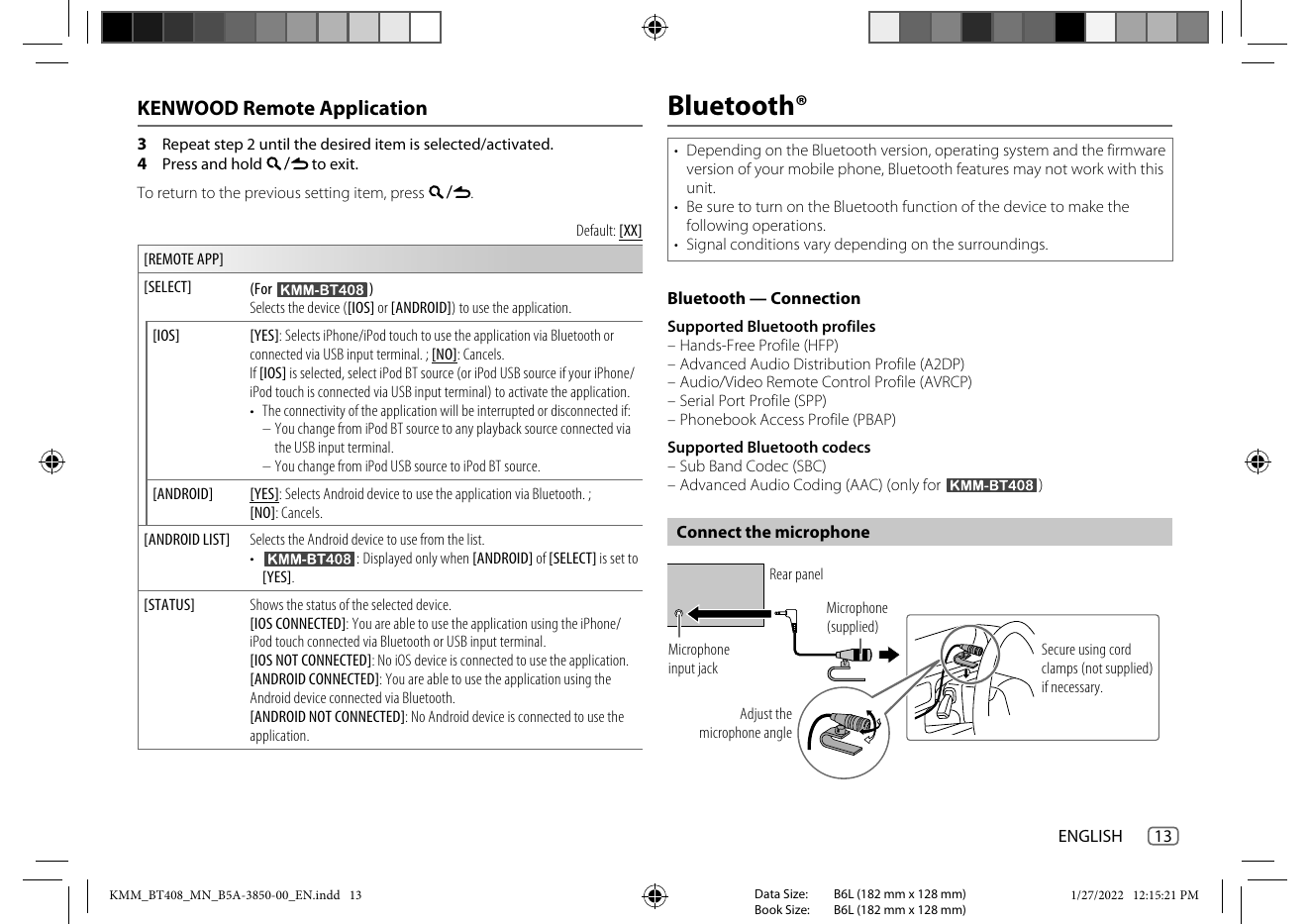
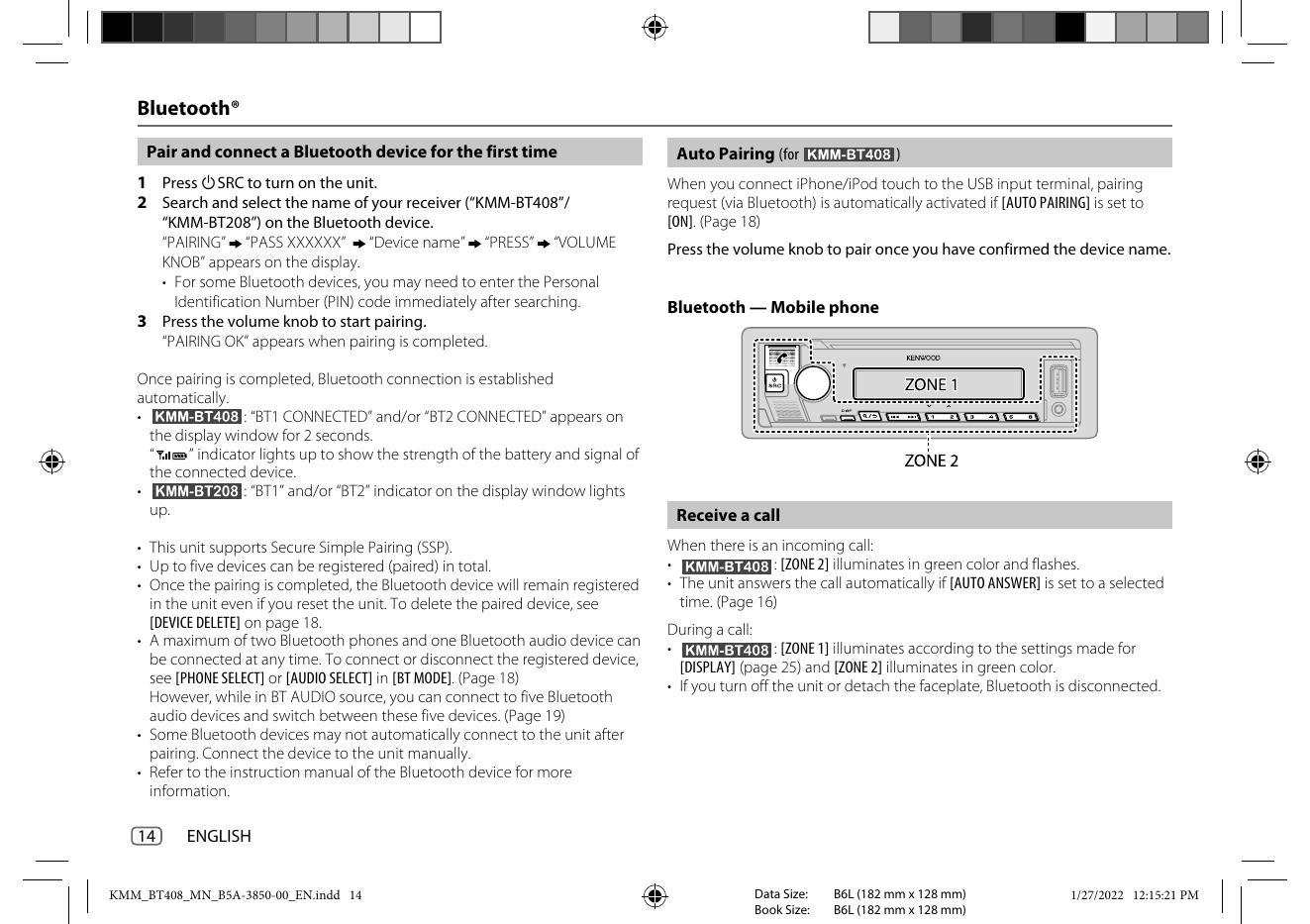
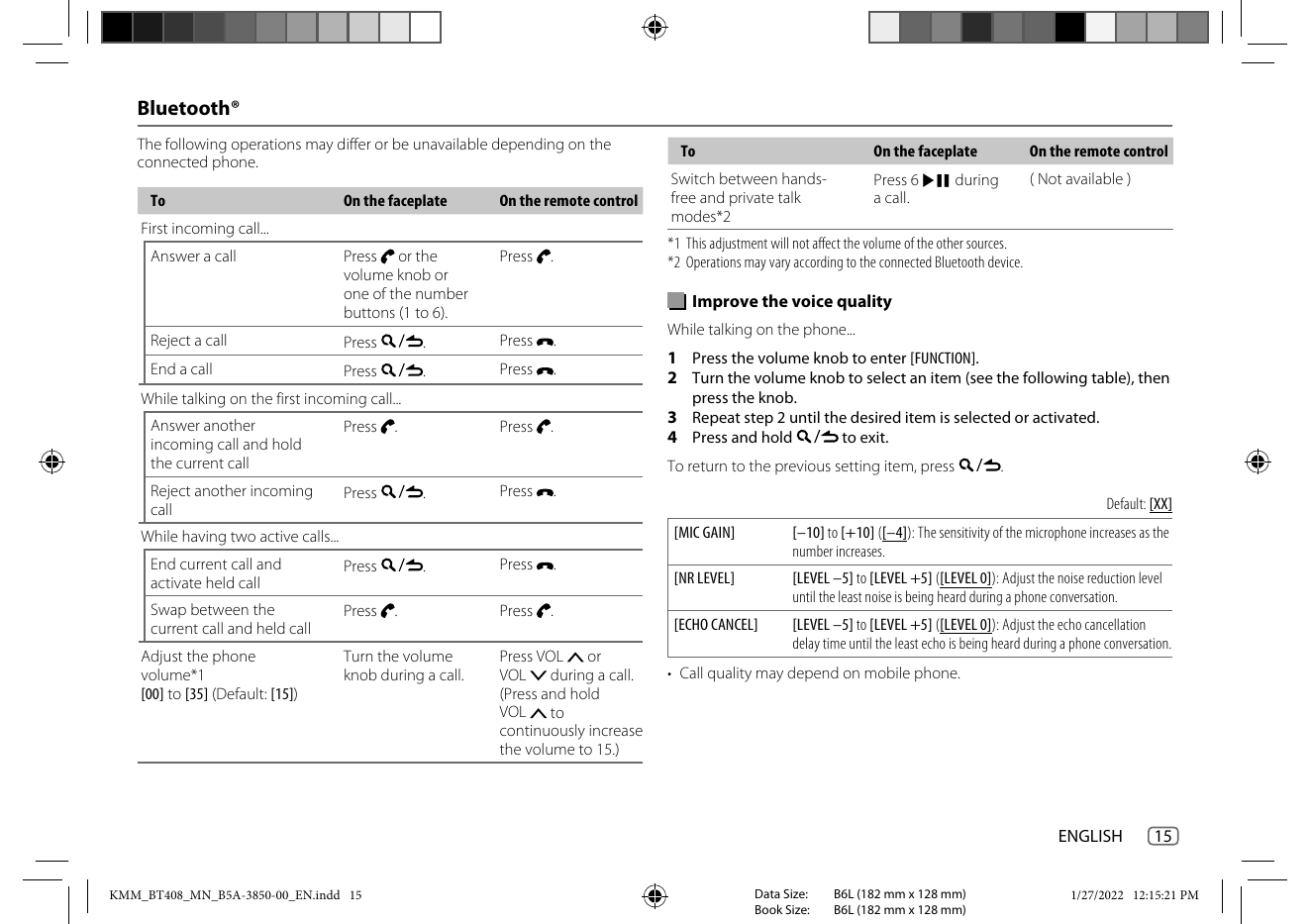
AUX KENWOOD Remote Application
You can listen to music from a portable audio player via the auxiliary input You can control the KENWOOD car receiver from the following devices using
jack. KENWOOD Remote application:
: iPhone/iPod touch (via Bluetooth...