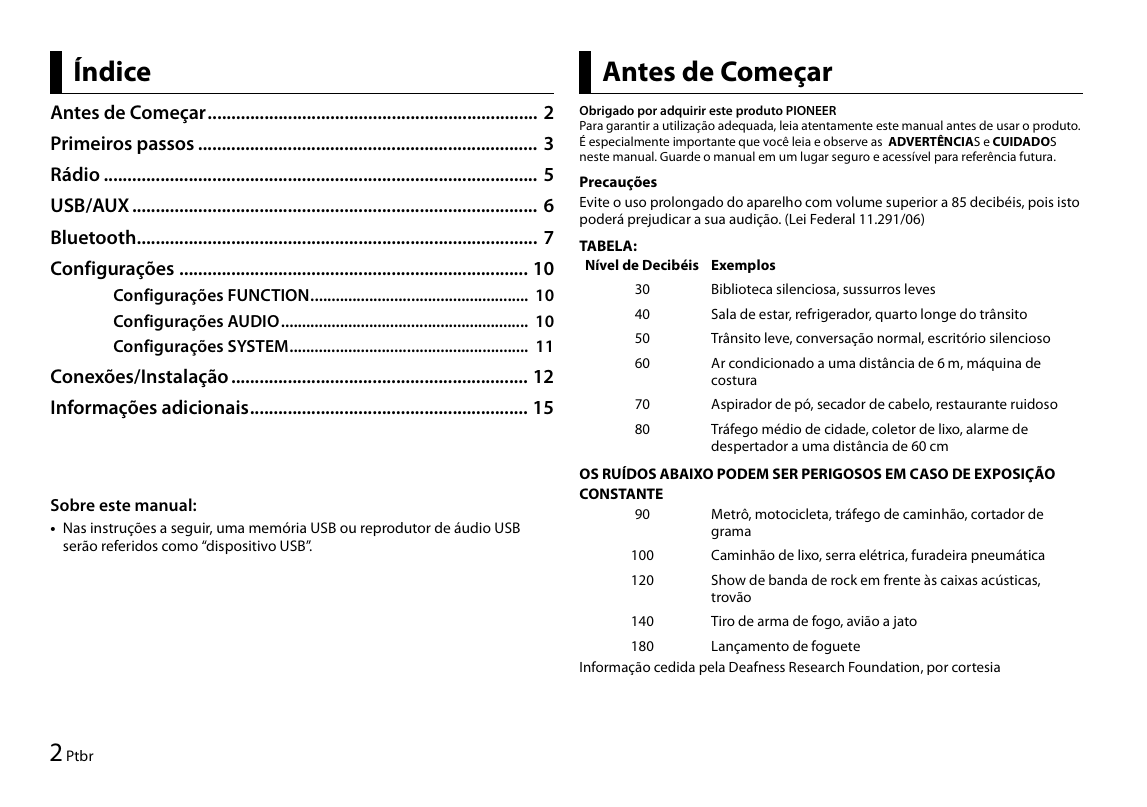
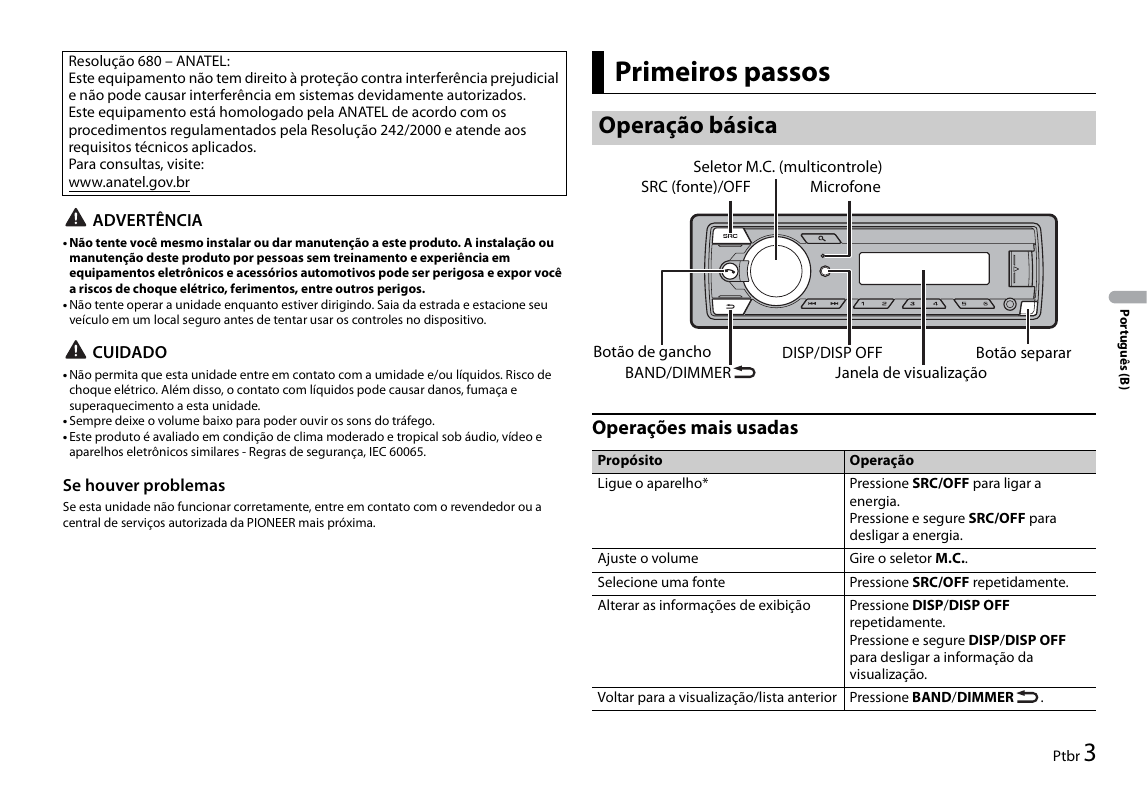
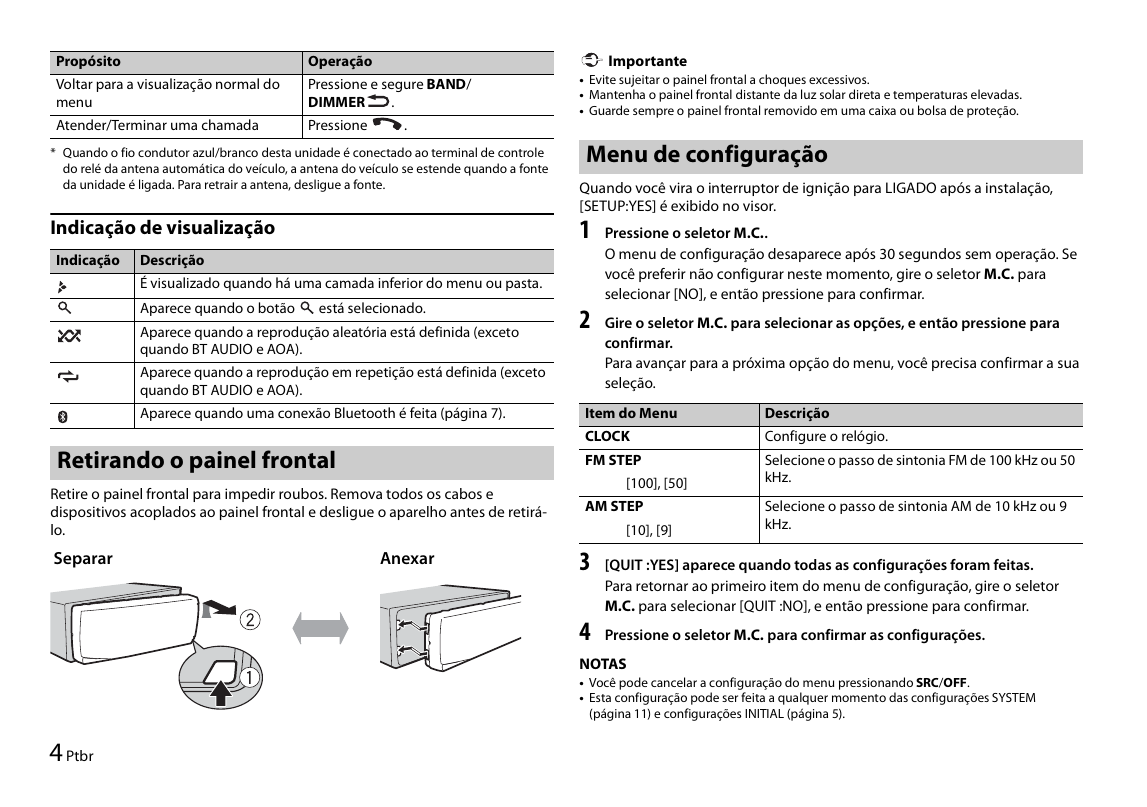
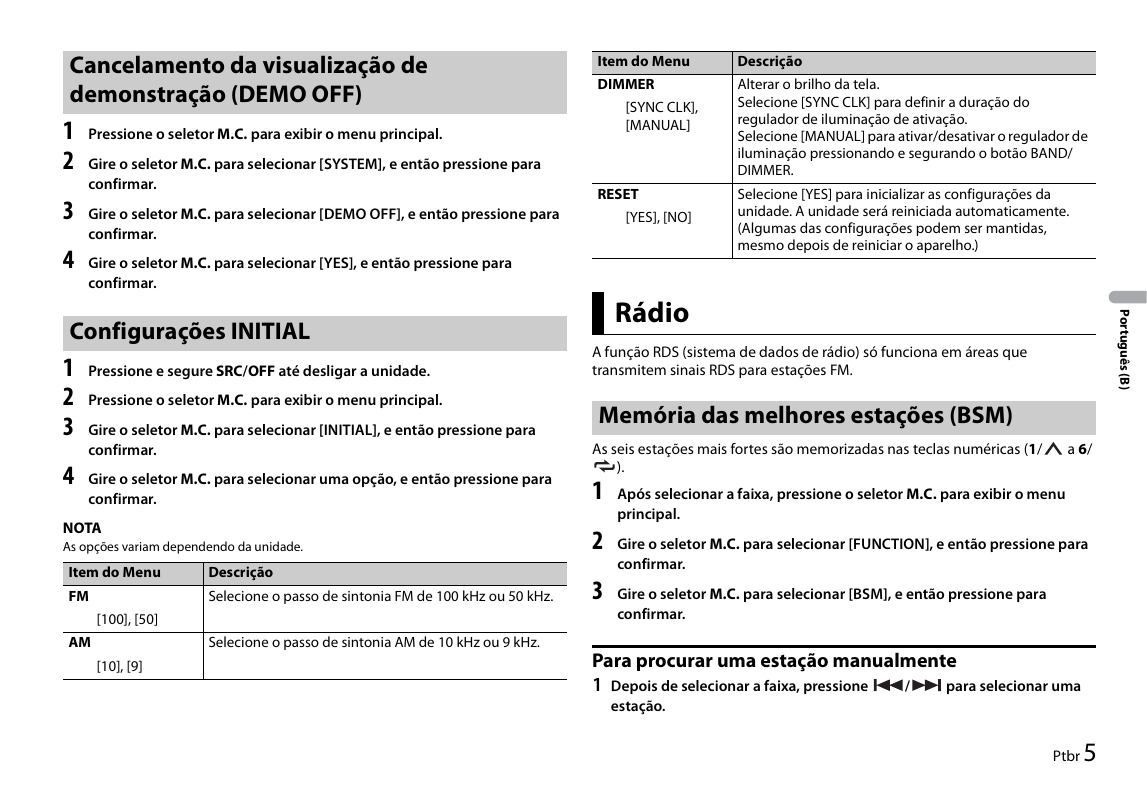
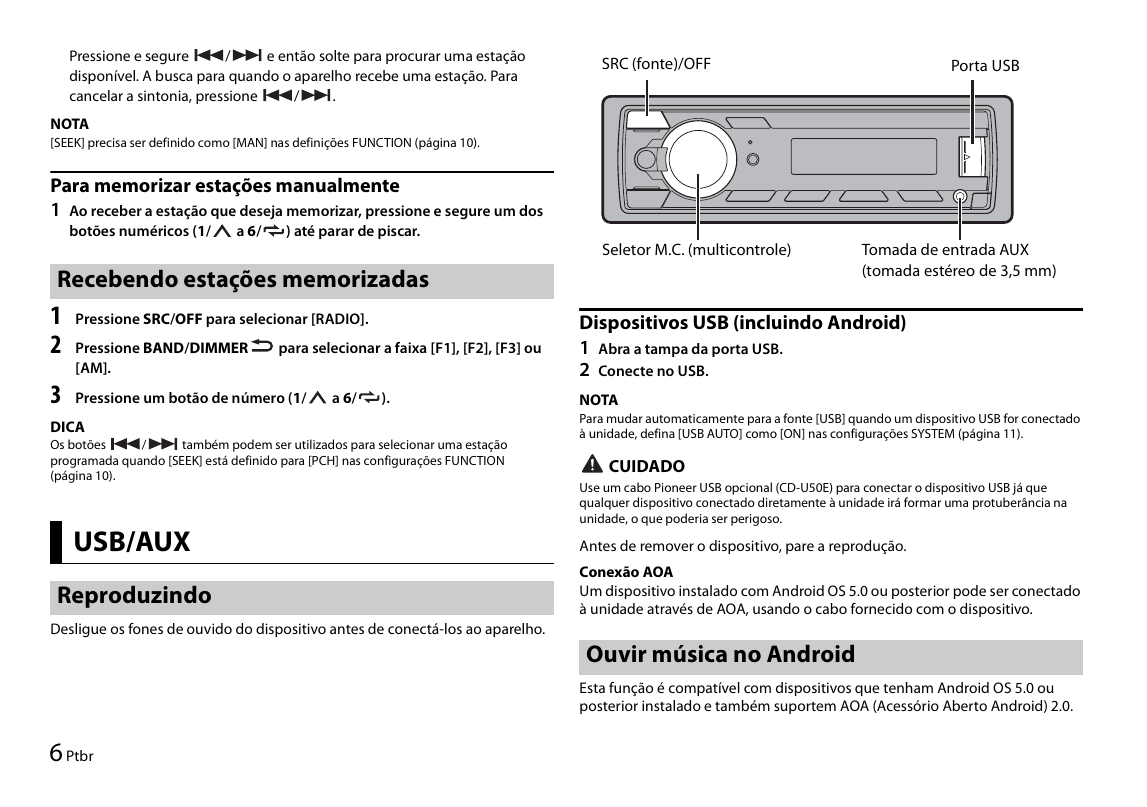
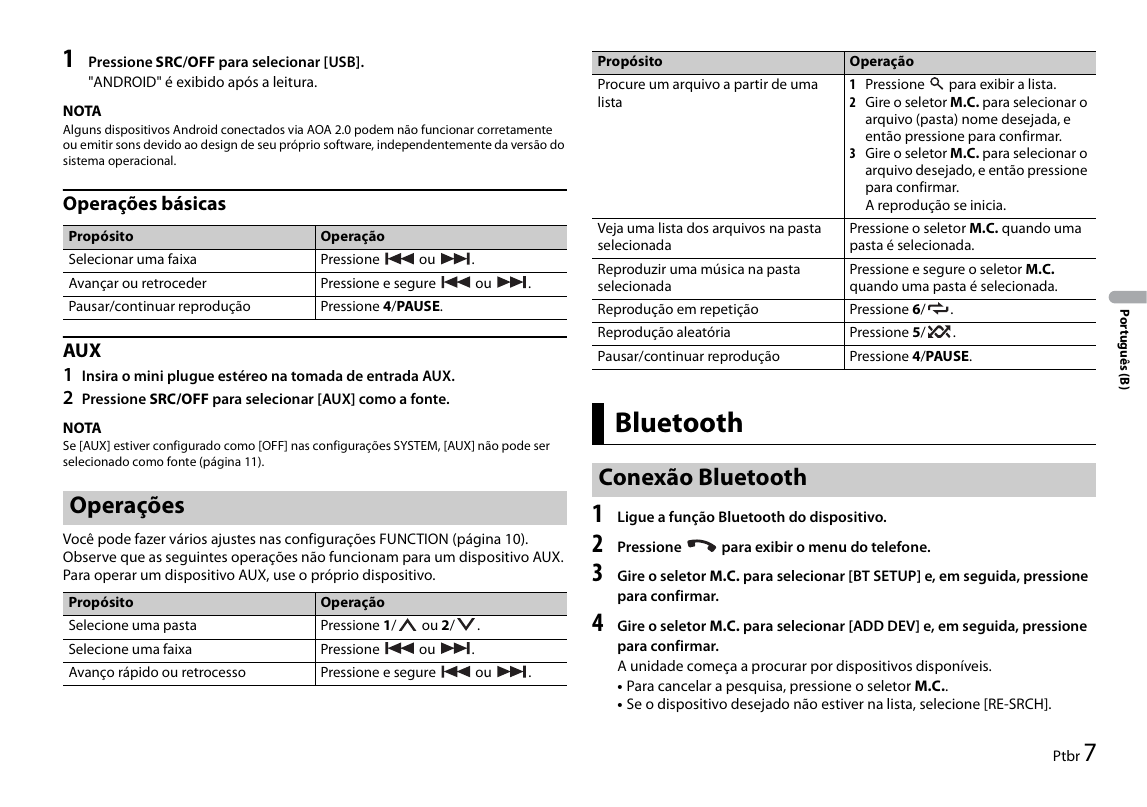
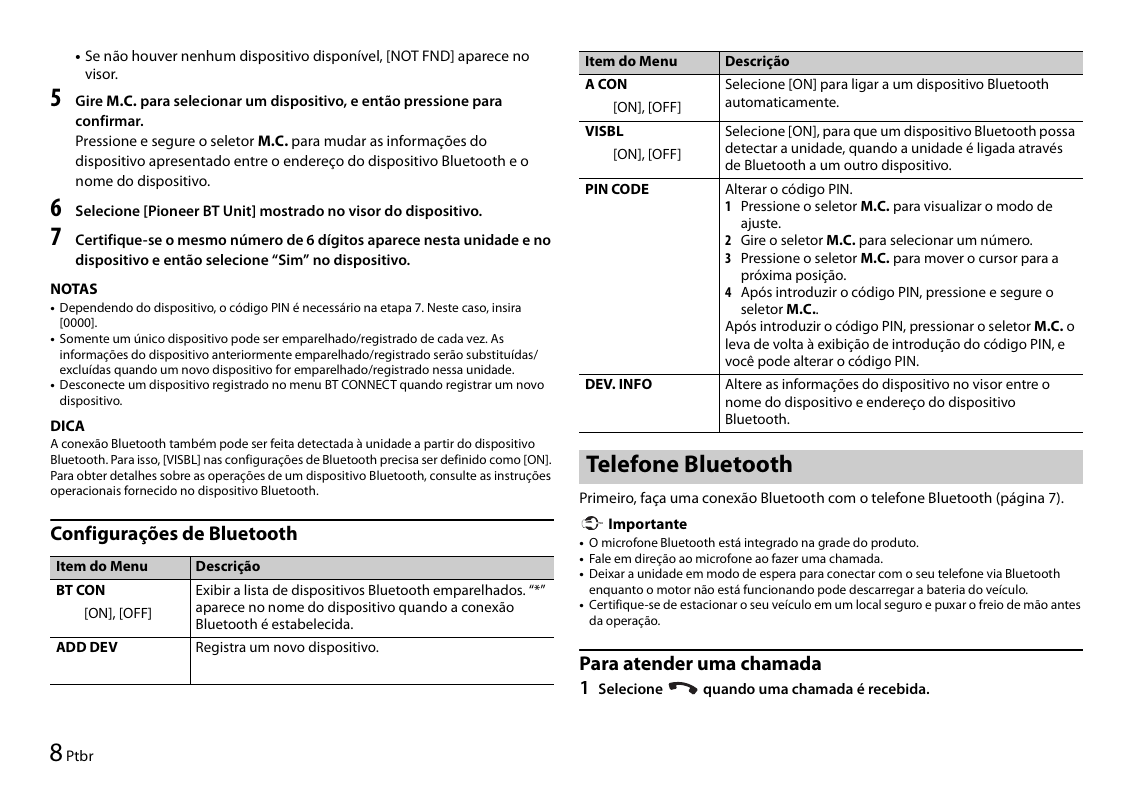
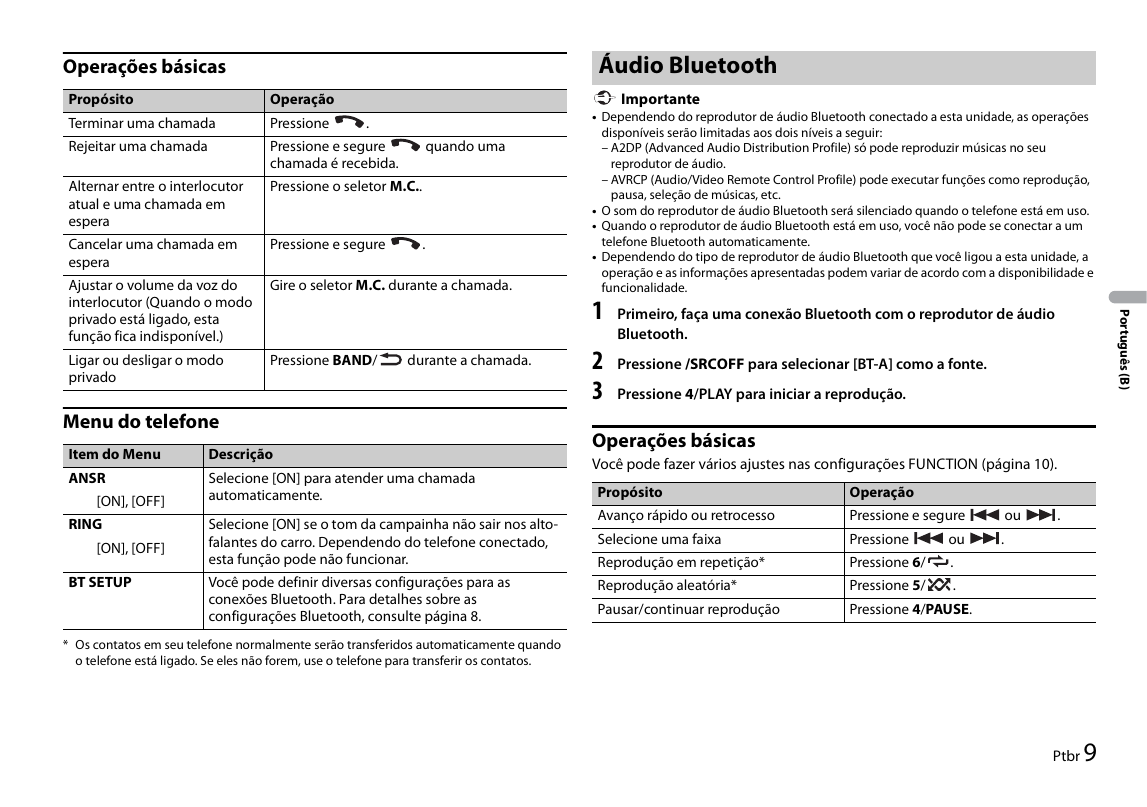
Инструкция по эксплуатации для Pioneer MVH-S215BT на русском языке
Размер файла: (3.85 mb) Производитель: PIONEER Просмотров: 900
📸 Дополнительные изображения:
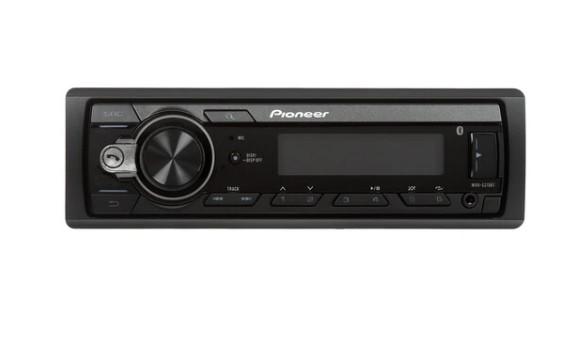
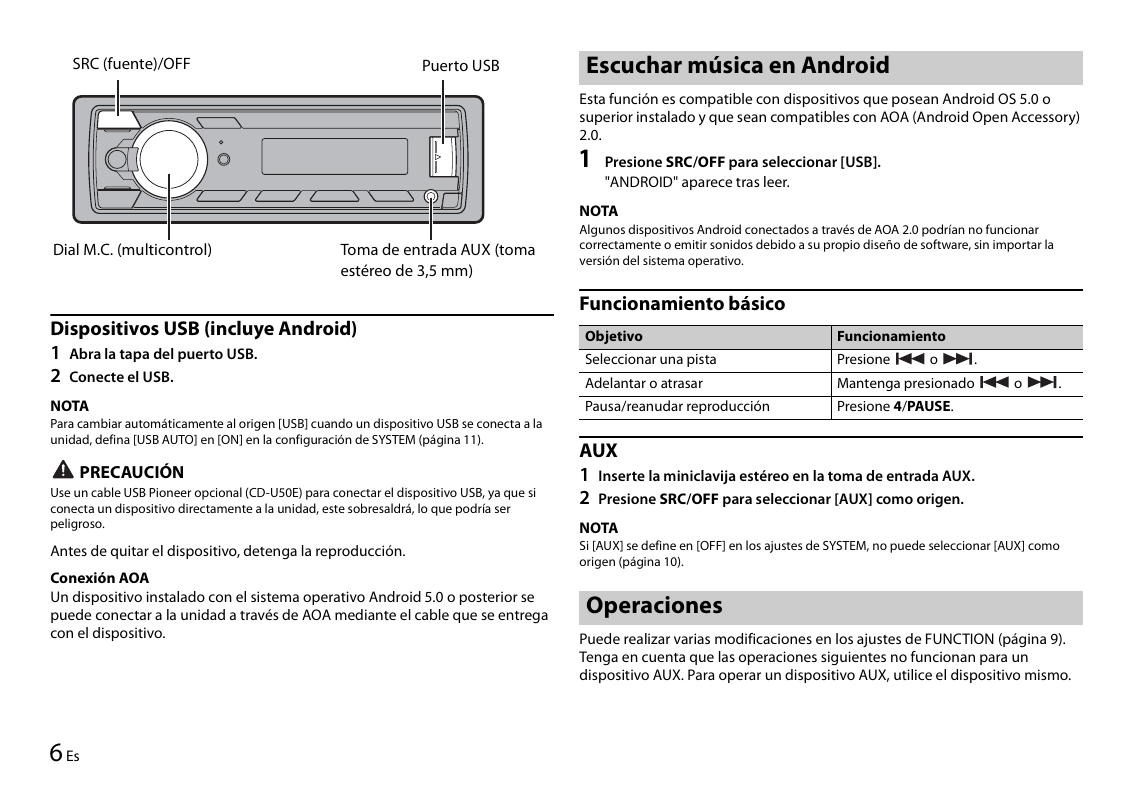
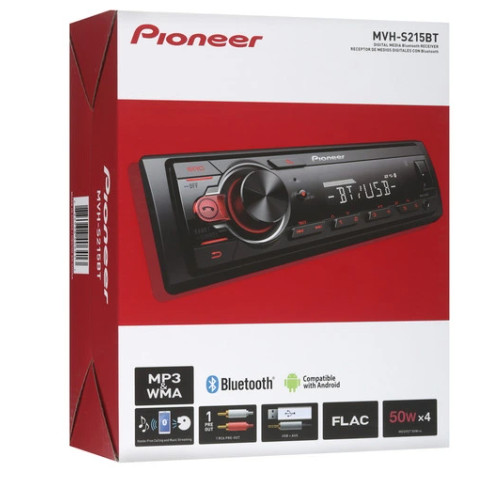
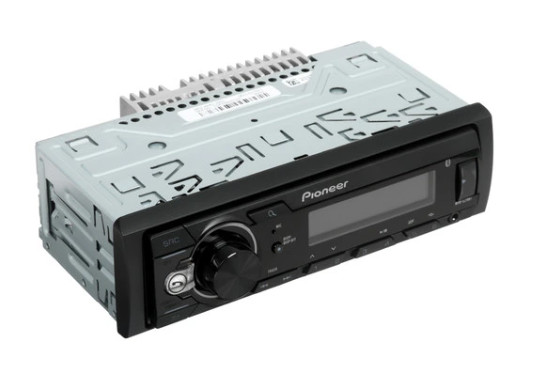
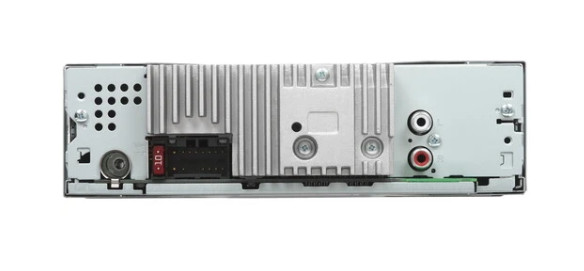
Автомагнитола Pioneer MVH-S215BT предназначена для установки в автомобили с бортовой сетью 12 В и выполнена в стандартном размере 1DIN.
Четырёхканальная модель обеспечивает мощное звучание с выходной мощностью до 50 Вт на каждый канал. Магнитола легко воспроизводит аудиофайлы с USB-накопителей, а также через удобный линейный вход AUX, расположенный на передней панели.
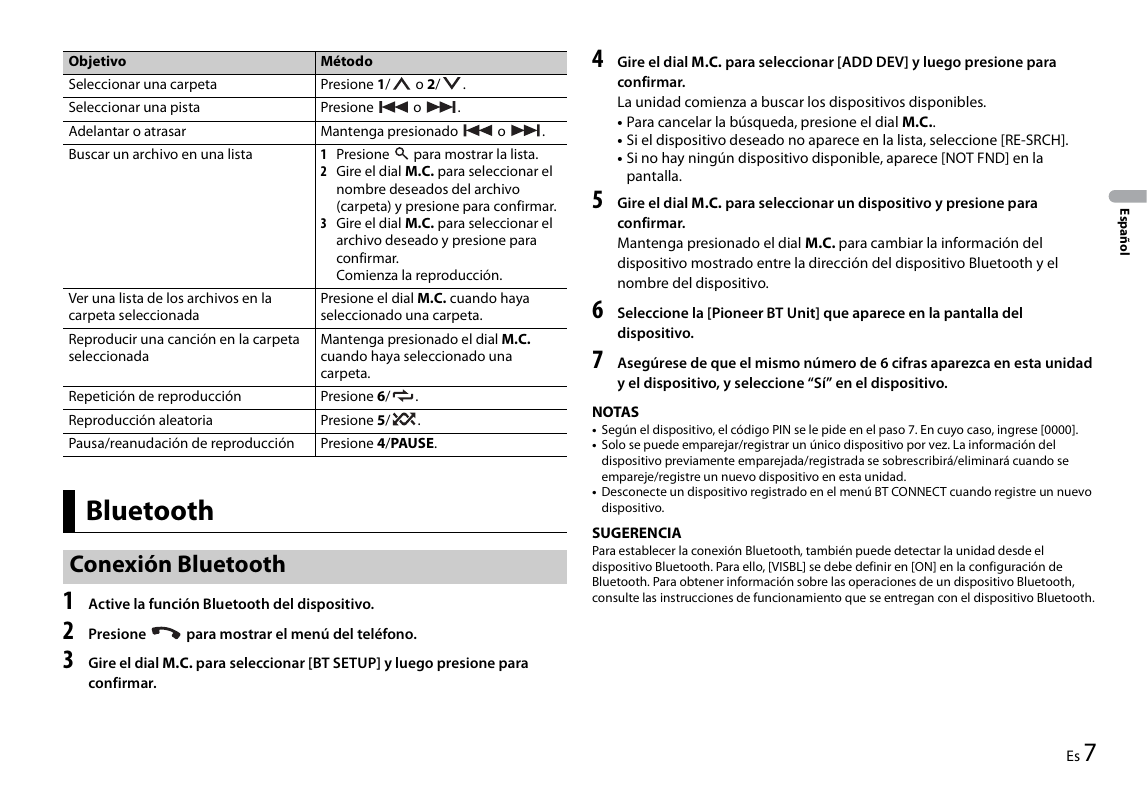
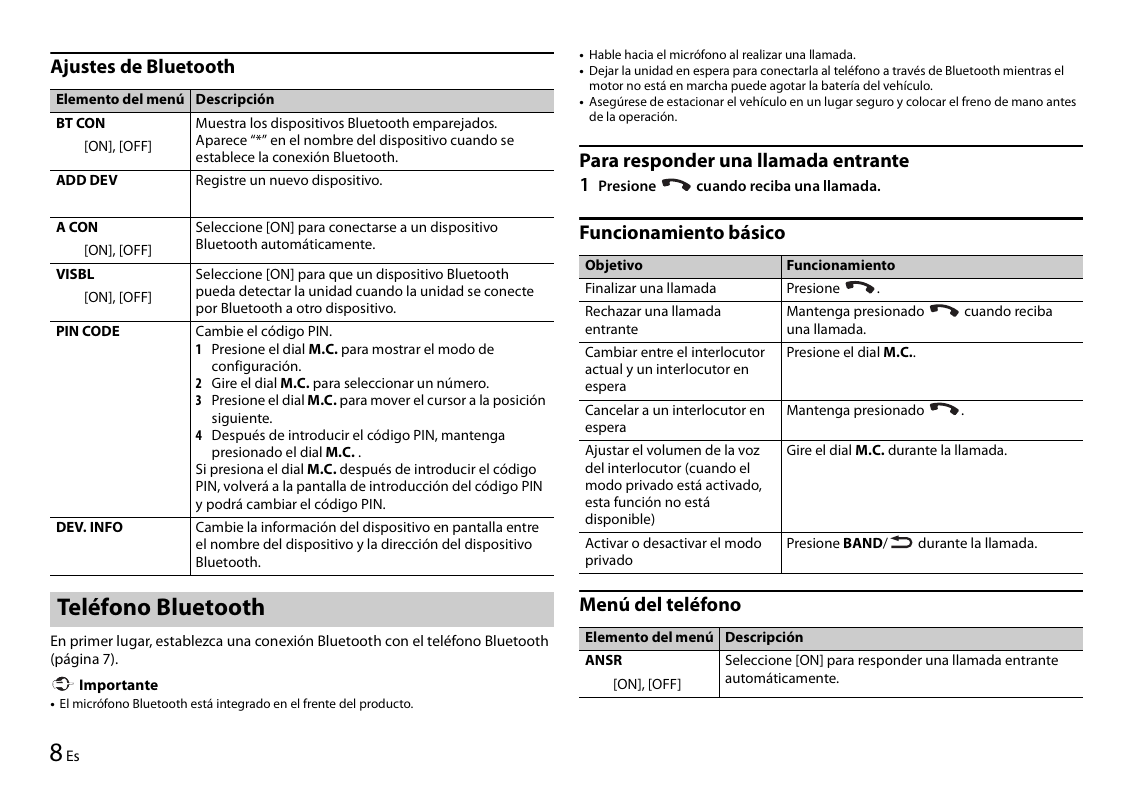
Благодаря встроенному Bluetooth вы можете подключить смартфон и транслировать любимую музыку или интернет-радио в автомобильной аудиосистеме.
Первые 12 страниц
Извлечено автоматически
СТРАНИЦА PDF
Страница 1
English
DIGITAL MEDIA Bluetooth RECEIVER
RECEPTOR DE MEDIOS DIGITALES CON Bluetooth
DIGITAL MEDIA PLAYER COM Bluetooth
Español
Português (B)
MVH-S215BT Owner’s Manual
Manual de instrucciones
Manual do Proprietário
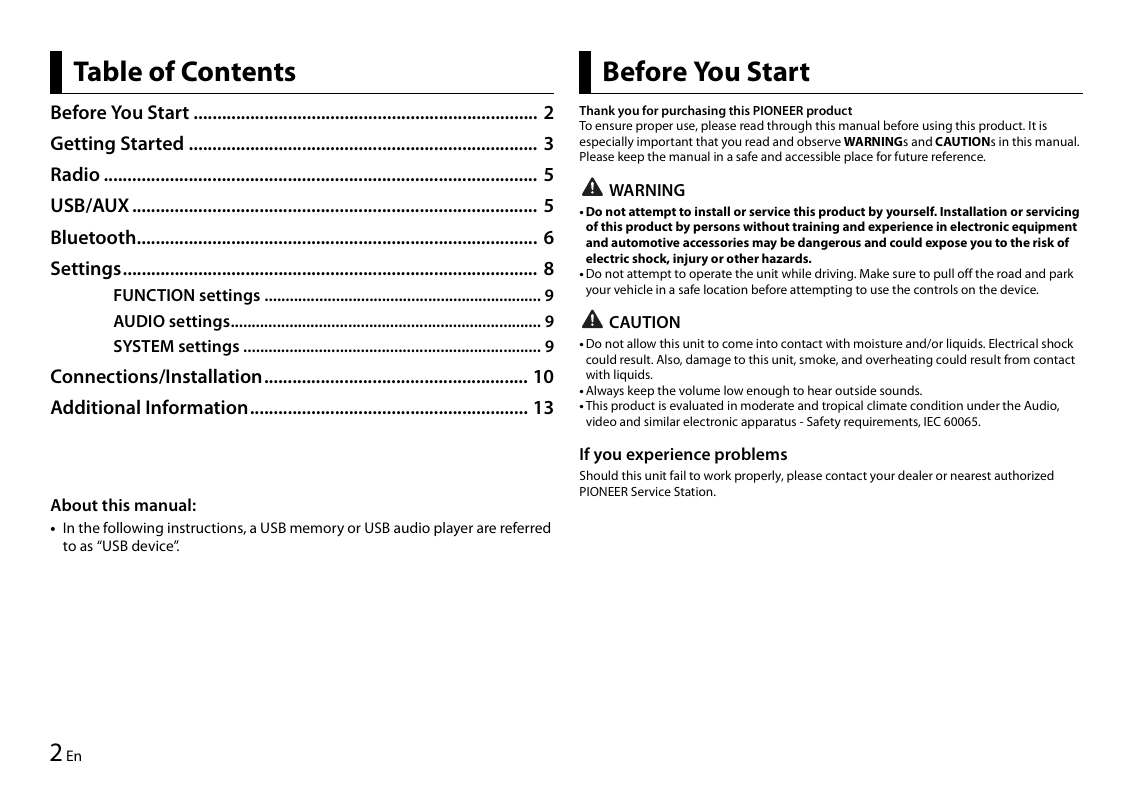
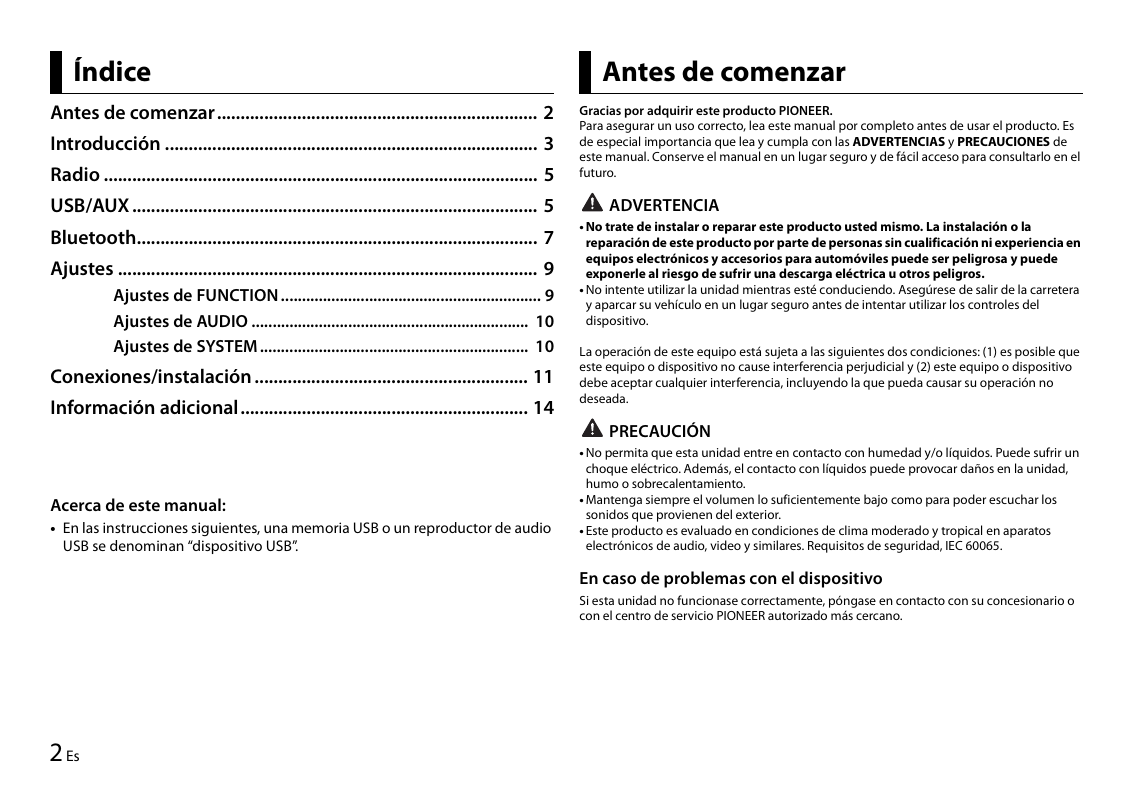
Table of Contents Before You Start
Before You Start ......................................................................... 2 Thank you for purchasing this PIONEER product
To ensure proper use, please read through this manual before using this prod...
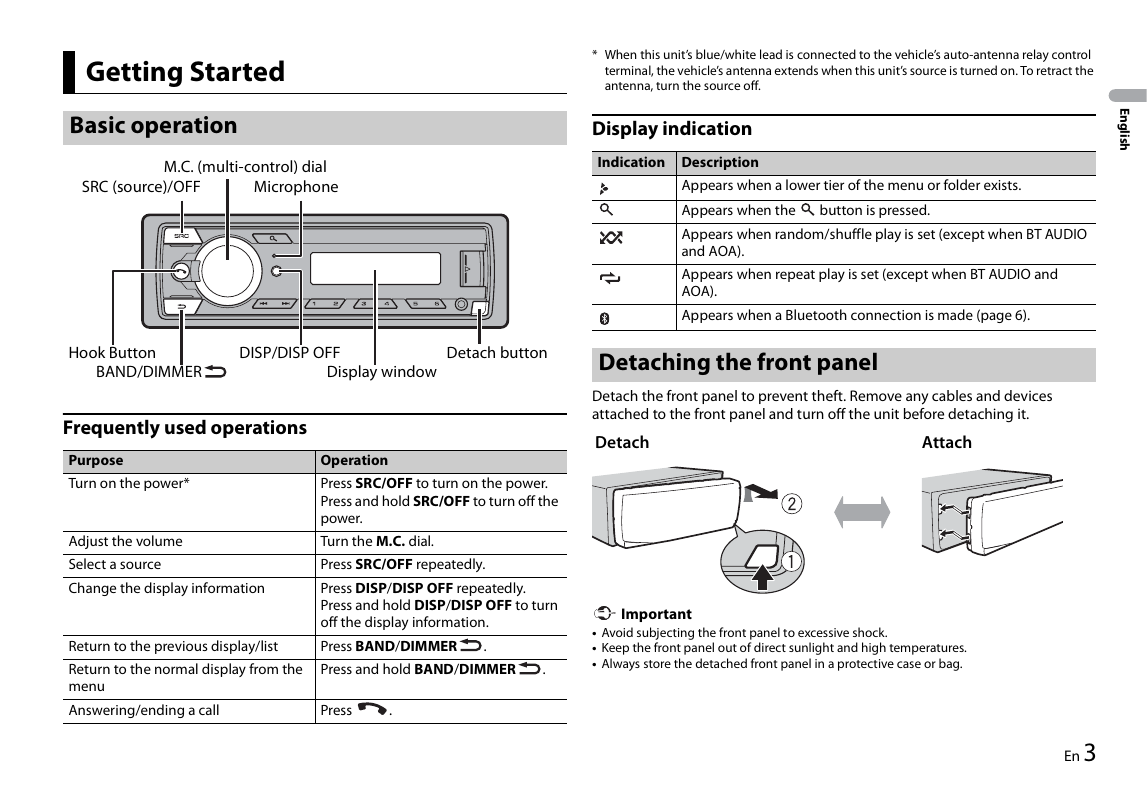
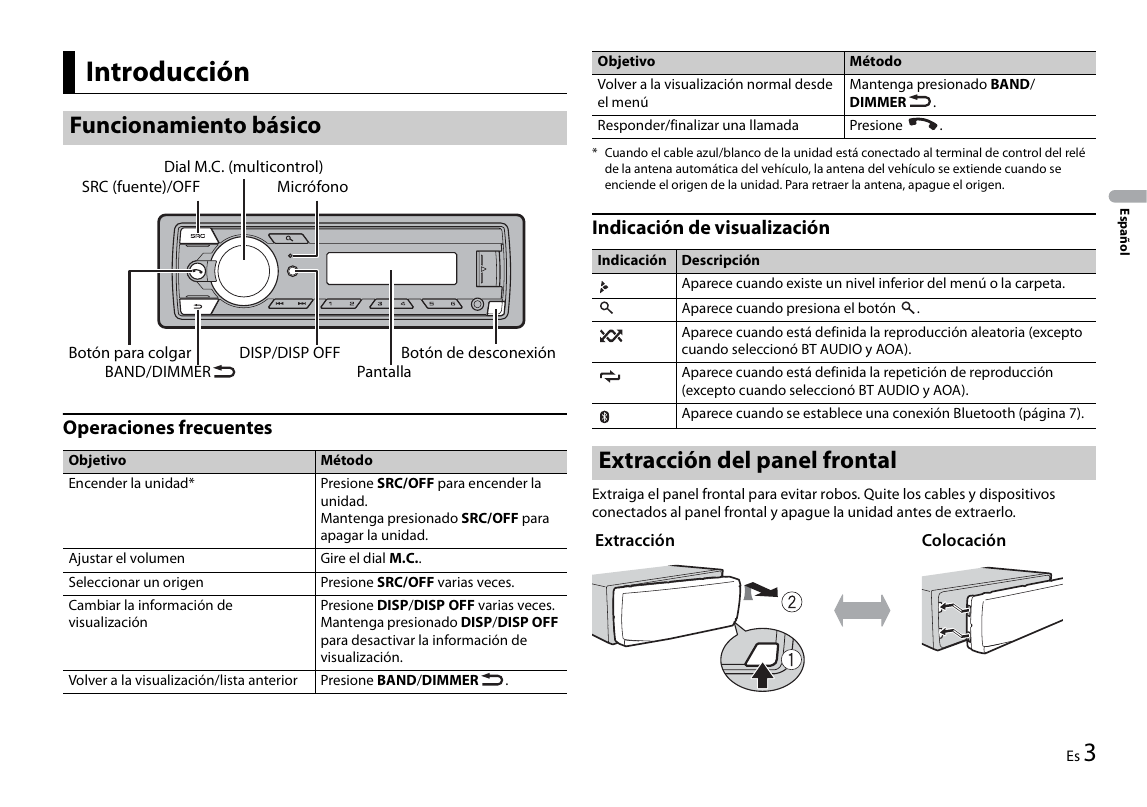
* When this unit’s blue/white lead is connected to the vehicle’s auto-antenna relay control
Getting Started terminal, the vehicle’s antenna extends when this unit’s source is turned on. To retract the
antenna, turn the source off.
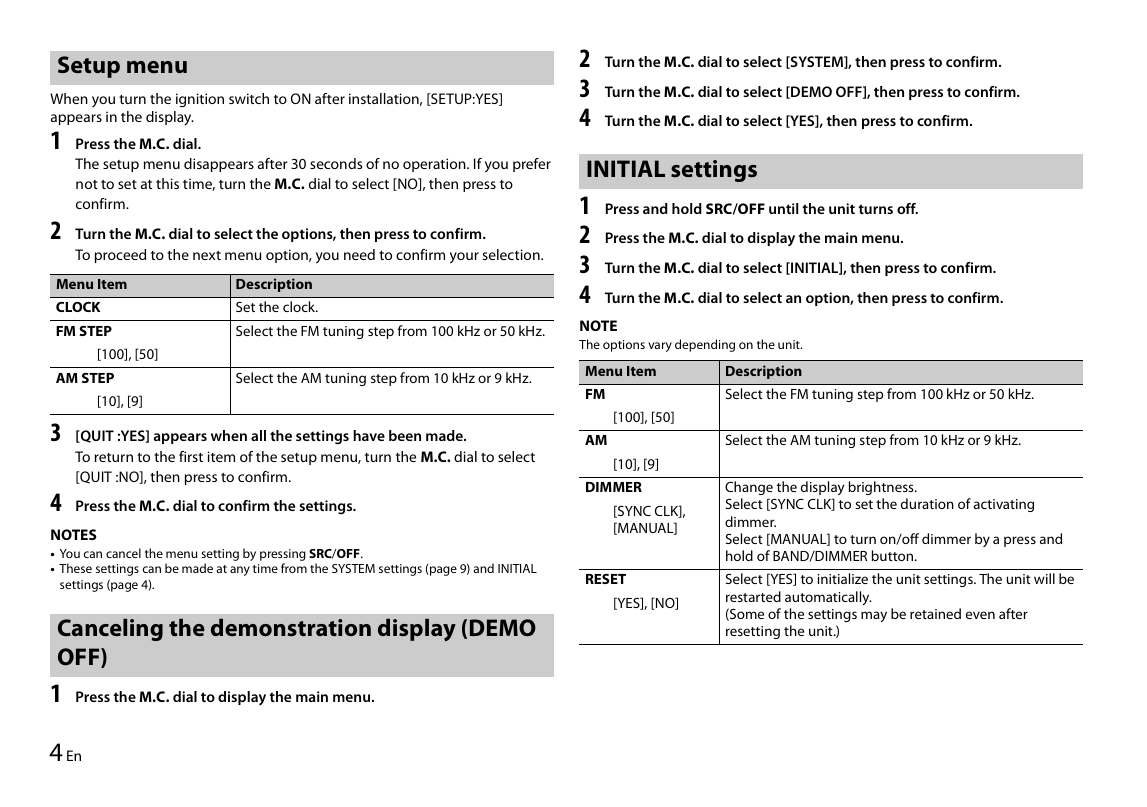
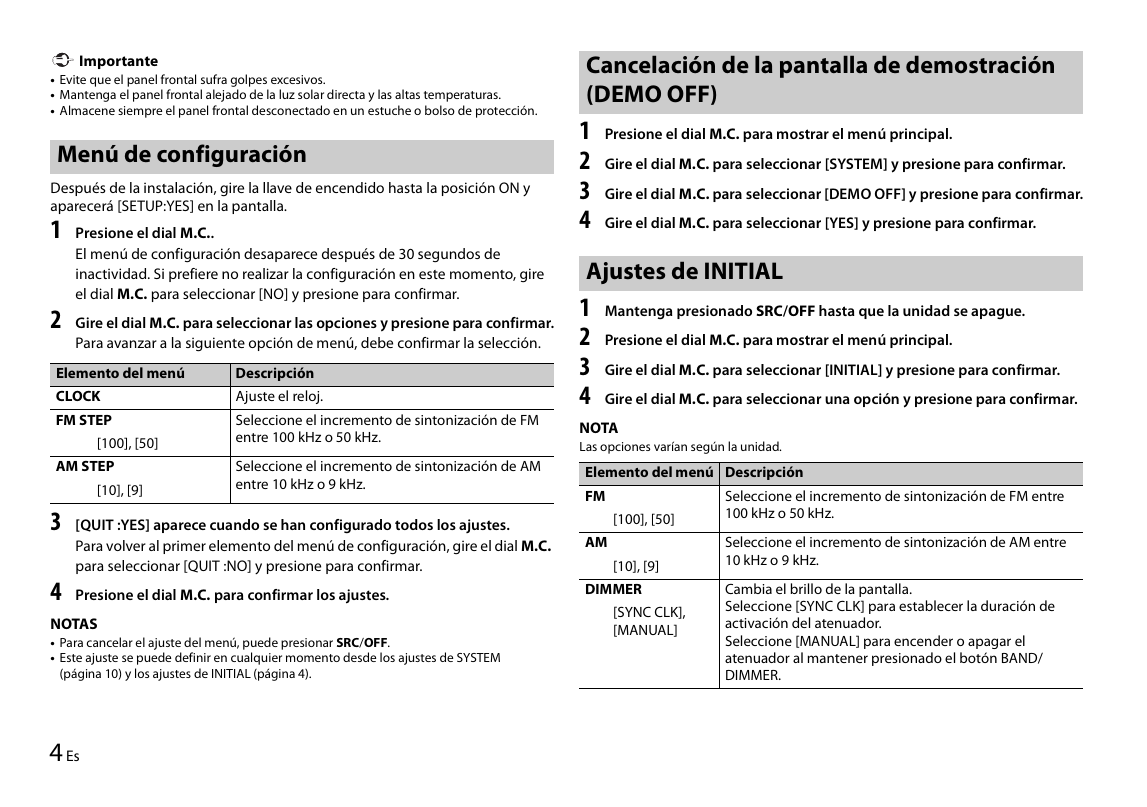
Setup menu 2 Turn the M.C. dial to select [SYSTEM], then press to confirm.
When you turn the ignition switch to ON after installation, [SETUP:YES] 3 Turn the M.C. dial to select [DEMO OFF], then press to confirm.
appears in the display. 4 Turn the M....
TIP
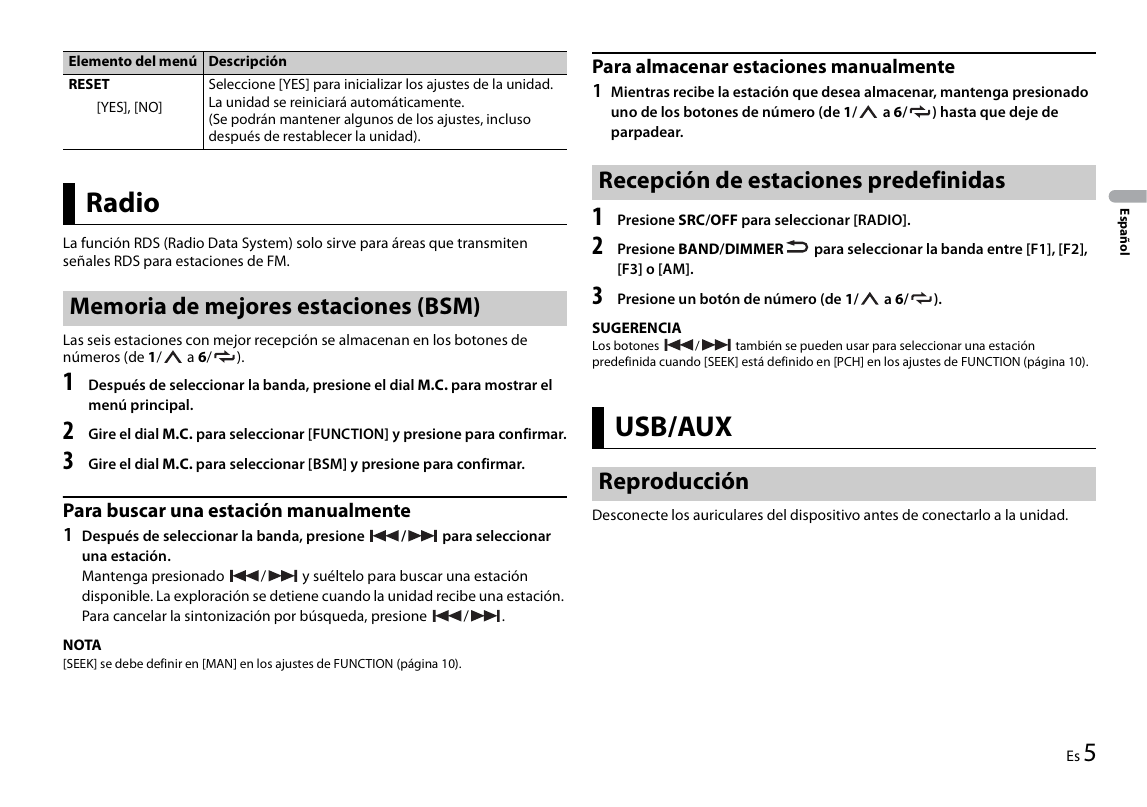
Radio The / buttons can be also used to select a preset station when [SEEK] is set to
[PCH] in the FUNCTION settings (page 9).
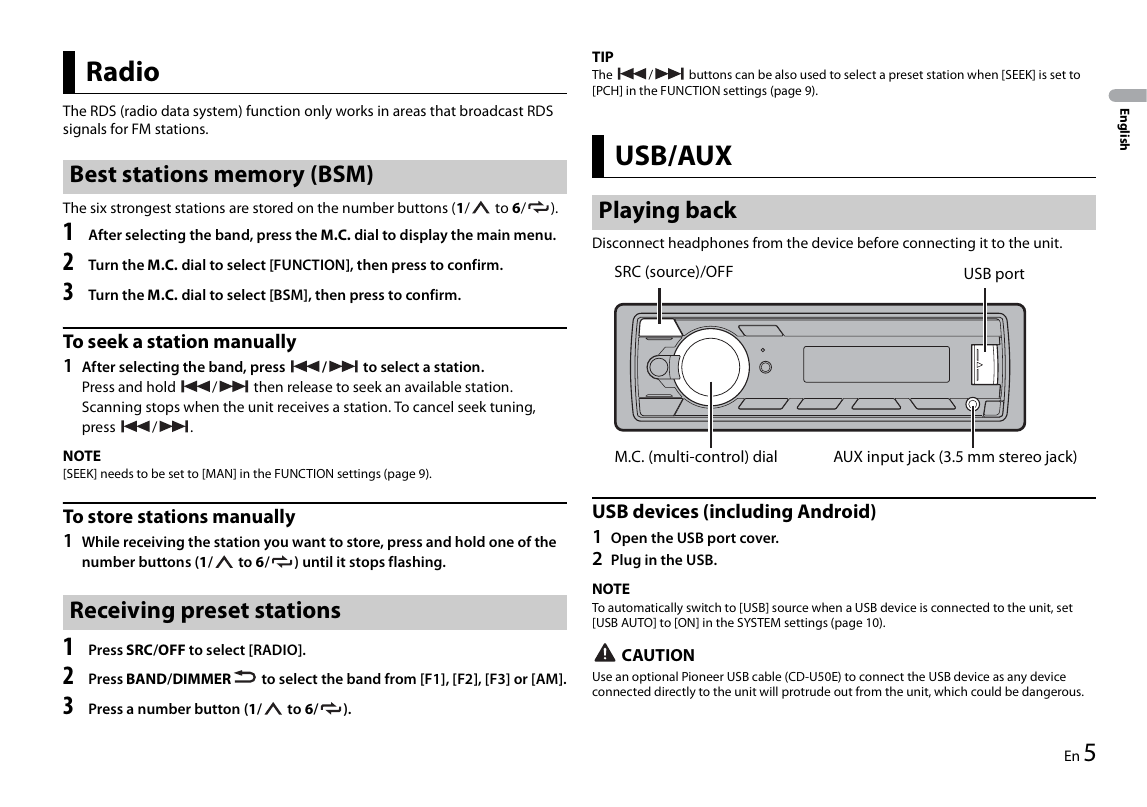
The RDS (radio data system) function only works in areas that broadcast RDS
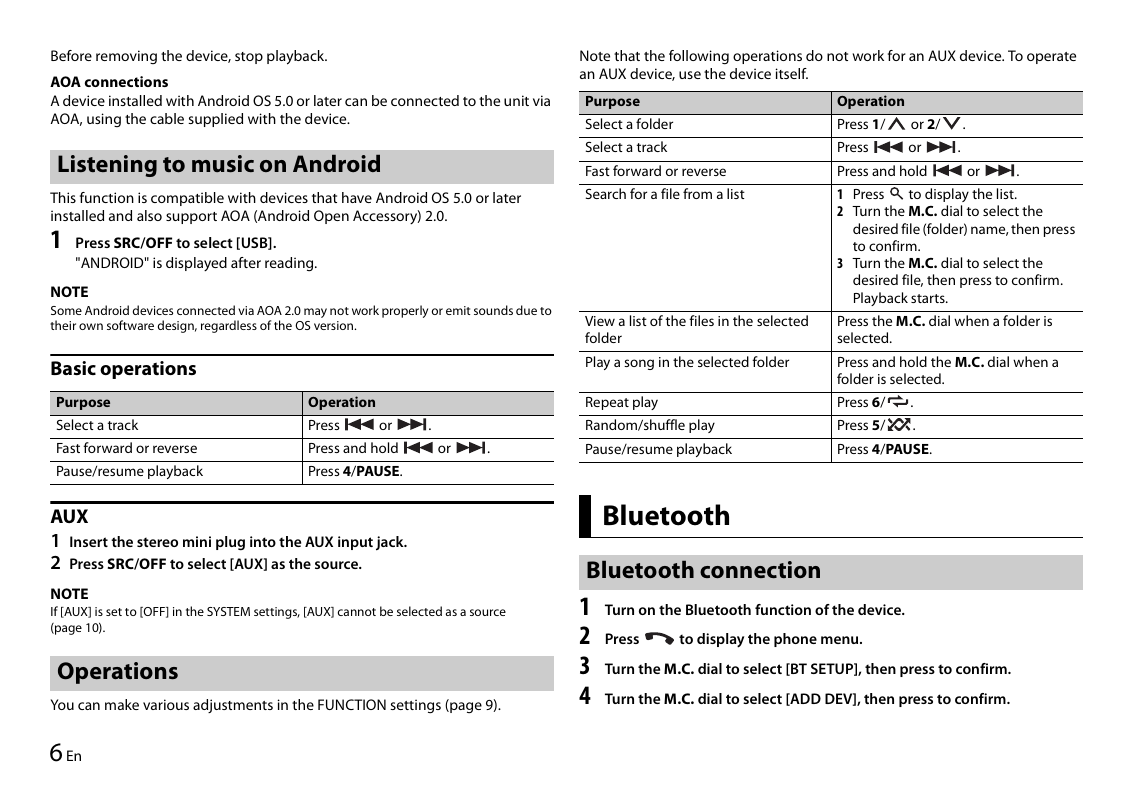
Before removing the device, stop playback. Note that the following operations do not work for an AUX device. To operate
an AUX device, use the device itself.
AOA connections
A device installed with Android OS 5.0 or later can be connected to the unit...
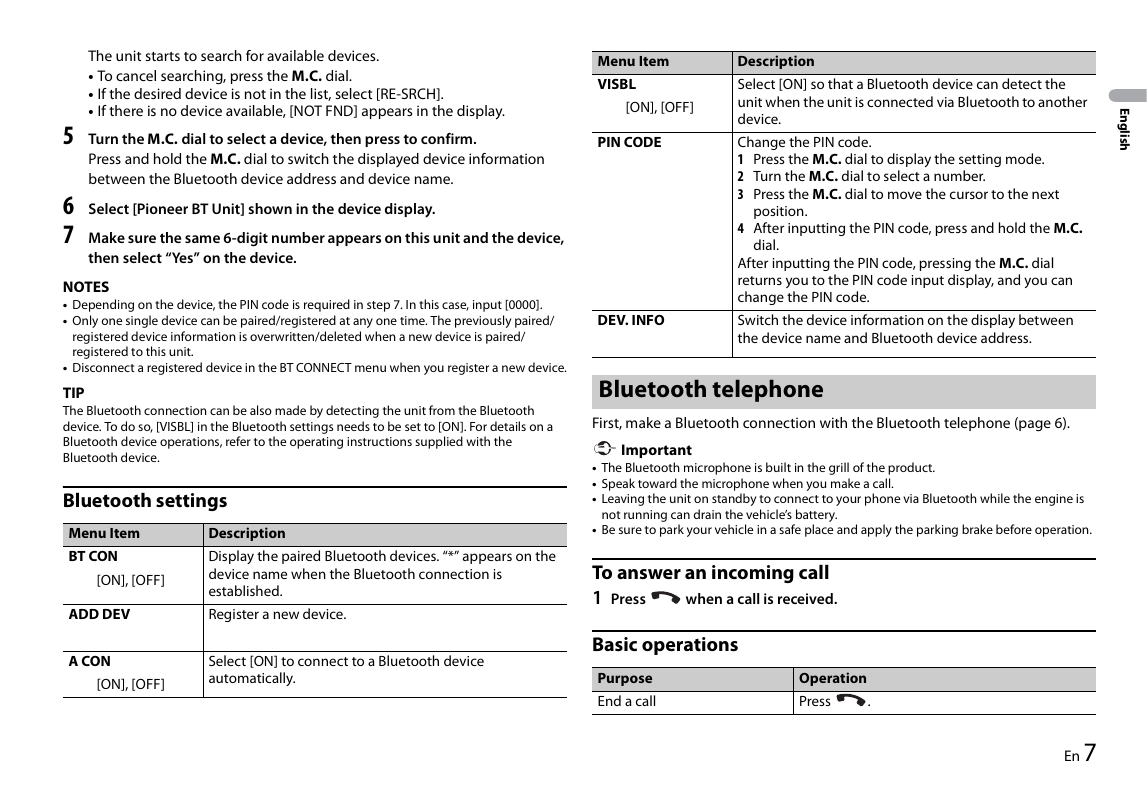
The unit starts to search for available devices. Menu Item Description
• To cancel searching, press the M.C. dial.
VISBL Select [ON] so that a Bluetooth device can detect the
• If the desired device is not in the list, select [RE-SRCH].
[ON], [OFF] u...
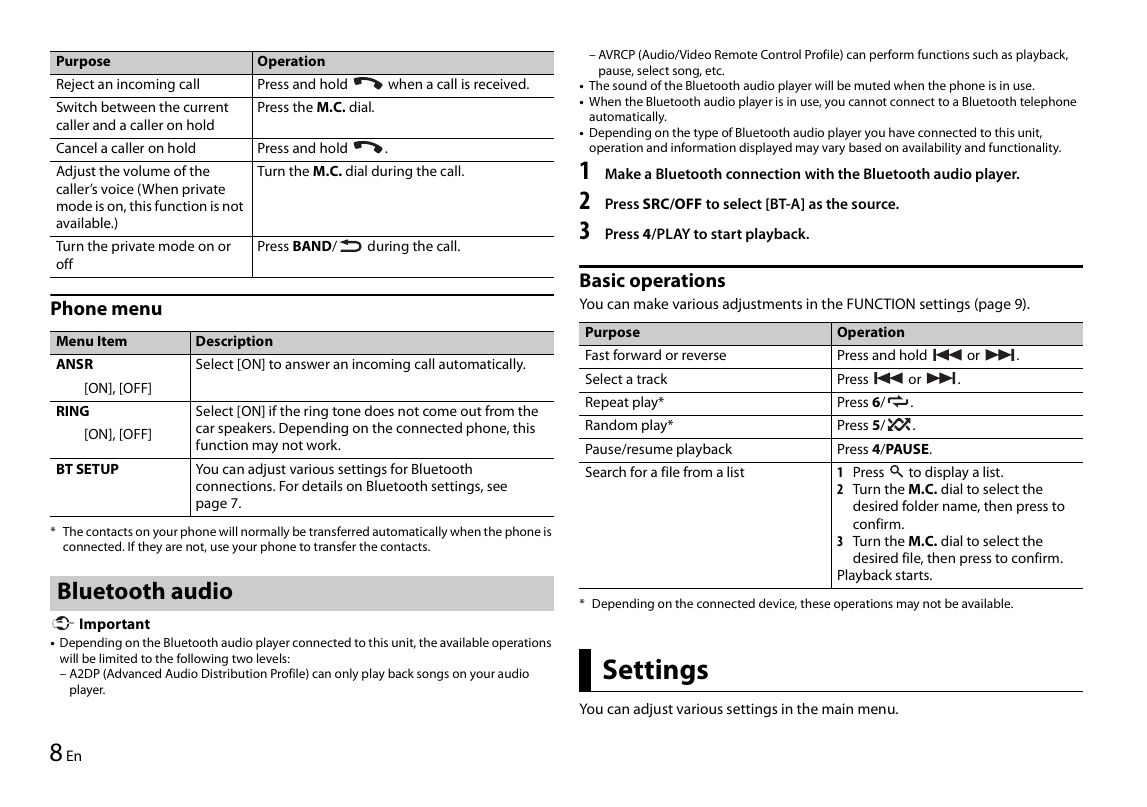
– AVRCP (Audio/Video Remote Control Profile) can perform functions such as playback,
Purpose Operation
pause, select song, etc.
Reject an incoming call Press and hold when a call is received. • The sound of the Bluetooth audio player will be muted wh...
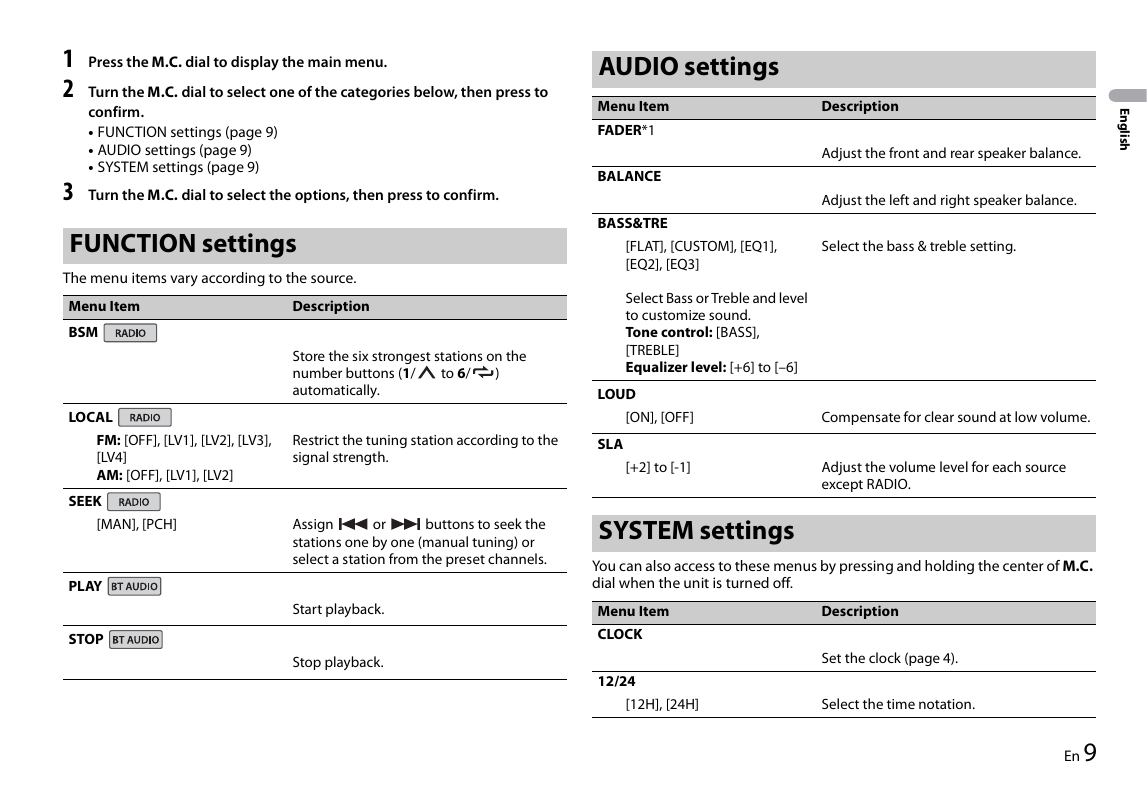
1 Press the M.C. dial to display the main menu. AUDIO settings
2 Turn the M.C. dial to select one of the categories below, then press to
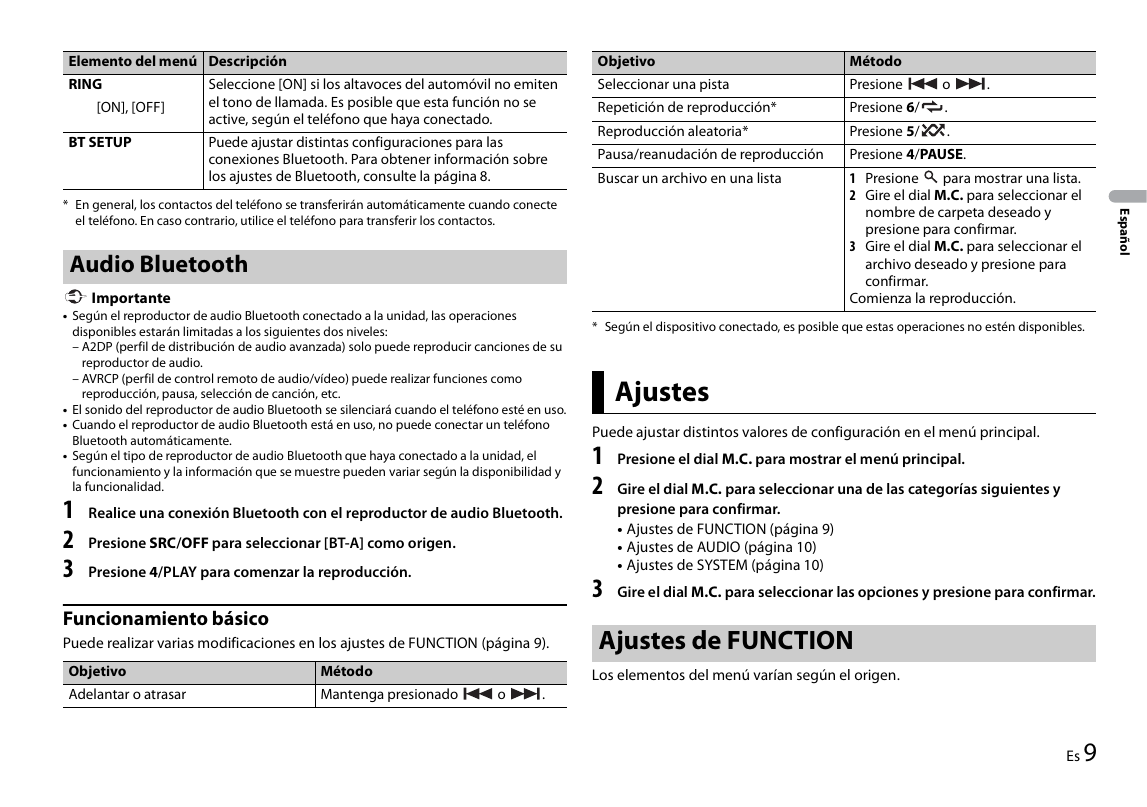
confirm. Menu Item Description
English
• FUNCTION settings (page 9) FADER*1
• AUDIO settings (page 9) Adjust the...
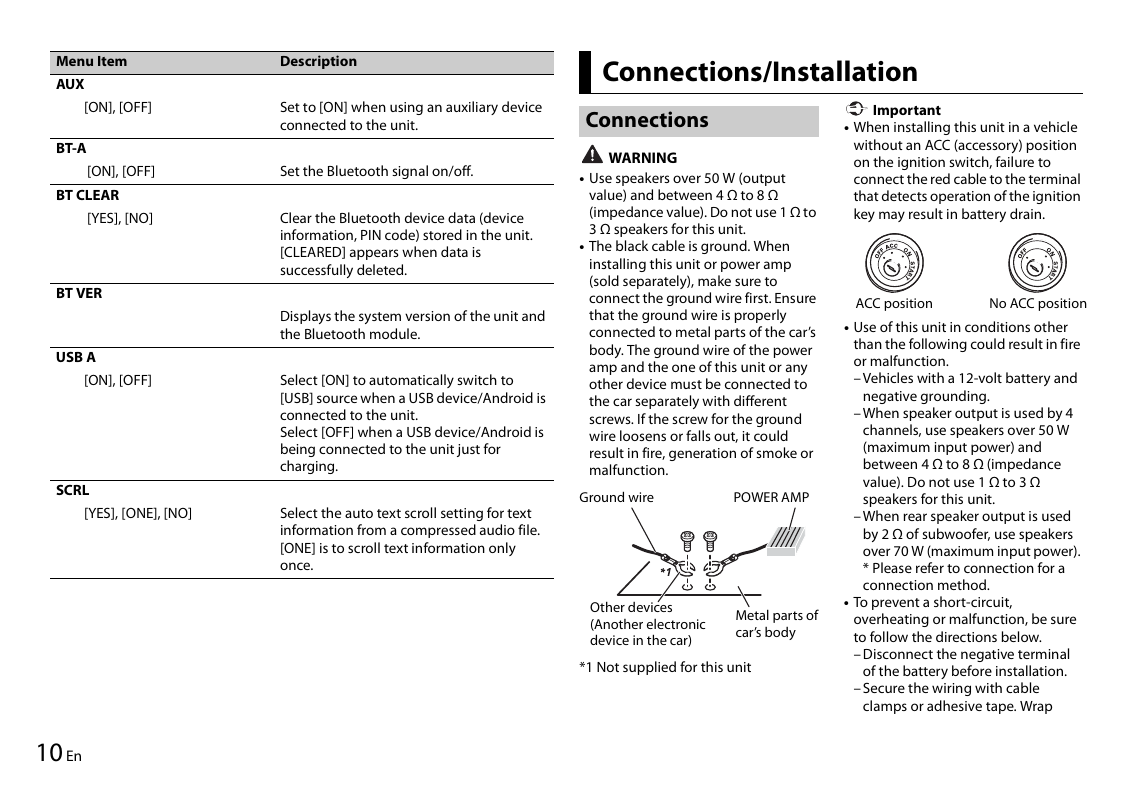
Menu Item Description
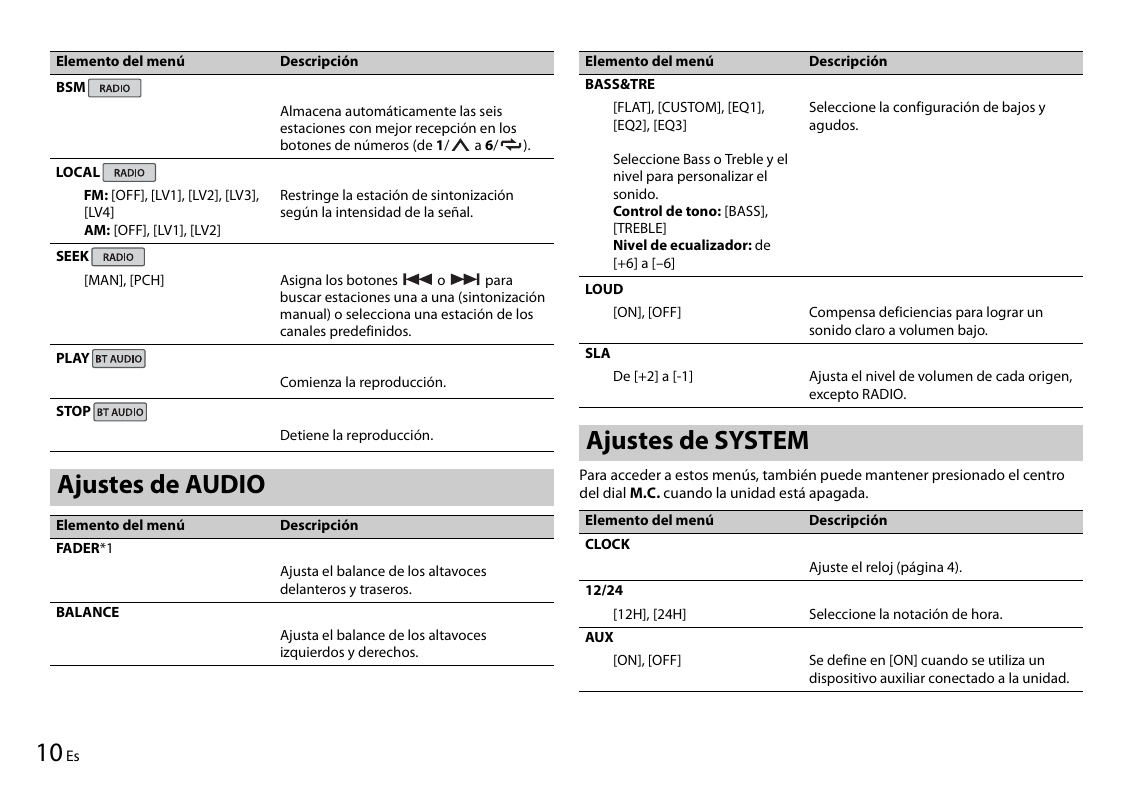
AUX
Connections/Installation
[ON], [OFF] Set to [ON] when using an auxiliary device Important
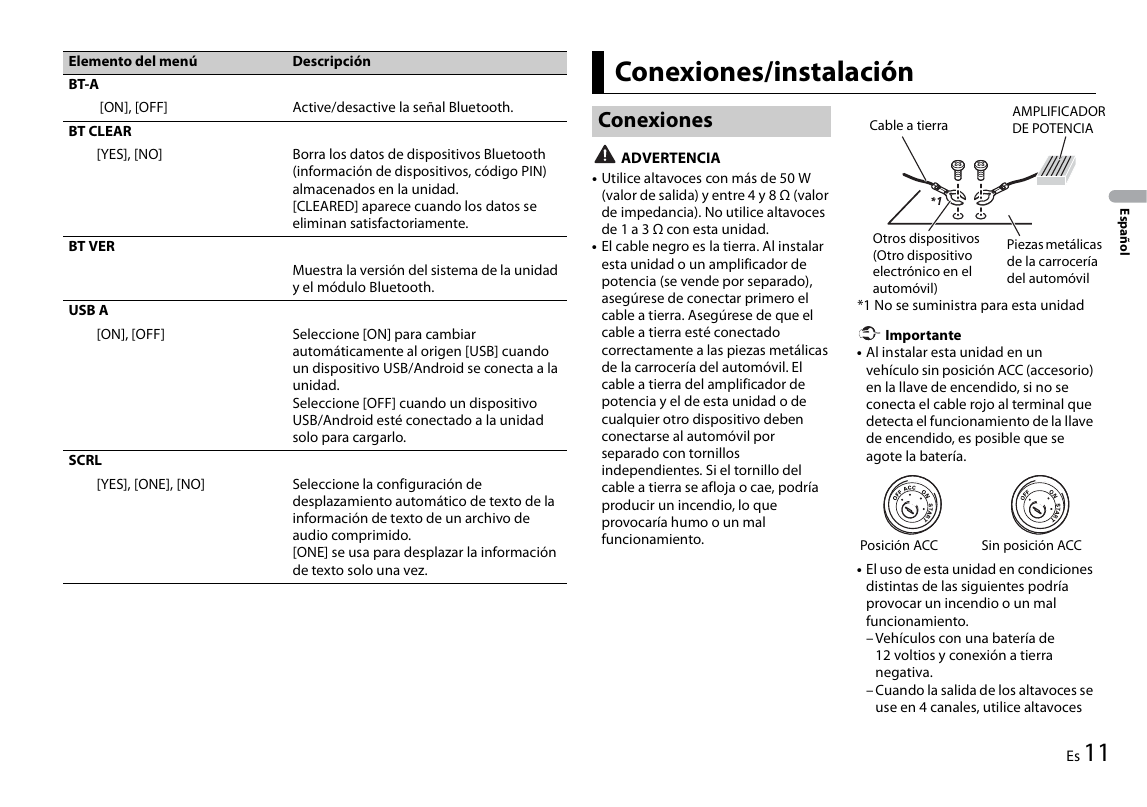
connected to the unit. Connections • When installing this unit in a vehicle
BT-A without an ACC (accessory) position
WARNING on the ig...
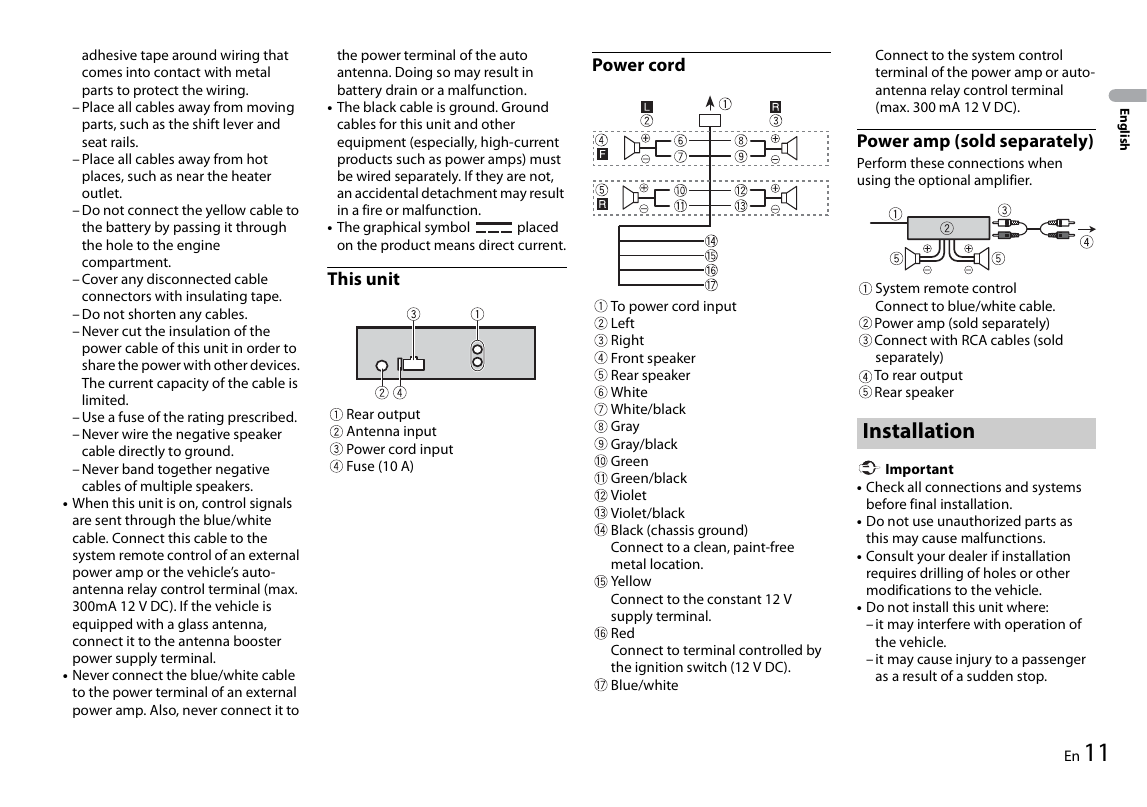
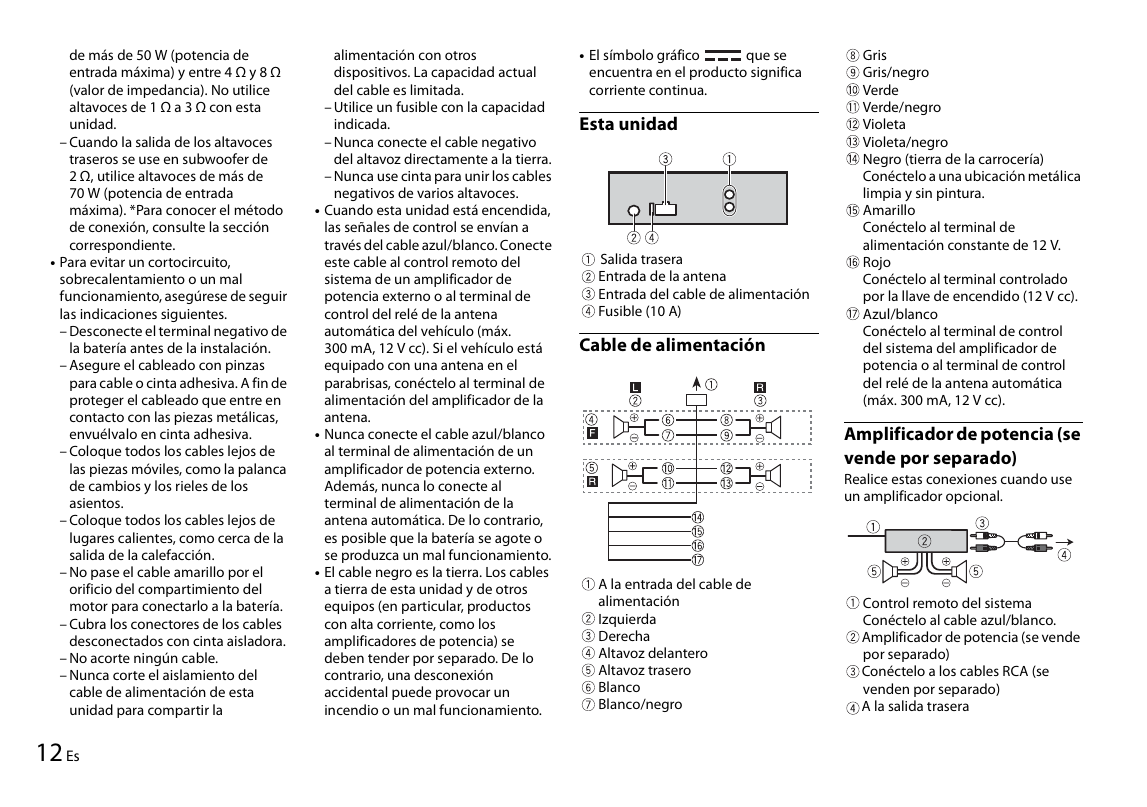
adhesive tape around wiring that the power terminal of the auto Connect to the system control
comes into contact with metal antenna. Doing so may result in Power cord terminal of the power amp or auto-
parts to protect the wiring. battery drain or a ...
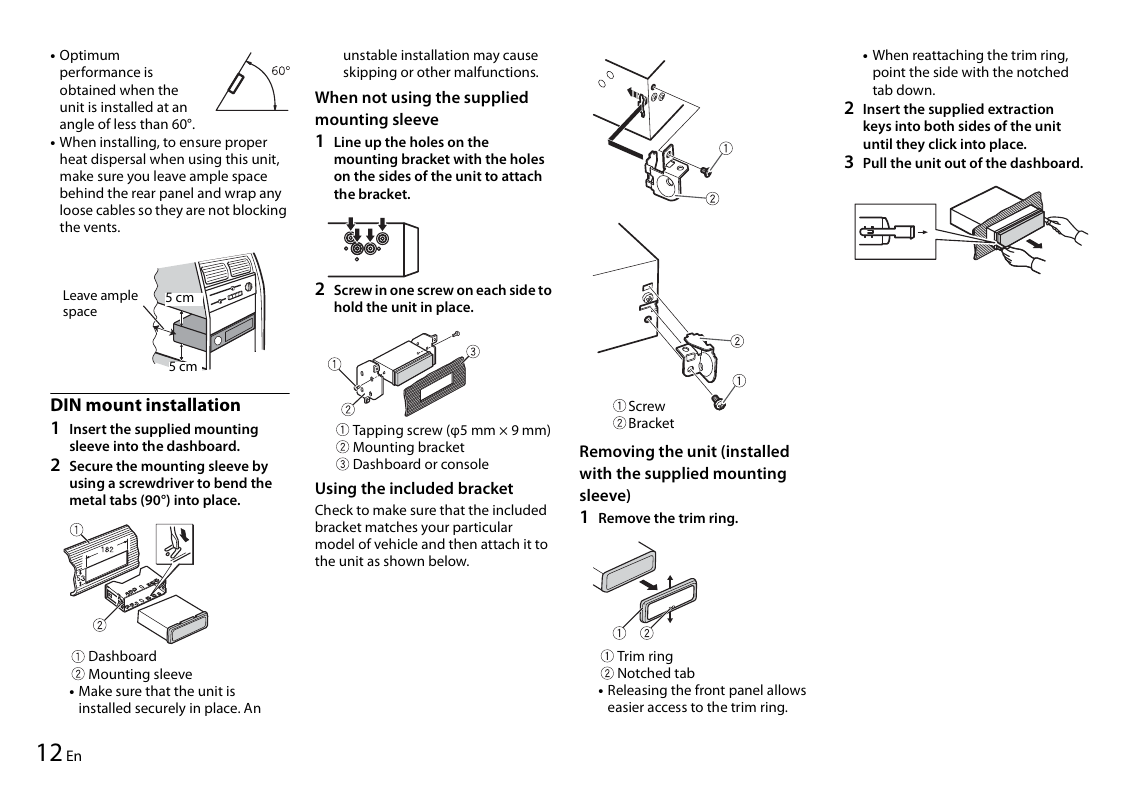
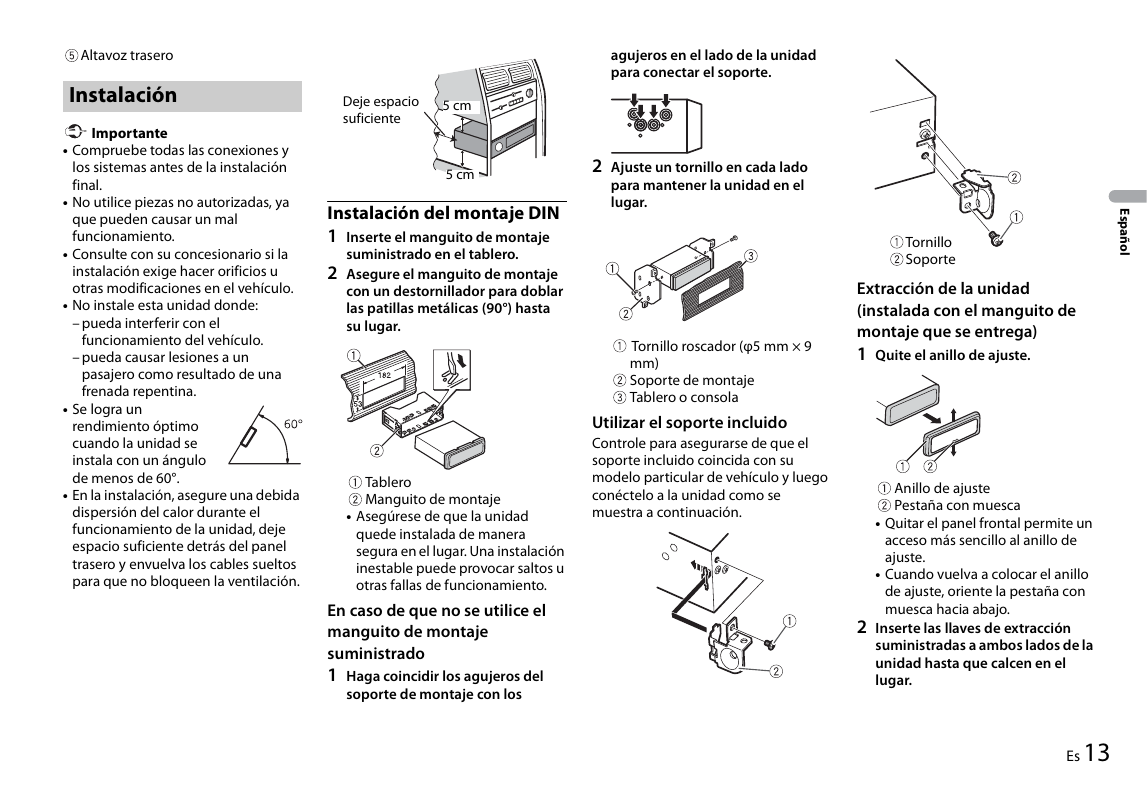
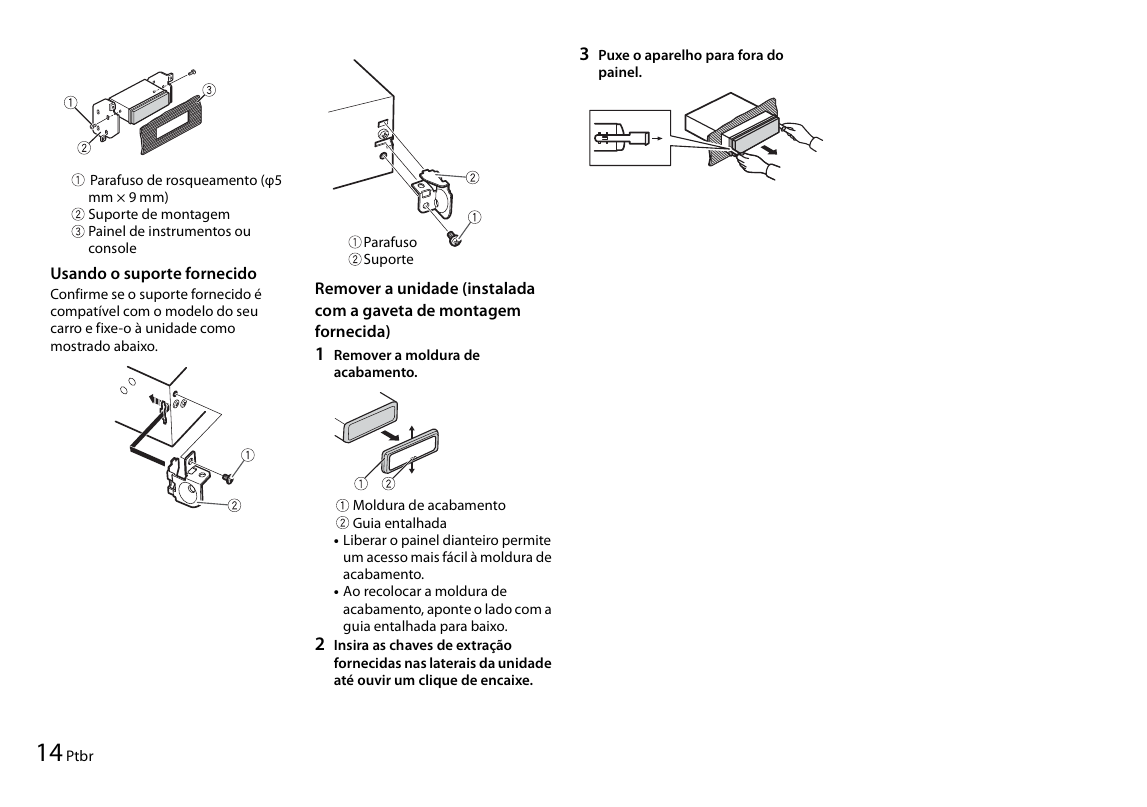
• Optimum unstable installation may cause • When reattaching the trim ring,
performance is skipping or other malfunctions. point the side with the notched
obtained when the tab down.
When not using the supplied
unit is installed at an 2 Insert the su...