Инструкция по эксплуатации для Pioneer DEH-S1150UB на русском языке
Размер файла: (3.16 mb) Производитель: PIONEER Просмотров: 935
📸 Дополнительные изображения:
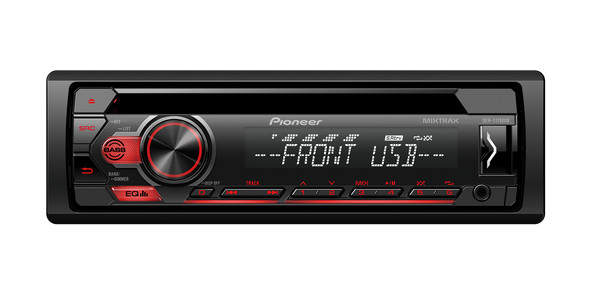
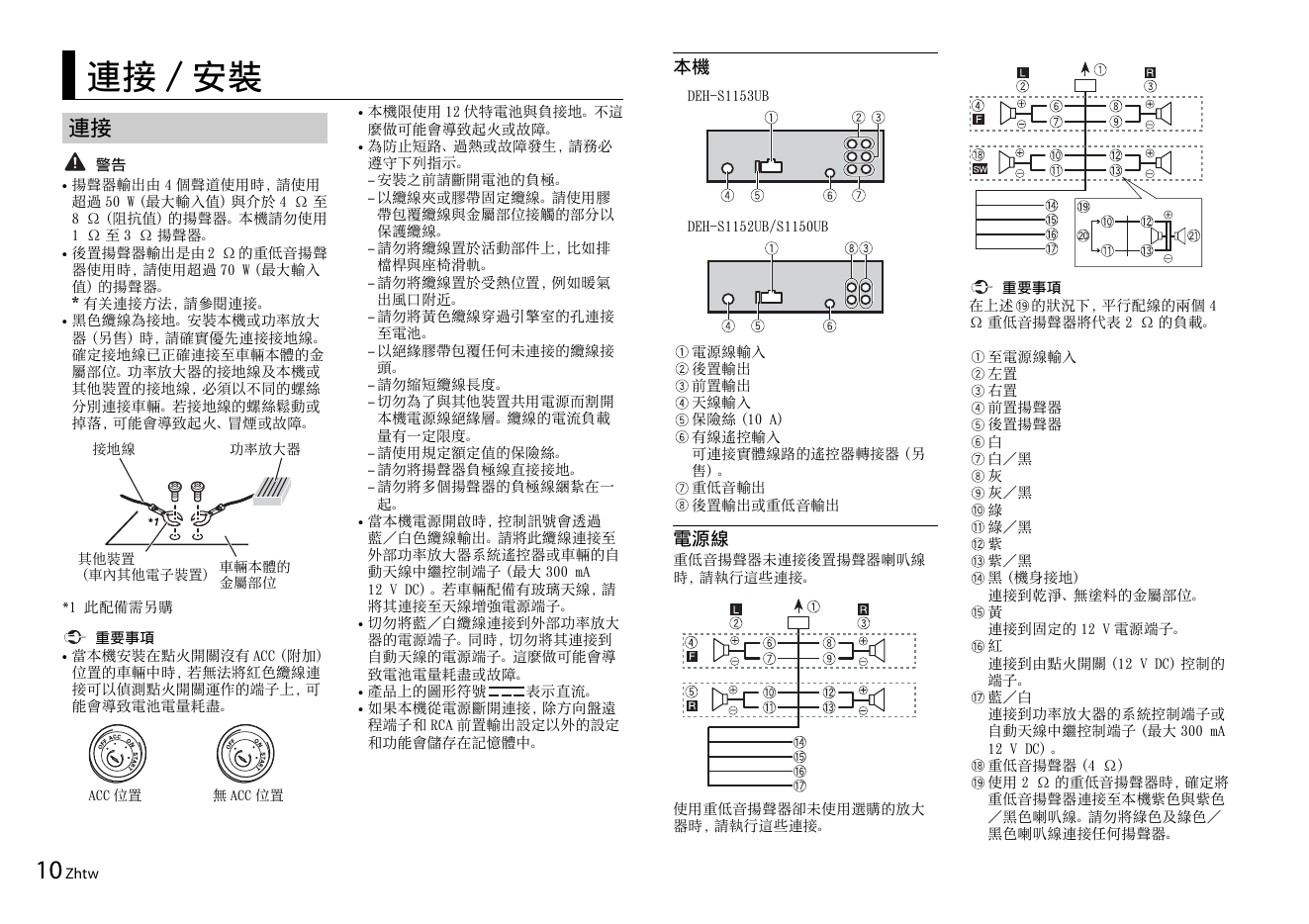
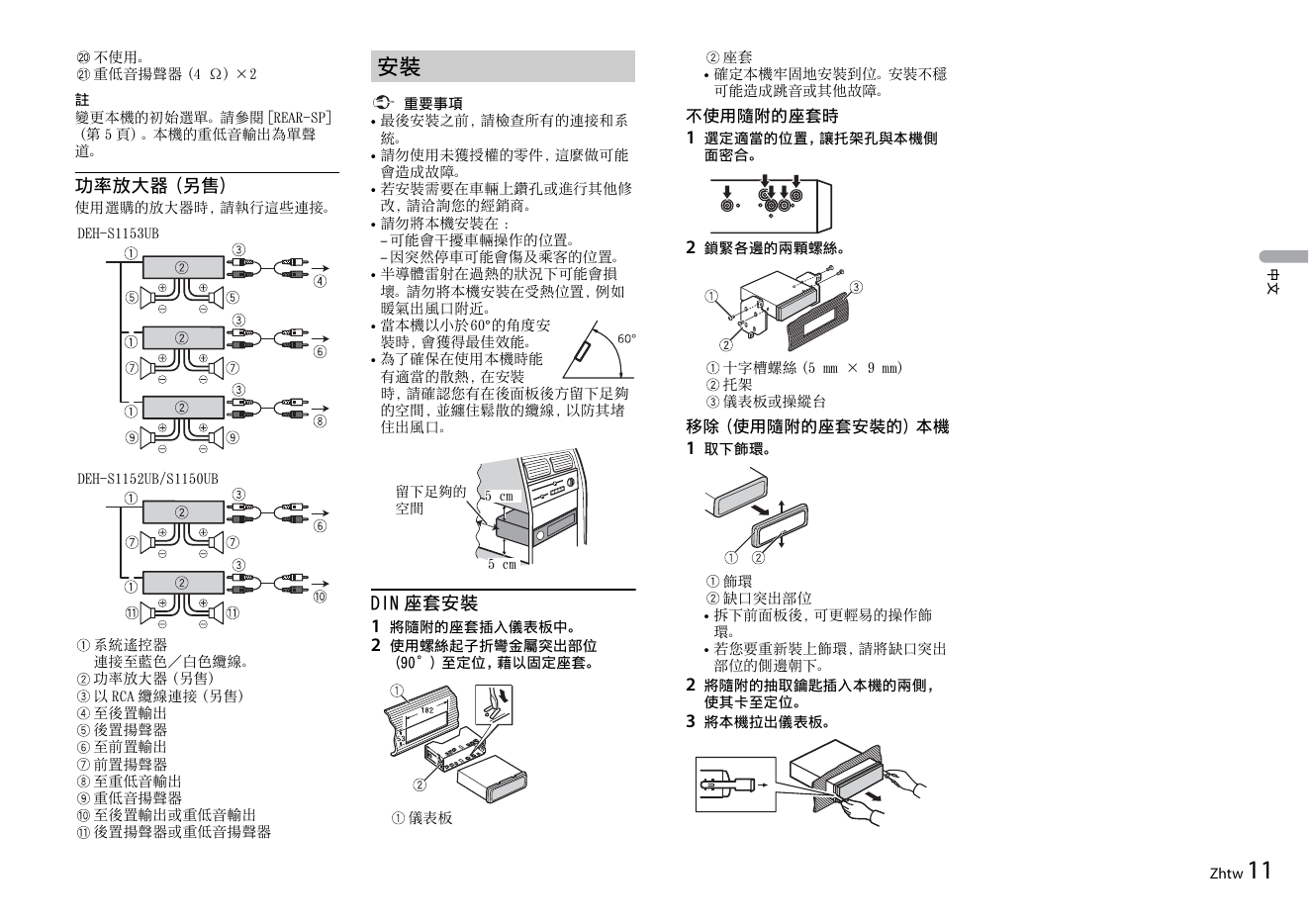
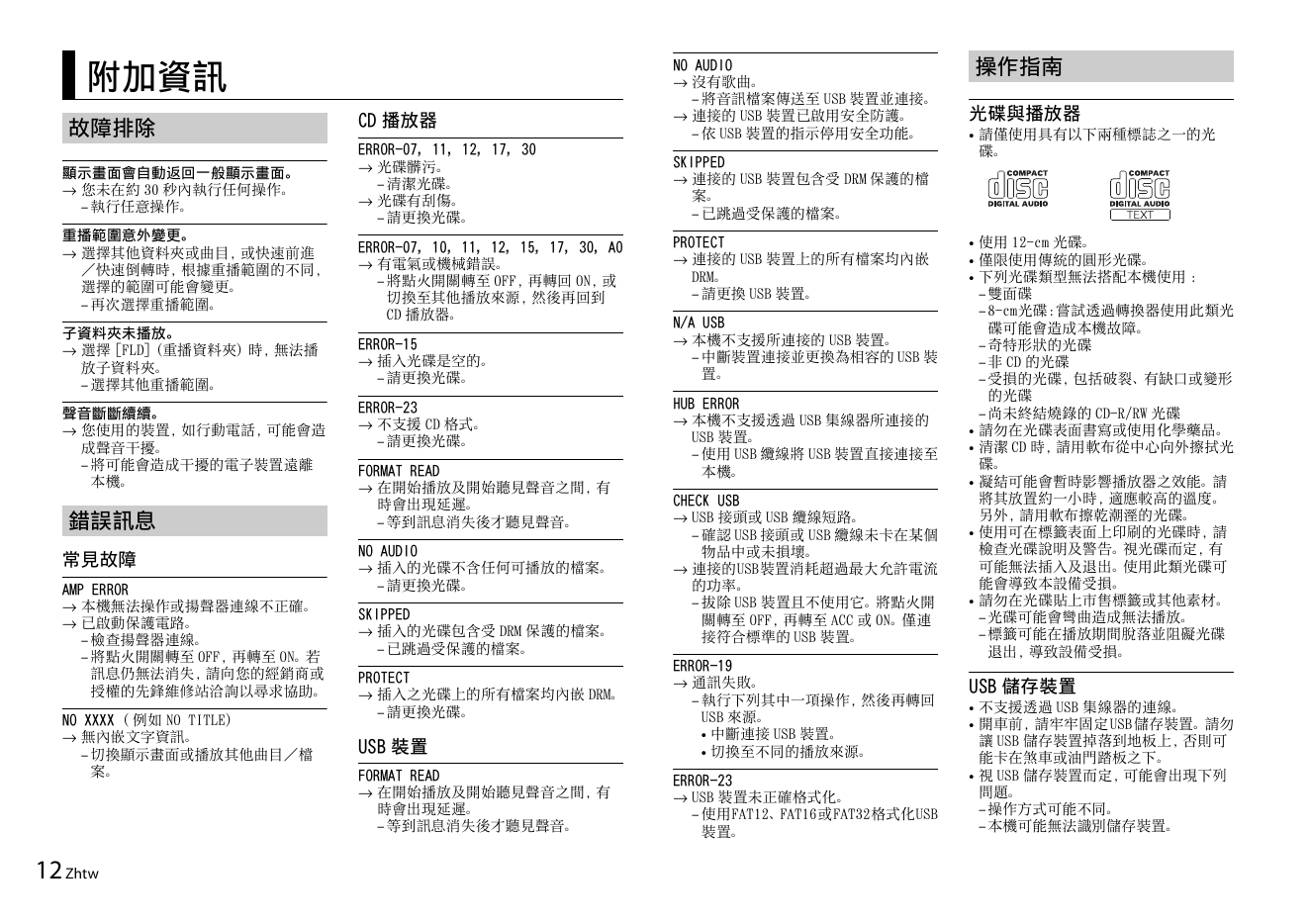
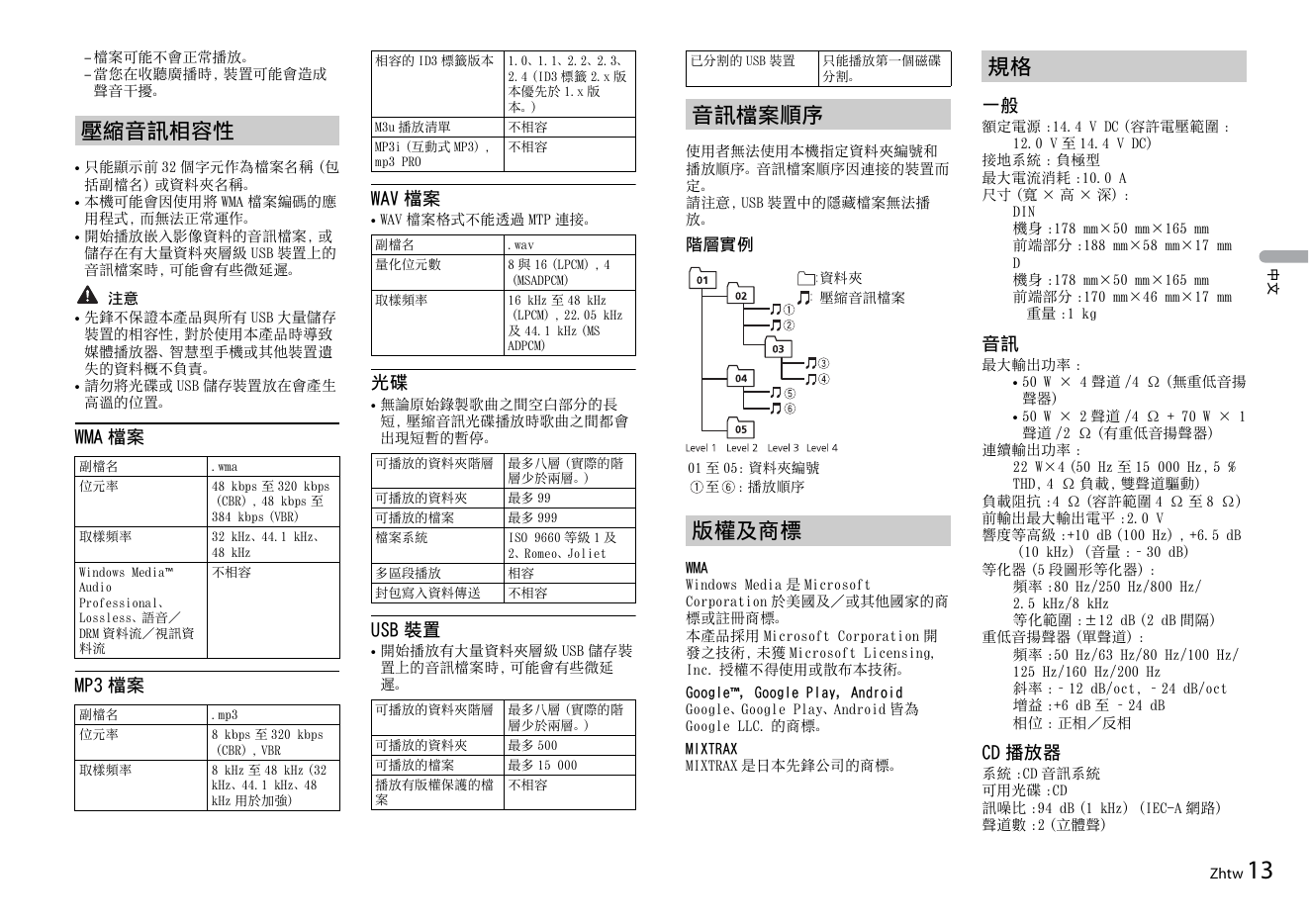
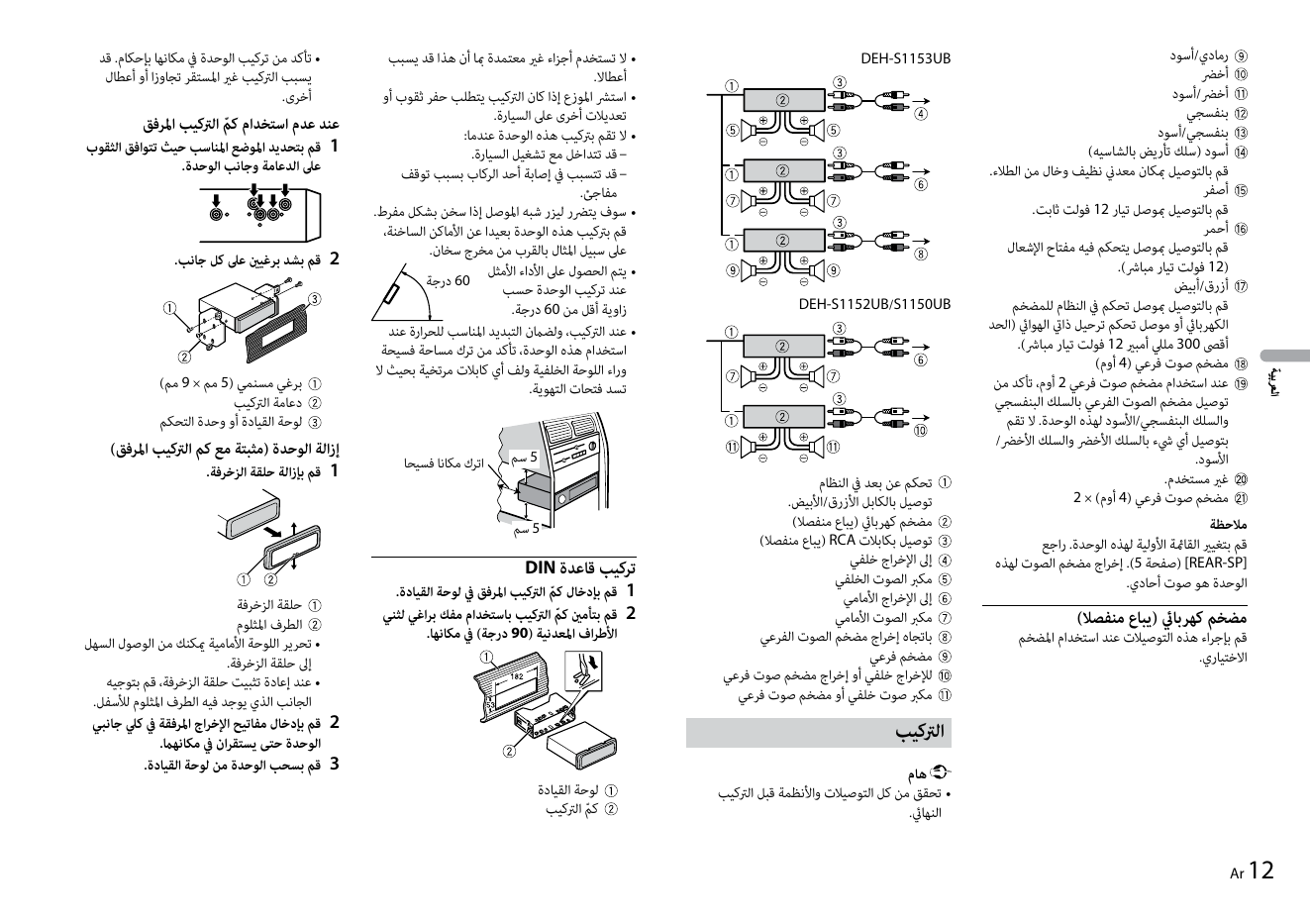
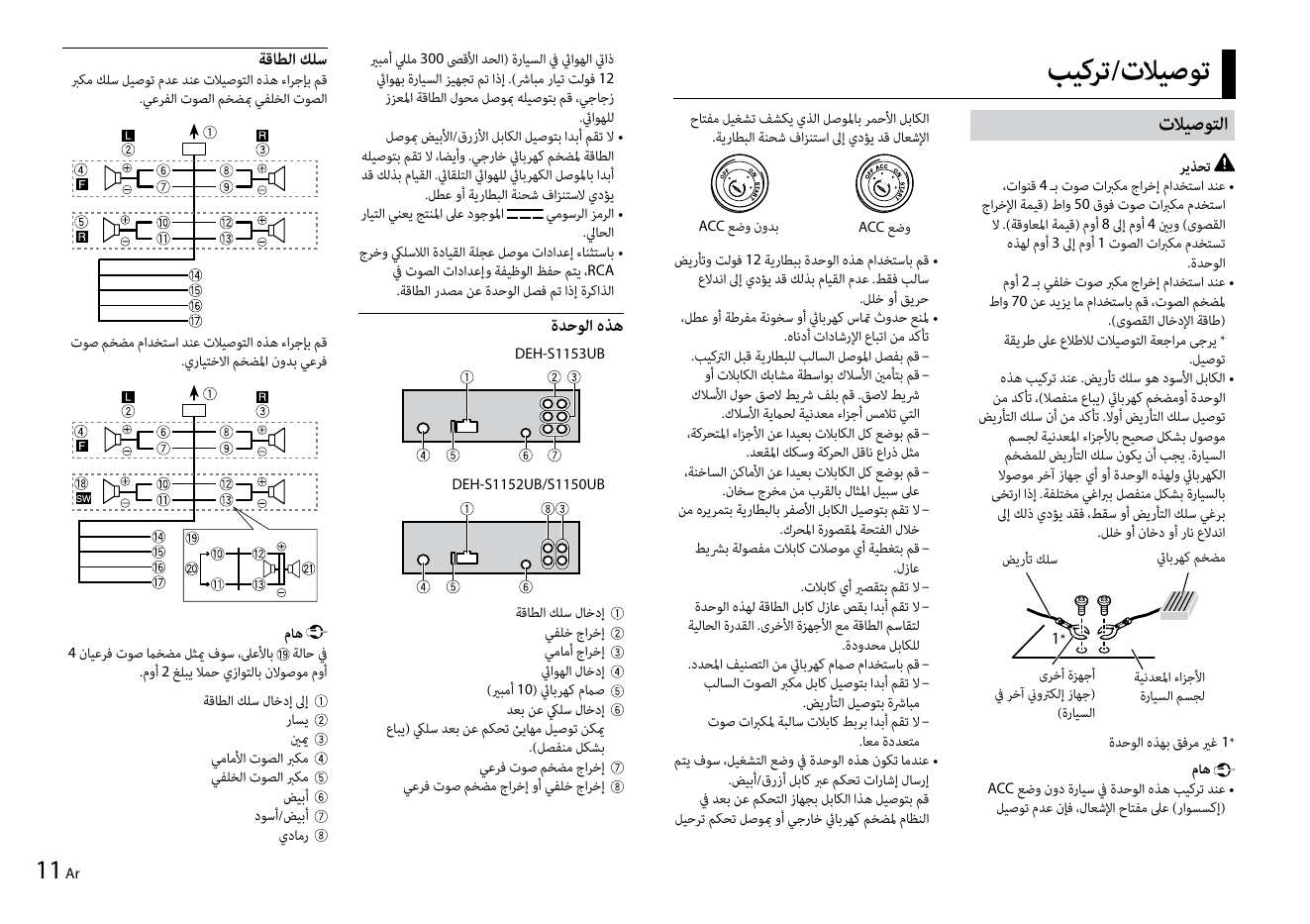
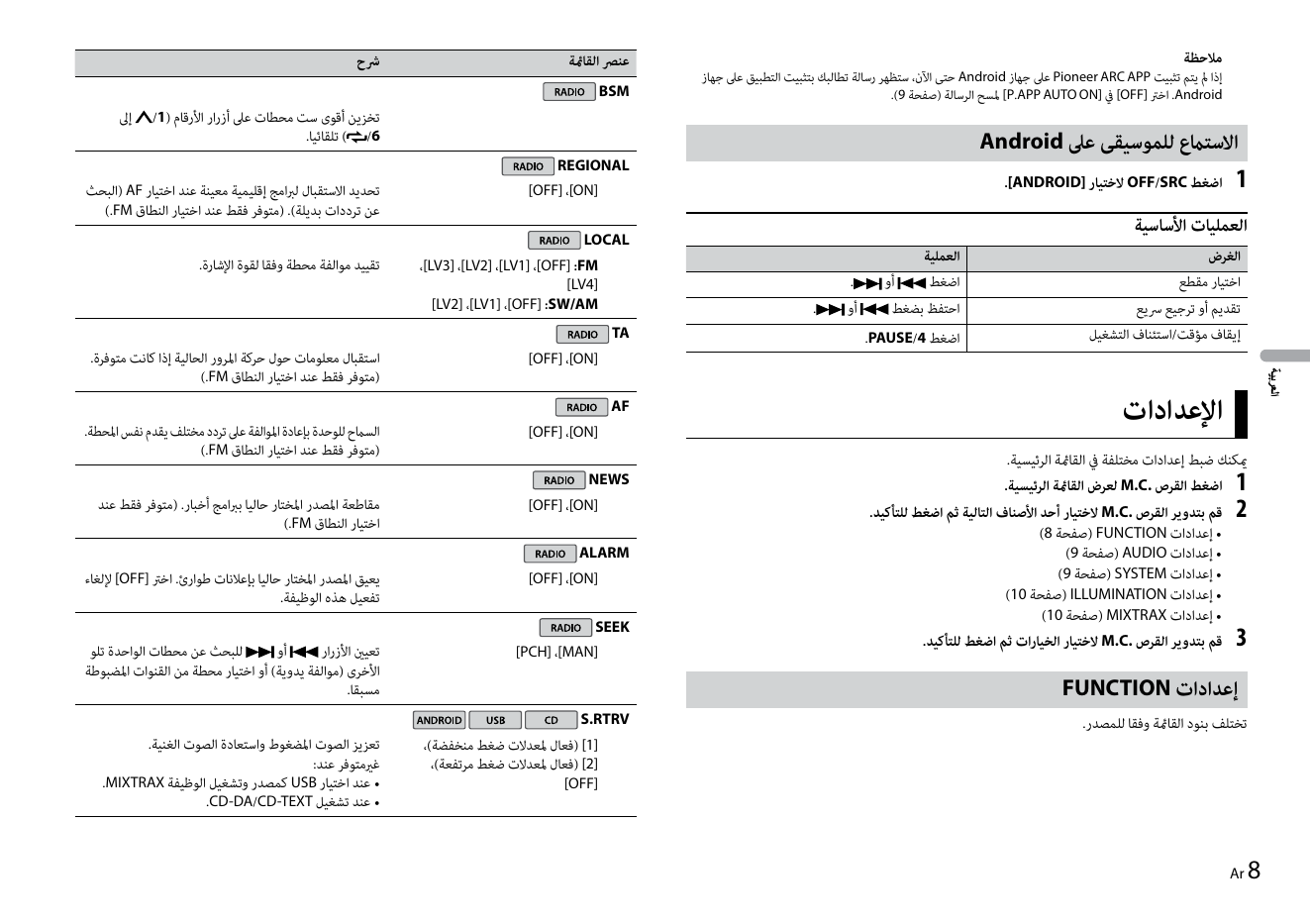
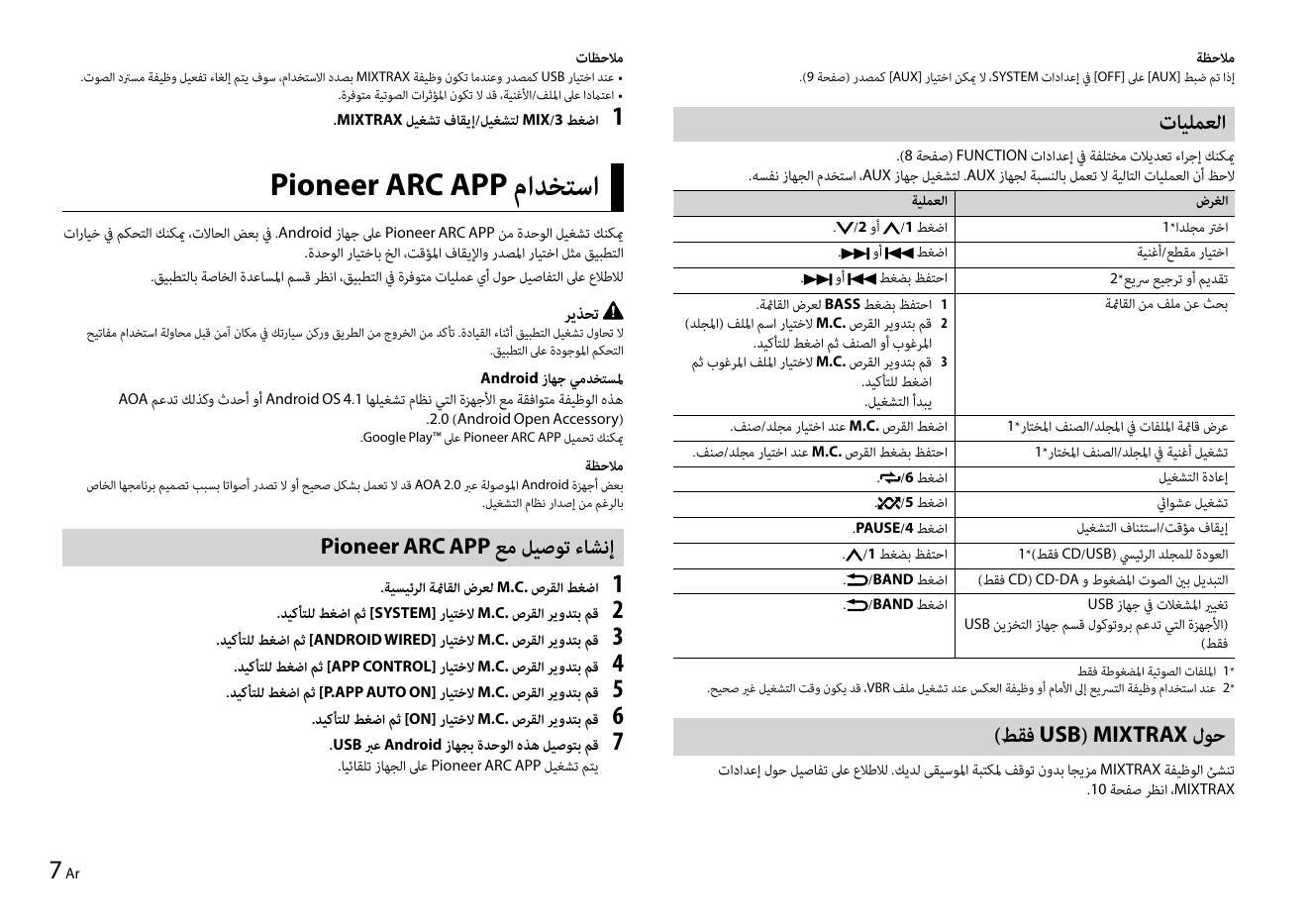
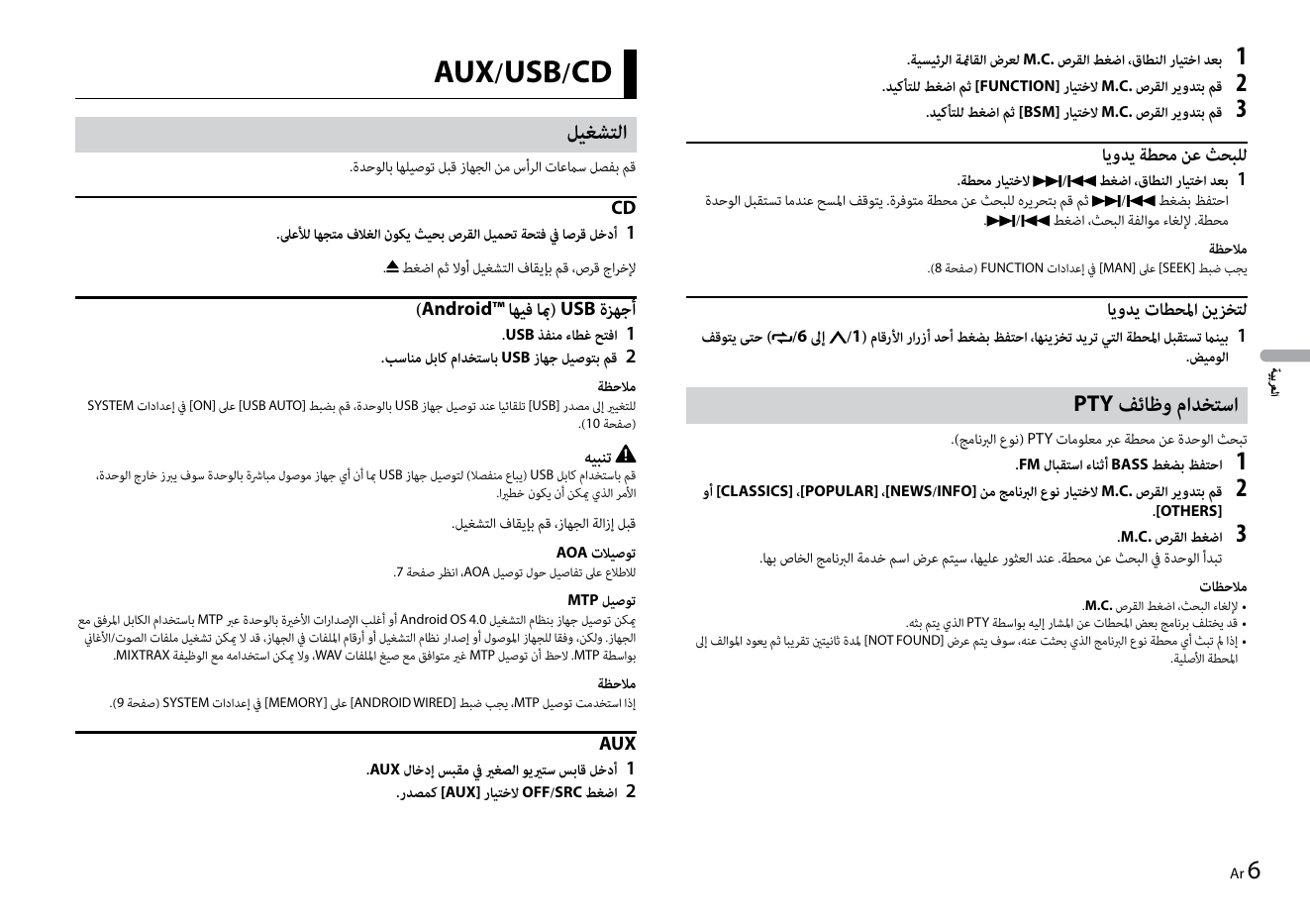
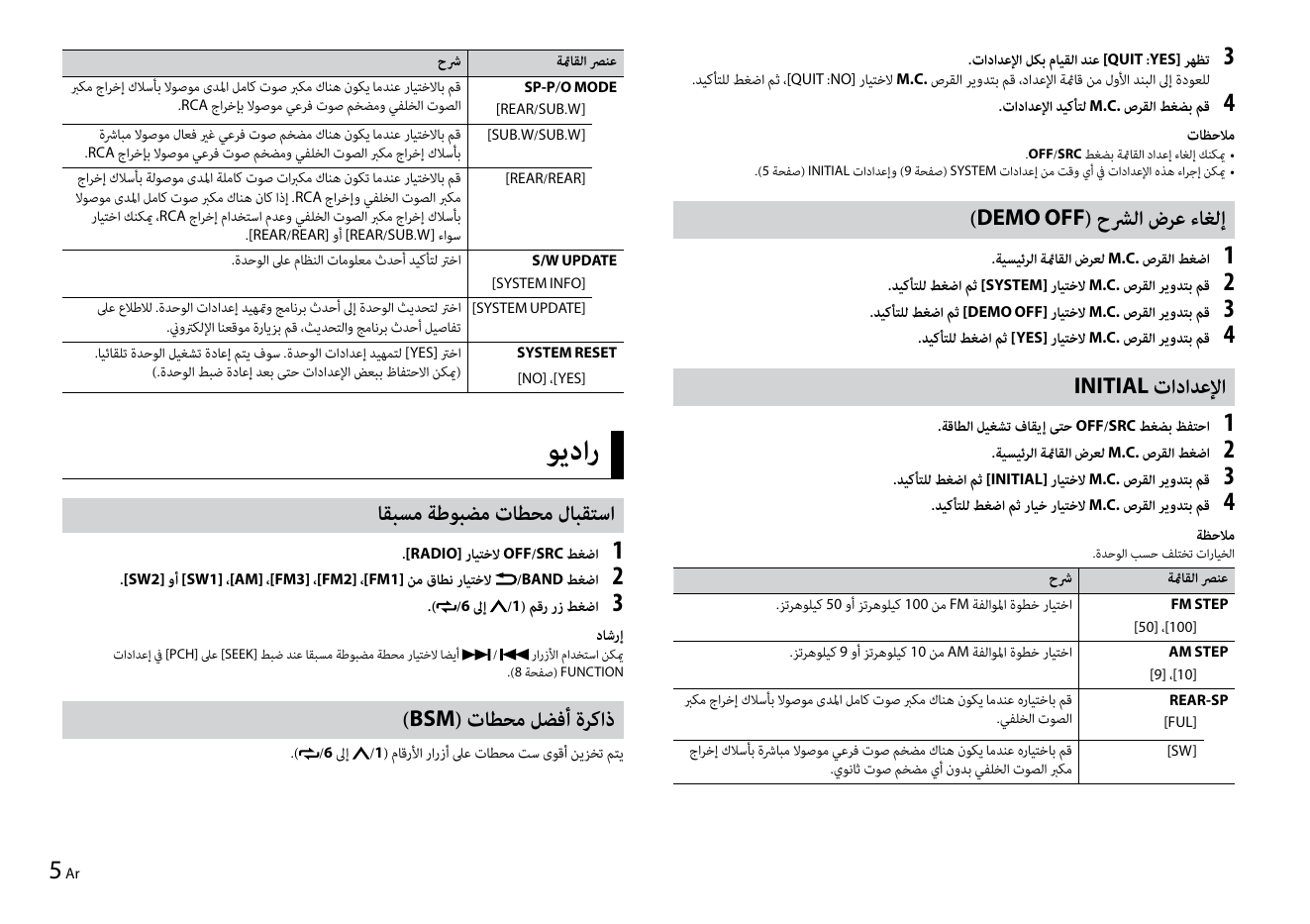
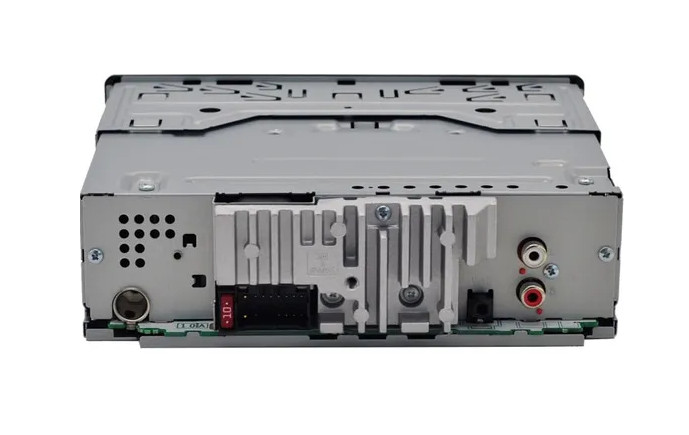
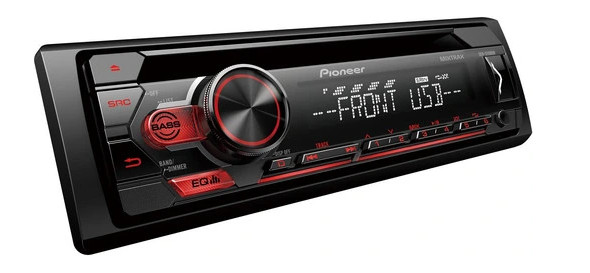
Автомагнитола Pioneer DEH-S1150UB оснащена USB-портом, поддержкой Android-смартфонов, входом Aux-In и одним RCA-выходом.
Модель позволяет наслаждаться любимой музыкой из разных источников: FM-радио, компакт-дисков, смартфонов Android, USB-накопителей или через Aux-In подключение.
Простая и удобная в управлении автомагнитола обеспечивает мощное чистое звучание с общей выходной мощностью 4 × 50 Вт благодаря проверенному MOSFET-усилителю. При желании получить ещё больше мощности и качества можно подключить внешний усилитель через 2 RCA-предусилителя (для передних и/или задних динамиков).
Первые 12 страниц
Извлечено автоматически
СТРАНИЦА PDF
Страница 1
CD RDS RECEIVER
English
DEH-S1153UB
DEH-S1152UB
Owner’s Manual
DEH-S1150UB
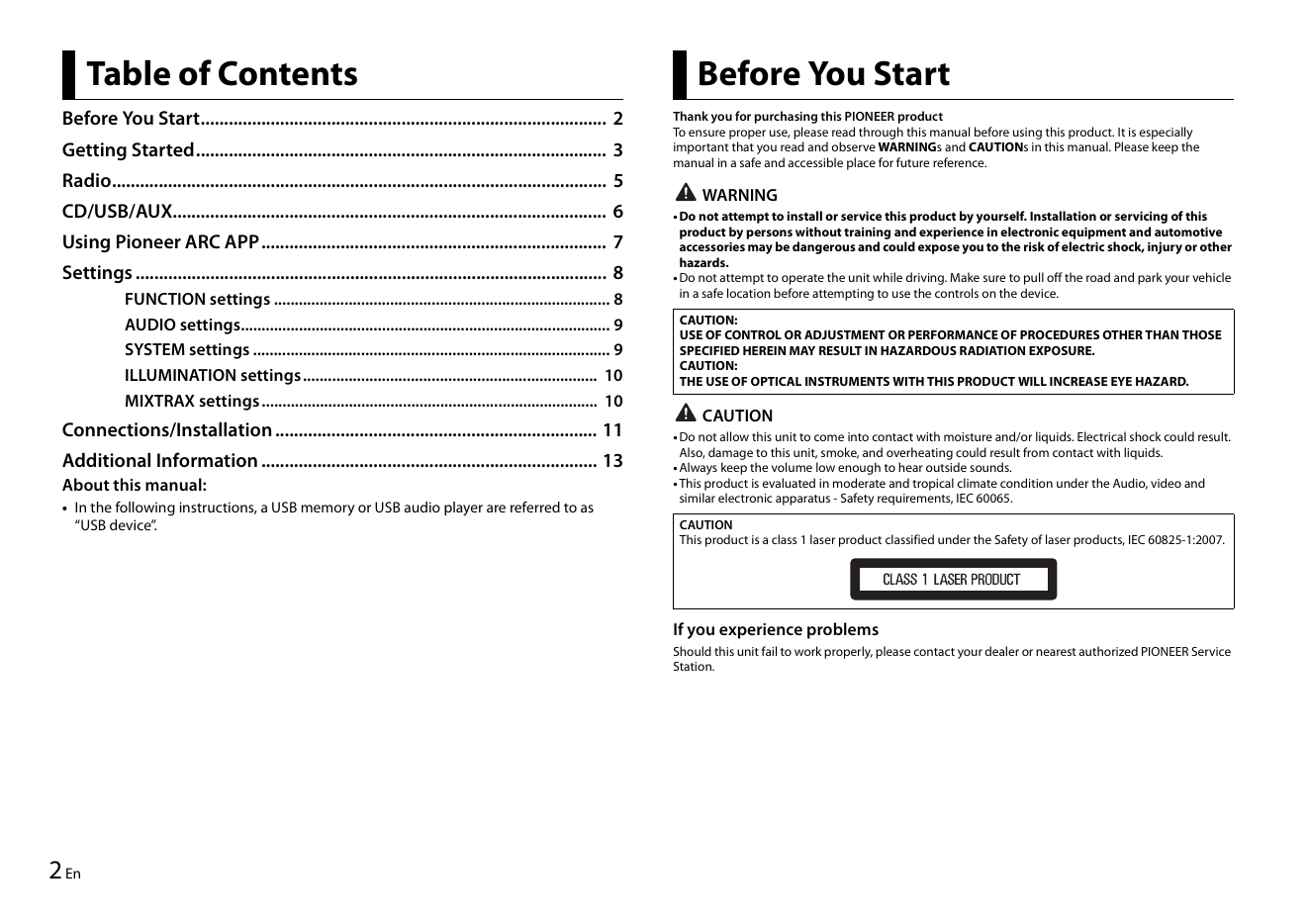
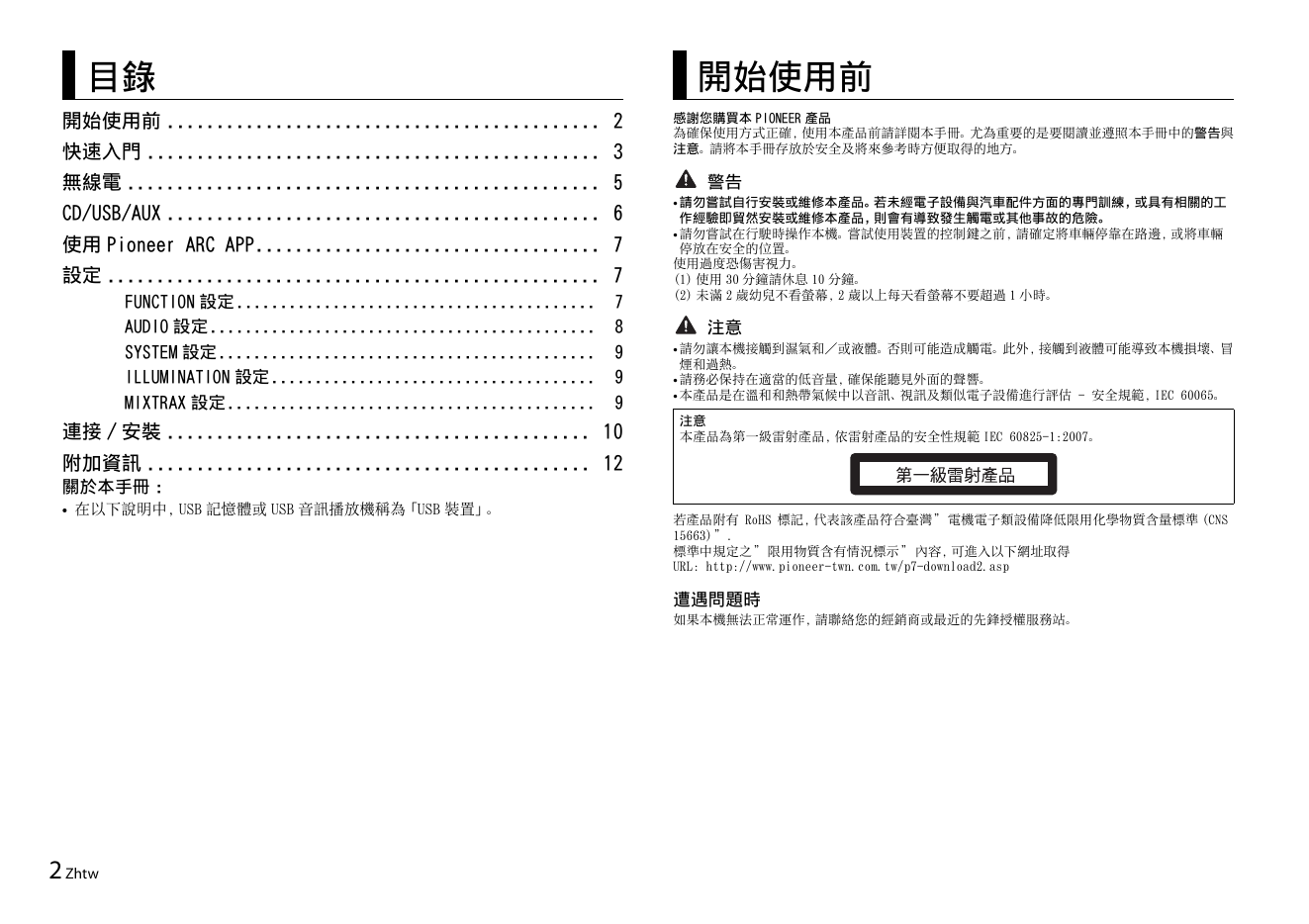
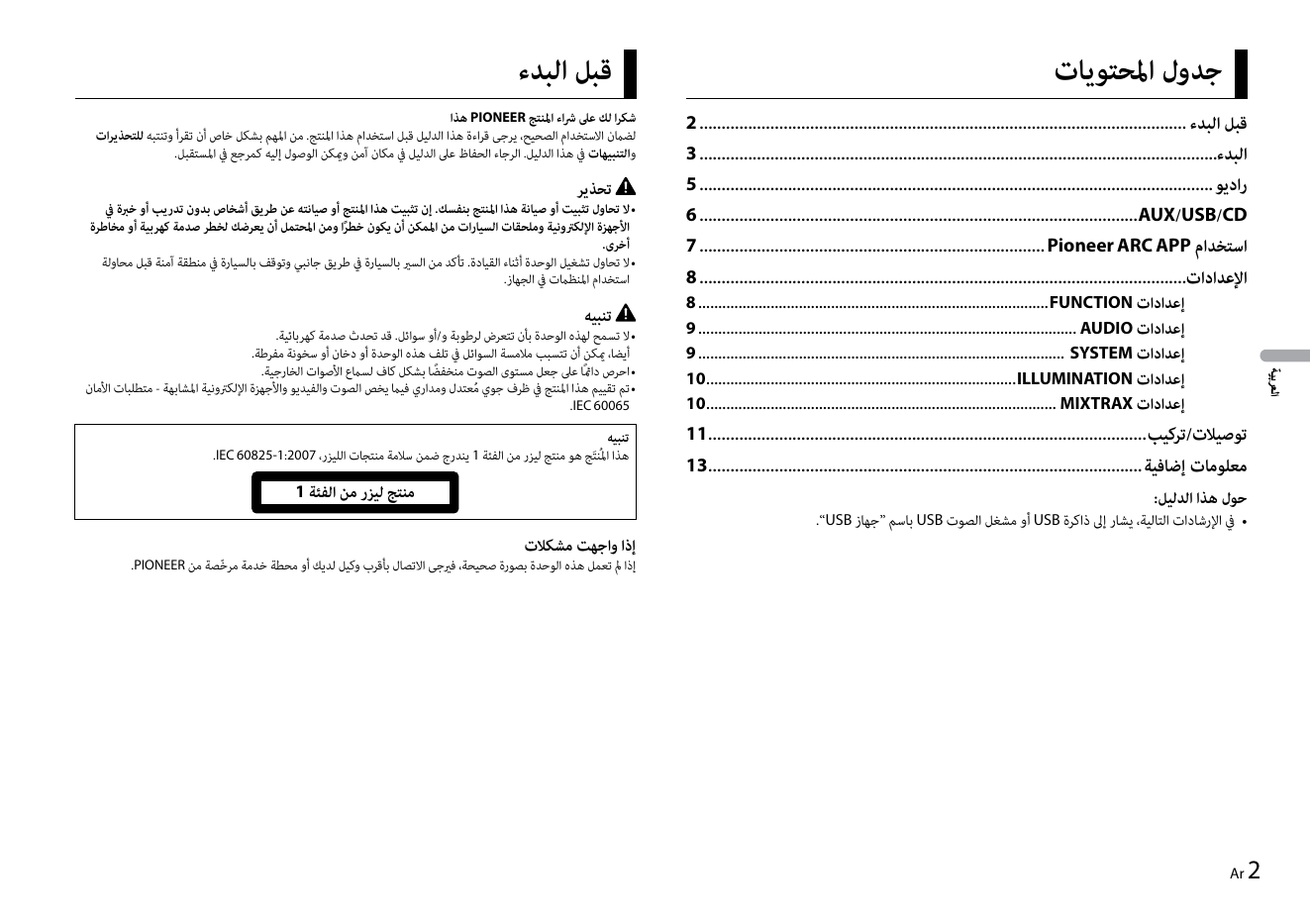
Table of Contents Before You Start
Before You Start....................................................................................... 2 Thank you for purchasing this PIONEER product
To ensure proper use, please read through this manual before ...
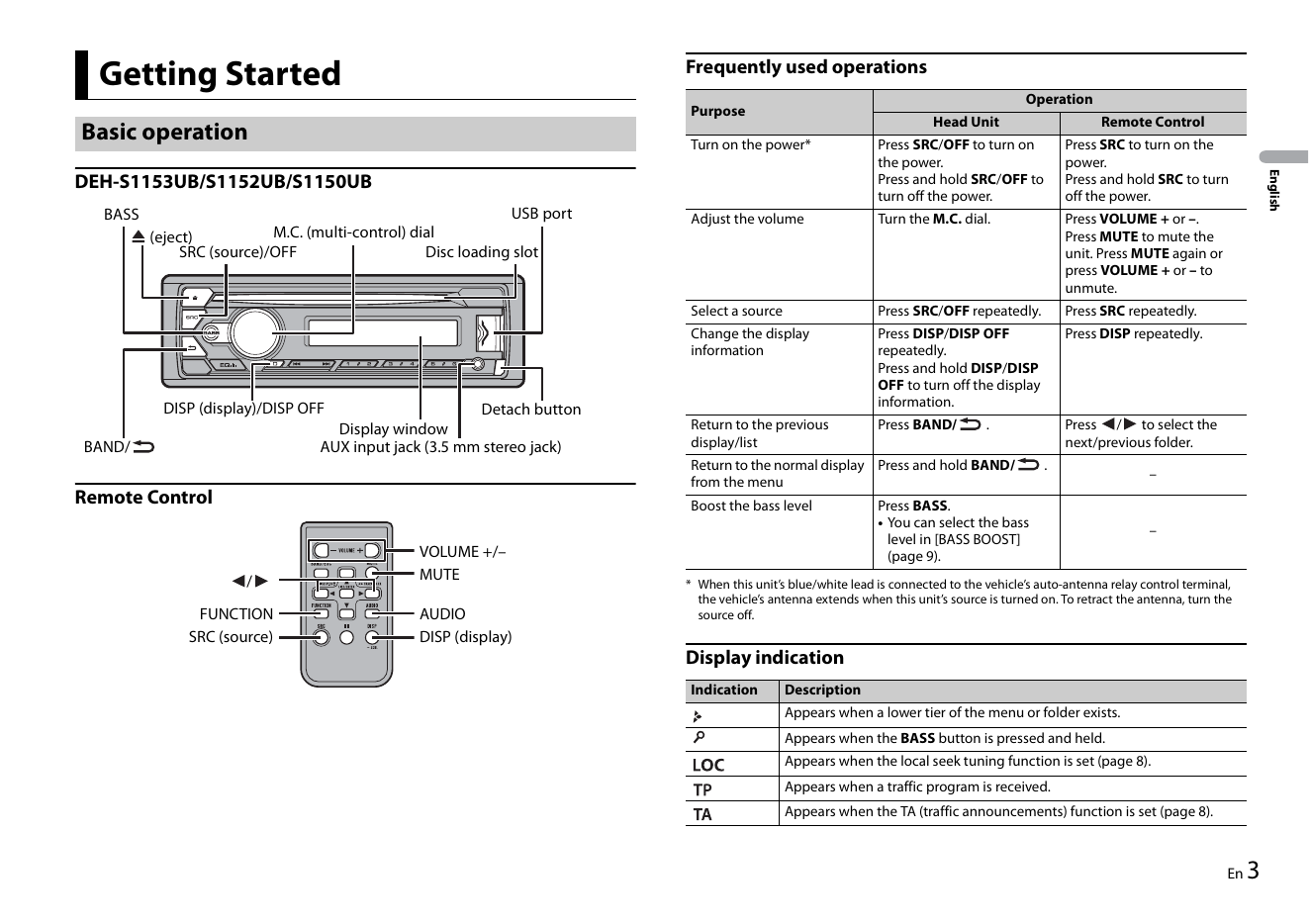
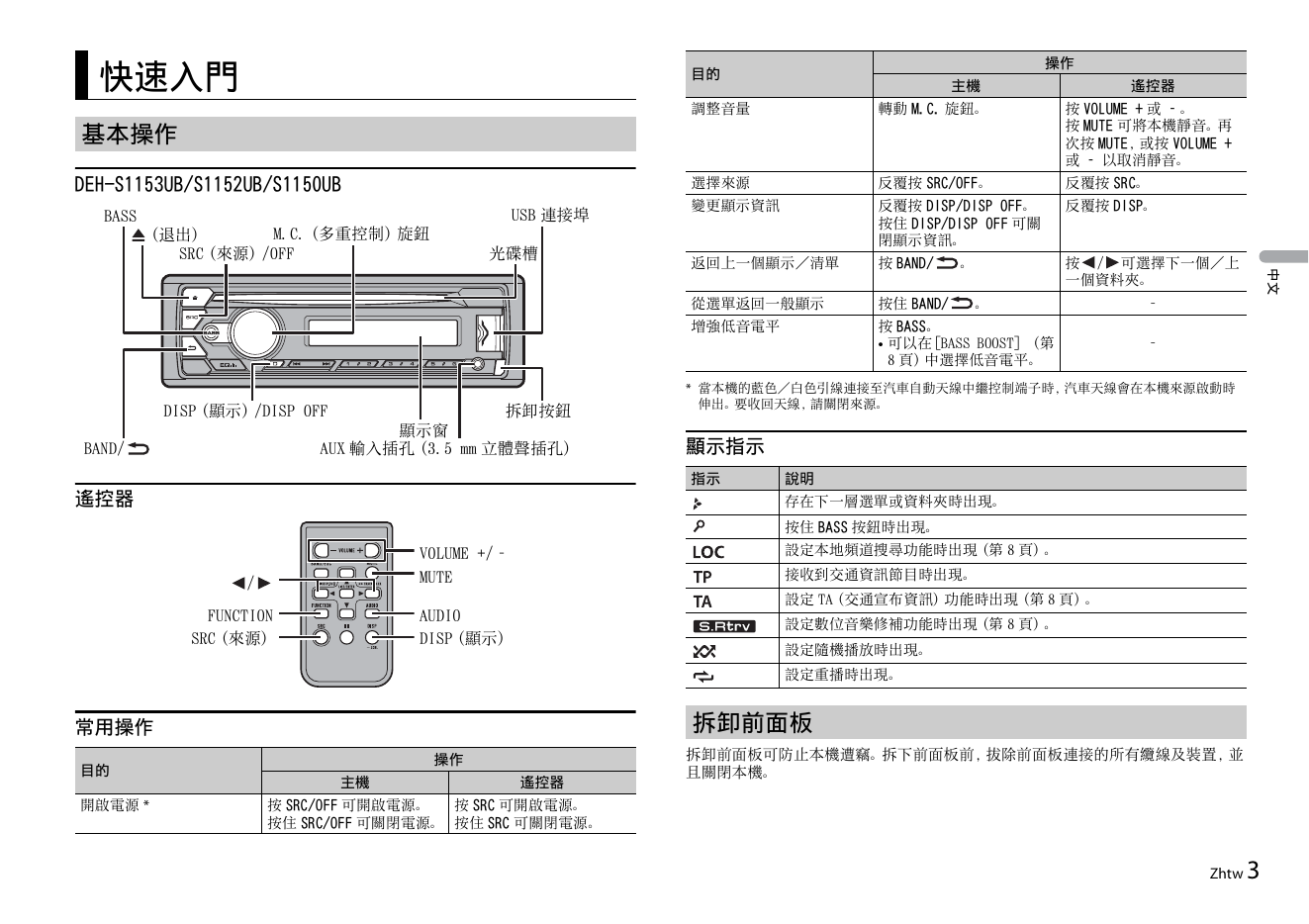
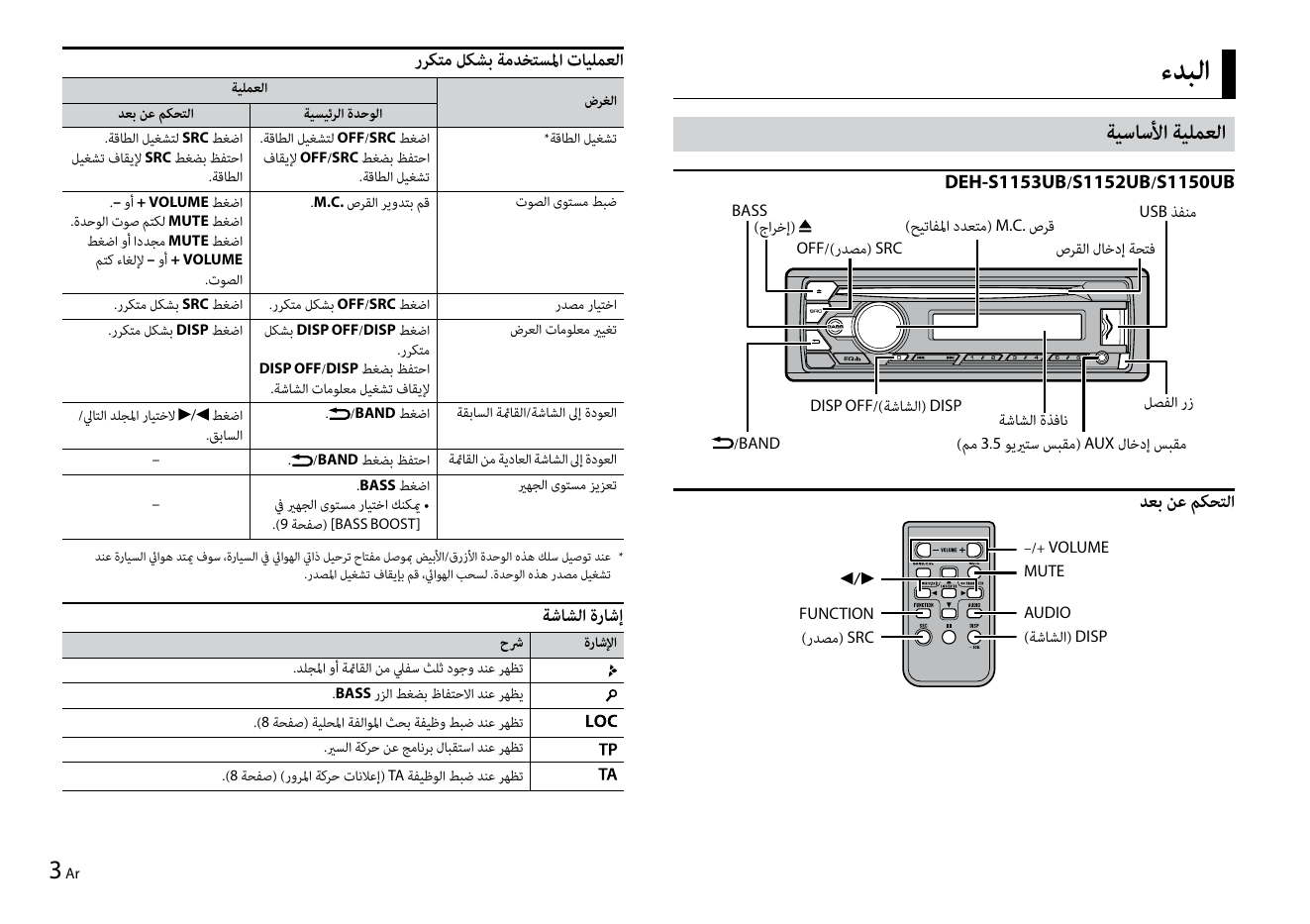
Frequently used operations
Getting Started
Operation
Purpose
Head Unit Remote Control
Basic operation Turn on the power* Press SRC/OFF to turn on Press SRC to turn on the
the power. power.
English
DEH-S1153UB/S1152UB/S1150UB Press and hold ...
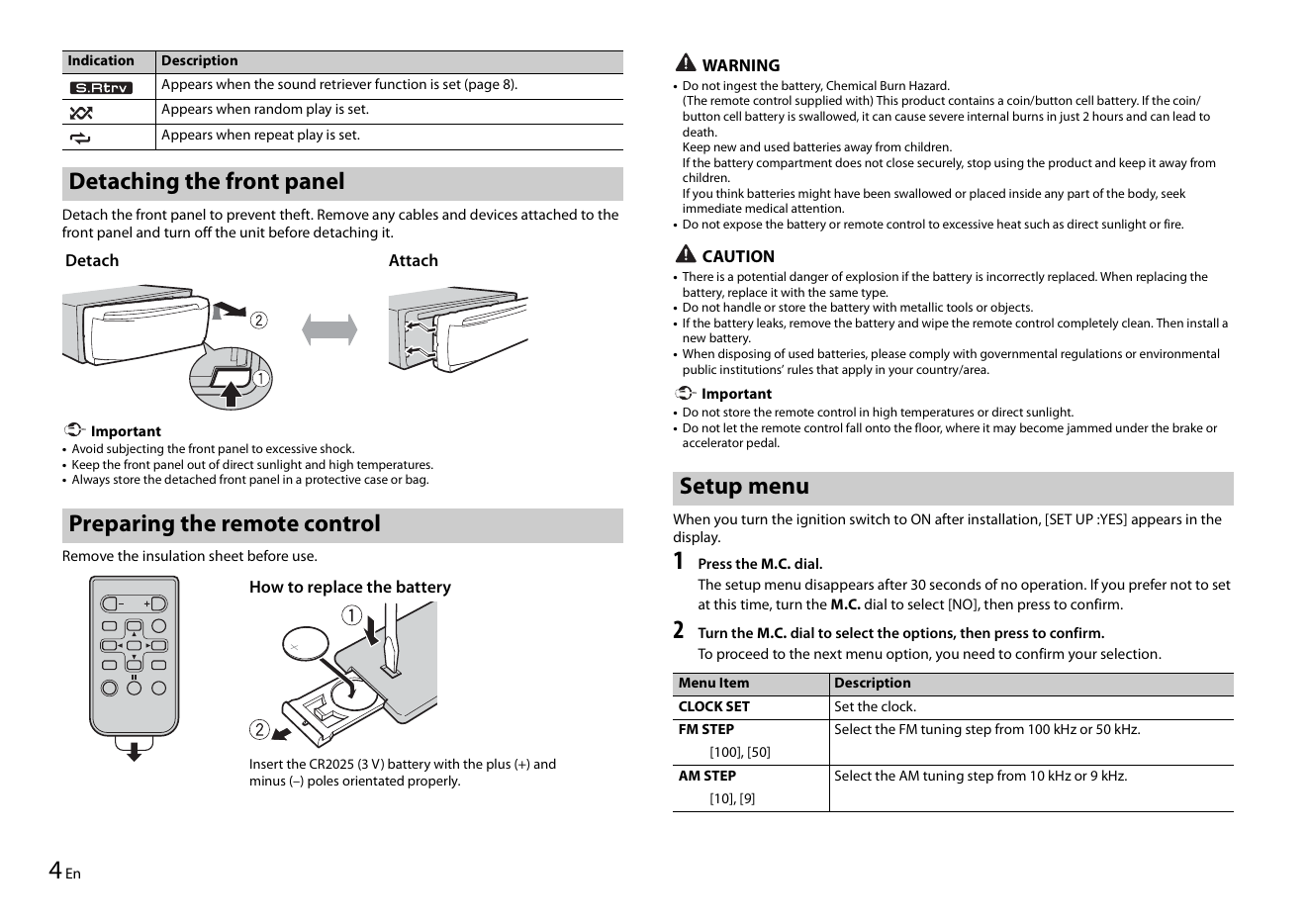
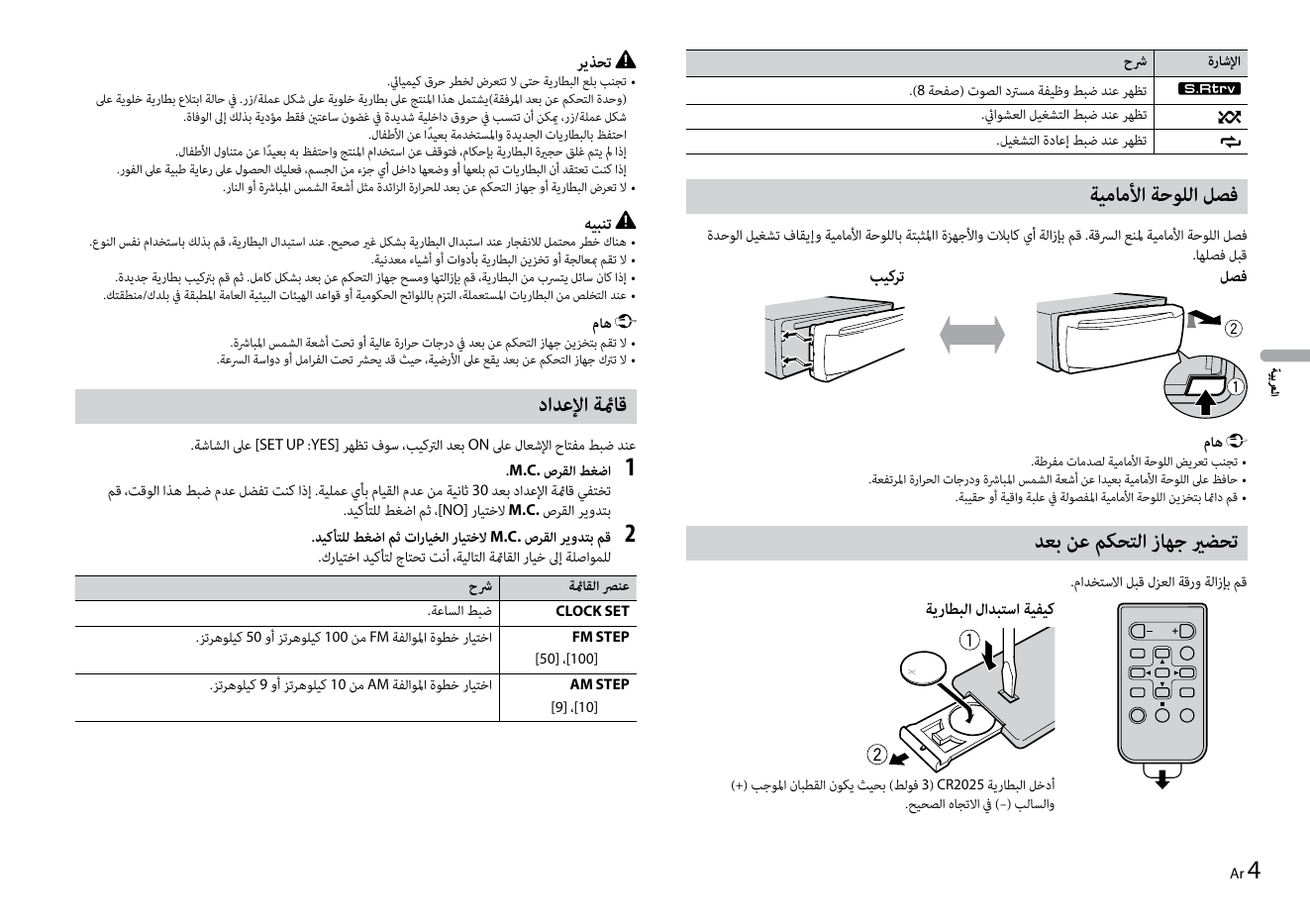
Indication Description WARNING
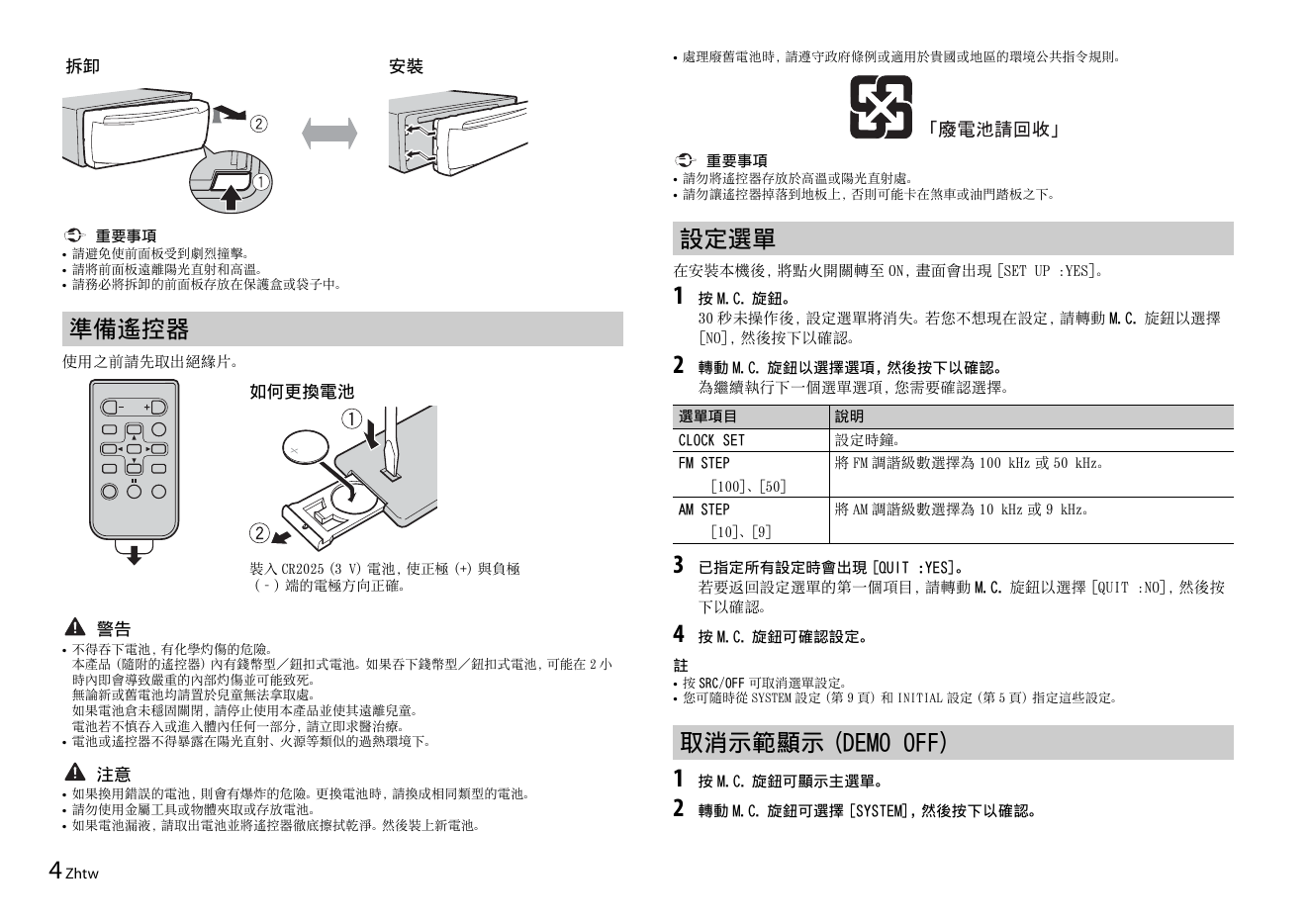
Appears when the sound retriever function is set (page 8). • Do not ingest the battery, Chemical Burn Hazard.
(The remote control supplied with) This product contains a coin/button cell battery. If the coin/
Appears ...
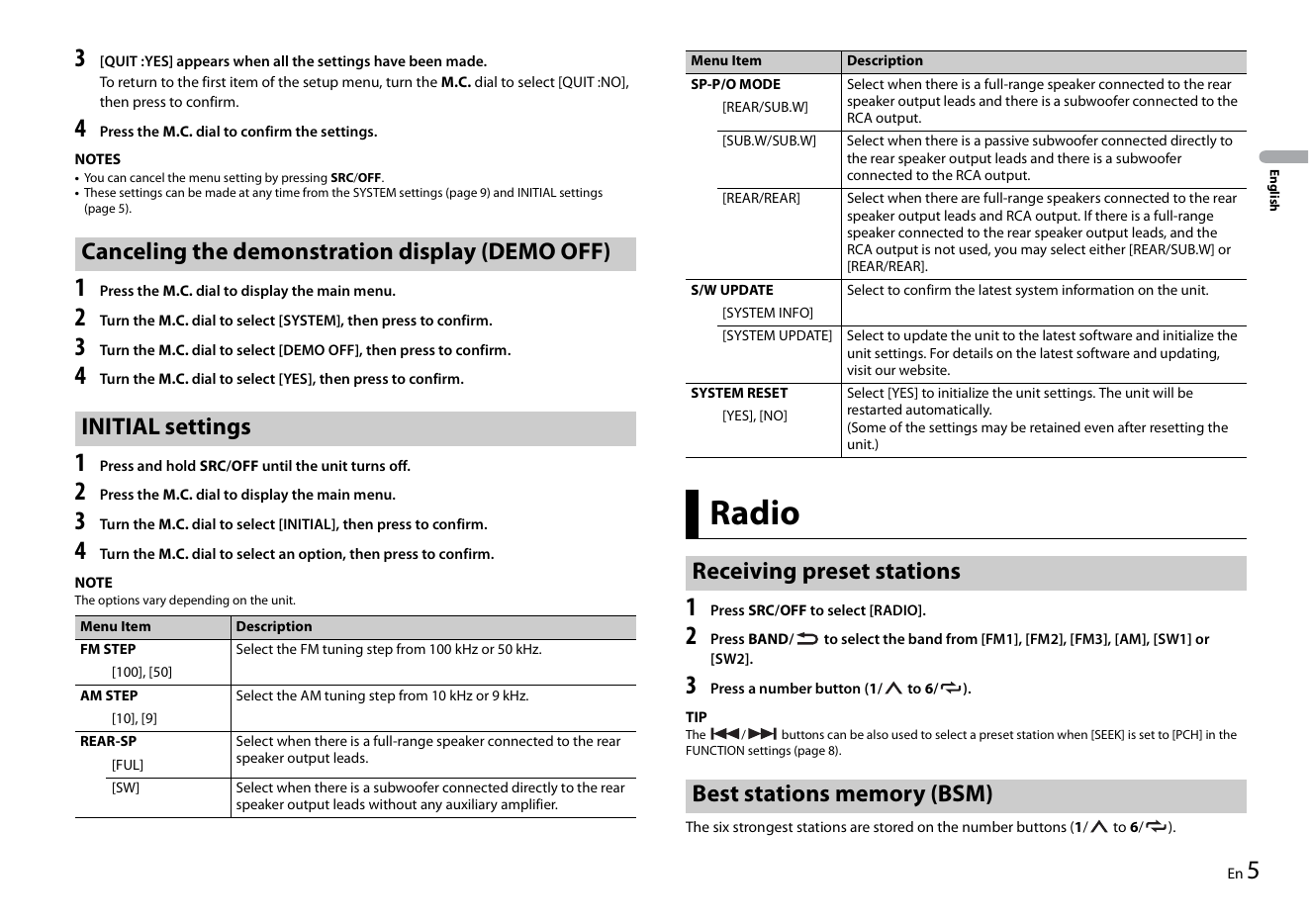
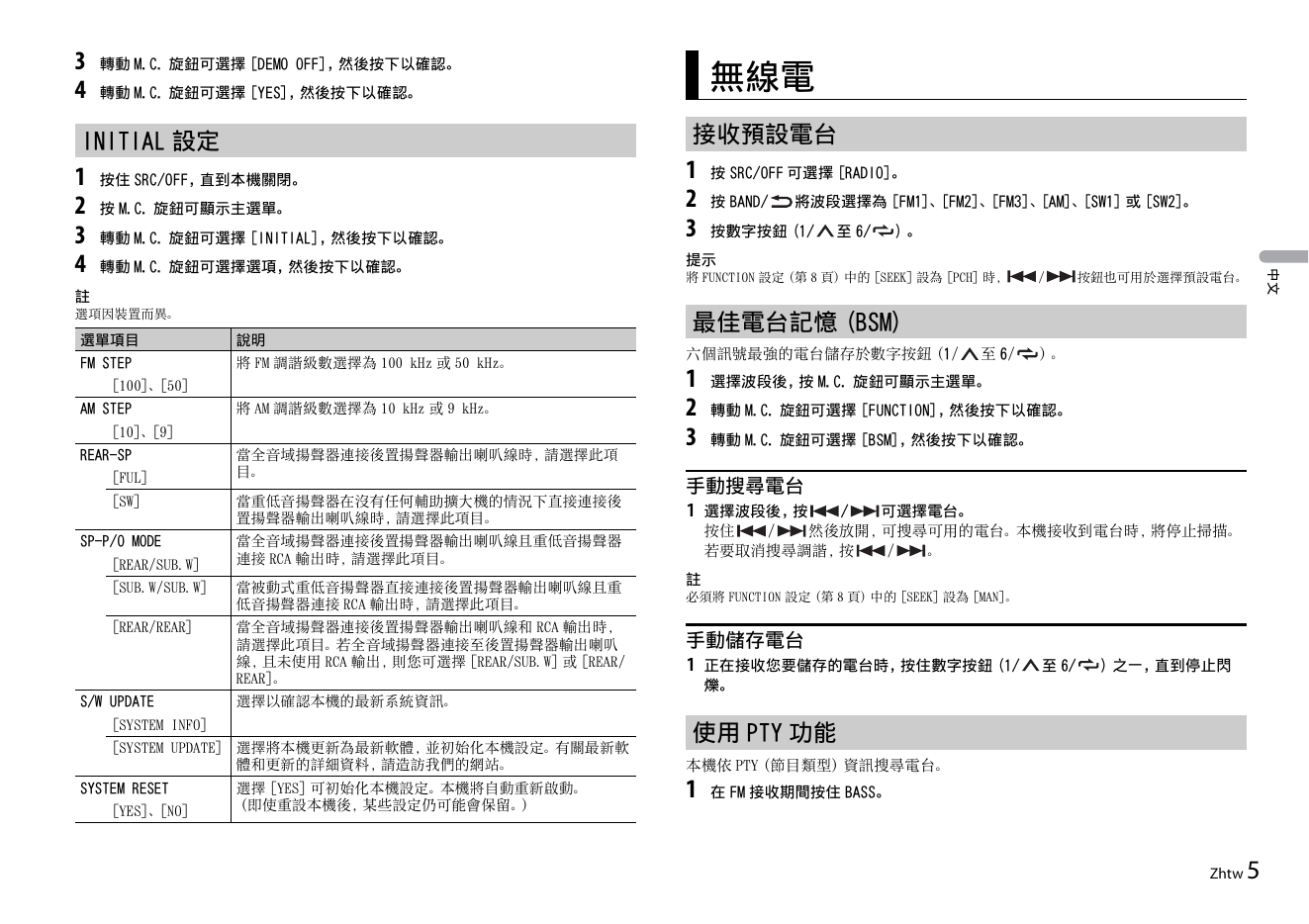
3 [QUIT :YES] appears when all the settings have been made. Menu Item Description
To return to the first item of the setup menu, turn the M.C. dial to select [QUIT :NO], SP-P/O MODE Select when there is a full-range speaker connected to the rear
th...
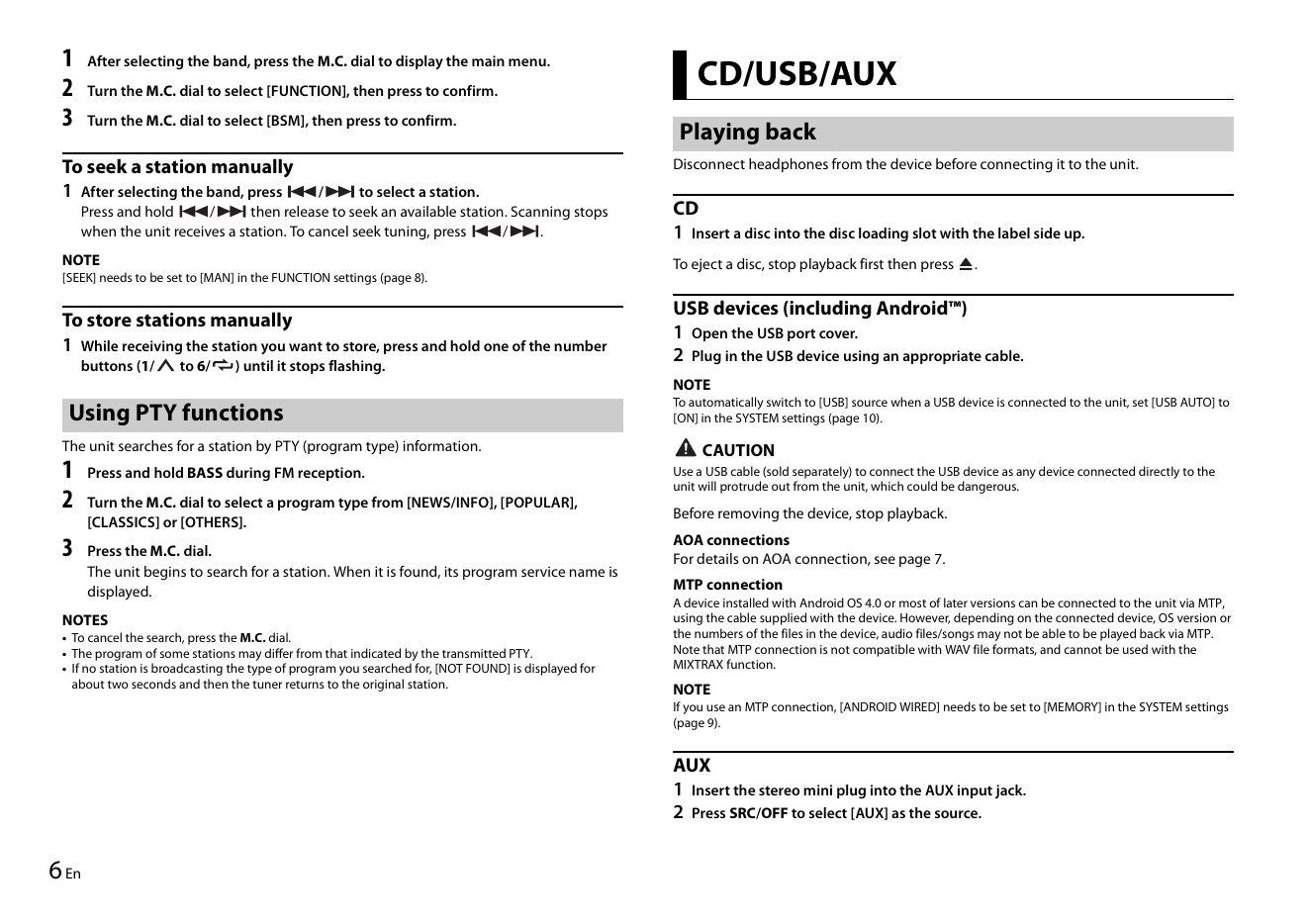
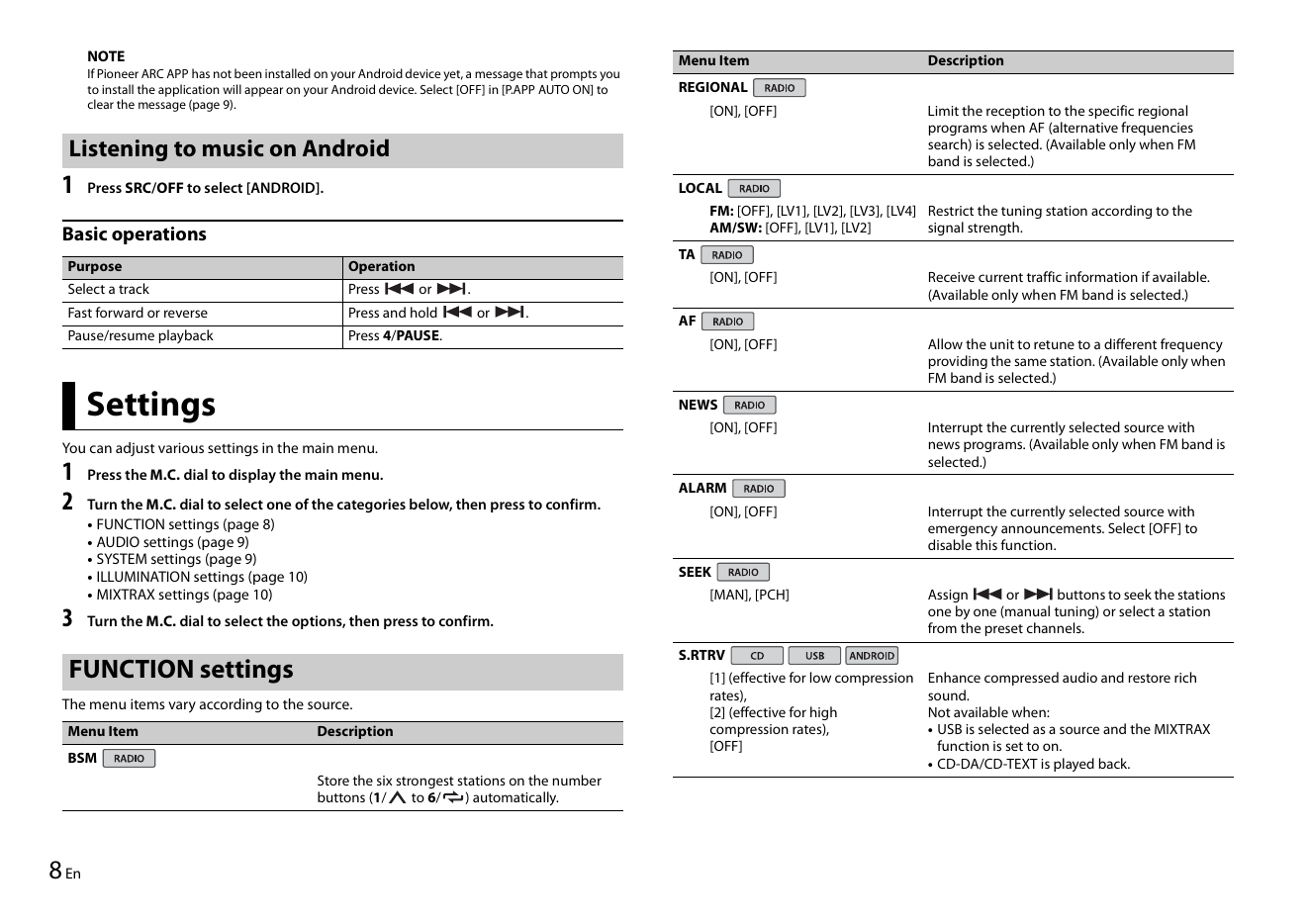
1 After selecting the band, press the M.C. dial to display the main menu.
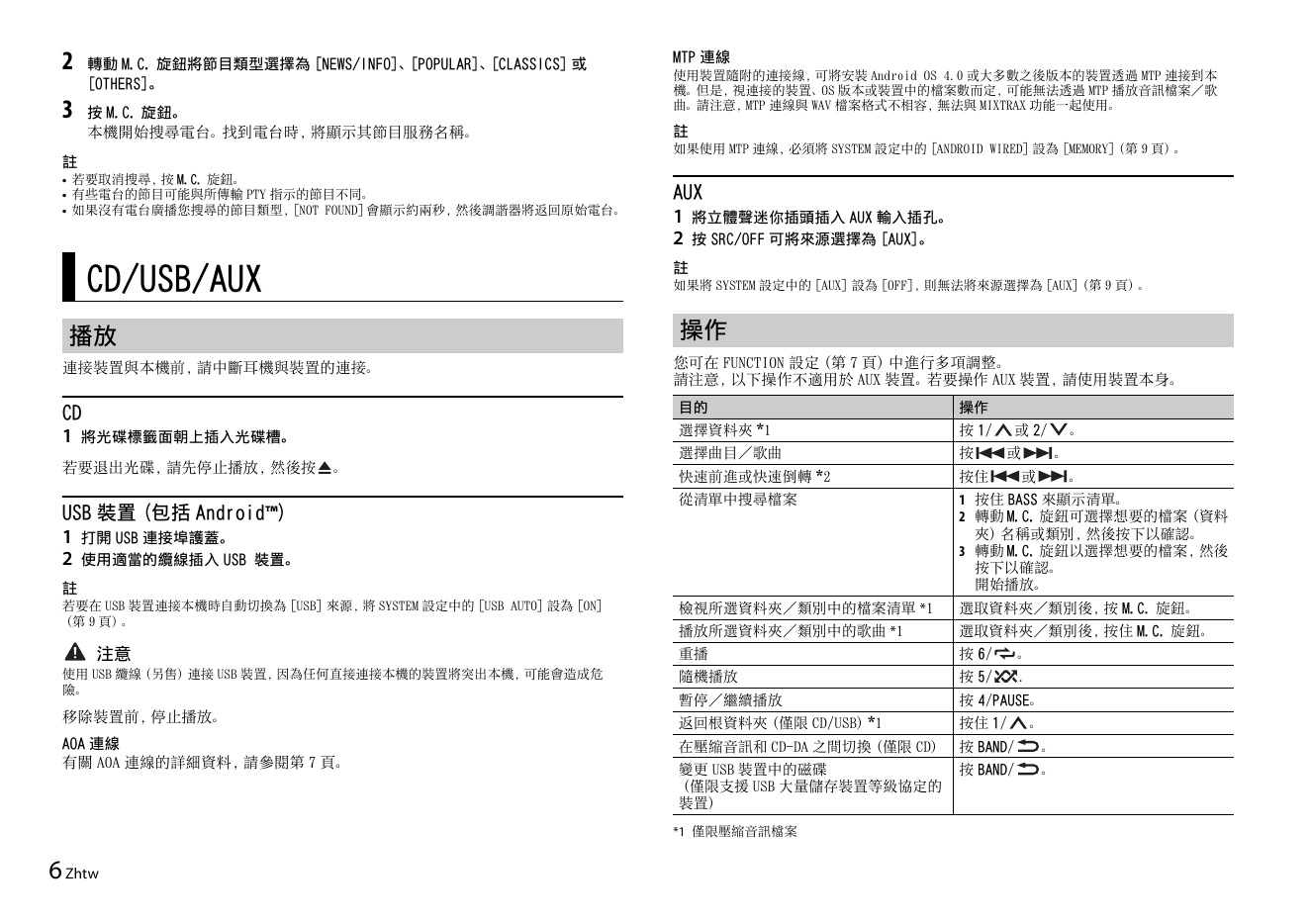
2 Turn the M.C. dial to select [FUNCTION], then press to confirm. CD/USB/AUX
3 Turn the M.C. dial to select [BSM], then press to confirm.
Playing back
To seek a station man...
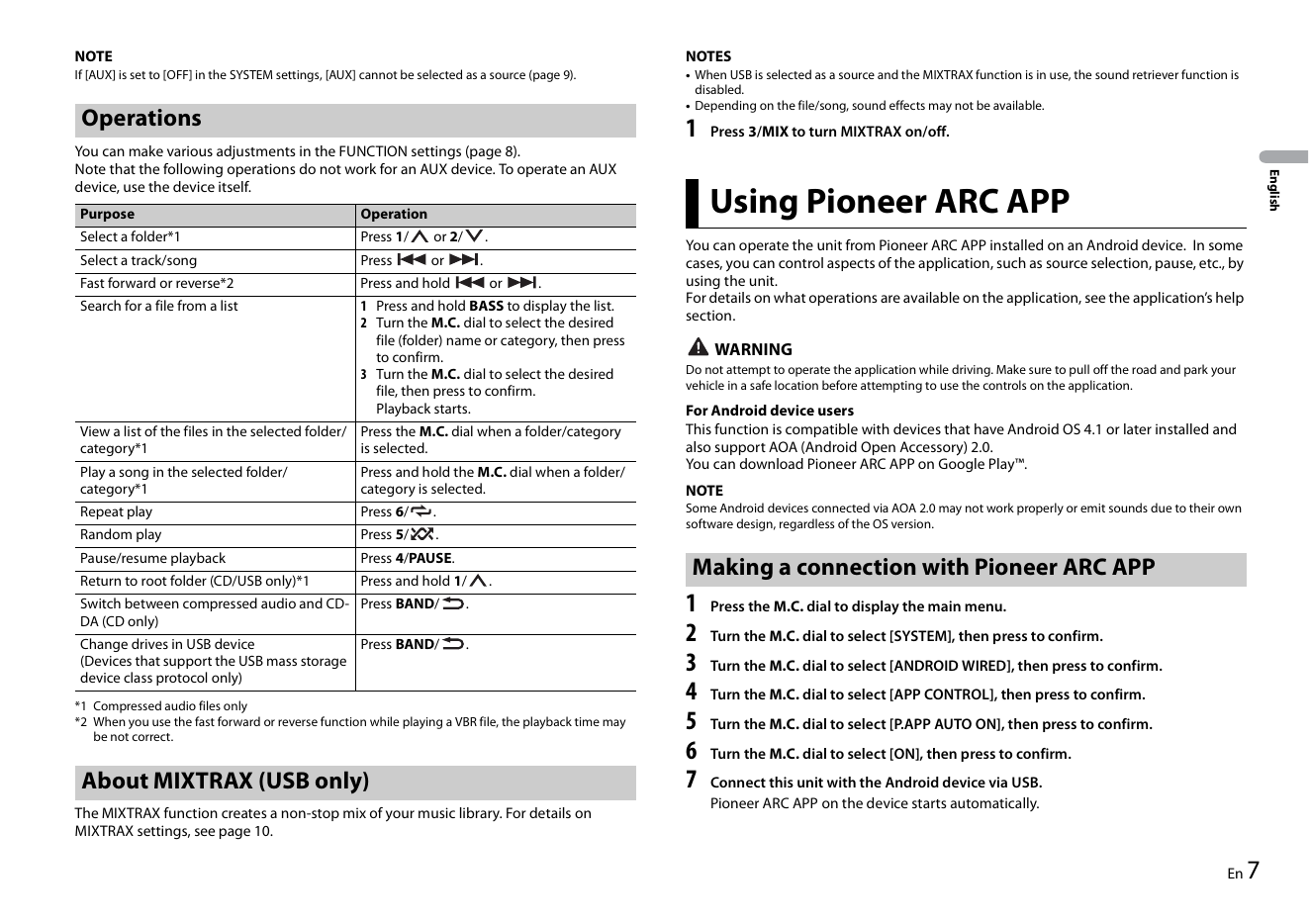
NOTE NOTES
If [AUX] is set to [OFF] in the SYSTEM settings, [AUX] cannot be selected as a source (page 9). • When USB is selected as a source and the MIXTRAX function is in use, the sound retriever function is
disabled.
• Depending on the file/son...
NOTE Menu Item Description
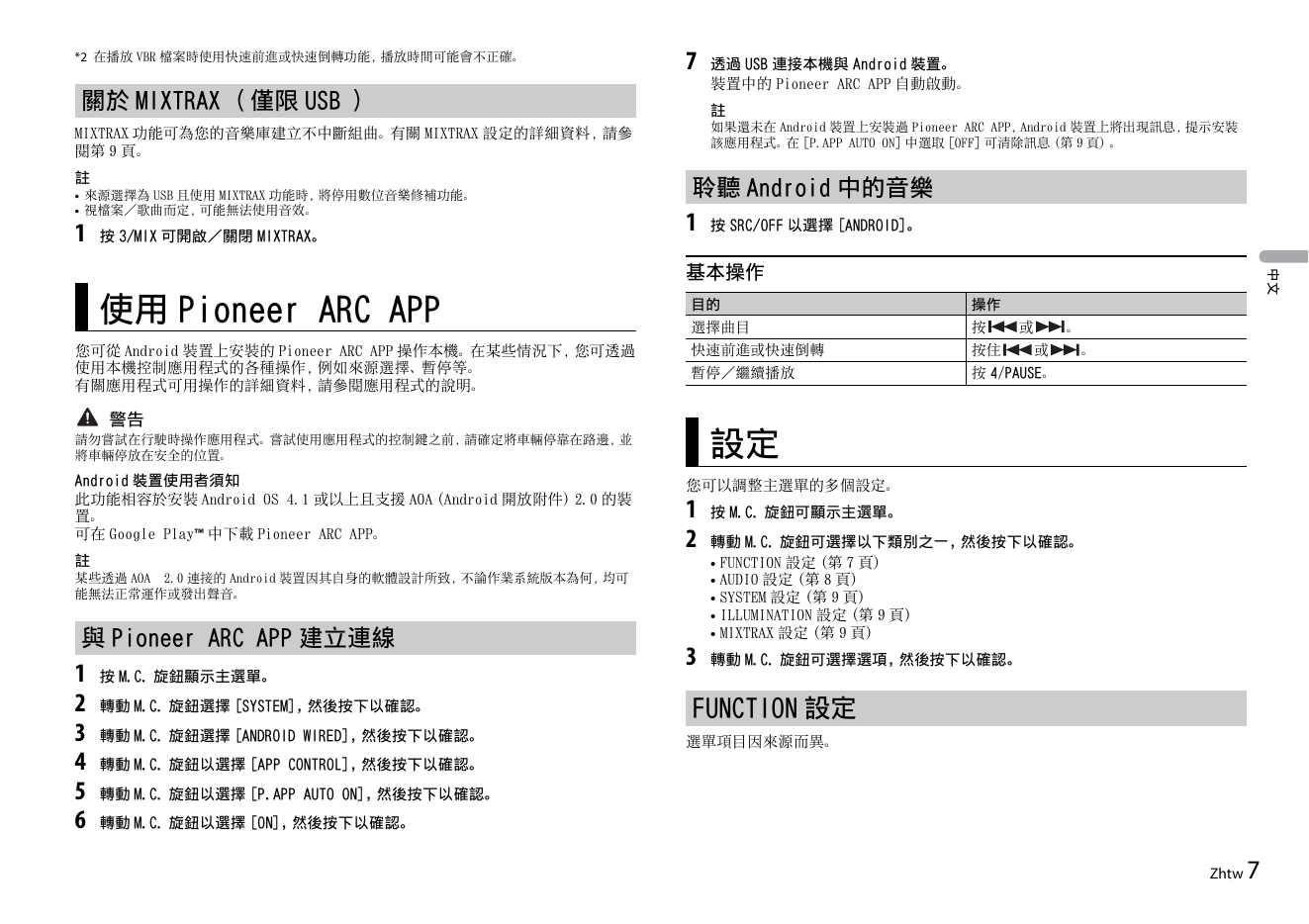
If Pioneer ARC APP has not been installed on your Android device yet, a message that prompts you
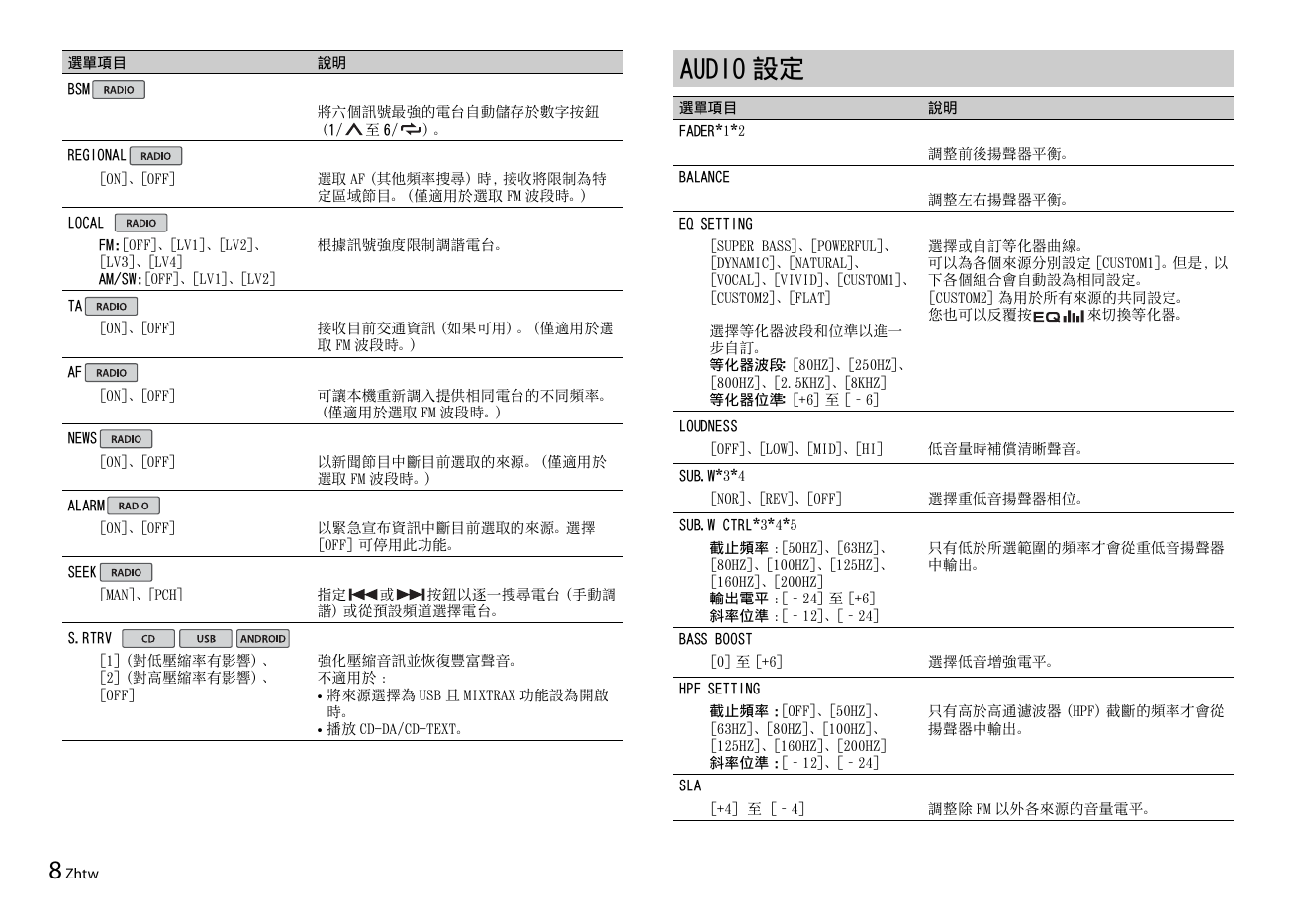
to install the application will appear on your Android device. Select [OFF] in [P.APP AUTO ON] to REGIONAL
clear the messag...
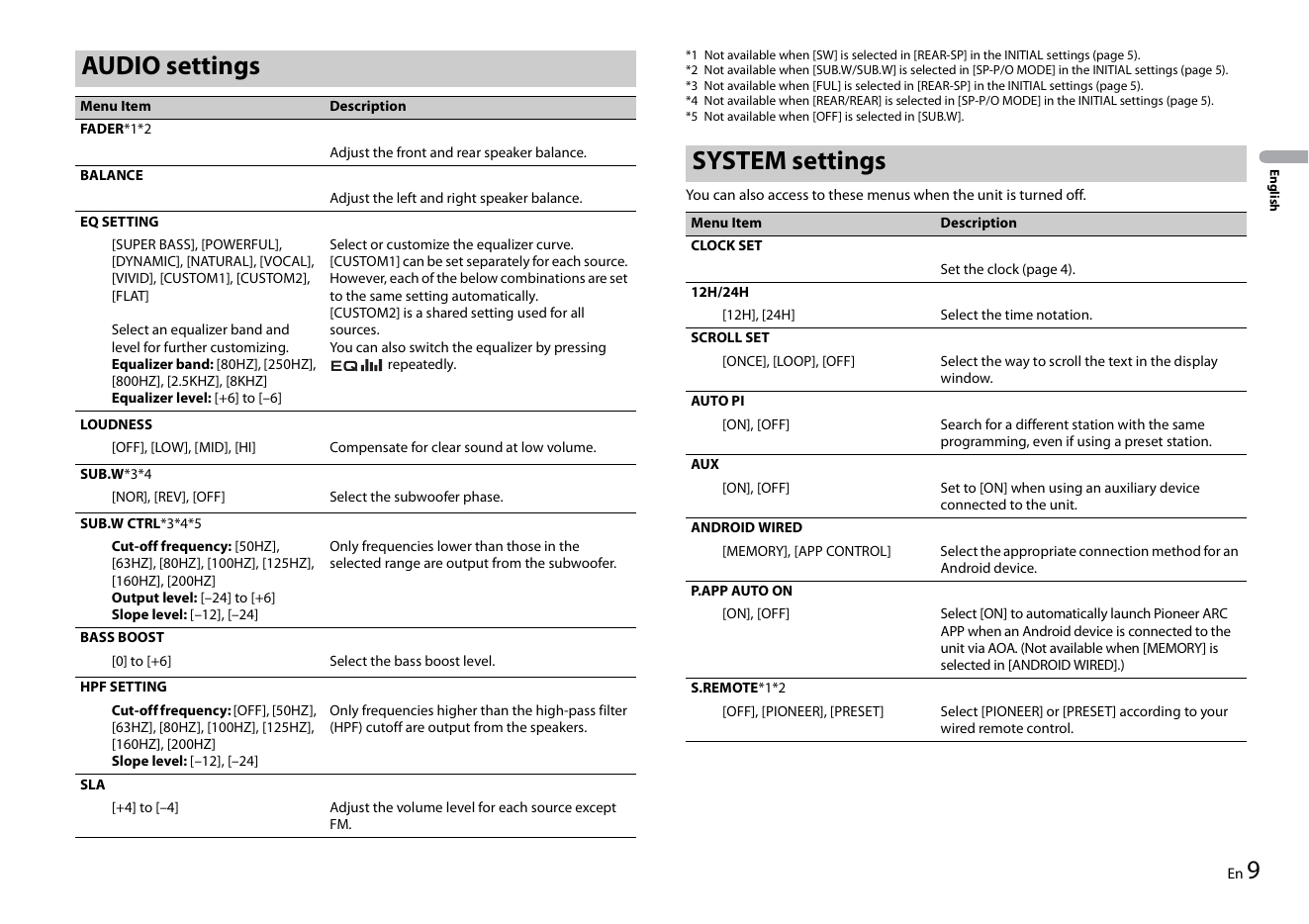
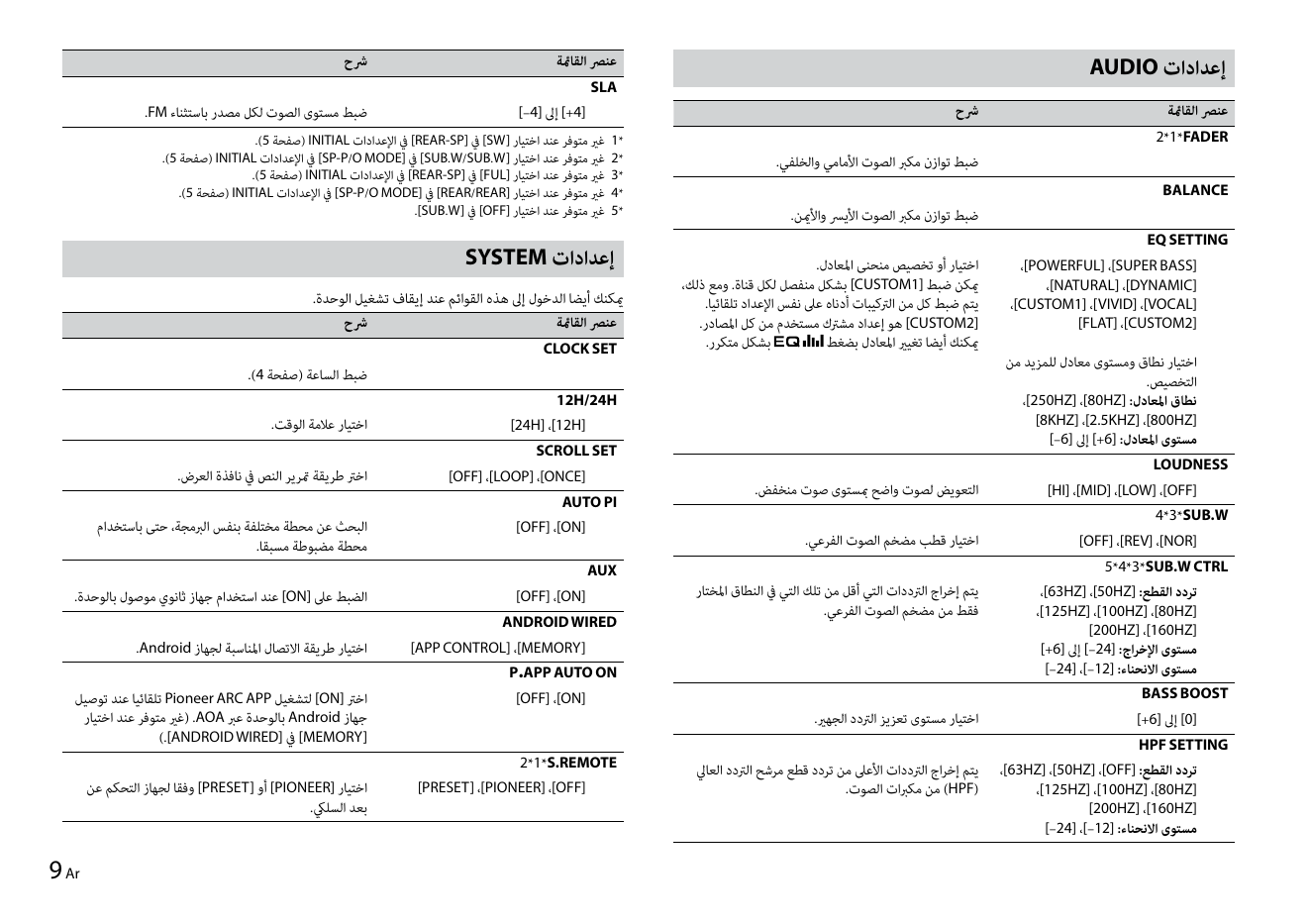
*1 Not available when [SW] is selected in [REAR-SP] in the INITIAL settings (page 5).
AUDIO settings *2 Not available when [SUB.W/SUB.W] is selected in [SP-P/O MODE] in the INITIAL settings (page 5).
*3 Not available when [FUL] is selected in [REAR...
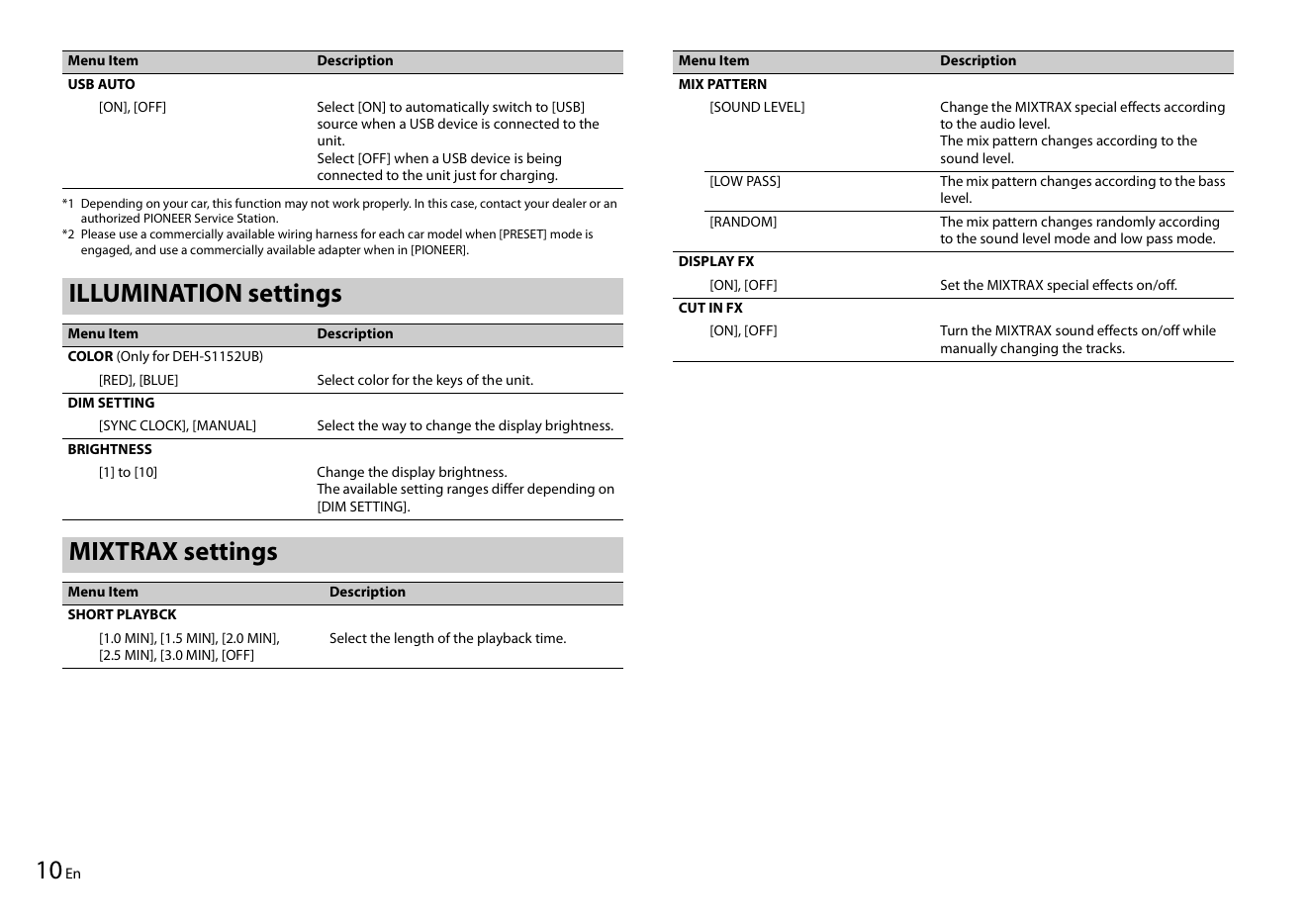
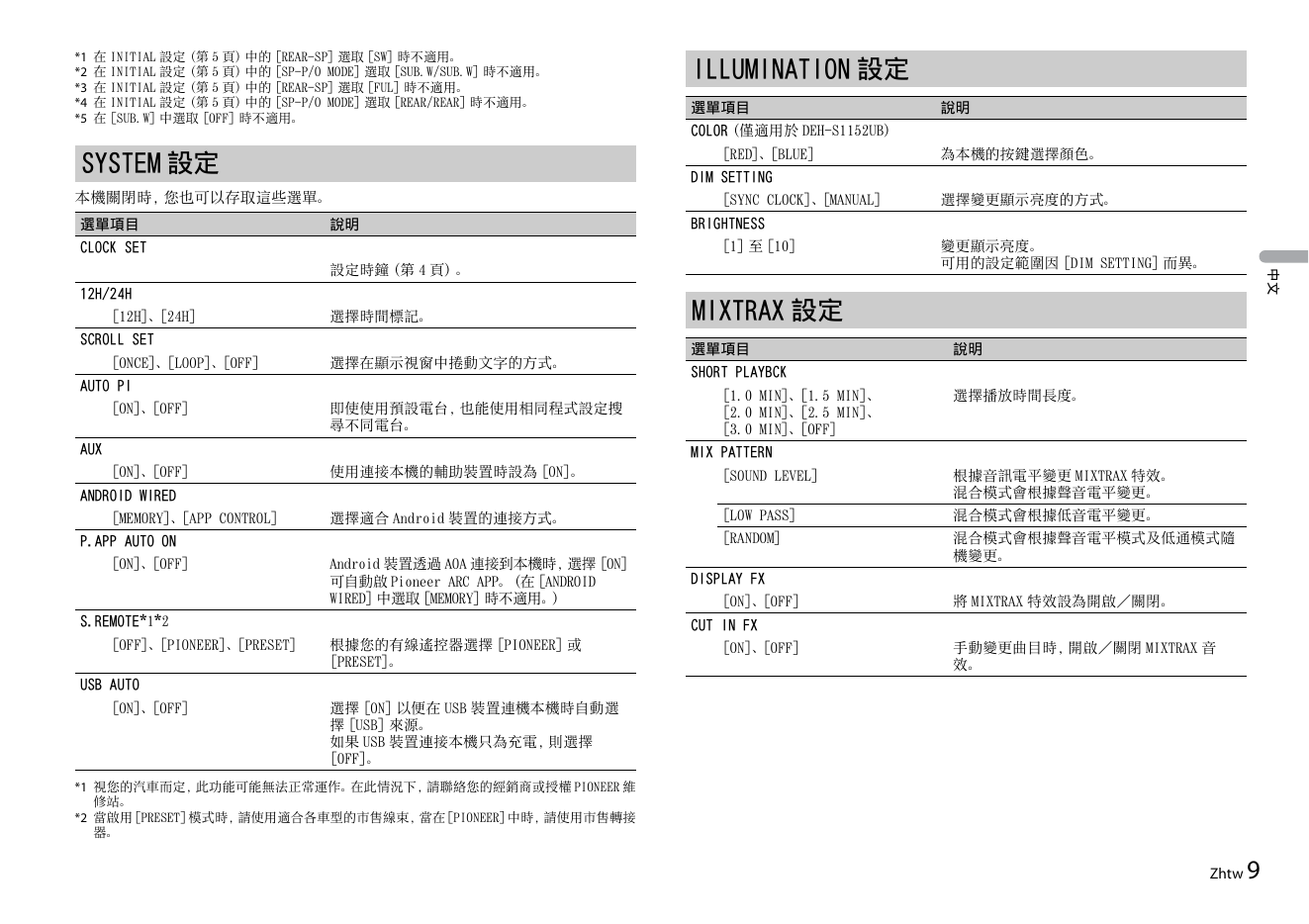
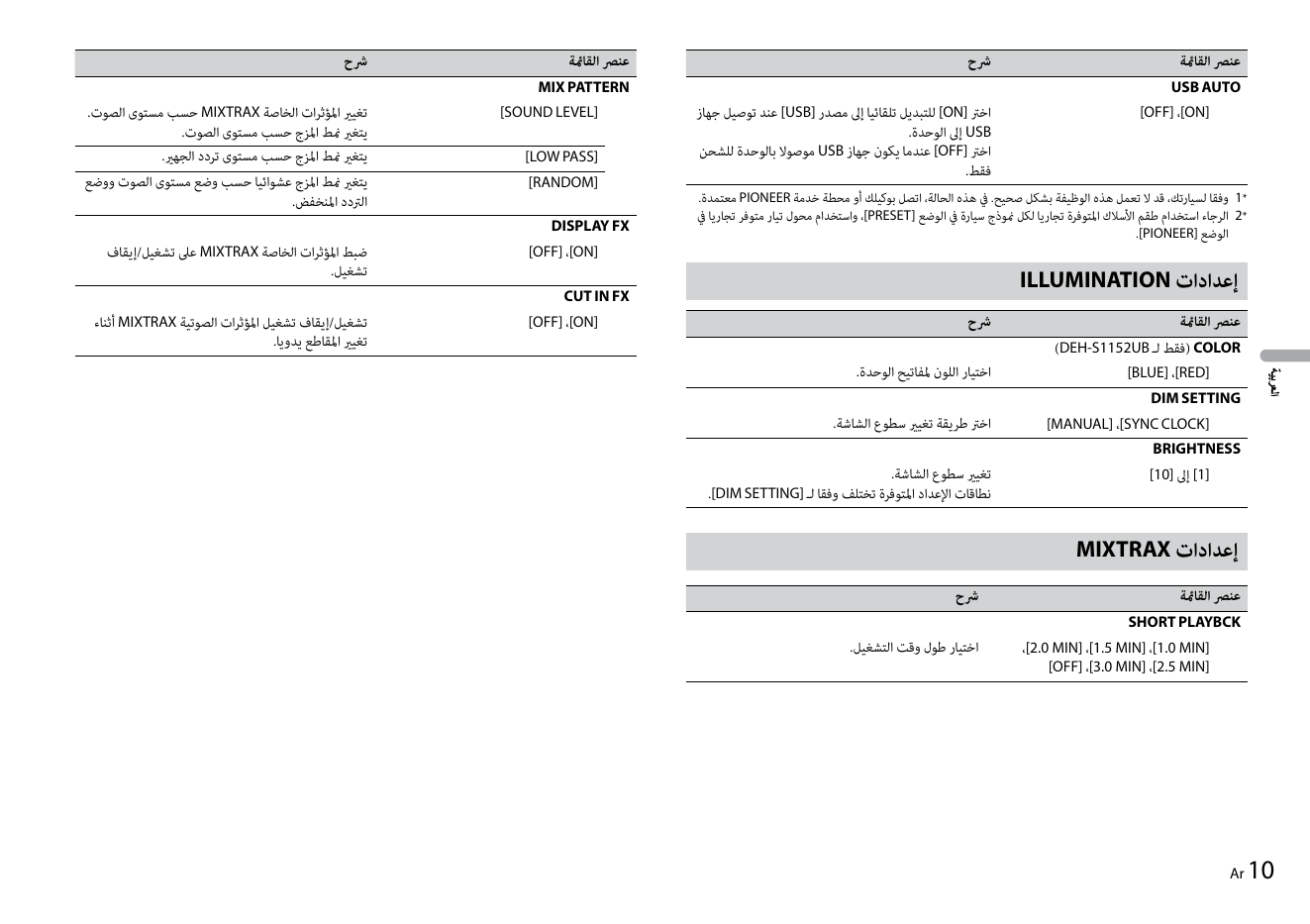
Menu Item Description Menu Item Description
USB AUTO MIX PATTERN
[ON], [OFF] Select [ON] to automatically switch to [USB] [SOUND LEVEL] Change the MIXTRAX special effects according
source when a USB device is connected to the to the audio level.
...
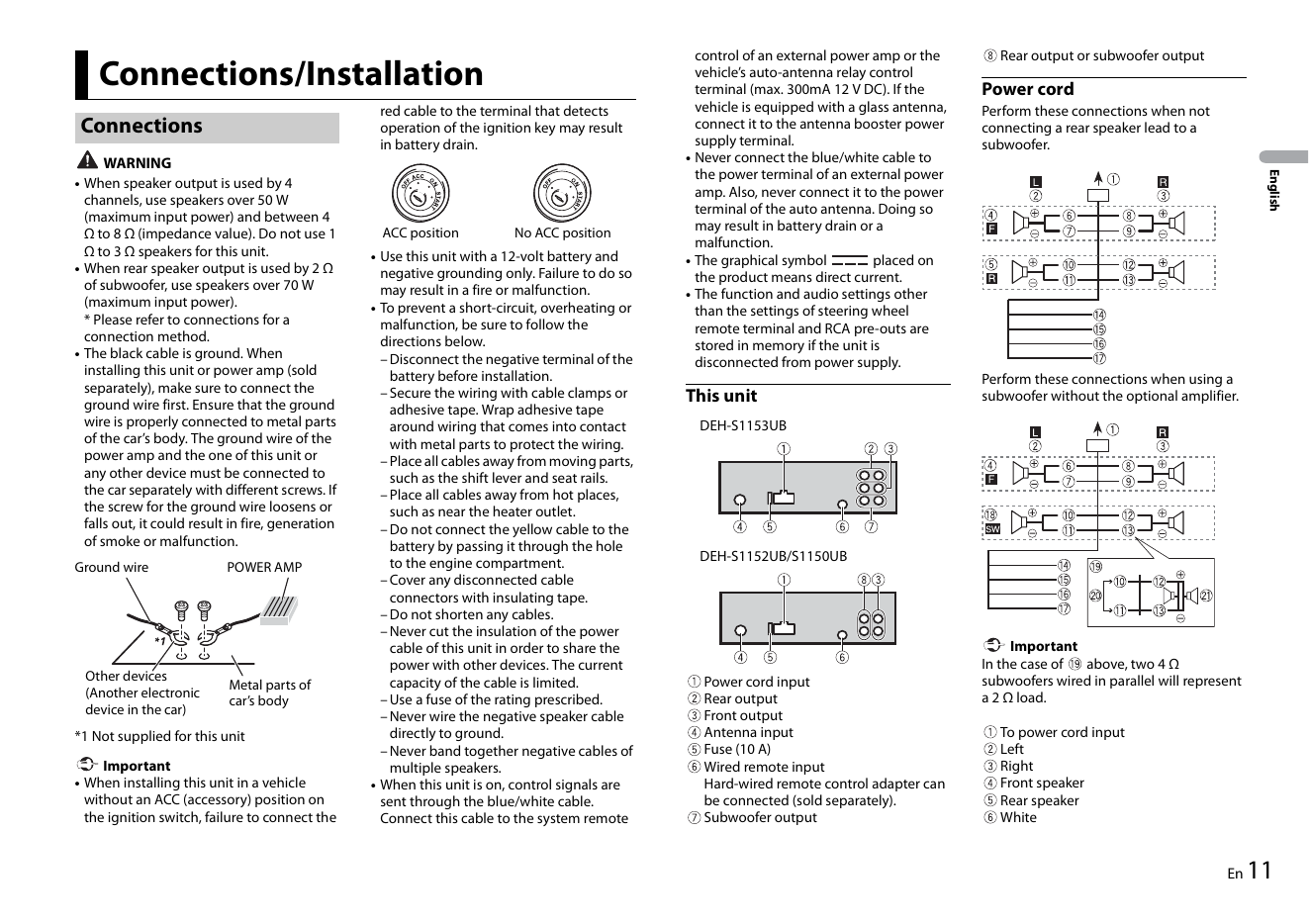
control of an external power amp or the Rear output or subwoofer output
Connections/Installation vehicle’s auto-antenna relay control
terminal (max. 300mA 12 V DC). If the Power cord
red cable to the terminal that detects vehicle is equipped with a g...
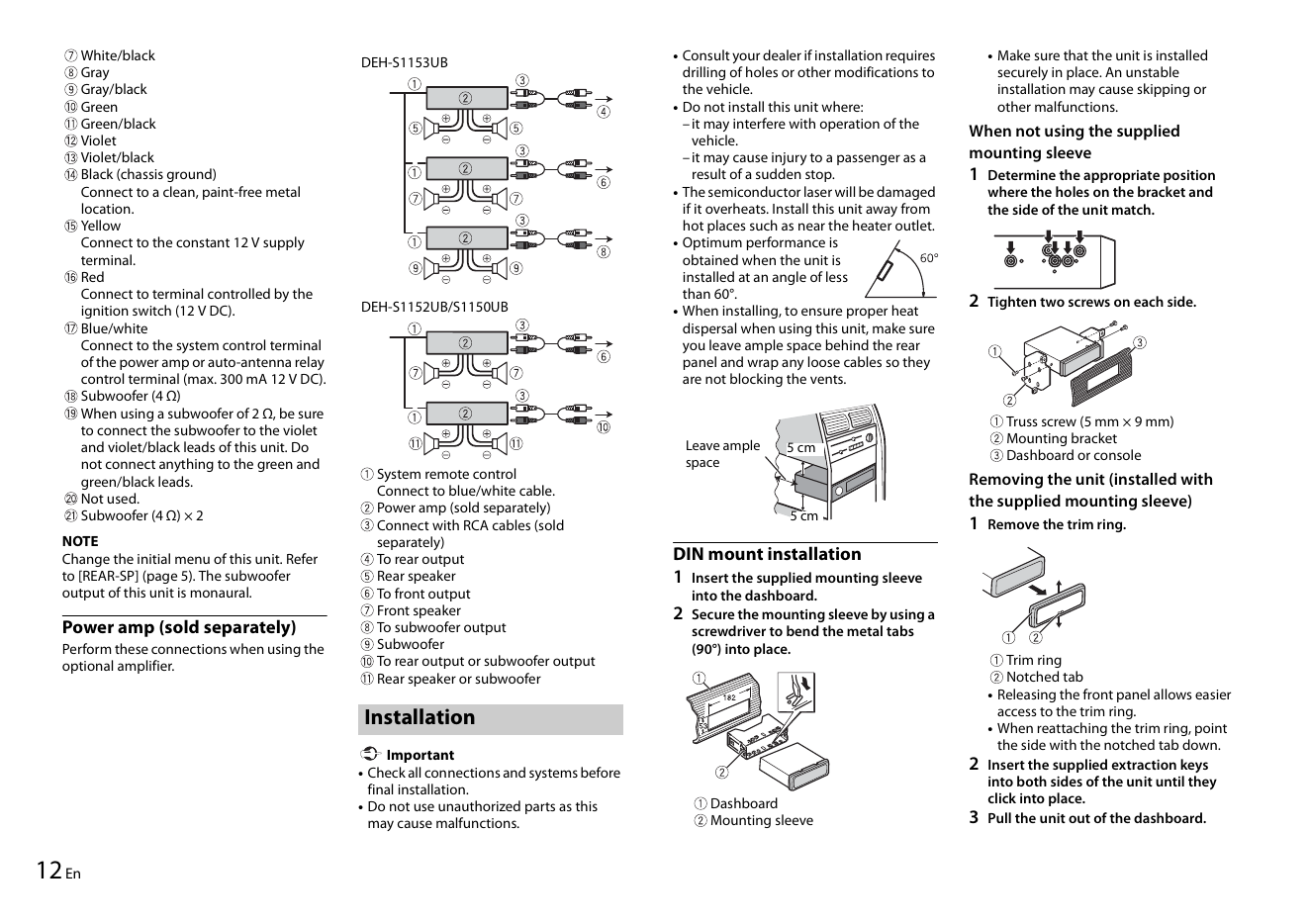
White/black DEH-S1153UB • Consult your dealer if installation requires • Make sure that the unit is installed
Gray drilling of holes or other modifications to securely in place. An unstable
Gray/black the vehicle. installation may cause skipping or
G...