Инструкция по эксплуатации для Pioneer MVH-S125UI на русском языке
Размер файла: (2.57 mb) Производитель: PIONEER Просмотров: 1025
📸 Дополнительные изображения:
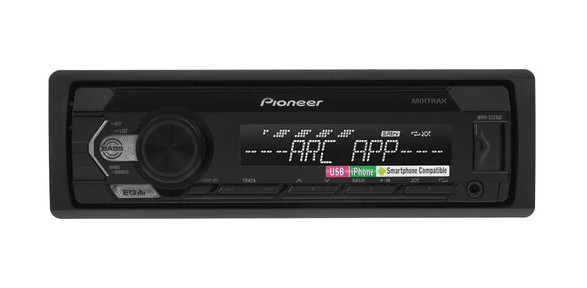
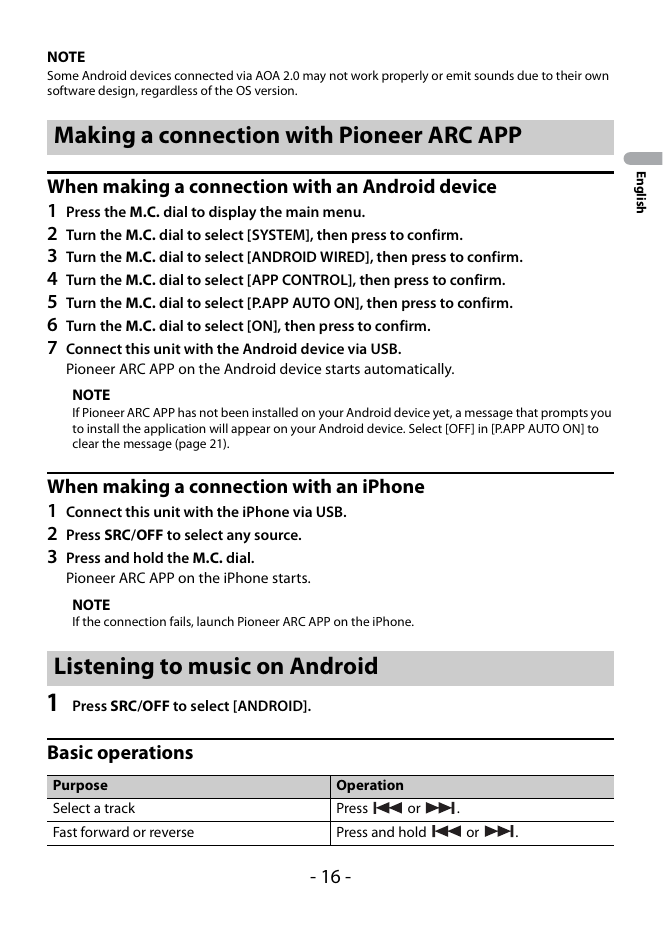
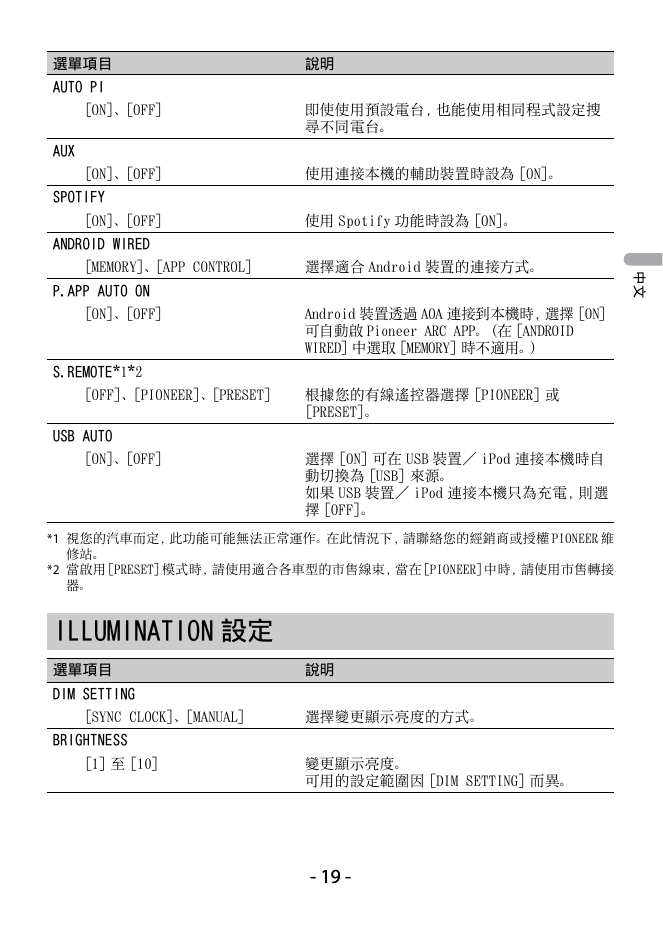
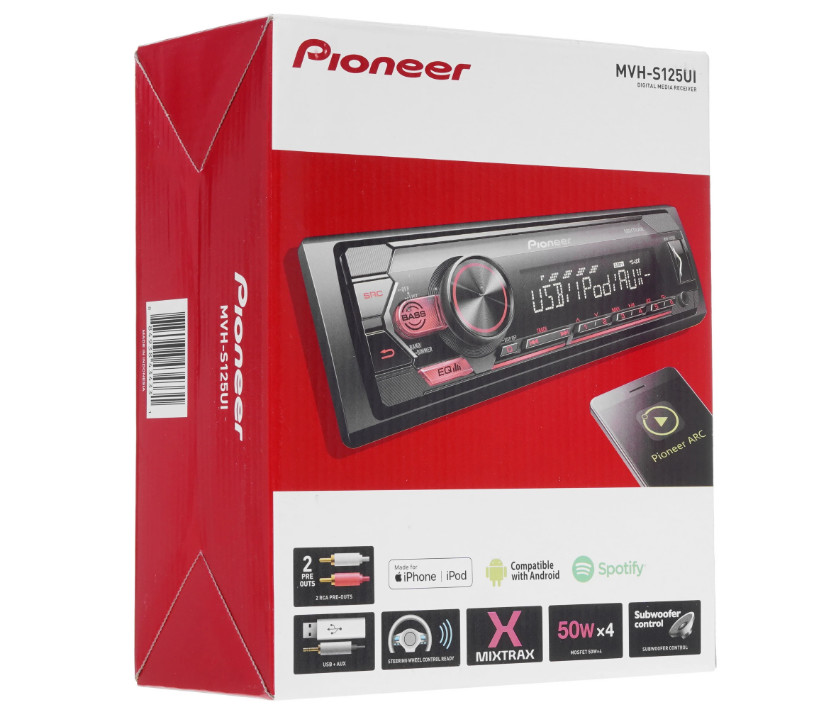
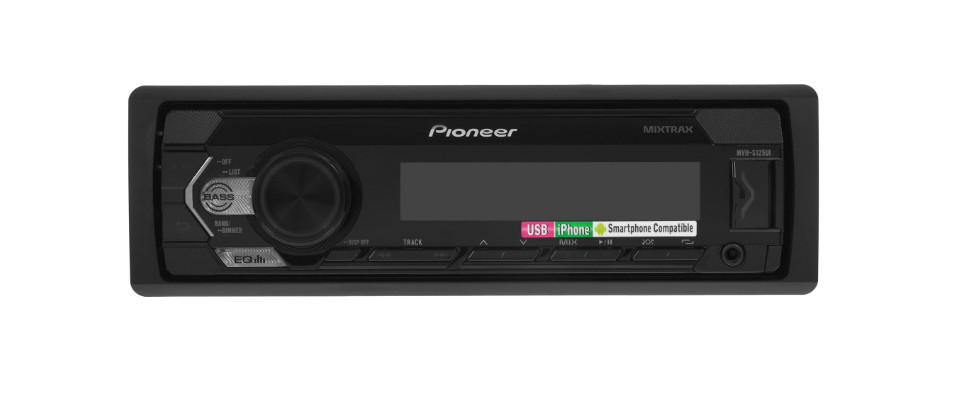
Автомагнитола Pioneer MVH-S125UI выполнена в компактном чёрном корпусе стандарта 1DIN и отлично подойдёт практически для любого автомобиля.
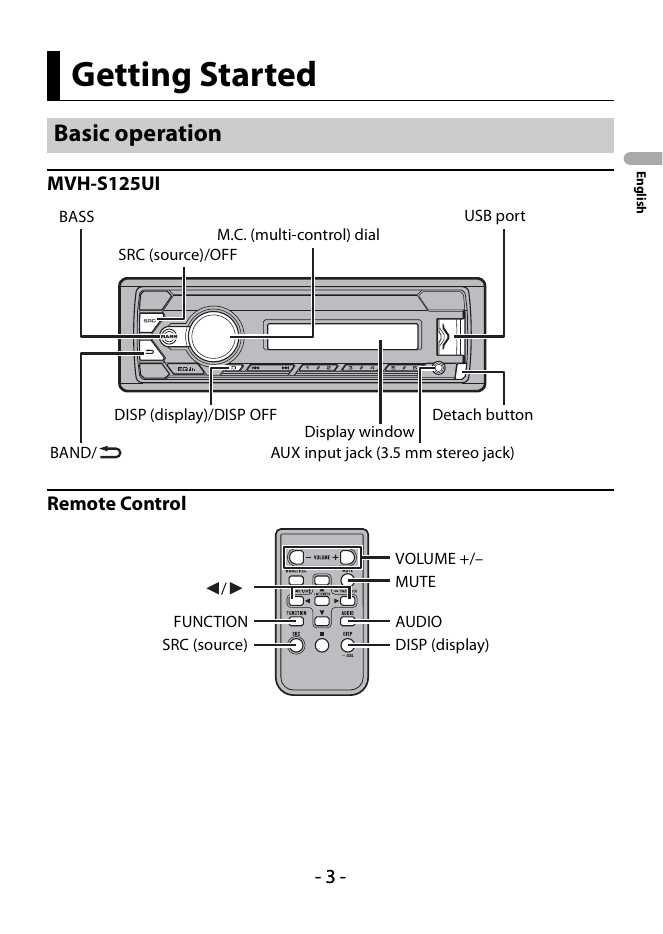
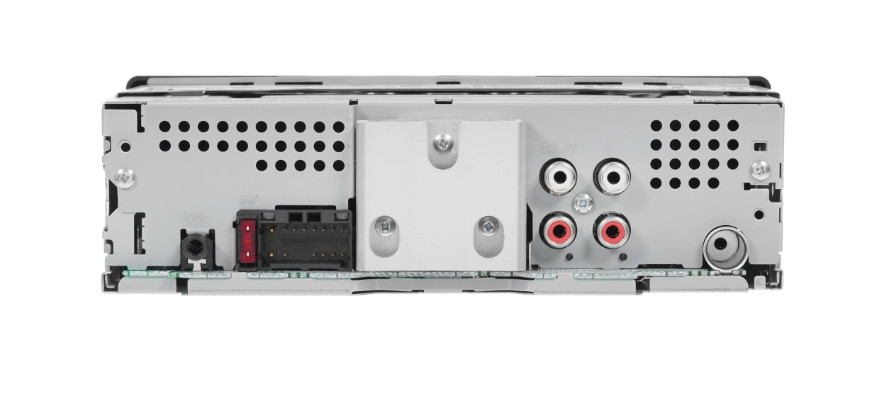
Съёмная передняя панель оснащена сегментным дисплеем с белой подсветкой, удобными кнопками с красной подсветкой, а также разъёмами AUX и USB. На задней стороне расположены антенный вход и RCA-выход.
Модель поддерживает приём радиостанций в диапазонах AM и FM с возможностью сохранения до 24 любимых частот. Автопроигрыватель легко подключается к мобильным устройствам и совместим с управлением с руля.
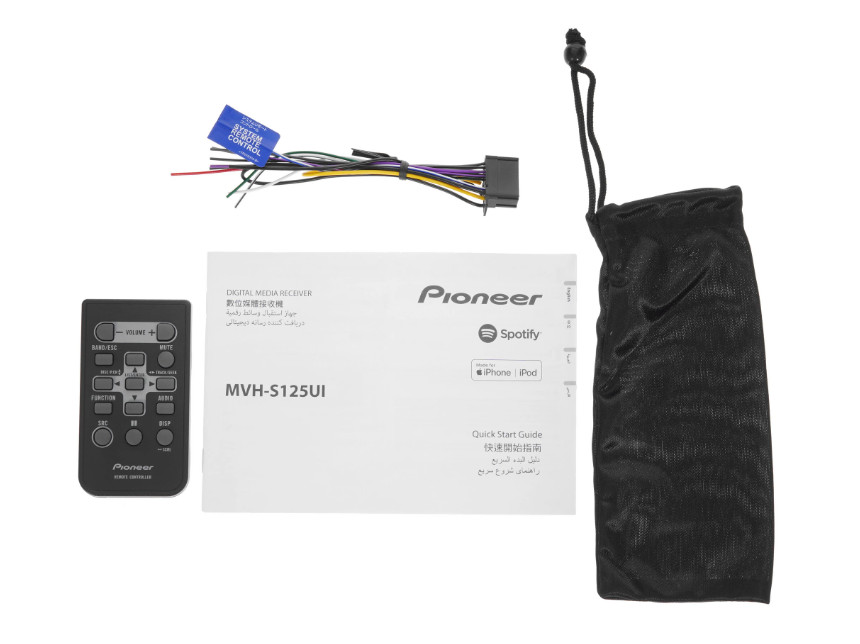
В комплекте поставки предусмотрены ISO-коннектор и защитный футляр для передней панели.
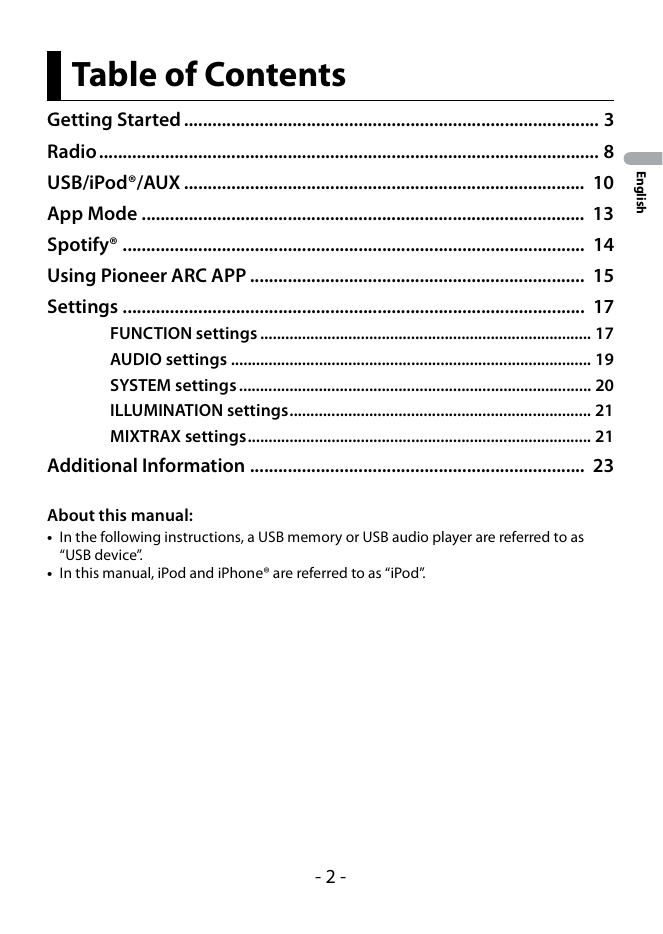
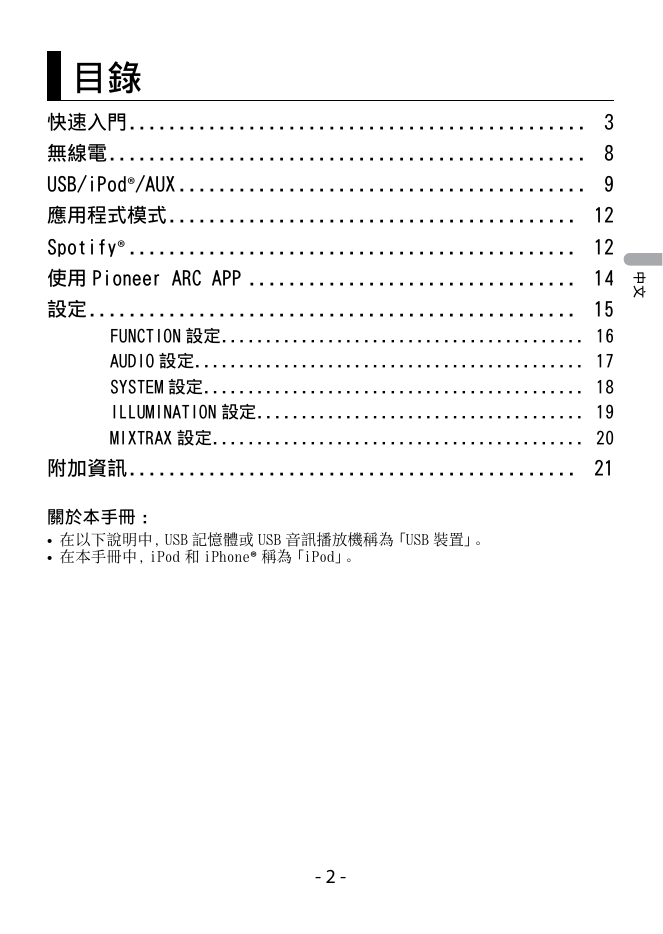
Table of Contents
Getting Started ........................................................................................ 3
Radio .......................................................................................................... 8
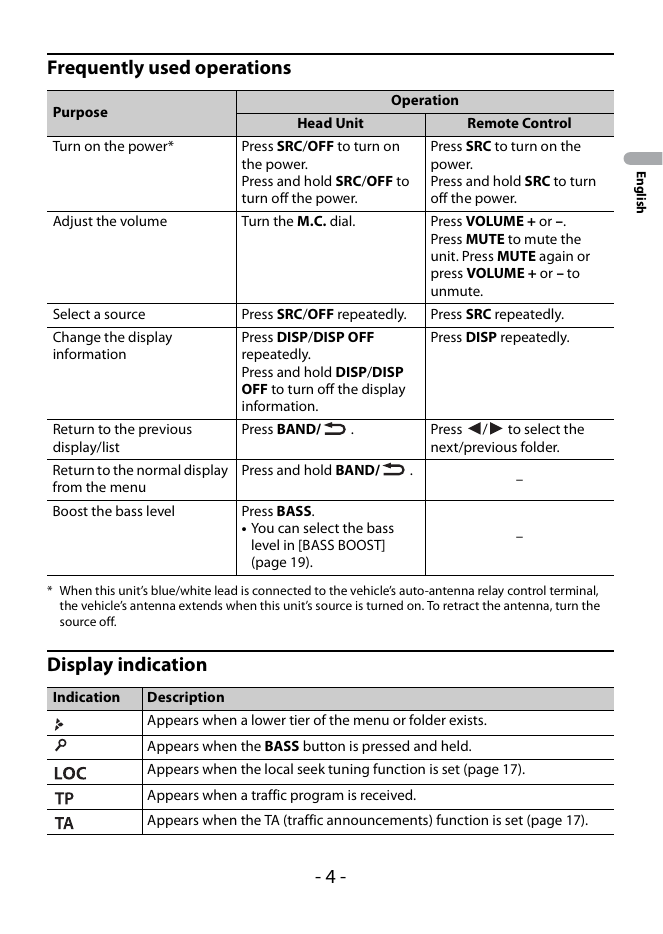
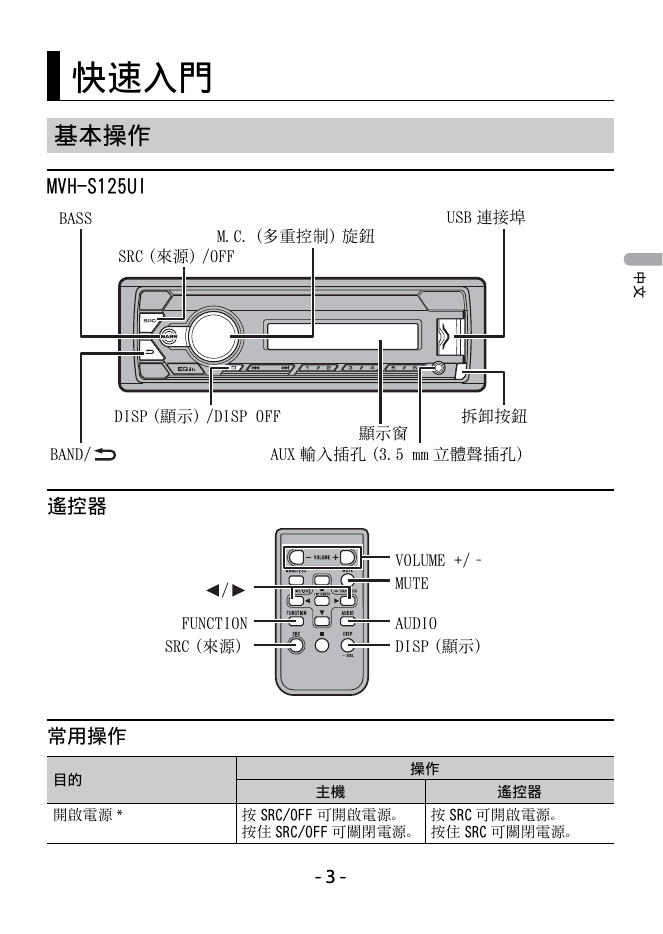
Frequently used operations
Operation
Purpose
Head Unit Remote Control
Turn on the power* Press SRC/OFF to turn on Press SRC to turn on the
the power. power.
English
Press and hold SRC/OFF to Press and hold SRC to turn
turn off the power. off the pow...
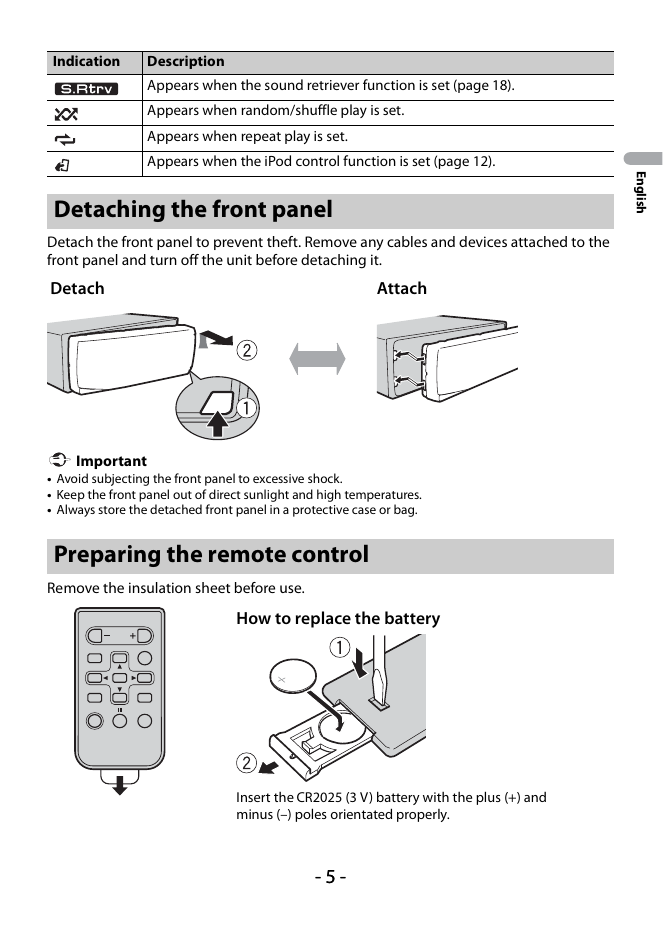
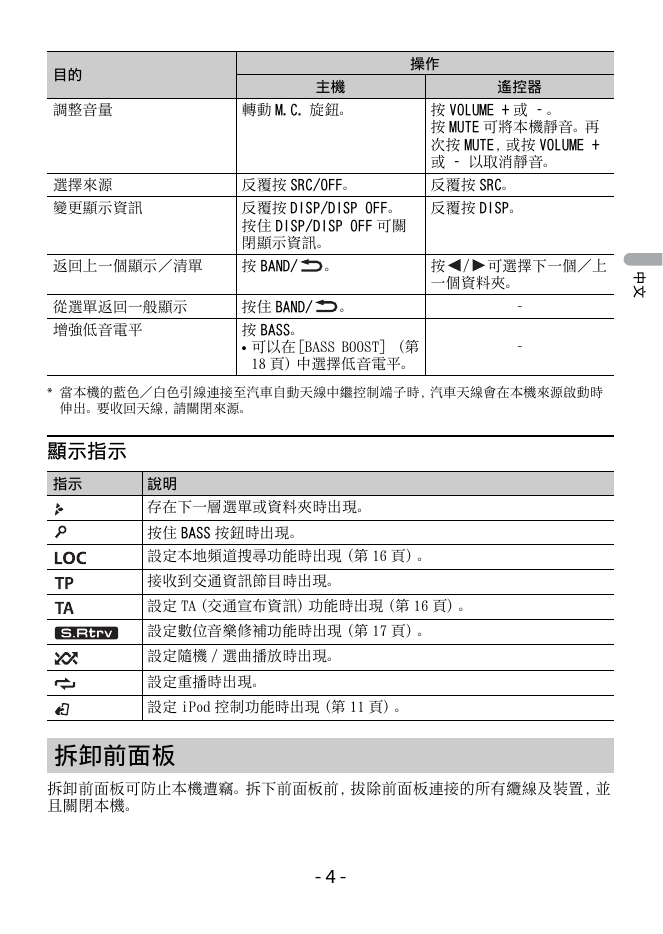
Indication Description
Appears when the sound retriever function is set (page 18).
Appears when random/shuffle play is set.
Appears when repeat play is set.
Appears when the iPod control function is set (page 12).
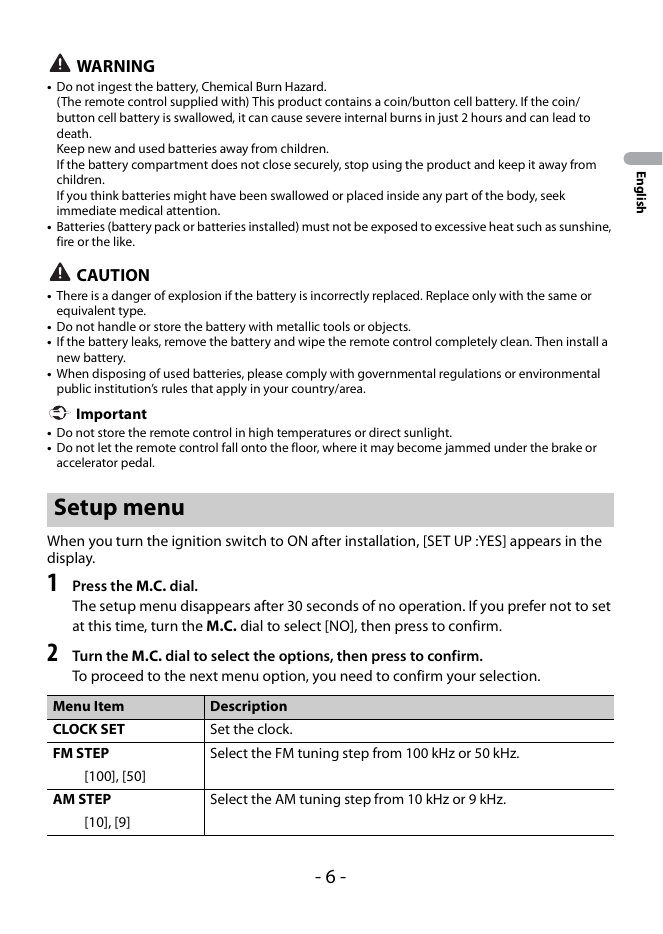
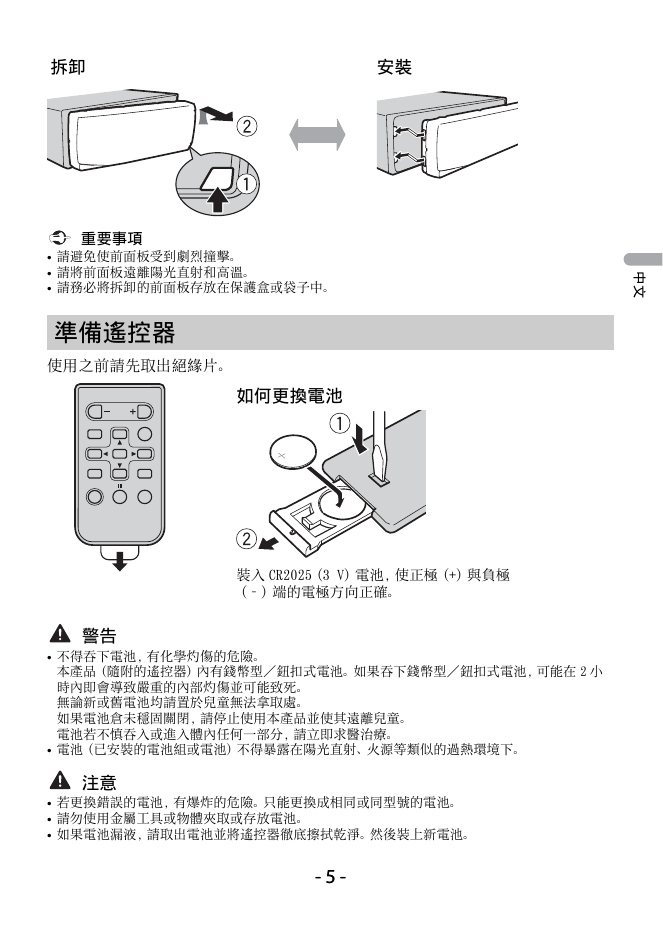
WARNING
• Do not ingest the battery, Chemical Burn Hazard.
(The remote control supplied with) This product contains a coin/button cell battery. If the coin/
button cell battery is swallowed, it can cause severe internal burns in just 2 hours and can ...
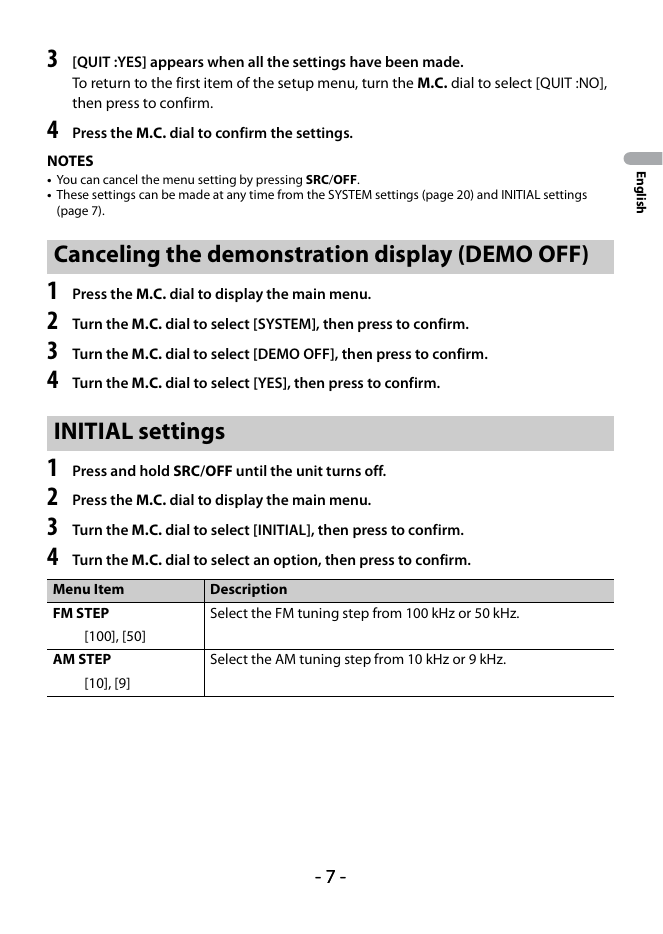
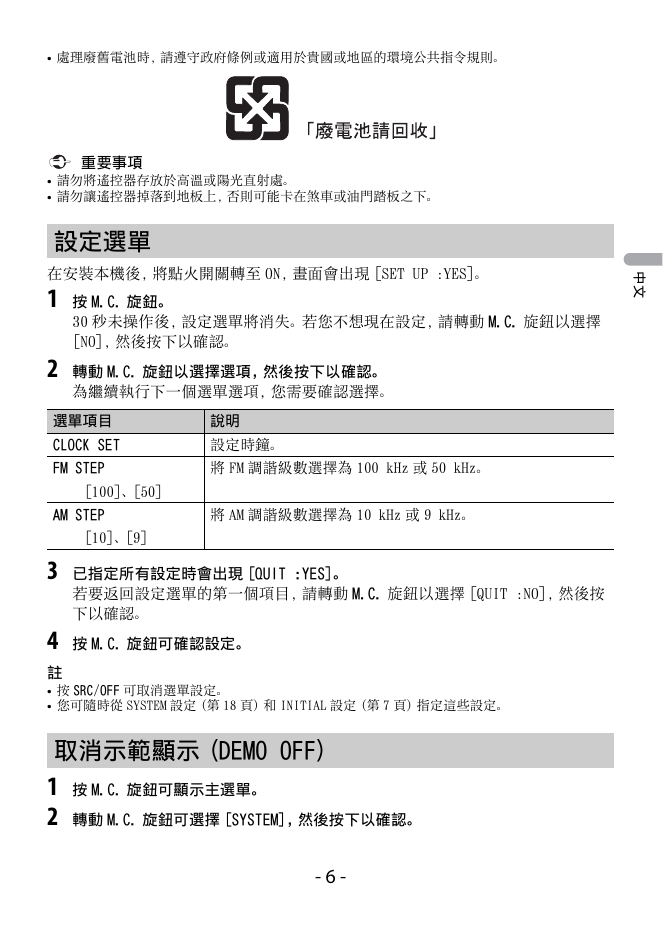
3 [QUIT :YES] appears when all the settings have been made.
To return to the first item of the setup menu, turn the M.C. dial to select [QUIT :NO],
then press to confirm.
4 Press the M.C. dial to confirm the settings.
NOTES
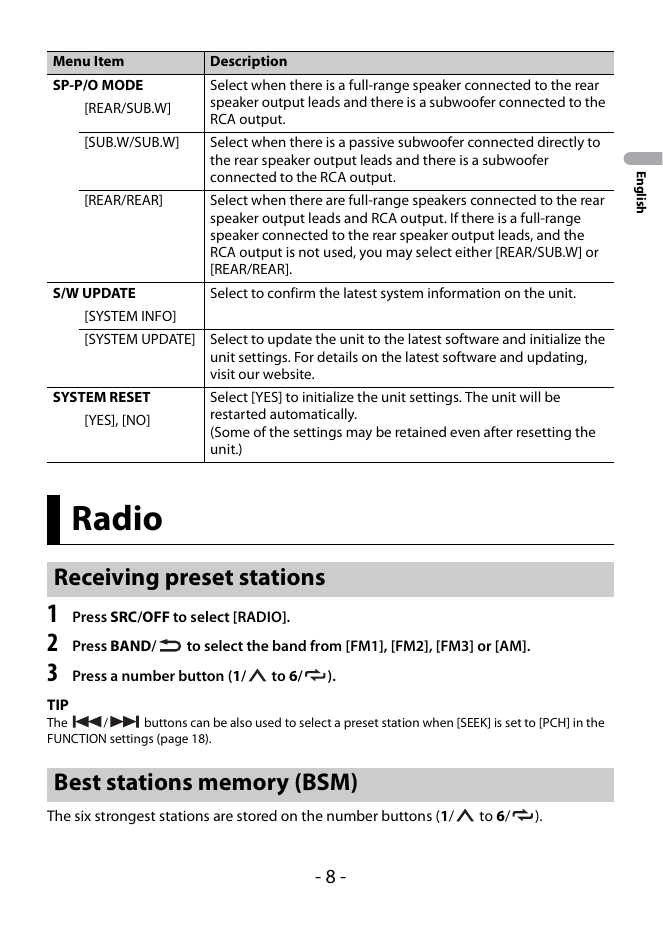
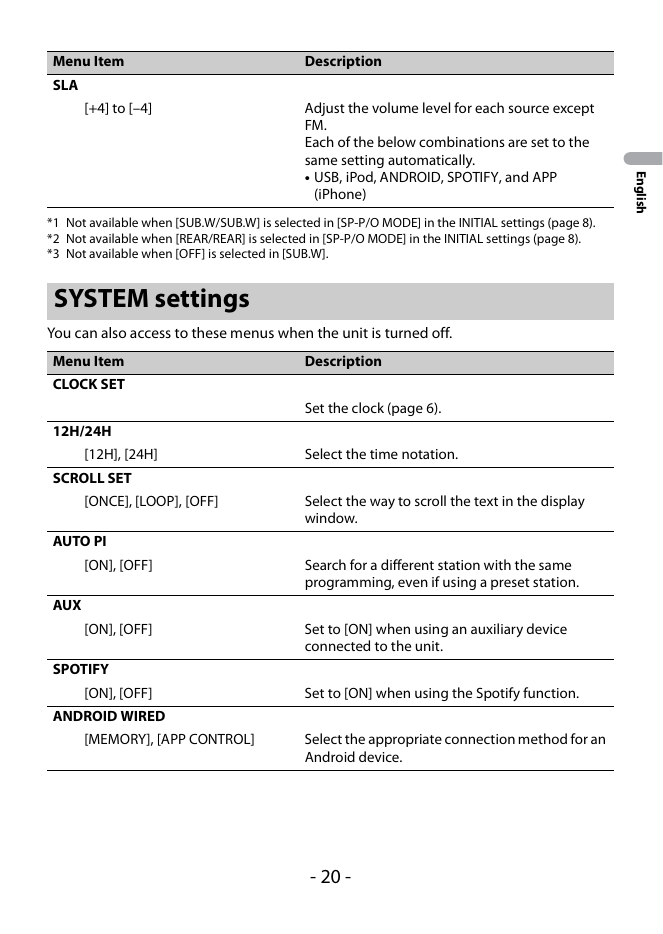
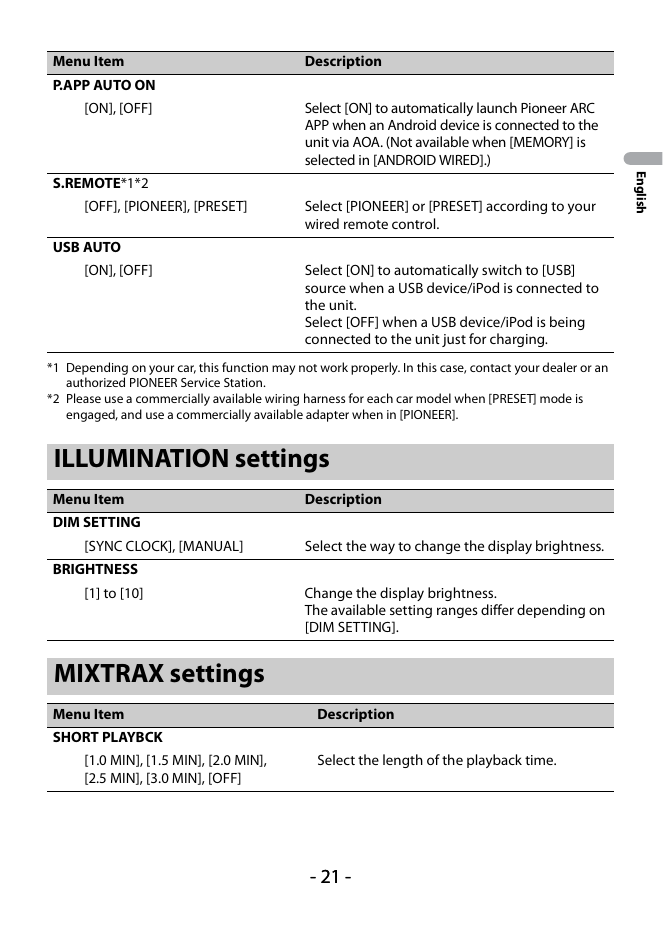
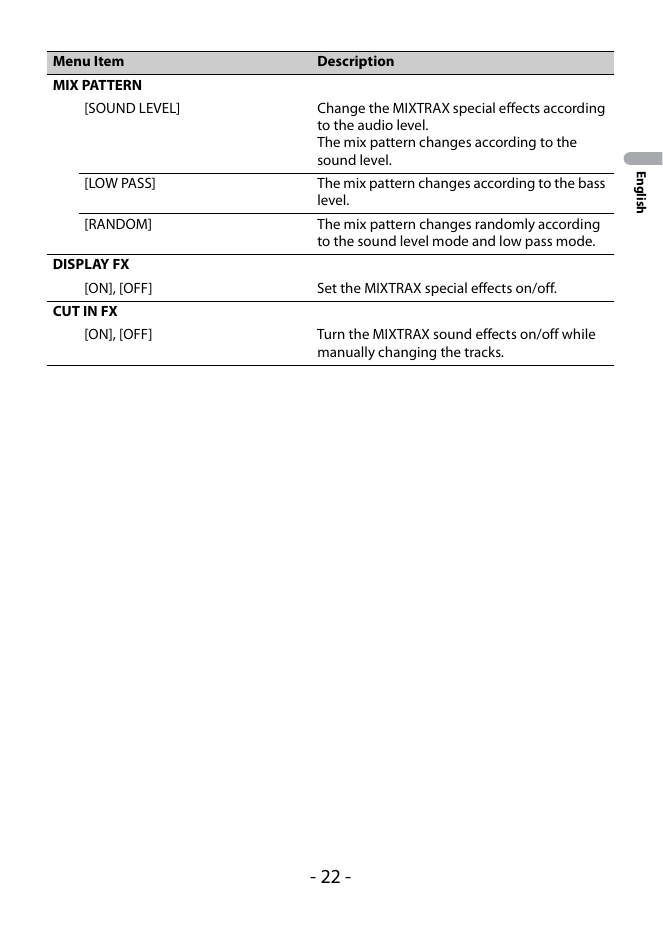
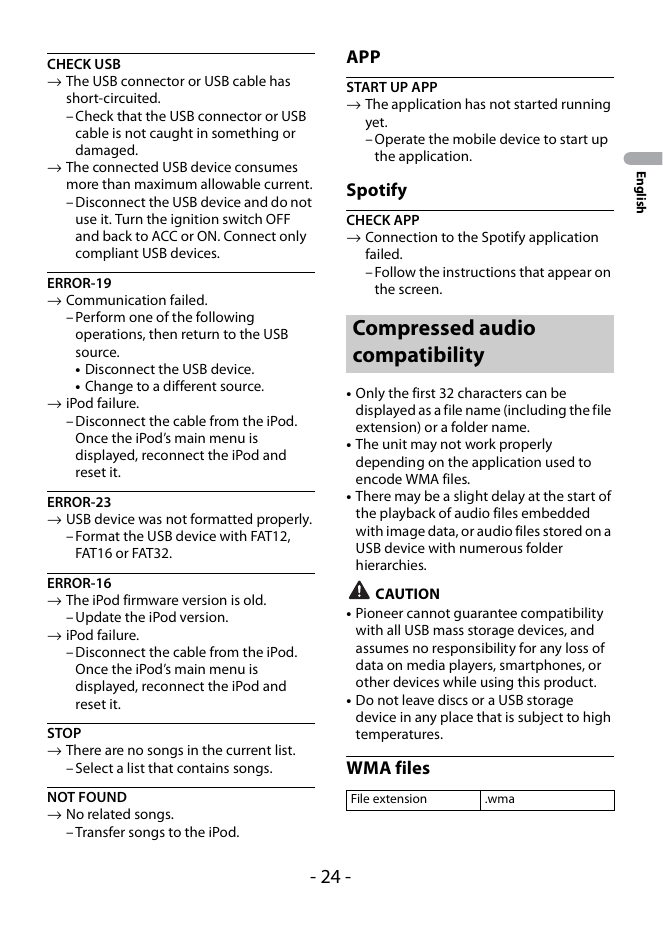
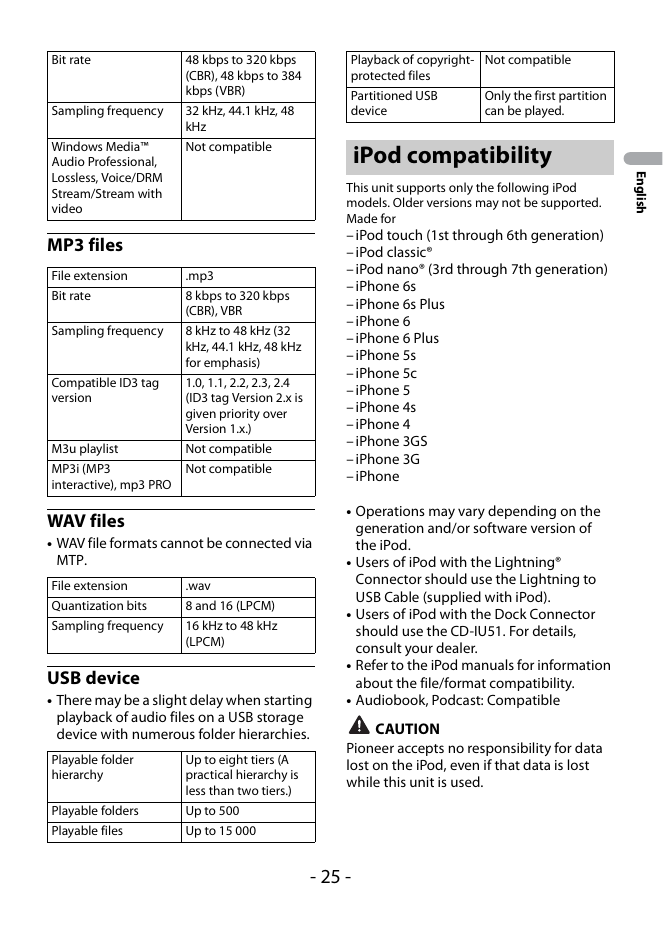
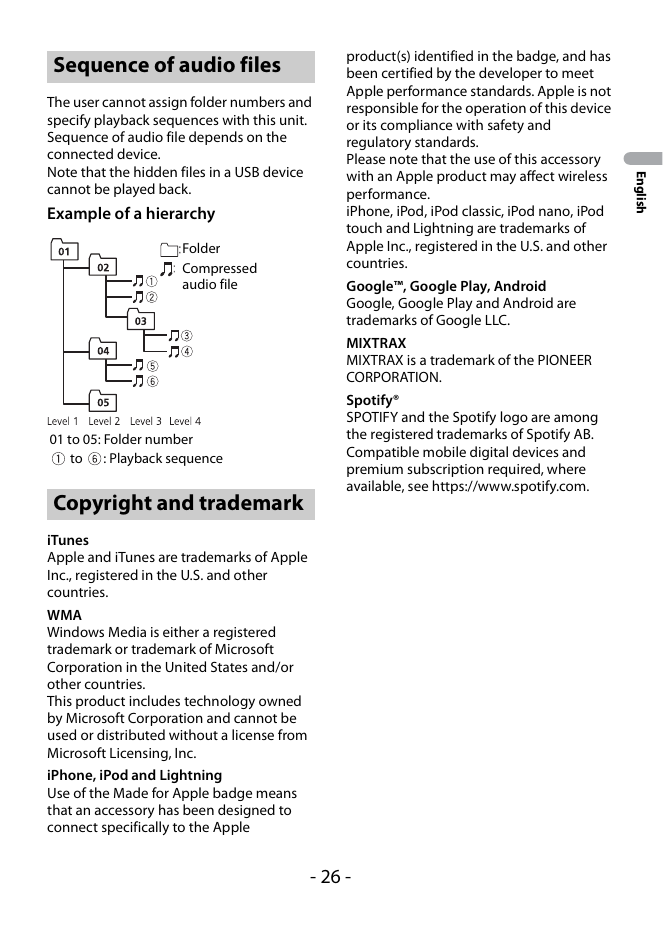
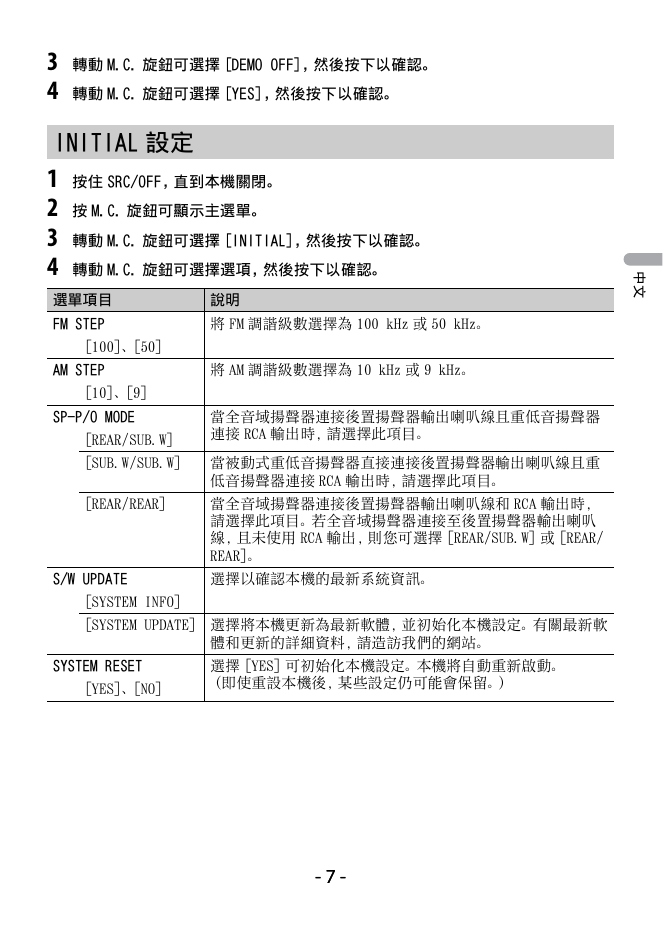
Menu Item Description
SP-P/O MODE Select when there is a full-range speaker connected to the rear
[REAR/SUB.W] speaker output leads and there is a subwoofer connected to the
RCA output.
[SUB.W/SUB.W] Select when there is a passive subwoofer connected...
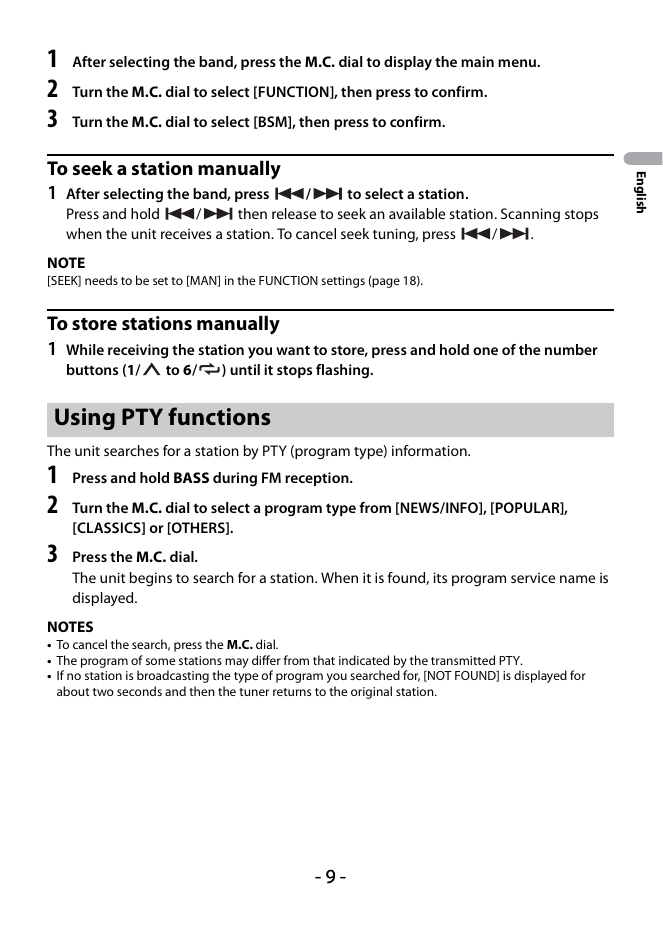
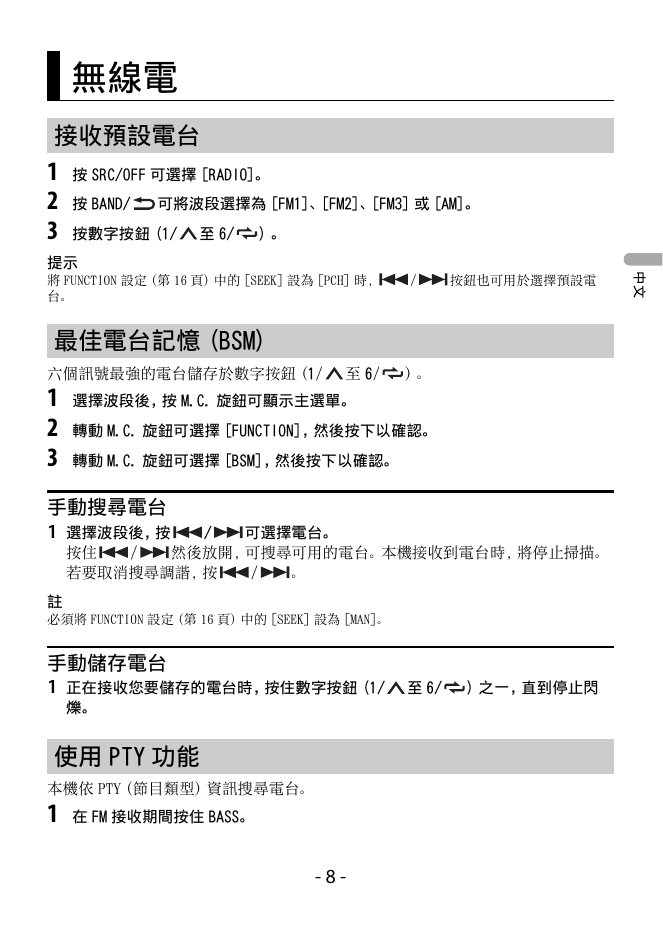
1 After selecting the band, press the M.C. dial to display the main menu.
2 Turn the M.C. dial to select [FUNCTION], then press to confirm.
3 Turn the M.C. dial to select [BSM], then press to confirm.
To seek a station manually
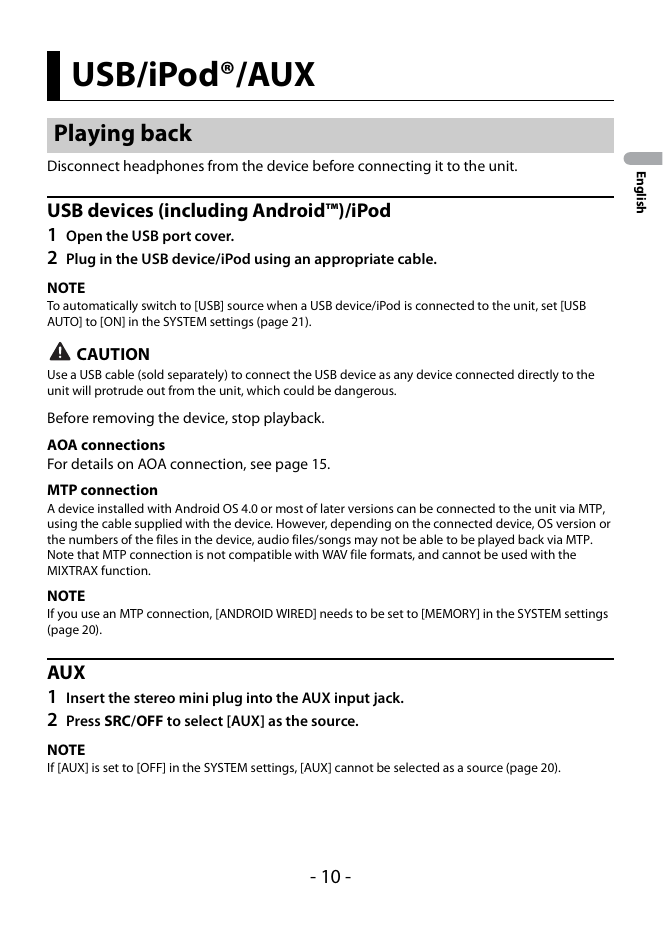
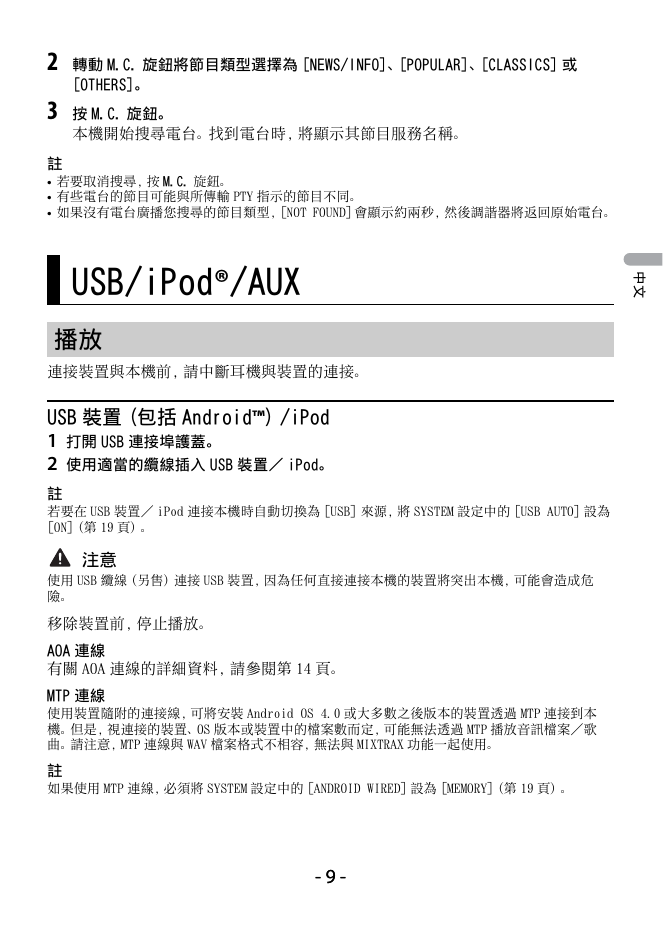
USB/iPod®/AUX
Playing back
Disconnect headphones from the device before connecting it to the unit.
English
USB devices (including Android™)/iPod
1 Open the USB port cover.
2 Plug in the USB device/iPod using an appropriate cable.
NOTE
To automatical...
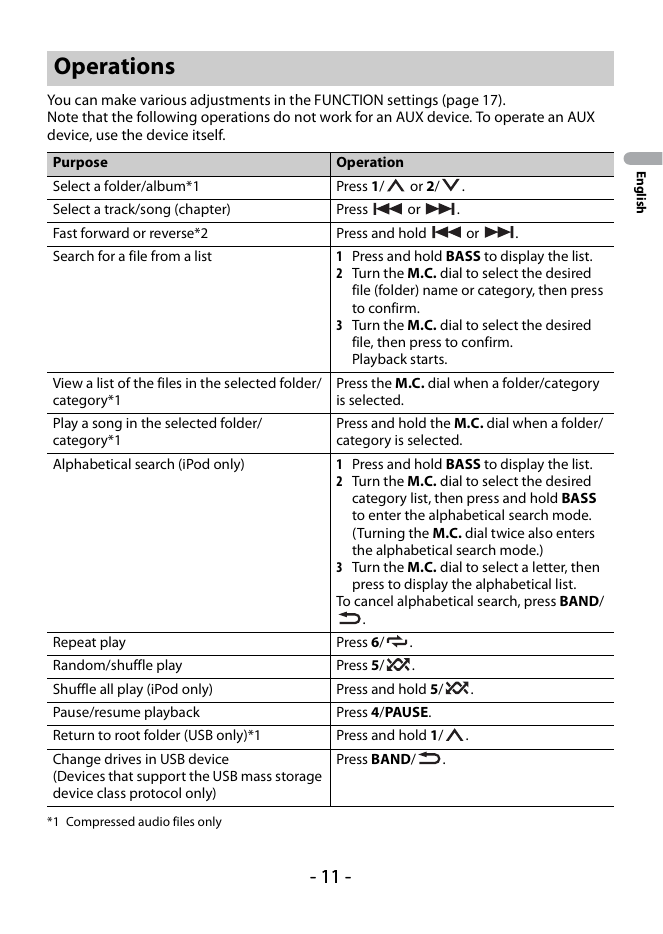
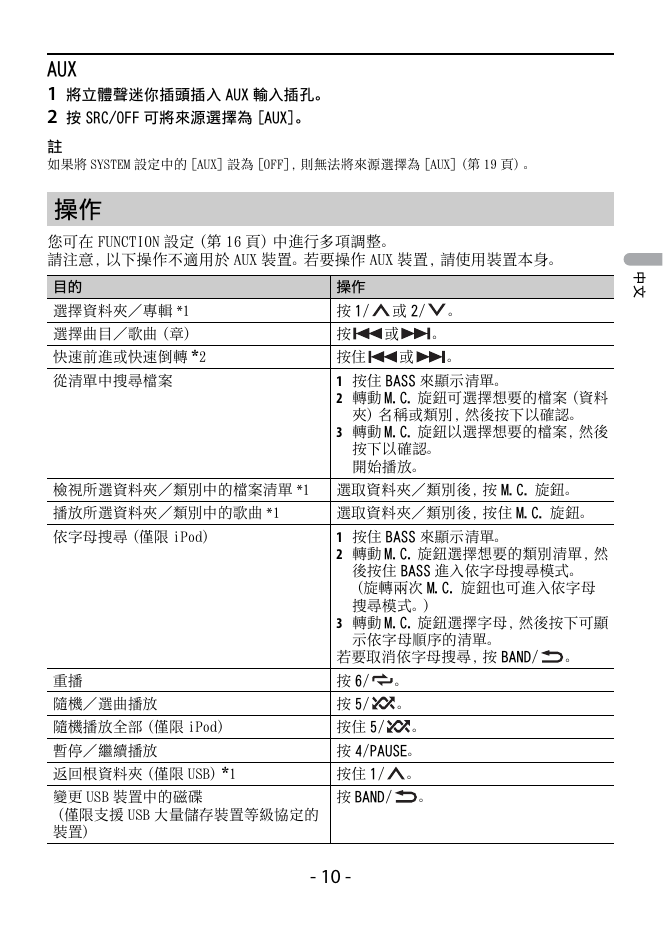
Operations
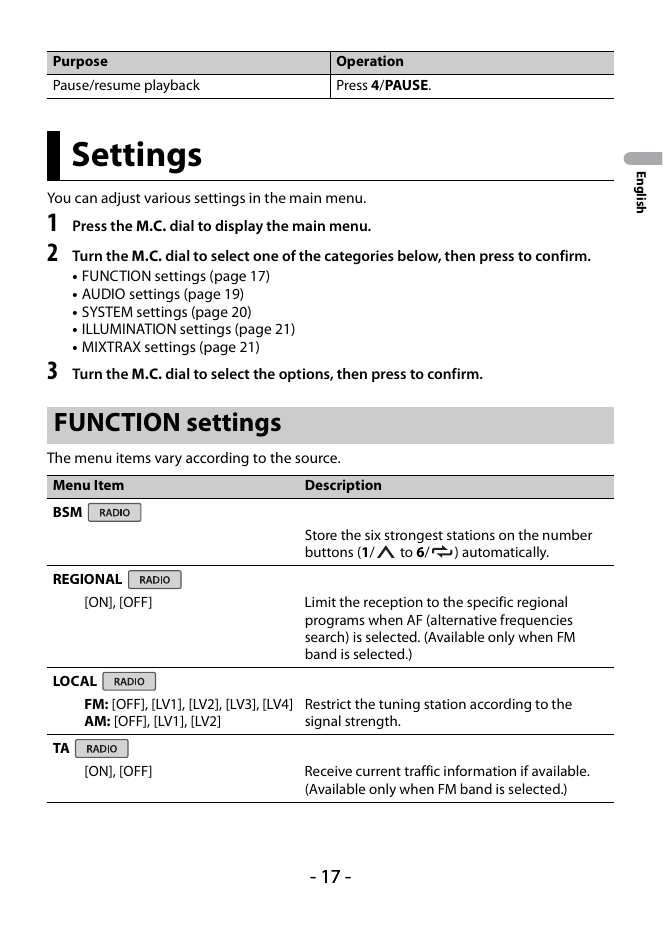
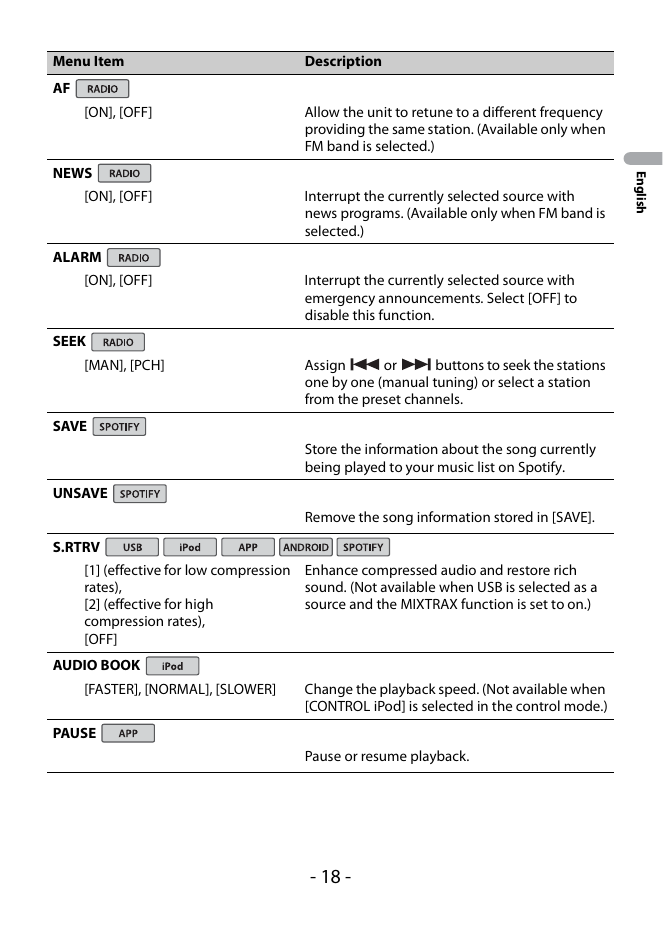
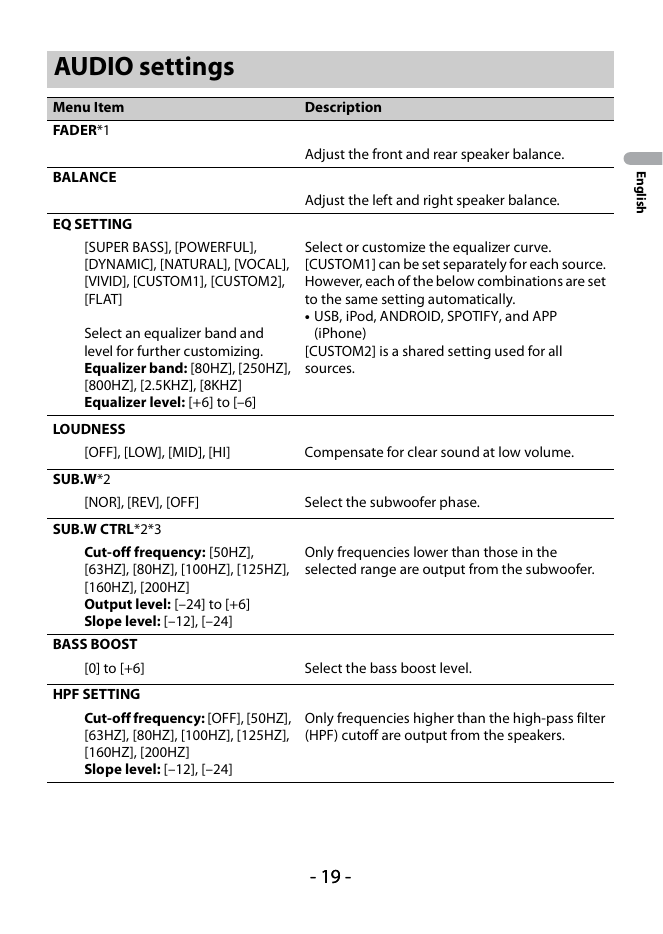
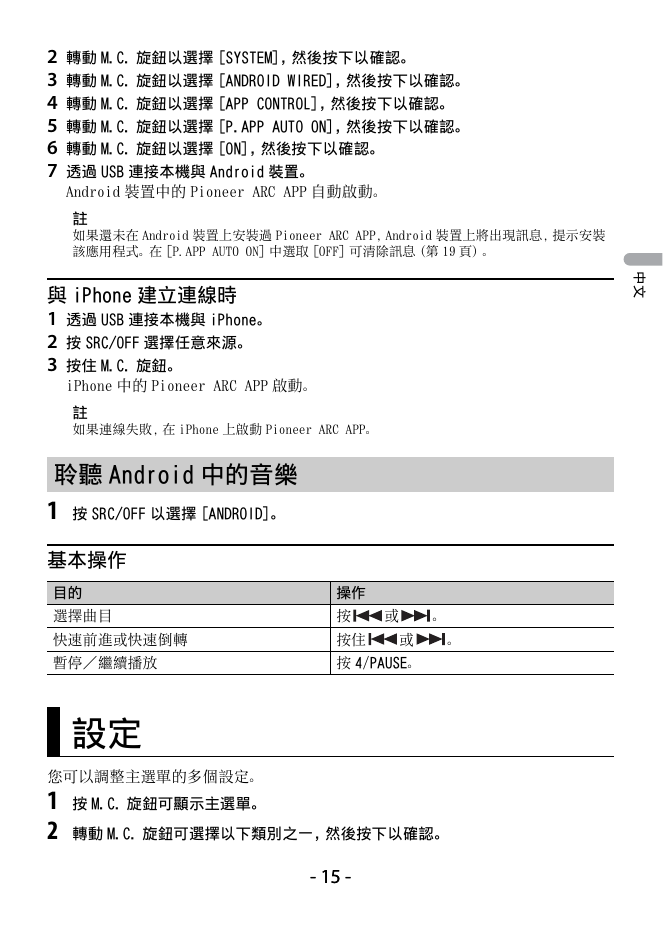
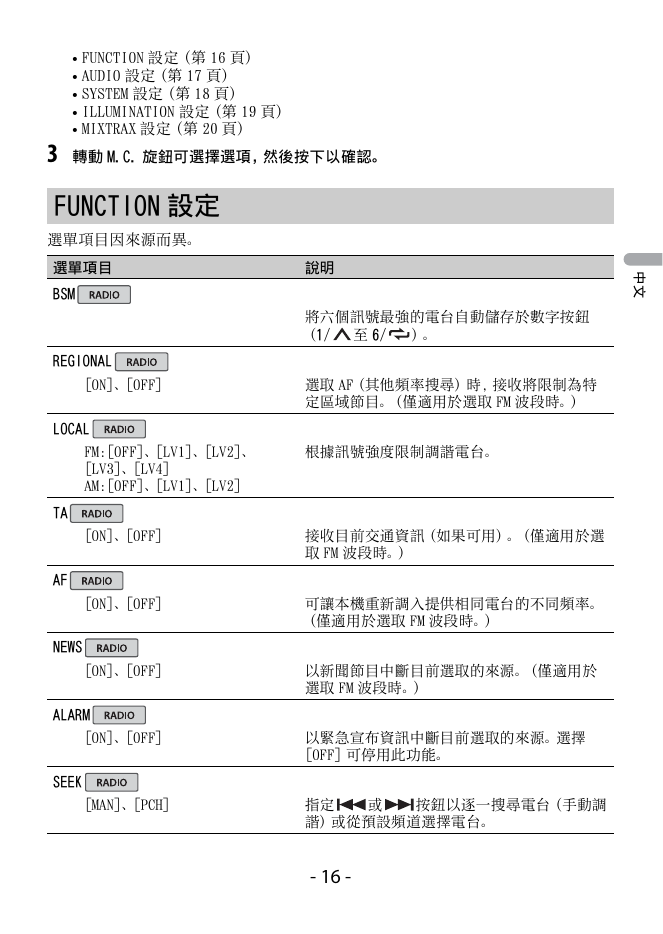
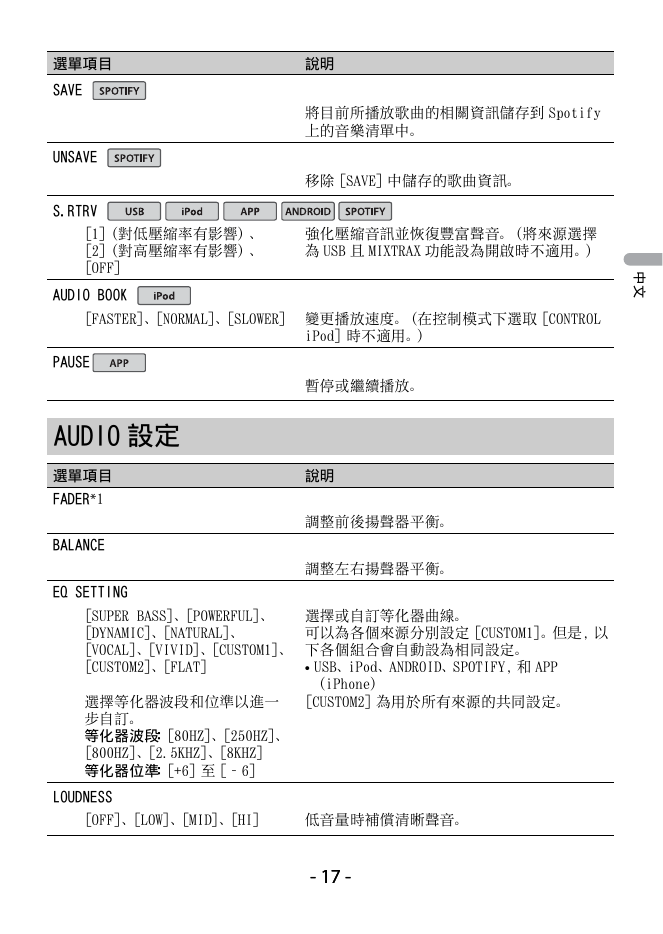
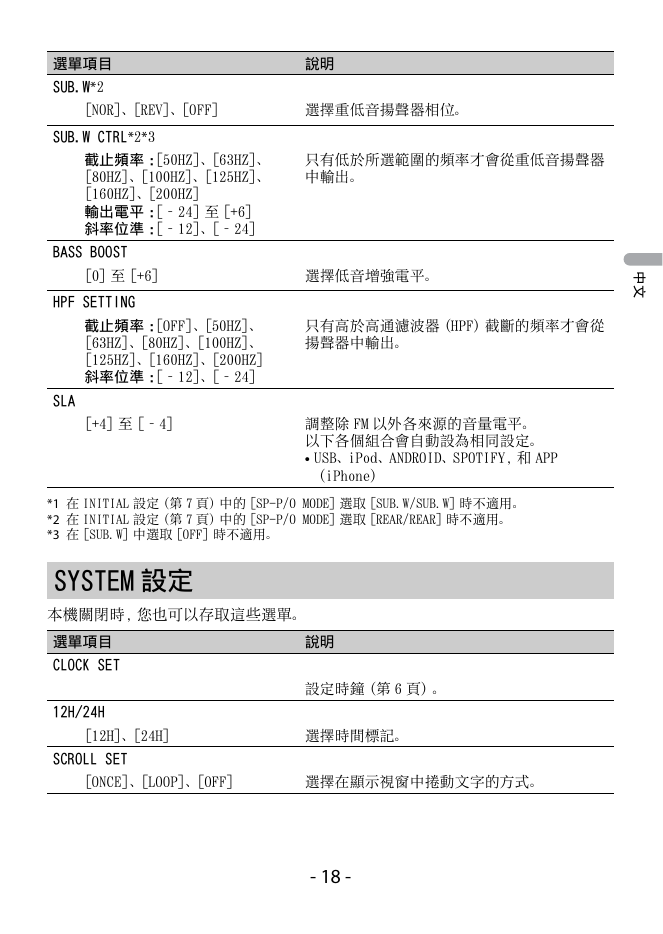
You can make various adjustments in the FUNCTION settings (page 17).
Note that the following operations do not work for an AUX device. To operate an AUX
device, use the device itself.
Purpose Operation