Первые 12 страниц
Извлечено автоматически
СТРАНИЦА PDF
Страница 1
Acer TravelMate C310 Series
Service Guide
Service guide files and updates are available
on the ACER/CSD web; for more information,
please refer to http://csd.acer.com.tw
PRINTED IN TAIWAN
СТРАНИЦА PDF
Страница 2
Revision History
Please refer to the table below for the updates made on TravelMate C310 service guide.
Date Chapter Updates
2005/5/11 First Released Version
II
СТРАНИЦА PDF
Страница 3
Copyright
Copyright © 2004 by Acer Incorporated. All rights reserved. No part of this publication may be reproduced,
transmitted, transcribed, stored in a retrieval system, or translated into any language or computer language, in
any form or by an...
СТРАНИЦА PDF
Страница 4
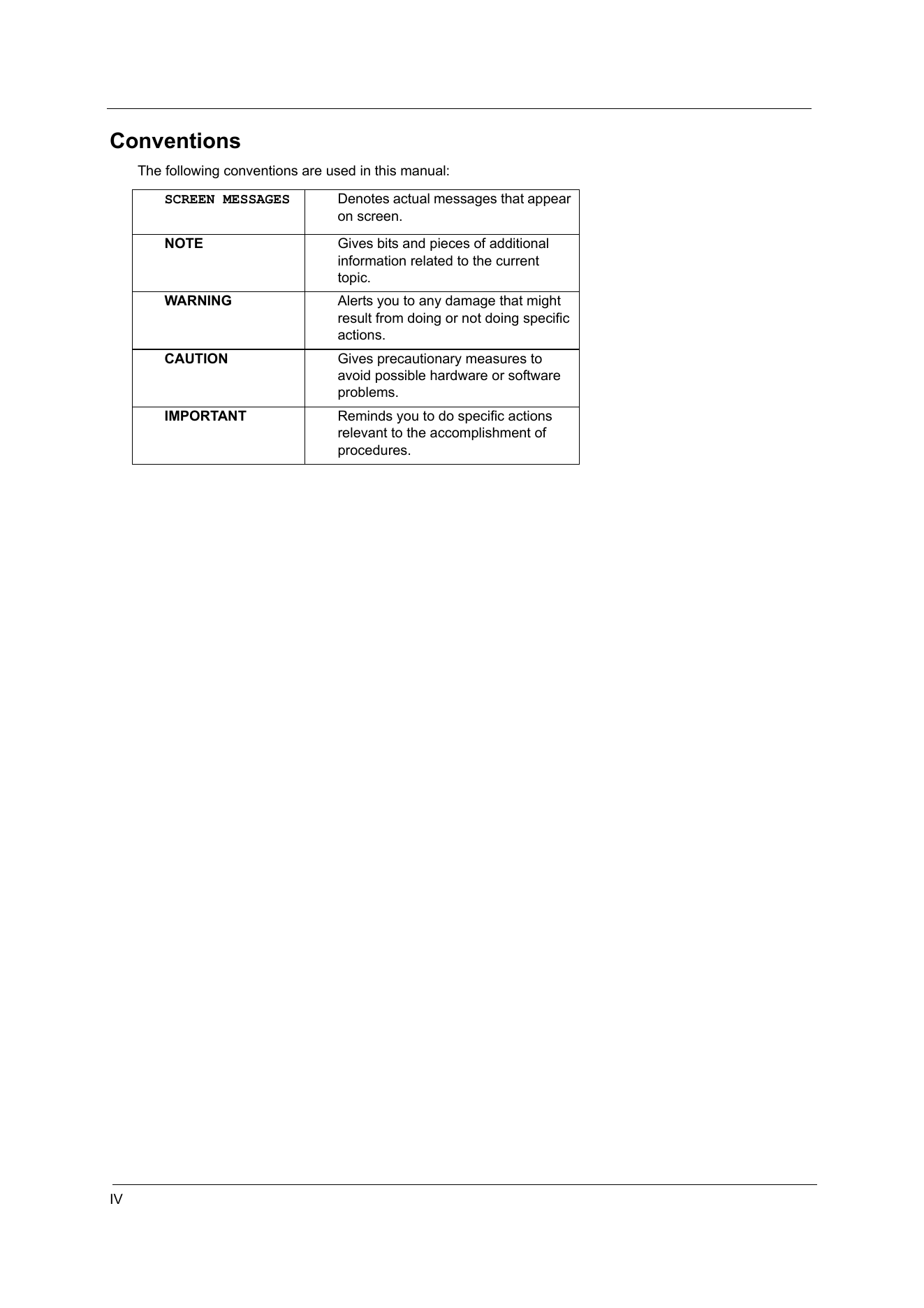
Conventions
The following conventions are used in this manual:
SCREEN MESSAGES Denotes actual messages that appear
on screen.
NOTE Gives bits and pieces of additional
information related to the current
topic.
WARNING Alerts you to any damage...
СТРАНИЦА PDF
Страница 5
Preface
Before using this information and the product it supports, please read the following general information.
1. This Service Guide provides you with all technical information relating to the BASIC CONFIGURATION
decided for Acer's "global" pro...
СТРАНИЦА PDF
Страница 6
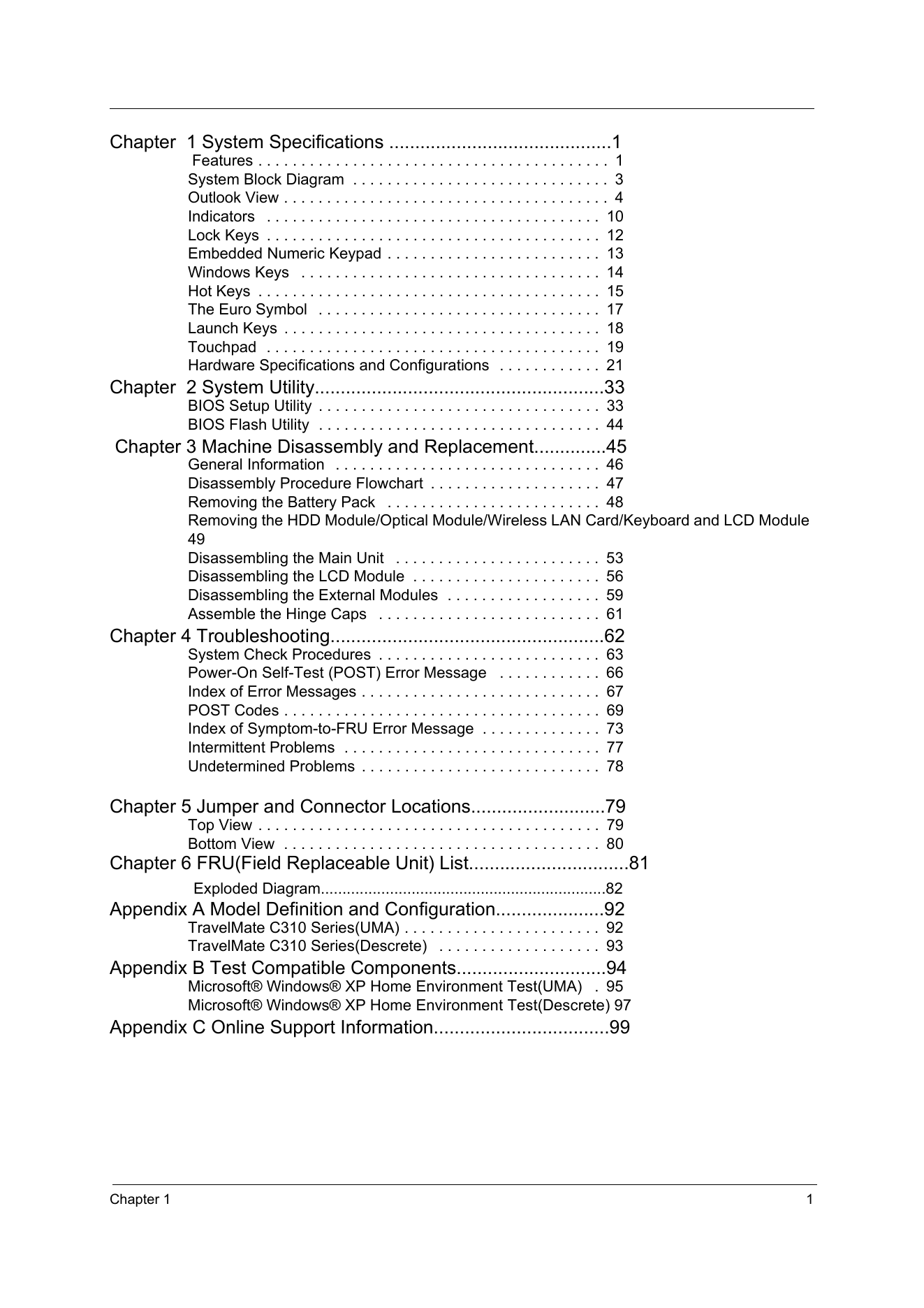
Chapter 1 System Specifications ...........................................1
Features . . . . . . . . . . . . . . . . . . . . . . . . . . . . . . . . . . . . . . . . . 1
System Block Diagram . . . . . . . . . . . . . . . . . . . . . . . . . . . . ....
СТРАНИЦА PDF
Страница 7
Chapter 1
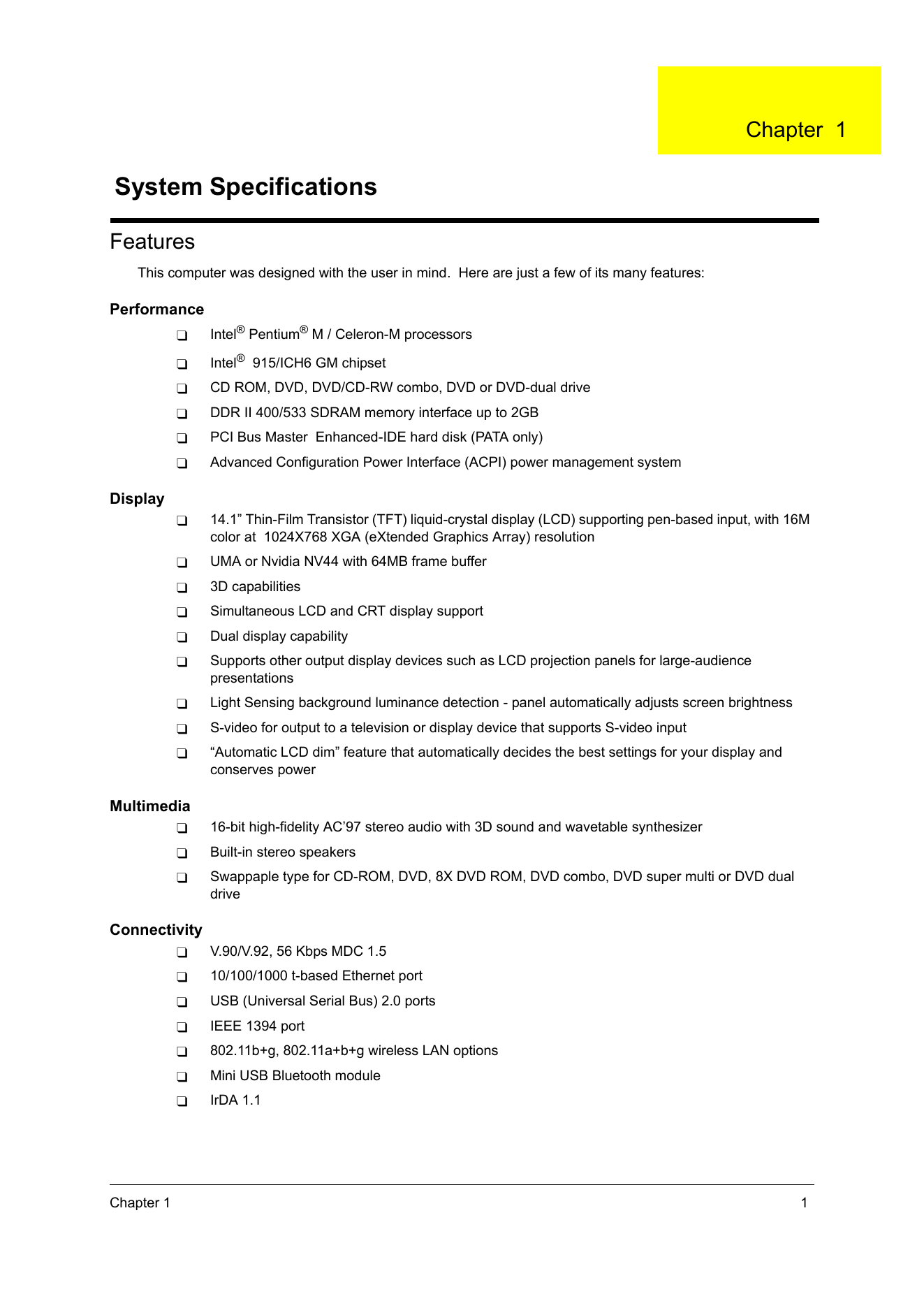
System Specifications
Features
This computer was designed with the user in mind. Here are just a few of its many features:
Performance
T Intel® Pentium® M / Celeron-M processors
T Intel® 915/ICH6 GM chipset
T CD ROM, DVD, DVD...
СТРАНИЦА PDF
Страница 8
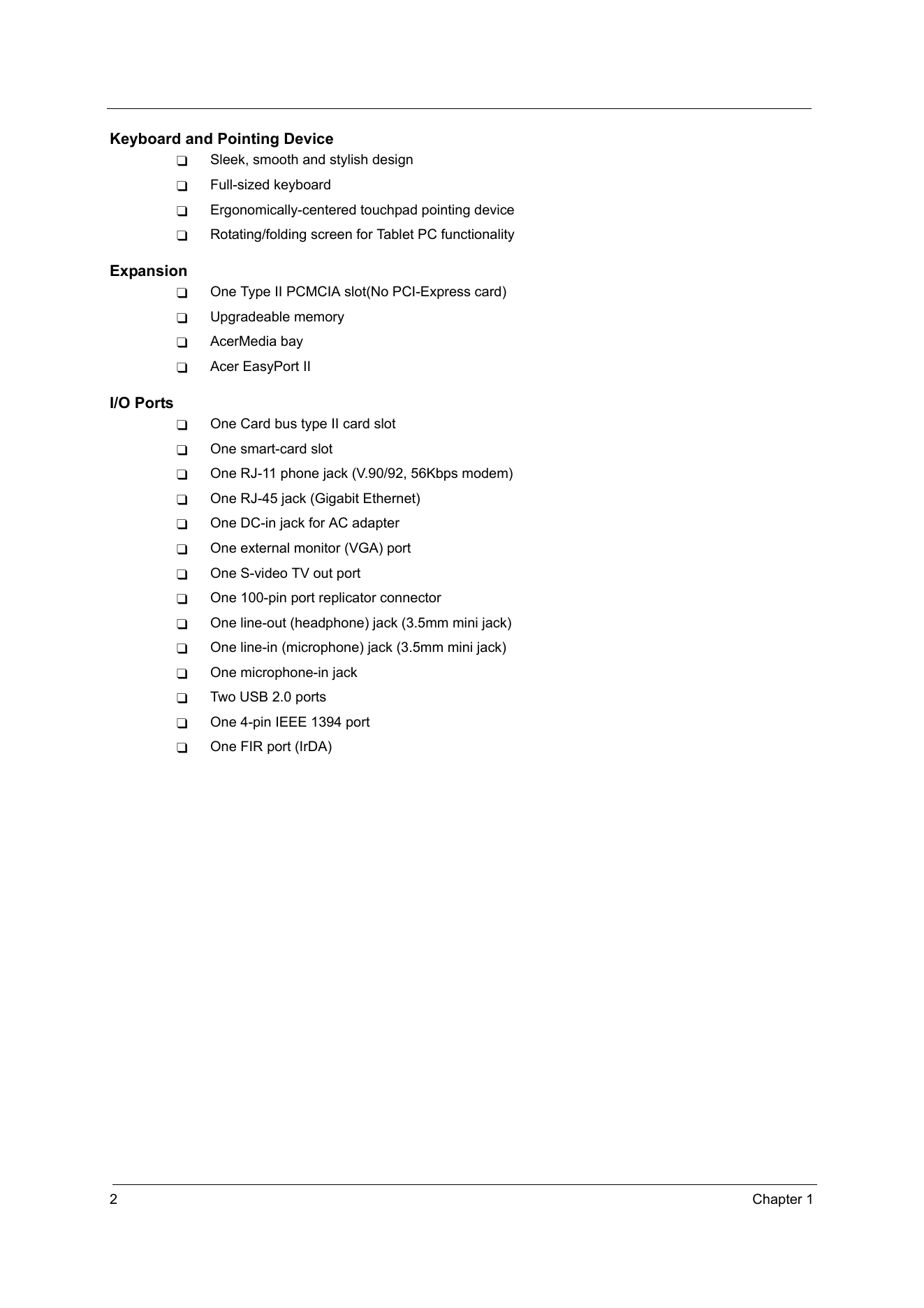
Keyboard and Pointing Device
T Sleek, smooth and stylish design
T Full-sized keyboard
T Ergonomically-centered touchpad pointing device
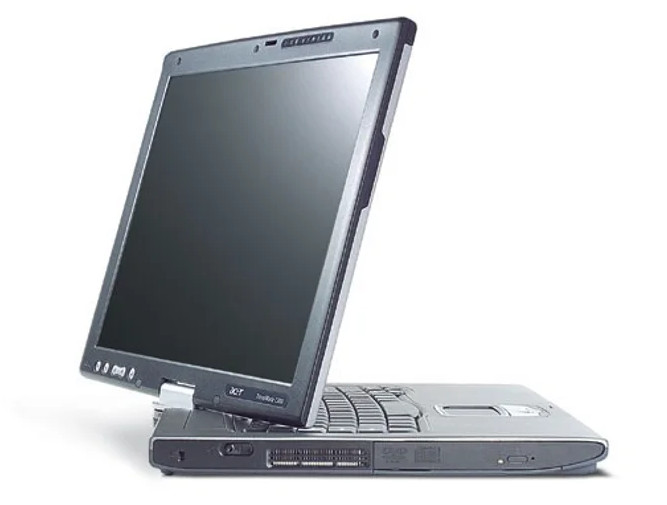
T Rotating/folding screen for Tablet PC functionality
Expansion
T One Type II PCMCIA slot(No PCI-Express c...
СТРАНИЦА PDF
Страница 9
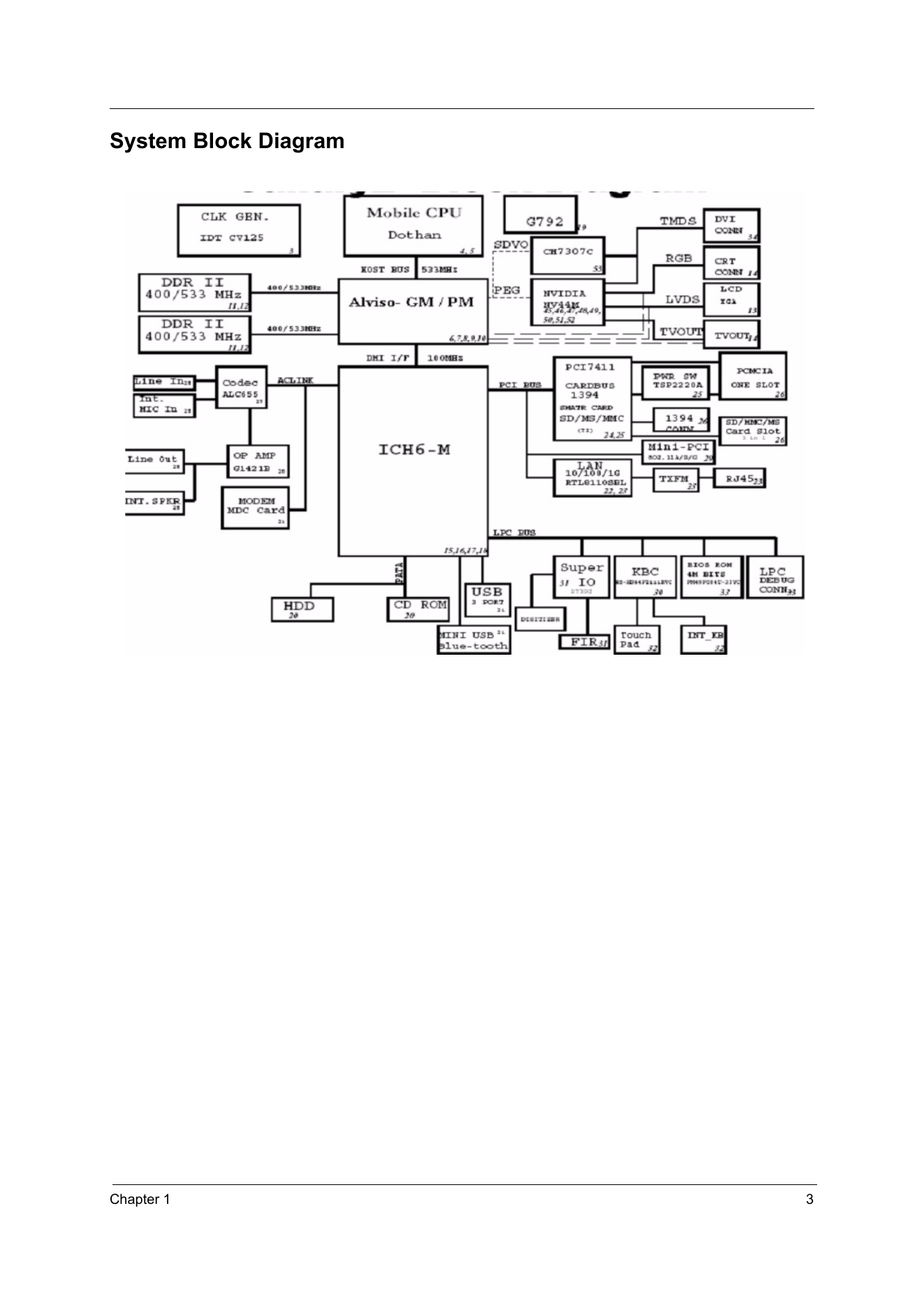
System Block Diagram
Chapter 1 3
СТРАНИЦА PDF
Страница 10
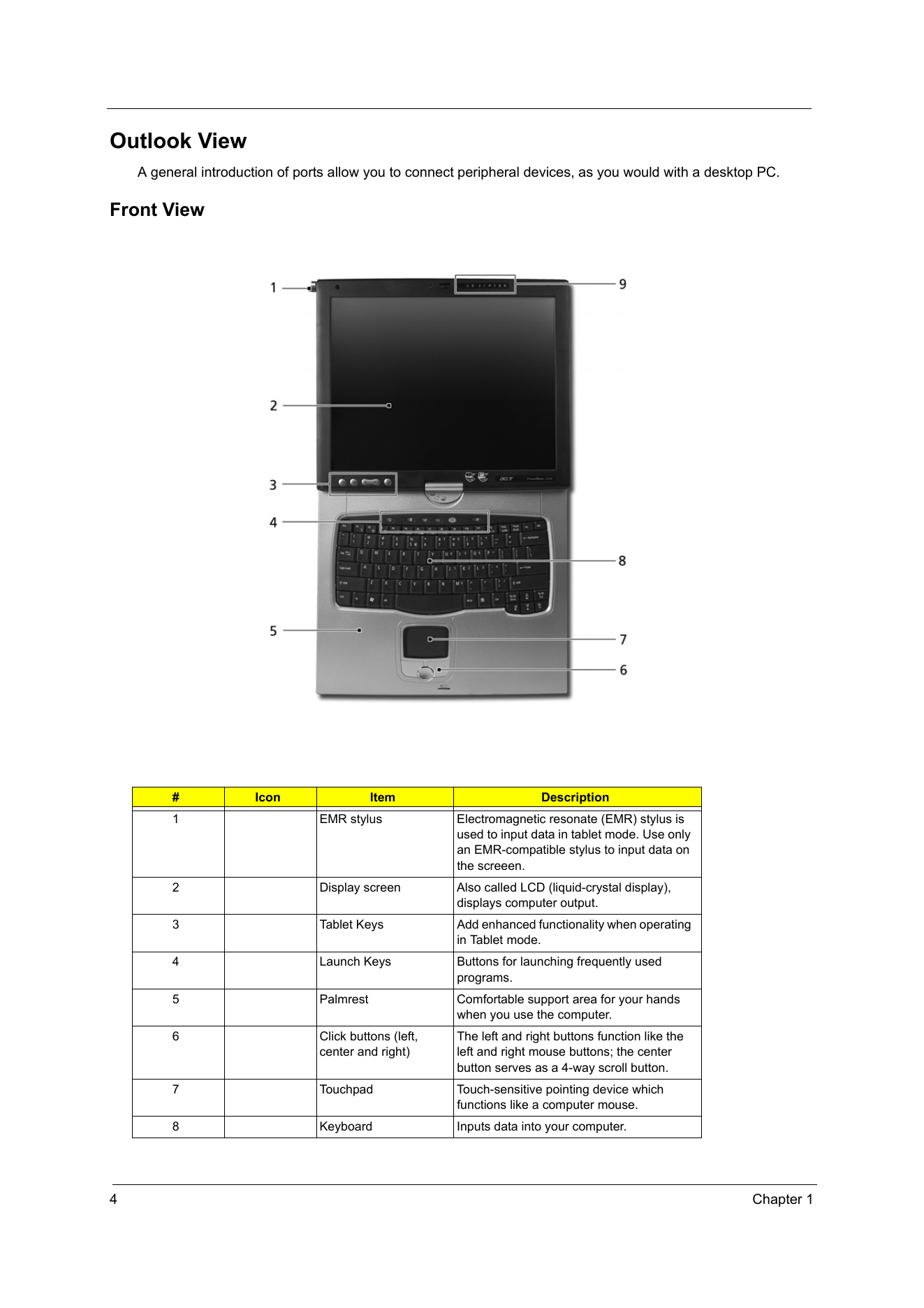
Outlook View
A general introduction of ports allow you to connect peripheral devices, as you would with a desktop PC.
Front View
# Icon Item Description
1 EMR stylus Electromagnetic resonate (EMR) stylus is
used to input data in tablet mode....
СТРАНИЦА PDF
Страница 11
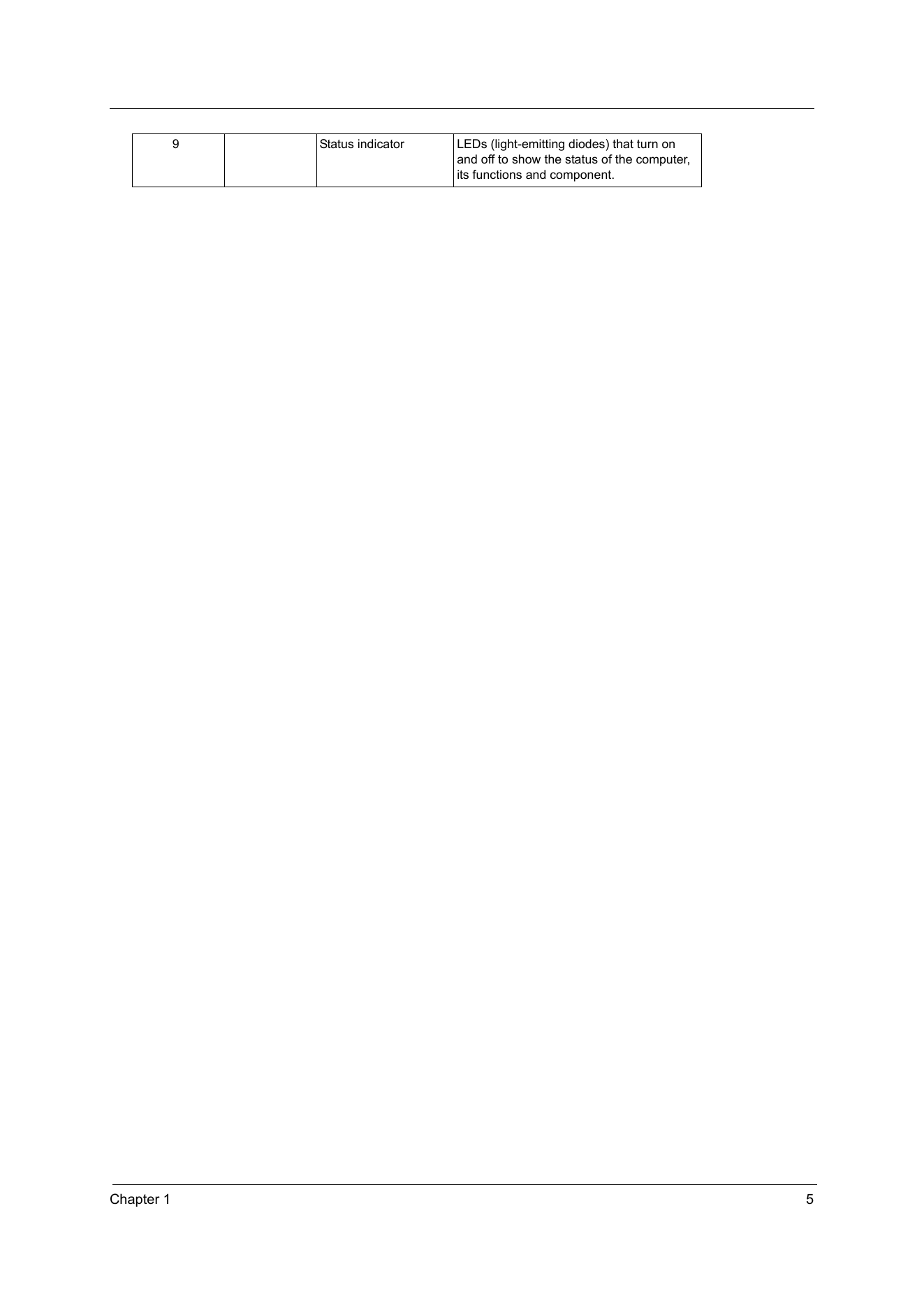
9 Status indicator LEDs (light-emitting diodes) that turn on
and off to show the status of the computer,
its functions and component.
Chapter 1 5
СТРАНИЦА PDF
Страница 12
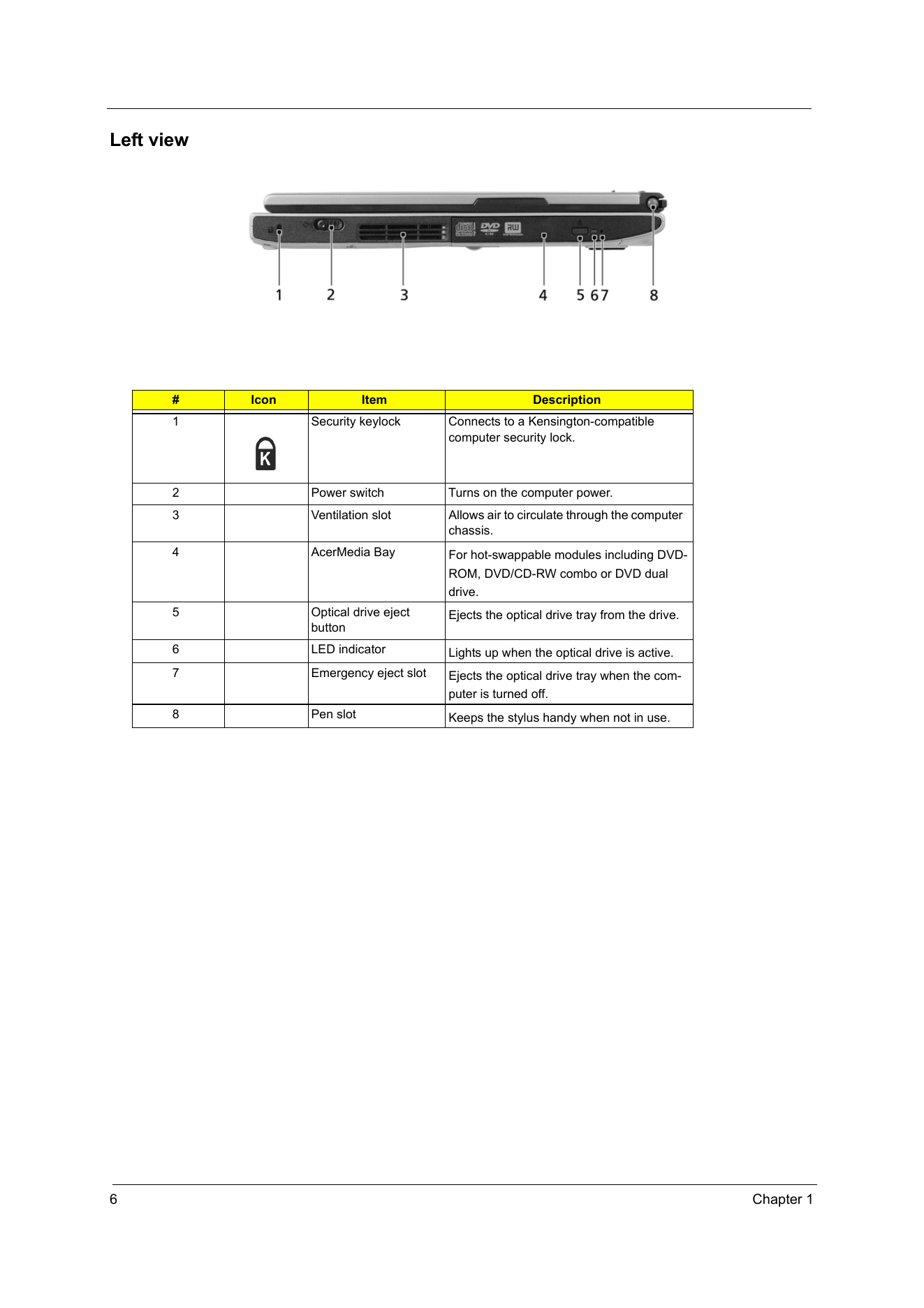
Left view
# Icon Item Description
1 Security keylock Connects to a Kensington-compatible
computer security lock.
2 Power switch Turns on the computer power.
3 Ventilation slot Allows air to circulate through the computer
chassis.
4 AcerMedia Bay Fo...